 ProMapRanker
Smartsheet Alternatives in 2026


Visual boards for non technical teams · Pricing starts at: $9 per user per month
Key takeaways
- Monday.com is the easiest visual switch from Smartsheet, with boards, timelines and guest access that non technical teams adopt quickly.
- ClickUp offers the most features per dollar, with a free plan for unlimited members and paid plans from 7 dollars per user per month billed annually.
- Asana suits structured cross team work, while Airtable suits teams that run projects from linked, structured data rather than simple task lists.
- Trello and Notion are the simplest options in this list, with Trello best for plain kanban and Notion best for docs plus light project tracking.
- Free alternatives to Smartsheet exist, but check record limits, automation limits and viewer rules before you migrate a large project.
Quick comparison
| Pick | Great for | Pricing starts at | Free tier | |
|---|---|---|---|---|
| Monday.com | Visual boards for non technical teams | $9 per user per month | Yes | Visit |
 Asana | Structured timelines and cross team work | $10.99 per user per month | Yes | Visit |
 ClickUp | Most features per dollar | $7 per user per month | Yes | Visit |
 Airtable | Database driven custom workflows | $20 per user per month | Yes | Visit |
 Notion | Tasks plus docs and wikis in one place | $10 per user per month | Yes | Visit |
 Wrike | Approval workflows and marketing teams | $10 per user per month | Yes | Visit |
 Trello | Simple kanban for small groups | $5 per user per month | Yes | Visit |
 Zoho Projects | Budget friendly classic project planning | $4 per user per month | Yes | Visit |
 Teamwork.com | Agencies managing client projects | $9.99 per user per month | Yes | Visit |
The best Smartsheet alternatives
We compared official pricing pages, views, automation limits, guest rules and migration fit to find the best Smartsheet alternatives for different teams. Smartsheet itself is not listed here, since this guide covers replacements only. The right alternative depends on whether you want visual boards, structured timelines, or a database behind your work.

Monday.com is the most natural switch for teams that found Smartsheet heavy for day to day updates. Work lives on boards where each item is a row with typed columns, and status, owner and date columns make progress easy to read. Timeline and Gantt views help managers see deadlines without building a separate report.
The cost structure needs care. Plans start from three seats, and Standard includes a limited number of automation actions per month, so a team that automates heavily may need a higher plan sooner than expected. For a team that mainly needs clear boards and timelines, Monday.com is hard to beat for adoption speed.
- Colourful boards that are easy to learn
- Timeline and Gantt views from Standard
- Free viewers from Basic
- Per seat pricing with a three seat minimum
- Automation limits are tight on lower plans
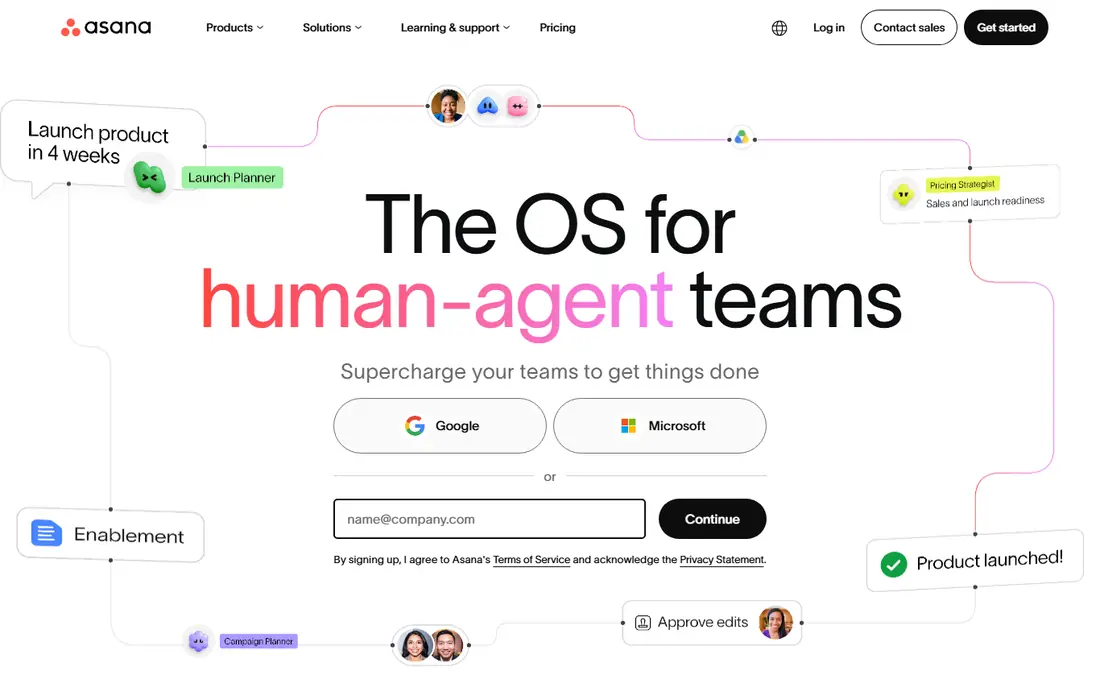
Asana suits teams that need structure more than freeform customisation. Tasks, projects, portfolios and goals connect in a clear hierarchy, and timeline view shows how work across teams fits together. That structure helps operations and marketing teams that juggle many projects with shared deadlines.
It is less of a blank canvas than Airtable or Notion, so teams that want to build a custom database with linked records may feel limited. If your main need is reliable task coordination with clear ownership and dates, Asana gives you that without the spreadsheet complexity of Smartsheet.
- Clear timelines, portfolios and goals
- Strong cross team coordination
- Free plan for small teams
- Less flexible as a database than Airtable
- Customisation can feel constrained on lower plans
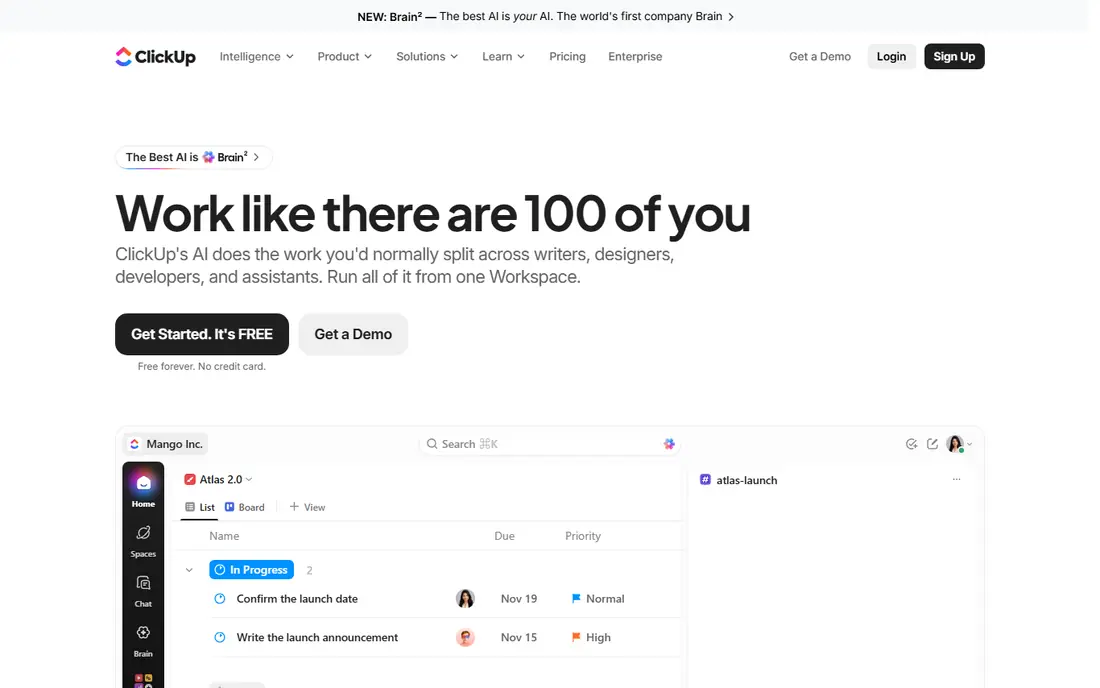
ClickUp packs tasks, docs, whiteboards, goals, time tracking and automations into one workspace, which makes it a strong value pick. The free plan is generous, and the Unlimited paid plan adds more storage, integrations and reporting at a lower entry price than most rivals. Small teams can often run their whole operation here without a second tool.
That breadth is also the main risk. New users can get lost in settings, views and custom fields, so start with one space, a few lists and a simple status flow. Once the team is comfortable, add automations and dashboards step by step rather than turning everything on at once.
- Free plan covers unlimited members
- Many views, docs, goals and automations in one app
- Unlimited plan from 7 dollars per user per month billed annually
- The sheer number of features can overwhelm new users
- Setup takes time to get right
Airtable is the best choice when your project data matters as much as your tasks. Linked records let you connect projects to clients, assets or inventory, and interfaces let you build simple apps and dashboards from that data without code. Automations can move records, send alerts and update fields as work changes.
The paid entry price is higher than Monday.com or ClickUp, and the free plan caps records, so large data sets need a paid plan. For operations teams that live in structured data, that cost is justified by the flexibility. For simple task lists, a cheaper board tool will do the same job with less setup.
- Relational database with a spreadsheet like grid
- Interfaces and automations
- Gantt layout on paid plans
- Higher entry price for paid teams
- Free plan caps records per base
Notion suits teams that want meeting notes, docs, wikis and light project tracking together, rather than a dedicated project tool plus a separate wiki. Databases, boards, calendars and timelines live inside pages, so a project hub can hold the plan, the notes and the tasks in one place. The free plan covers individual use well.
For heavy portfolio reporting, resource planning or approval workflows, Notion is thinner than Asana, Wrike or Monday.com. It is best as a team hub with project tracking, not as a replacement for a full project management office tool. Teams that value writing and knowledge sharing will get the most from it.
- Docs, wikis and databases in one workspace
- Free plan for individuals
- Flexible page based layout
- Project reporting and timelines are lighter than Asana or Wrike
- Large databases can feel slow
Wrike is built for teams that need control over how work flows from request to approval to delivery. Marketing, creative and professional services teams can route briefs, proofs and approvals through defined steps, with dashboards that show workload across projects. That control suits larger teams with formal processes.
Smaller teams may find Wrike more tool than they need, and the full feature set takes time to configure. If your main pain in Smartsheet was messy approvals or unclear request intake, Wrike addresses that directly. If you just need boards and dates, a simpler tool will be faster to adopt.
- Strong approval and request workflows
- Portfolio and resource views
- Good fit for marketing and creative teams
- Setup and pricing can feel enterprise heavy
- Some features sit on higher plans
Trello remains the simplest board tool on this list, and that is its strength. A board, lists and cards cover most small team workflows, with checklists, dates, attachments and simple automations on top. New users can learn it in minutes, which helps when you need a Smartsheet replacement fast.
Complex reporting, linked databases and portfolio views are limited, so Trello is not a good fit for a large programme with many dependencies. For a small team, a content calendar, or a simple pipeline, its clarity beats a heavier tool that no one fully adopts.
- Very easy kanban boards
- Free plan for small teams
- Standard plan from 5 dollars per user per month billed annually
- Limited reporting and database features
- Large complex projects can outgrow it
Zoho Projects is the budget pick for teams that want classic project planning without a high per user cost. Premium plans start from 4 dollars per user per month billed annually, and include Gantt charts, milestones, task lists and time tracking. Teams already using Zoho CRM, Books or other Zoho apps get the most value from native connections.
The interface is more functional than polished, and teams outside the Zoho ecosystem may find integrations less deep than with Asana or ClickUp. If price is the main driver and you want proven Gantt planning, Zoho Projects is a practical Smartsheet alternative.
- Low entry price
- Classic Gantt charts, milestones and time tracking
- Strong fit for Zoho users
- Interface feels less modern than Monday.com or Asana
- Integrations outside Zoho are thinner
Teamwork.com is built for agencies and client service teams that need to manage projects, track time and show clients progress. It combines tasks, milestones, time logs and client access in a way that internal only tools do not always handle well. That makes it a strong Smartsheet alternative for service businesses.
Internal teams without clients may not need its billing and client portal features, and may find a cheaper board tool enough. For an agency that bills by the hour or reports progress to clients, Teamwork.com earns its price by keeping delivery, time and client communication in one place.
- Client facing project tools
- Time tracking and billing support
- Good fit for agencies and service teams
- Higher entry price than Trello or Zoho
- Some features suit agencies more than internal teams
How we picked these
We compared official pricing pages, view options, automation and guest rules, and migration fit for tools that can replace Smartsheet grid planning. We kept only tools that are still available in 2026, offer at least a free plan or trial, and support boards, timelines or database views for team work. We ranked them by adoption ease, value, and fit for different team types, rather than by feature count alone.
We did not claim hands on testing that did not happen. Our comparison rests on published pricing, feature pages and public user feedback. Prices are quoted as billed annually where that is the vendor standard, and monthly billing is usually higher, so confirm the current price for your seat count before you migrate.
How to switch from Smartsheet without losing work
Start by listing what you actually use in Smartsheet. Note your sheets, reports, dashboards, automations and forms, and mark which ones are essential, which are nice to have, and which no one has opened in months. Many teams discover that half their sheets can be archived, which makes migration far simpler than a like for like rebuild.
Next, run a pilot with one real project, not a demo. Import or rebuild that project in your chosen tool, test timelines, assignments, guest access and reporting, and ask the team to use it for two weeks. Check record limits, automation counts and permission rules against your real volume during the pilot, since headline free plans often cap the exact things a growing team needs.
Finally, plan the cutover. Freeze edits in Smartsheet on a set date, export key data for backup, train the team on the new workflow, and keep Smartsheet read only for a month as a safety net. Assign one owner for the new workspace so boards, templates and permissions stay consistent as more projects move over.
Frequently asked questions
What are the best Smartsheet alternatives?
Monday.com, Asana and ClickUp are the strongest general alternatives, with Monday.com best for visual boards, Asana best for structured timelines, and ClickUp best for value. Airtable suits data heavy operations, while Trello suits simple kanban. Pick by workflow, not by feature count alone.
Are there free alternatives to Smartsheet?
Yes. ClickUp, Trello, Asana, Notion, Monday.com, Airtable, Wrike, Zoho Projects and Teamwork.com all offer free plans, though limits differ. Check record caps, automation limits, storage and guest rules, since a free plan that fits a team of five may not fit a team of fifty.
Which Smartsheet alternative is closest to a spreadsheet?
Airtable is closest in spirit, because it keeps a grid view backed by a real database with linked records. Monday.com boards also feel sheet like, with rows and typed columns. If you need formulas and grid editing as your main view, test Airtable first and check its record limits on the free plan.
Can I migrate Smartsheet data to another tool?
Most tools support CSV import, and some offer direct Smartsheet import or migration help on higher plans. Export sheets as CSV for backup, rebuild reports and dashboards by hand, and test automations after import, since formulas and automation rules rarely transfer exactly. A pilot project will reveal gaps before a full move.
Which alternative is best for agencies?
Teamwork.com is built for agencies, with client access, time tracking and project reporting in one place. Wrike also suits agency approval workflows, while Monday.com suits agencies that want visual client boards. Choose based on whether billing, approvals or visual status matters most to your clients.
Is ClickUp or Monday.com better than Smartsheet for small teams?
For small teams, ClickUp usually offers more features for less money, while Monday.com is easier for non technical users to adopt. Smartsheet can feel heavy for simple work, so both are good switches. Run a two week pilot in each with a real project, and pick the one your team actually updates without reminders.
Sources
- https://www.monday.com
- https://www.asana.com
- https://www.clickup.com
- https://www.airtable.com
- https://www.notion.com
- https://www.wrike.com
- https://www.trello.com
- https://www.zoho.com
- https://www.teamwork.com
- https://rankite.com/blog/best-work-management-software
- https://www.flozic.ai/blog/alternatives/smartsheet-alternatives
See where you really rank - block by block
ProMapRanker scans Google Maps across a grid of your service area. Simple monthly plans from $19, white-label on every plan.
Start freeKeep reading
 top custom software development company
Top Custom Software Development Company in 2026
Looking for a top custom software development company? We compare 9 firms for web, mobile, and enterprise software, covering strengths and fit for 2026.
Read → tableau alternatives
Tableau Alternatives in 2026
Compare the best Tableau alternatives for 2026, from Power BI to Metabase, with prices, hosting options, and picks for small teams and enterprises today.
Read → microsoft teams alternatives
Best Microsoft Teams Alternatives in 2026
Looking for microsoft teams alternatives? We compare 9 chat and video tools for 2026, covering free plans, pricing, meetings, and integrations for teams.
Read →