 ProMapRanker
Best QuickBooks Time Alternatives in 2026


Low-cost tracking for freelancers and small teams · Pricing starts at: $3.99 per user per month
Key takeaways
- Clockify and Toggl Track are the simplest swaps for teams that mainly need timers, timesheets and reports without a payroll bundle.
- Deputy, Homebase and Connecteam suit shift-based teams, because scheduling and team messaging sit next to time tracking.
- Harvest is the strongest choice here when tracked time must turn into client invoices with little extra work.
- Hubstaff and Buddy Punch fit teams that need GPS location, geofencing or proof of attendance for field and remote staff.
- Check seat minimums, base fees and payroll integrations before you compare headline prices, since those items change the monthly total.
Quick comparison
| Pick | Great for | Pricing starts at | Free tier | |
|---|---|---|---|---|
| Clockify | Low-cost tracking for freelancers and small teams | $3.99 per user per month | Yes | Visit |
 Toggl Track | Simple timers teams actually use | $9 per user per month | Yes | Visit |
 Harvest | Turning tracked time into client invoices | $9 per seat per month | Yes | Visit |
 Deputy | Shift scheduling for hourly teams | $5 per user per month | Free trial | Visit |
 Homebase | Restaurants, retail and salons with hourly staff | Free | Yes | Visit |
 Hubstaff | Remote and field teams needing GPS and payroll | $4.99 per user per month | Free trial | Visit |
 TimeCamp | Low-cost automatic tracking | $3.99 per user per month | Yes | Visit |
 Connecteam | All-in-one app for deskless teams | See website | Yes | Visit |
 Buddy Punch | GPS clock-ins with payroll integrations | $4.99 per user per month | Free trial | Visit |
The best QuickBooks Time alternatives
These tools cover the main reasons teams leave QuickBooks Time: price, scheduling depth, invoicing, or a simpler setup for staff who do not sit at a desk. We compared timers, scheduling, GPS features, payroll links and pricing.
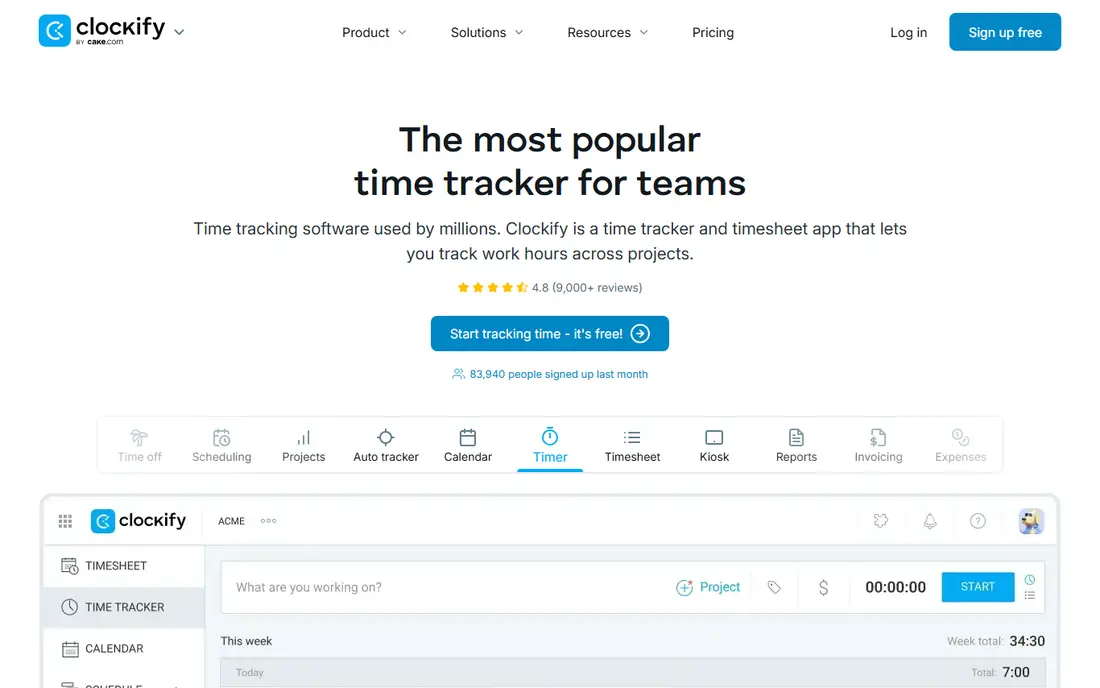
Clockify is a good first stop when the main job is recording hours cleanly. Staff can start a timer, log time by hand, or fill in a weekly timesheet, and managers can review totals by project, client or team member. The free plan covers the core tracking well, which makes it easy to trial with a real team.
The limits appear when you need more control. Scheduling, time-off approvals and some advanced reports sit on paid tiers, and invoicing is not as central as it is in Harvest. For pure tracking at a low price, though, Clockify is hard to beat.
- Generous free plan
- Simple timers and timesheets
- Clear reports by project and client
- Scheduling and approvals need paid plans
- Invoicing is less complete than Harvest
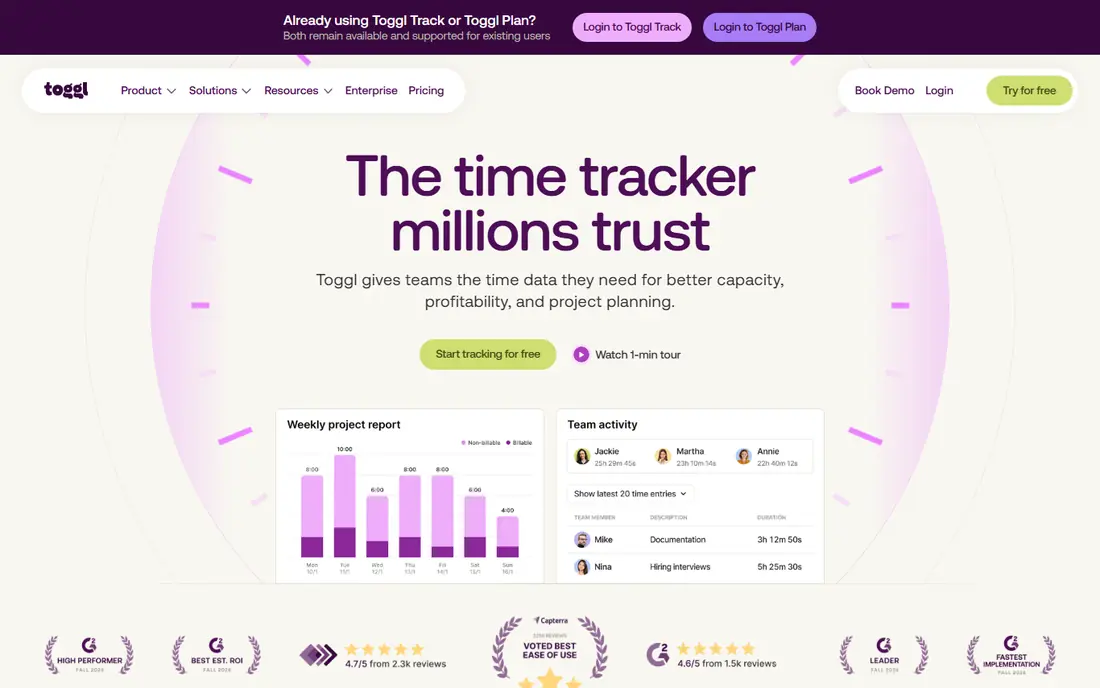
Toggl Track wins on adoption. The timer is fast, the browser extensions put it where work already happens, and reports are easy to read without training. That matters, because a time tool only works when staff remember to use it, and a clumsy tool is the fastest way to get incomplete timesheets.
Toggl Track does not try to be a scheduling or payroll system. If you need shift planning, GPS clock-ins or full payroll, pair it with another tool or choose Deputy, Homebase or Hubstaff instead. For knowledge-work teams that need honest time data, it is a strong pick.
- Very easy timer and browser extensions
- Clean reports
- Low friction for new users
- No built-in scheduling
- Payroll and invoicing need other tools
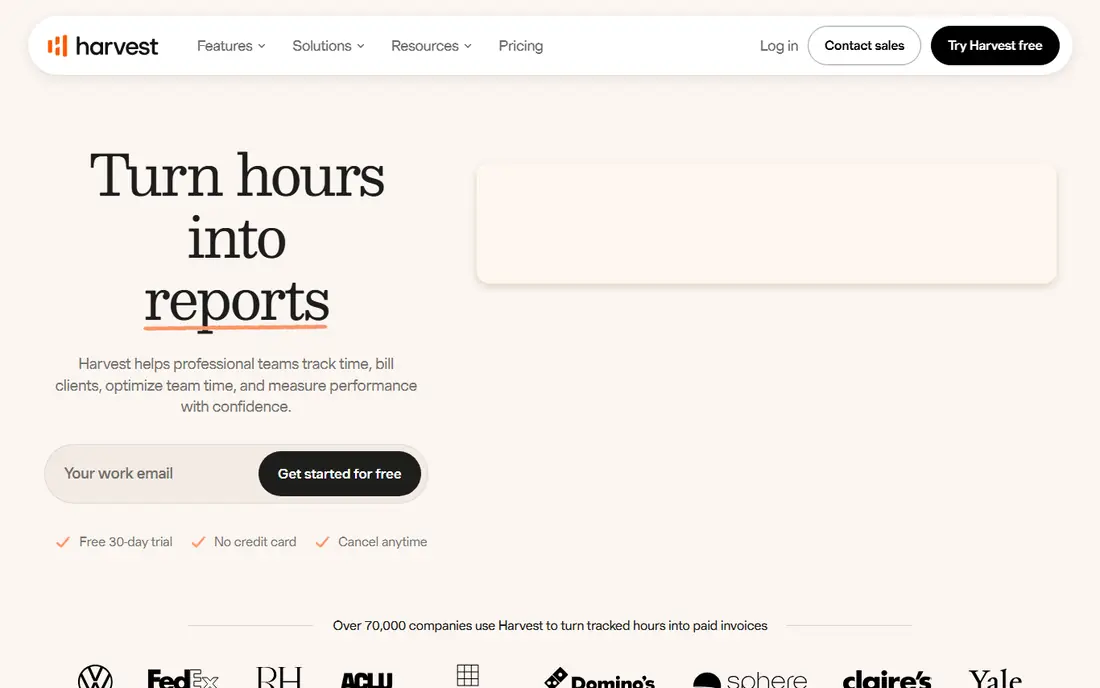
Harvest is built around a simple path from timer to invoice. You track time against a project, add expenses, and turn unbilled time into an invoice without exporting data to another system. Budget reports show how much of a project budget has been used, which helps agencies and consultancies spot trouble early.
The free plan is small, with one seat and two projects, so growing teams will move to a paid plan quickly. Harvest also lacks the shift scheduling and GPS features that field teams need. If client billing is the priority, that trade is worth making.
- Timers, expenses and invoices in one place
- Simple client billing
- Clear budget reports
- Scheduling is limited
- Free plan covers only one seat and two projects
Deputy treats scheduling as the main job, not an add-on. Managers can build rosters, publish shifts, handle swap requests and let staff clock in from a phone or kiosk. Team messaging keeps shift changes in one place instead of scattered across personal chats.
Pricing is per user, so a large hourly workforce should model the full monthly cost, including any minimums on the chosen plan. For cafes, retail shops, clinics and similar shift-based businesses, the combination of scheduling and time tracking in one app is the main draw.
- Scheduling, clock-ins and team messaging together
- Good for shift-based work
- Payroll integrations
- Per-user pricing adds up for large teams
- Some features need higher tiers
Homebase is designed for small hourly teams that need to get scheduled and paid without a long setup. The basic plan covers scheduling and time tracking for a small team at one location, and staff can clock in from a phone. Hiring and onboarding tools help businesses that turn staff over often.
Payroll is an add-on rather than part of the core plan, so check that cost if you want pay and time in one place. Still, for a small restaurant, shop or salon, Homebase offers a low-risk way to replace spreadsheets and paper timesheets.
- Free basic plan for small teams
- Scheduling and hiring tools
- Easy mobile clock-ins
- Payroll is a paid add-on
- Advanced features need higher tiers
Hubstaff suits managers who need to verify where field or remote work happened. GPS tracking, geofenced job sites and timesheets give a clear record of attendance, and payroll features can turn approved time into pay. That record helps when clients or payroll ask for proof of hours.
Activity monitoring, including screenshots on some plans, can worry staff if it is introduced without explanation. Be clear about what is tracked, why it is tracked, and who can see it. Used openly, Hubstaff is a practical tool for distributed teams.
- GPS tracking and geofencing
- Activity monitoring options
- Automated payroll features
- Monitoring features need careful team communication
- No free plan
TimeCamp tries to reduce the manual work of time tracking by capturing application and website use automatically, then letting staff assign that time to projects. That approach helps teams whose days are split across many small tasks, where starting and stopping a timer for each one would be unrealistic.
The interface is functional rather than beautiful, and some reporting and billing features sit on higher plans. If automatic capture and a low price matter more than polish, TimeCamp deserves a trial.
- Automatic time capture
- Low entry price
- Timesheets and basic invoicing
- Interface feels less polished than Toggl Track
- Some features need higher tiers
Connecteam is built for staff who do not sit at a computer, such as cleaners, drivers, retail workers and field crews. The time clock sits next to scheduling, digital forms, training and team chat, so a manager can run much of the daily operation from one app. That breadth is useful when a team currently juggles several separate tools.
The hub-based pricing means the total depends on which hubs you need, so ask for a full quote rather than comparing a single hub price. If you only need a timer, a simpler tool will be cheaper. If you need an operations app for deskless staff, Connecteam is a strong contender.
- Time clock, scheduling, forms and chat in one app
- Good for staff without desks
- Free small-team option
- Pricing is split across hubs, so totals need care
- Time features alone may be more than some teams need
Buddy Punch focuses on reliable clock-ins for hourly teams. Staff can clock in with GPS location or a photo, managers can set up geofences and overtime rules, and time data can flow into payroll providers such as QuickBooks and ADP. Scheduling and time-off requests sit in the same app.
Note the base fee in addition to the per-user price when you model costs for a small team. For businesses that need trustworthy attendance records and a clean payroll handoff, Buddy Punch covers that job well.
- GPS and photo clock-ins
- Scheduling and time-off tools
- Integrations with payroll providers
- Base fee on top of per-user pricing
- No free plan
How we picked these
We compared official pricing pages, feature pages and app store listings for each tool, and we left QuickBooks Time itself out of the list because this article covers alternatives to it. We favored tools that are live in October 2026, that serve hourly, field or office teams, and that offer a clear difference in price, scheduling, invoicing or GPS features. Where a vendor did not publish a simple self-serve price, we wrote See website.
What to check before you switch
Start with how your staff actually clock in today. A desk-based timer will fail for a field crew, and a GPS-heavy tool will annoy an office team that does not need it. Match the clock-in method to the job, then check scheduling, overtime rules and payroll links in that order.
Run a two-week trial with one team or location, and compare the trial timesheets with your current records. Look for missed punches, edited entries and manager approval time, since those details decide whether the new tool saves work or creates it. Confirm the payroll export format before you commit, and train staff on the mobile app before the first live pay period.
Price the whole month, not the headline rate
Add base fees, seat minimums, payroll add-ons and any per-location charges to the per-user price. A tool that looks cheap at one user can cost more at twenty users once those items are included. Ask for a quote at your real headcount, and check whether monthly billing costs more than annual billing.
Frequently asked questions
What is the best QuickBooks Time alternative for small businesses?
Clockify is a good low-cost start for simple tracking, while Homebase suits small hourly teams that also need scheduling. If you already run payroll elsewhere, check the integration first, since a clean payroll link can matter more than a small price gap.
Do any QuickBooks Time alternatives offer a free plan?
Yes. Clockify, Toggl Track, Harvest, Homebase, TimeCamp and Connecteam all offer a free option, though limits on users, projects or features vary. Free plans work well for trials and very small teams, but growing teams should expect to move to a paid plan.
Which alternative is best for field teams with GPS tracking?
Hubstaff and Buddy Punch are the strongest choices here, since both offer GPS clock-ins and geofencing. Deputy and Homebase also cover mobile clock-ins for shift teams, but their GPS and verification features are less central.
Can I keep using QuickBooks for payroll with another time tool?
Often yes. Several tools on this list integrate with QuickBooks, ADP, Paychex and similar payroll providers, or export timesheets in a format payroll can accept. Confirm the exact integration and export format on a trial before you switch.
What is the cheapest QuickBooks Time alternative?
Clockify and TimeCamp both start at $3.99 per user per month on annual billing, and Homebase offers a free basic plan for small teams. The cheapest option still depends on seat minimums, base fees and whether you need scheduling or payroll features.
Sources
See where you really rank - block by block
ProMapRanker scans Google Maps across a grid of your service area. Simple monthly plans from $19, white-label on every plan.
Start freeKeep reading
 who has best internet service
Who Has the Best Internet Service in 2026
Who has best internet service for US homes? We compare fiber, cable, fixed wireless and satellite providers on speed, price, availability and terms today.
Read → which survey tool has the best analytics
Which Survey Tool Has the Best Analytics in 2026
Find which survey tool has the best analytics in 2026, comparing Qualtrics, SurveyMonkey, Typeform, Alchemer, and more on reports, text, and stats today.
Read → which streaming service has the best movies
Which Streaming Service Has the Best Movies in 2026
Answering which streaming service has the best movies, with Netflix, Max, Criterion and more compared on libraries, prices and free options in this guide.
Read →