 ProMapRanker
Best PDF Cropping Tool in 2026


Professional page control and print work · Pricing starts at: See website
Key takeaways
- Sejda and PDF24 Tools are the easiest free starting points for cropping PDF pages in a browser.
- Adobe Acrobat and Foxit PDF Editor give the most control for professionals who crop, redact, and prepare print files.
- PDFgear and iLovePDF suit people who want a broad PDF toolbox with cropping as one job among many.
- Always keep an original copy, because cropping a PDF page can remove content that is hard to recover later.
Quick comparison
| Pick | Great for | Pricing starts at | Free tier | |
|---|---|---|---|---|
| Adobe Acrobat | Professional page control and print work | See website | Free trial | Visit |
 Sejda | Quick online cropping without installing software | Free | Yes | Visit |
 PDF24 Tools | Free browser-based PDF work | Free | Yes | Visit |
 PDFgear | Free desktop editing with cropping | Free | Yes | Visit |
 iLovePDF | Simple online PDF tasks in one place | Free | Yes | Visit |
 Smallpdf | Clean online workflow for occasional crops | Free | Yes | Visit |
 Foxit PDF Editor | Business editing with strong page tools | See website | Free trial | Visit |
 PDF-XChange Editor | Windows users who want detailed control | See website | Yes | Visit |
The best pdf cropping apps
Cropping a PDF usually means trimming page margins, removing white space, or cutting a scanned page down to the content that matters. It is different from cropping a photo, because PDF crop tools change the visible page area and can affect print size, text selection, and layout. We compared tools that handle that job well, in a browser or on desktop.
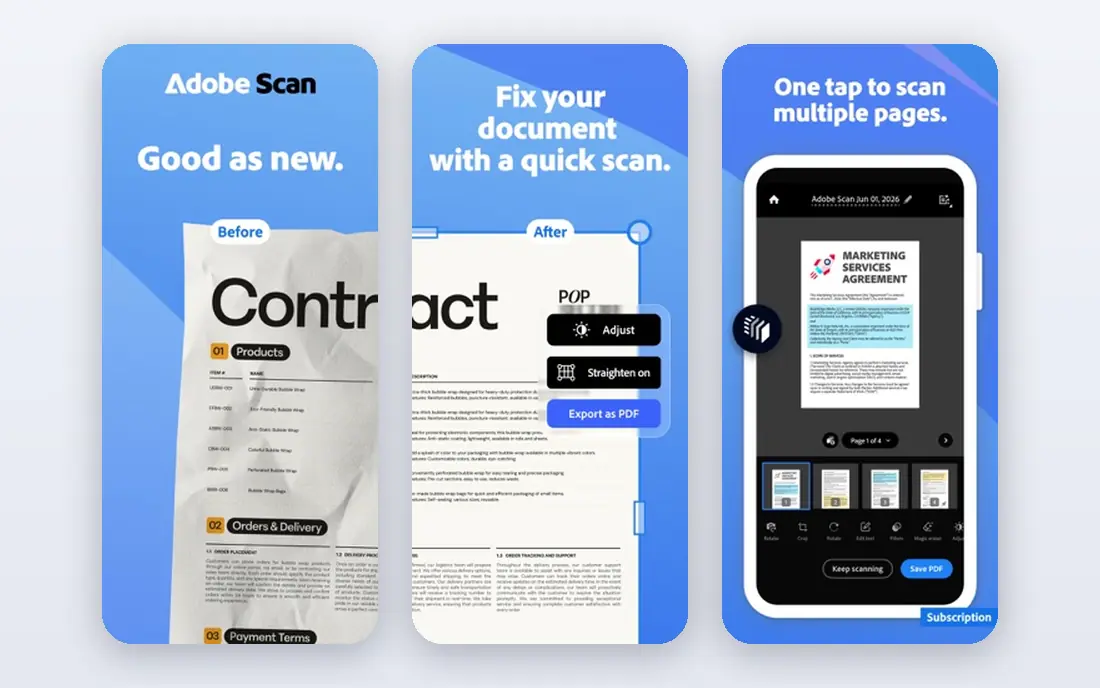
Adobe Acrobat is the reference tool for PDF page work, and cropping is one small part of a much larger editor. You can crop single pages or a page range, set exact margins, and work with page boxes that matter for print production. For offices, publishers, and anyone who prepares files for printing, that precision is the reason to pay.
The downside is cost and complexity. If you crop one PDF a month, a full Acrobat subscription is more tool than you need, and the menus can feel heavy for a quick trim. Use Acrobat when cropping sits inside a wider workflow of editing, signing, redacting, or preparing print-ready files. For a one-off crop, start with a free browser tool instead.
- Precise crop controls
- Page boxes for print
- Strong full PDF editing suite
- Paid plans are costly for occasional use
- Interface has many options for a simple crop
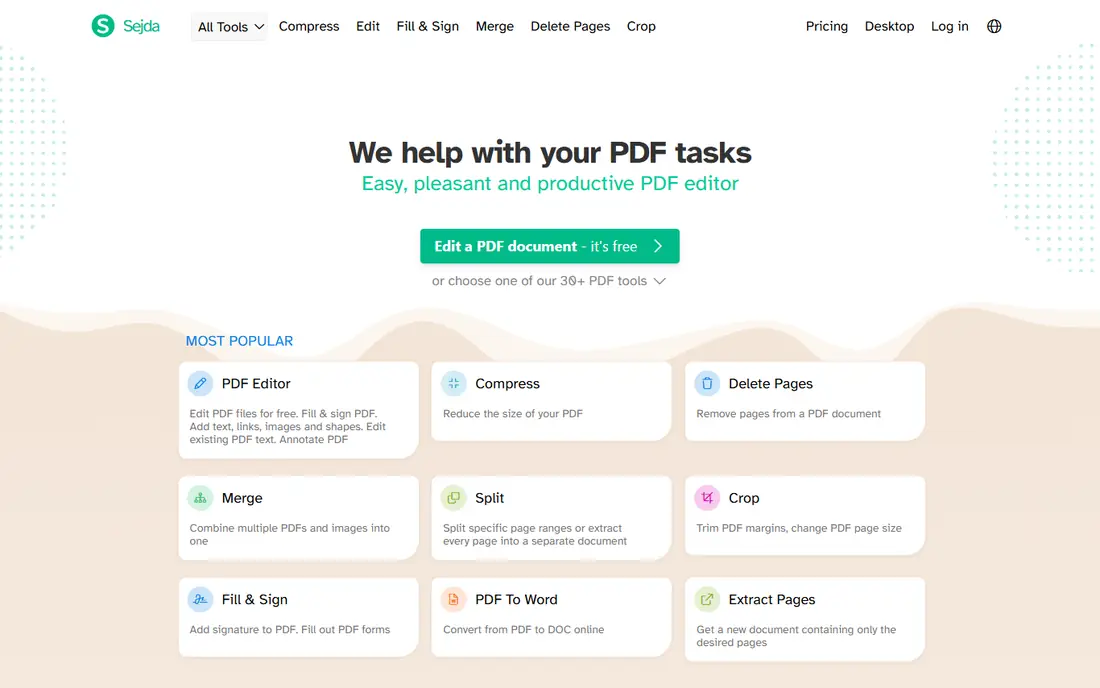
Sejda is a good first choice when you need to crop a PDF right now. Upload the file, drag the crop area, apply it to the pages you choose, and download the result. The workflow is short, the controls are clear, and you do not need to install anything or learn a full editor.
Free use has limits, as with most online PDF tools, and large files or frequent tasks will push you toward a paid plan. Sejda also does far more than cropping, including merging, splitting, and editing, so it can stay useful after the first job. Check the free limits on the site before uploading a sensitive or very large file, and keep a backup copy of the original.
- Simple crop workflow
- No install needed
- Useful free tier for occasional jobs
- Free use has limits on file size and tasks
- Advanced editing needs a paid plan
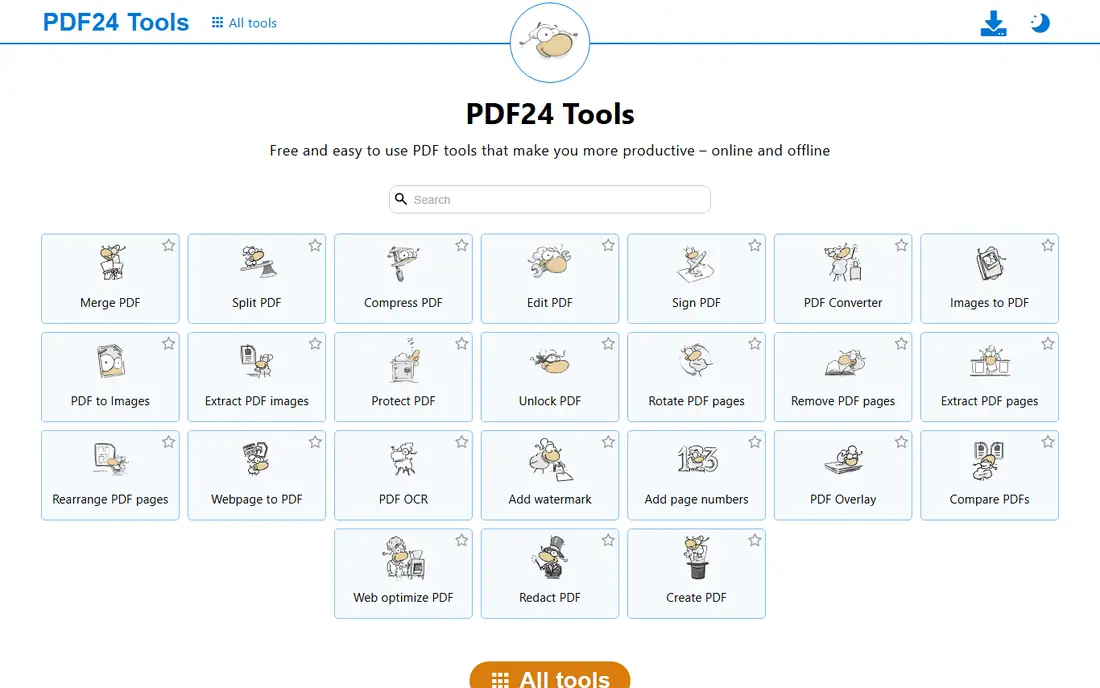
PDF24 Tools offers a large set of free PDF tools in a browser, including page editing and cropping options, plus a desktop app for offline work. For students, small offices, and anyone who crops PDFs only now and then, the free access is the main draw. You can handle a crop, then merge, compress, or convert the same file without switching services.
The trade-off is polish and privacy handling. Browser tools require uploads, so avoid them for highly sensitive documents unless you use the desktop version or a trusted local editor. The interface is functional rather than pretty, but for a straightforward crop, function matters more than looks.
- Wide free tool set
- No account needed for many tasks
- Desktop app also available
- Online tools depend on upload and connection
- Interface is plain
PDFgear stands out because its desktop editor is free for core work, including page editing and cropping, without forcing you into a browser upload. That offline path suits people who handle private documents, work without a stable connection, or simply prefer installed software. You can crop pages, add notes, and convert files in one place.
The catch is that a free product cannot match the support and print controls of Acrobat or Foxit in every area. Features can also differ between Windows, Mac, and mobile versions, so check that the crop workflow you need is present on your platform. For most everyday cropping jobs, PDFgear is more than enough, and the price is hard to argue with.
- Free desktop editor
- Cropping plus annotation and conversion
- Works offline
- Some advanced features vary by platform
- Support is thinner than paid rivals
iLovePDF is one of the best-reviewed online PDF services because it keeps each task simple. You pick a tool, upload a file, and follow a short set of steps, which is ideal when you do not want to learn a full editor just to trim a page. The same account also covers merging, splitting, compressing, converting, and signing, so it works as a general PDF helper.
Free use has limits on file size, batch work, and task counts, and paid plans lift those caps. Cropping here sits inside a broader editing workflow rather than being a dedicated specialist tool, so print professionals may still prefer Acrobat. For everyday office and school work, iLovePDF is fast, clear, and easy to recommend as a starting point.
- Very easy interface
- Broad PDF tool set
- Mobile and desktop apps available
- Free tier has file and task limits
- Cropping is part of editing rather than a single focus
Smallpdf takes a similar browser-first path, with a clean layout that guides you from upload to download without clutter. That clarity helps when you are cropping a scanned handout, a report, or a form and you do not want to hunt through menus. The tool set around cropping, including compression and conversion, covers most follow-up jobs.
The free tier limits how many tasks you can run in a day, which can frustrate you during a busy week. A paid plan removes those limits and adds desktop and mobile features, but occasional users may prefer to rotate between free tools instead. Smallpdf is best for people who value a tidy workflow and only crop PDFs a few times a month.
- Clear step-by-step workflow
- Broad PDF tools
- Good mobile experience
- Free tier limits tasks per day
- Paid plan needed for heavy use
Foxit PDF Editor is a serious alternative to Acrobat for offices that crop, edit, annotate, and share PDFs every day. Its page tools give you control over crop areas and page ranges, and the wider editor handles forms, signatures, and document review. Many business users find Foxit lighter and easier to deploy than Acrobat, while still getting professional output.
Pricing depends on edition and licensing, so check the current plan page before budgeting, because a trial alone does not tell you the full cost. Foxit is overkill for a single crop, but it earns its place when PDF work is part of your daily job. If you only need cropping, test the trial first and compare it with the free tools above.
- Full PDF editing suite
- Good page and print controls
- Lighter feel than Acrobat for many users
- Paid pricing needs checking per plan
- Some features vary by edition
PDF-XChange Editor is a Windows favorite for people who want detailed PDF control without paying Acrobat prices. Cropping, page handling, annotation, and measurement tools are all present, and the app runs quickly even on older machines. A free version covers many basic jobs, which makes it easy to test before buying a license.
The limits are platform and polish. Mac users will need another tool, and the interface looks dated next to newer editors, even though the features underneath are strong. If you work on Windows and crop PDFs often, PDF-XChange Editor is a practical, low-cost workhorse that rewards a short learning curve.
- Detailed page and crop controls
- Fast on Windows
- Free version covers many basics
- Windows-focused
- Full features need a paid license
- Interface looks dated
How we picked these
We compared official feature pages, pricing pages, app store listings, and public reviews for tools that crop PDF pages, trim margins, or edit page areas. We favored tools that were live in October 2026, that handled real PDF page cropping rather than only image cropping, and that offered a free tier or trial for testing. We did not claim hands-on print testing, and prices change often, so check the vendor site before you pay. Tools that only cropped images, without PDF page support, were left out.
How to crop a PDF without losing content
Start by saving a copy of the original file under a new name. Cropping changes the visible page area, and some tools also remove content outside the crop, which means a mistake can be hard to undo. Work on the copy, keep the original safe, and only replace it once you have checked every page.
Next, decide what kind of crop you need. Trimming white margins is different from cutting a scanned page in half, and applying one crop to all pages can damage pages with different layouts. Crop a single page first, check the text, images, and page numbers, then apply the same settings to a range only if the layout matches. If your PDF has mixed page sizes, crop in smaller groups.
Finally, check the result before sharing or printing. Open the cropped file, zoom in on edges, and confirm that no text, chart labels, or signatures were cut off. If you plan to print, check page size and orientation as well, because a crop can change how a file prints. A two-minute check at this stage prevents a reprint, a resend, or a missing signature later.
Frequently asked questions
What is a pdf cropping tool with best reviews for beginners?
Sejda and PDF24 Tools are good beginner options because they run in a browser, need no install, and guide you through a short crop workflow. iLovePDF is another easy choice with a clear interface. Start with a free tool, crop a copy of your file, and check the result before moving to a paid editor.
Can I crop a PDF for free?
Yes, for most everyday jobs. Sejda, PDF24 Tools, PDFgear, iLovePDF, and Smallpdf all offer free tiers that cover basic cropping, though limits on file size or daily tasks may apply. Desktop tools such as PDFgear and the free version of PDF-XChange Editor also avoid browser uploads. For heavy or print-critical work, a paid editor gives more control.
Does cropping a PDF reduce file size?
Not always. Cropping changes the visible page area, but some tools keep hidden content or image data inside the file, so the file size may barely change. If you need a smaller file, use a compression tool after cropping, or check whether your editor has an option to remove cropped content. Always test the file size after export.
What are the best pdf cropping apps for scanned PDFs?
PDFgear, Adobe Acrobat, and Foxit PDF Editor handle scanned pages well because they combine cropping with broader PDF editing and, in paid tiers, text recognition. For a quick trim of a scan, Sejda or PDF24 Tools will work, but check edges closely, because scans often have skewed pages or uneven margins. Keep the original scan until you are happy with the result.
Is it safe to crop PDFs online?
It depends on the document. Browser tools require uploads, so avoid them for contracts, medical records, financial files, or anything with private personal data unless you trust the provider and its privacy policy. For sensitive files, use a desktop editor such as PDFgear, Acrobat, Foxit, or PDF-XChange Editor, which can work offline. Delete uploaded files from the service when the job is done if that option is offered.
Sources
See where you really rank - block by block
ProMapRanker scans Google Maps across a grid of your service area. Simple monthly plans from $19, white-label on every plan.
Start freeKeep reading
 who has best internet service
Who Has the Best Internet Service in 2026
Who has best internet service for US homes? We compare fiber, cable, fixed wireless and satellite providers on speed, price, availability and terms today.
Read → which survey tool has the best analytics
Which Survey Tool Has the Best Analytics in 2026
Find which survey tool has the best analytics in 2026, comparing Qualtrics, SurveyMonkey, Typeform, Alchemer, and more on reports, text, and stats today.
Read → which streaming service has the best movies
Which Streaming Service Has the Best Movies in 2026
Answering which streaming service has the best movies, with Netflix, Max, Criterion and more compared on libraries, prices and free options in this guide.
Read →