 ProMapRanker
Best Otter.ai Alternatives in 2026


All-round meeting notes · Pricing starts at: $10 per seat per month
Key takeaways
- Fireflies.ai is the closest all-round replacement, with unlimited transcription and a free plan that suits light users.
- Fathom offers the most generous free plan for individuals who mainly need recordings and summaries.
- tl;dv and Tactiq suit teams that want bot-free recording or browser-based capture without a bot joining every call.
- Notta and MeetGeek stand out for multilingual meetings and bilingual transcription.
- Watch the meter, not just the price: minutes, storage, AI credits, and summary limits all change the real cost.
Quick comparison
| Pick | Great for | Pricing starts at | Free tier | |
|---|---|---|---|---|
| Fireflies.ai | All-round meeting notes | $10 per seat per month | Yes | Visit |
 tl;dv | Bot-free meeting recording | $18 per seat per month | Yes | Visit |
 Fathom | Free individual summaries | $16 per user per month | Yes | Visit |
 Notta | Multilingual meetings | $8.17 per month | Yes | Visit |
 Tactiq | Browser-based live captions | $8 per user per month | Yes | Visit |
 Grain | Video clips and coaching | $15 per seat per month | Yes | Visit |
 MeetGeek | Affordable team notes | $9.99 per user per month | Yes | Visit |
 Fellow | Meetings plus agendas | $7 per user per month | Yes | Visit |
The best Otter.ai alternatives
Each tool below replaces Otter.ai for live meetings, and none of them is Otter.ai itself. Pick by how you meet, not by the headline price.
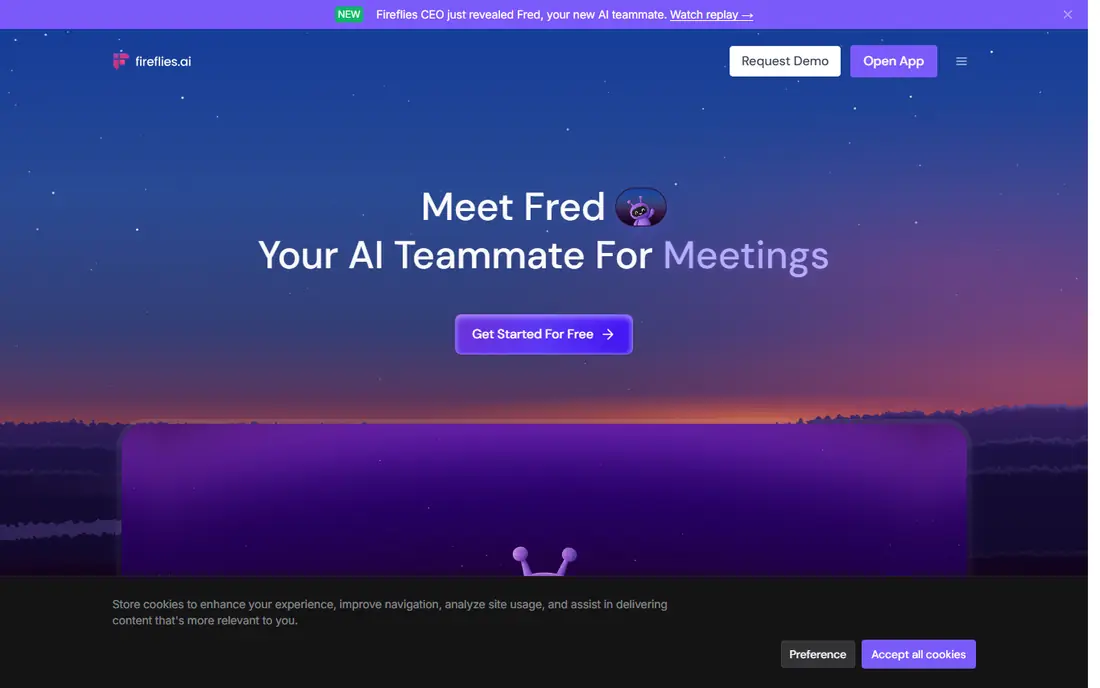
Fireflies.ai is our pick for most people leaving Otter.ai, because its model flips the usual limit: transcription itself is unlimited on every plan, and storage is the meter instead. The free plan includes a limited amount of storage per team, 20 AI credits, and limited summaries, while Pro costs 10 dollars per seat per month billed annually with 8,000 minutes of storage per seat. Business adds unlimited storage at 19 dollars per seat per month billed annually.
The integration list is the other reason Fireflies.ai leads here, with connections to Salesforce, HubSpot, and many other tools, plus AI summaries, action items, and topic tracking. The honest catch is the AI credit system: heavy users of advanced summaries and analysis can run past the included credits. If your team lives in meetings and wants a searchable archive without counting minutes, start here.
- Unlimited transcription on all plans
- 100 plus integrations
- Strong search across meetings
- Free storage is limited
- AI credits meter advanced features
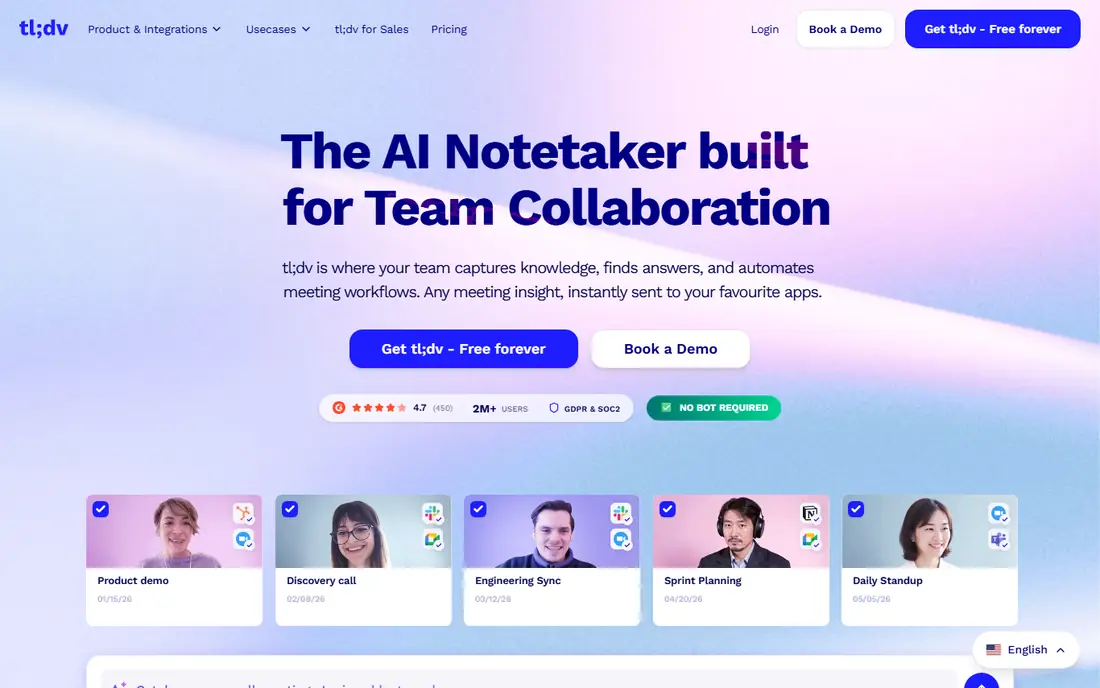
tl;dv suits teams that dislike the idea of a bot joining every call. Its free plan includes unlimited recordings and transcripts in more than 30 languages, with a 3-month retention window and 10 lifetime AI summaries. Pro costs 18 dollars per seat per month billed annually with unlimited AI notes, while Business pricing differs across sources, so we list it as See website in detail and suggest confirming it on the live pricing page.
The product also records without a visible bot in some setups, which some teams prefer for a more natural meeting feel, and it offers timestamped clips and shareable moments for follow-up. The free plan is genuinely useful for testing, but the AI summary limit means you will upgrade quickly if summaries are the main reason you use a notetaker. For teams that record a lot and summarize selectively, tl;dv is a strong fit.
- Unlimited recordings and transcripts on free
- Bot-free recording option
- 30 plus languages
- Free AI summaries are limited to 10 lifetime
- Business pricing varies across sources
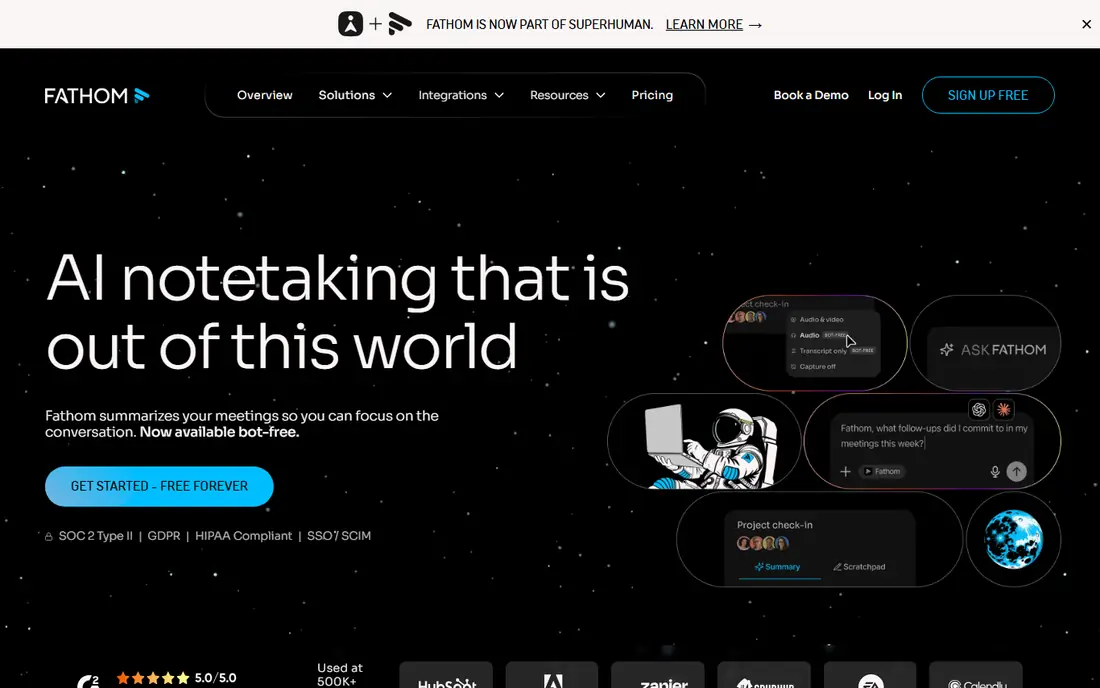
Fathom is the alternative we recommend first to individuals, because its free plan includes unlimited recordings and transcriptions with instant AI summaries. Advanced summaries and AI action items are limited on the free plan, with reports of around 5 advanced summaries per month, so power users will still need a paid tier. Premium costs 16 dollars per user per month billed annually, while Team costs 15 dollars per user per month billed annually with a 2-user minimum.
Business, at 25 dollars per user per month billed annually, adds CRM field sync, Deal View, and coaching features that suit sales teams. The interface is simpler than most rivals, which is a plus for people who just want the recording, the summary, and the action items without a large workspace to manage. If you mainly need one reliable notetaker for your own calls, Fathom is hard to beat at zero cost.
- Free unlimited recordings and transcriptions
- Instant AI summaries
- Clean interface
- Advanced summaries are limited on free
- Team features need paid tiers
Notta stands out for teams that meet across languages. It transcribes 58 languages in real time, supports bilingual transcription that handles two languages in one meeting, and joins Zoom, Teams, Google Meet, and Webex calls. The free plan includes 120 transcription minutes per month, but each conversation is capped at 3 minutes, with 50 file uploads and 10 AI summaries per month. Pro costs 8.17 dollars per month billed annually with 1,800 minutes, while Business costs 16.67 dollars per month billed annually with unlimited transcription.
The free plan is more of a trial than a daily tool, because the 3-minute cap breaks up any real meeting. Paid plans fix that and add Notta Brain, an AI assistant that turns transcripts into summaries, slides, and mind maps. If your meetings mix languages or you need strong Asian language support, Notta earns its place ahead of several better-known names.
- 58 languages
- Bilingual transcription
- Generous paid minute allowance
- Free plan caps each conversation at 3 minutes
- Translation is a paid add-on
Tactiq takes a different route from the bot-based tools: it works as a browser extension that captures live captions without sending a bot into your call. The free plan includes 10 transcripts per month, 5 AI credits per month, live captions, and exports to Google Docs and Notion. Pro costs 8 dollars per user per month billed annually with unlimited transcripts and 10 AI credits per month, while Team and Business tiers add unlimited AI credits and admin controls.
That bot-free approach matters for privacy-sensitive meetings and for calls where a visible notetaker feels intrusive, though you should still tell participants you are recording and follow local consent rules. The trade-off is that Tactiq depends on the browser and on caption quality from the meeting platform, so it is less of a full meeting workspace than Fireflies.ai or Fathom. For individuals who want captions and transcripts without a bot, it is a neat, low-cost choice.
- Bot-free browser extension
- Live captions
- Google Docs and Notion exports
- Free plan allows only 10 transcripts per month
- AI credits meter advanced features
Grain suits teams that use meeting recordings for coaching and sharing, not just for notes. It records meetings, produces transcripts and summaries, and lets you clip key moments to share with teammates or customers. The free plan exists, but published limits vary across sources, from meeting length caps to a set number of recorded meetings, so we recommend checking the live pricing page for the current free terms. Starter costs 15 dollars per seat per month billed annually with unlimited recordings, while Business costs 29 dollars per seat per month billed annually with HubSpot and Salesforce sync.
The coaching angle is what separates Grain from the rest: managers can review calls, leave timestamped comments, and build libraries of good examples. The downside is that Grain is less of a general notetaker and more of a sales and customer-success tool, so general teams may find Fireflies.ai or Fathom simpler. If clips and coaching drive your purchase, Grain is worth a trial.
- Shareable video clips
- Coaching features
- HubSpot and Salesforce sync on Business
- Free plan limits are reported inconsistently
- Fewer languages than Notta
MeetGeek offers one of the lowest paid entry prices on this list, with Pro at 9.99 dollars per user per month billed annually for 20 hours of transcription per month. Its free Basic plan includes 3 hours of transcription per month, 3 months of transcript storage, and recording in more than 100 languages without a bot joining the call. Business costs 17 dollars per user per month billed annually with unlimited transcription and HD video, while monthly billing figures vary across sources.
The product also covers AI summaries, action items, and integrations with common meeting and CRM tools, which makes it a practical team choice at a modest price. Extra hours on Pro are reported at around 50 cents per hour, which helps teams with uneven meeting loads. The free plan is small, so treat it as a trial, but the paid tiers give good value for small teams that meet often.
- No-bot recording option
- 100 plus languages
- Low entry price for teams
- Free plan allows only 3 hours per month
- Monthly billing figures vary across sources
Fellow is the odd one out here, because it starts from meeting management rather than transcription alone. It combines agendas, notes, action items, and feedback with AI meeting notes and recordings, which suits teams that want one place for everything around a meeting. The free plan includes a small lifetime allowance of AI notes and recordings per user, with workspace limits, while Team costs 7 dollars per user per month billed annually and Business costs 15 dollars per user per month billed annually with unlimited AI notes and CRM sync.
That breadth is both the strength and the weakness: if you mainly need transcripts, Fellow is less focused than Fireflies.ai or Fathom, and the free allowance runs out fast. If your meetings suffer from missing agendas and lost action items, Fellow fixes the wider problem and adds transcription on top. Tell participants when you record, and get consent where your local rules require it, since Fellow offers both bot and botless recording.
- Agendas and action items built in
- Bot and botless recording
- CRM sync on Business
- Free AI notes and recordings are limited per user for life
- Smaller transcription focus
How we picked these
We compared official pricing pages, feature pages, and public reviews for tools that record and transcribe meetings, and we kept only tools that exist and work in October 2026 and truly replace Otter.ai for live meetings. We favored tools with a usable free plan or trial, clear limits, and real summary or action-item features, and we mixed bot-based and bot-free options. Where sources disagreed on a price or limit, we wrote See website or flagged the conflict instead of picking one figure as certain.
How to choose among them
Start from the meeting, not the price tag. A solo user with a few calls a week has different needs from a sales team that reviews calls for coaching, and a multilingual team has different needs again.
Count your real monthly minutes
Add up your meeting hours for a typical month, then compare that total against the meter each tool uses. Some tools meter minutes, some meter storage, and some meter AI credits or summaries, so two tools with the same price can cost very different amounts in practice. A tool with unlimited transcription but limited storage can still be the cheapest option if you archive old recordings elsewhere.
Decide how you feel about meeting bots
Some teams like a visible bot because it signals that recording is happening, while others prefer bot-free recording for a more natural call. Both approaches still require you to tell participants and follow consent rules, so pick the style your customers and colleagues accept. If you record sensitive calls, also check retention, deletion, and security controls before you roll a tool out to a team.
Test summaries on your own calls
Run the same week of meetings through two tools and compare the summaries and action items side by side. Accuracy on clear audio is close across the leading tools, so the deciding factor is usually how well summaries capture decisions, owners, and deadlines in your kind of meeting. That one-week test tells you more than any feature table.
Frequently asked questions
What are the best Otter.ai alternatives?
The best Otter.ai alternatives are Fireflies.ai for all-round use, Fathom for free individual use, Notta for multilingual meetings, and tl;dv for bot-free recording. Each covers live transcription, summaries, and search, with different limits and prices. Shortlist two, test them on your own meetings for a week, and keep the one whose summaries you actually reuse.
What are the best free Otter.ai alternatives?
Fathom offers the most generous free plan here, with unlimited recordings and transcriptions for individuals. Fireflies.ai, tl;dv, Notta, Tactiq, Grain, MeetGeek, and Fellow all offer free plans too, but with limits on minutes, storage, summaries, or AI credits. Free plans suit testing and light use, while regular meeting loads usually need a paid tier.
Is there a free alternative to Otter.ai?
Yes, several tools offer free plans, including Fathom, Fireflies.ai, and tl;dv. Free plans differ in what they meter, so check minutes, storage, and summary limits before you rely on one. If you meet more than a few hours a week, expect to pay for a Pro or Team tier on whichever tool you choose.
Which Otter.ai alternative is best for teams?
Fireflies.ai and MeetGeek suit small teams on price and features, while Fathom Business and Fellow Business suit teams that need CRM sync or meeting management. For sales coaching, Grain adds clips and review features that general notetakers lack. Compare seat minimums and admin controls, since some team tiers require at least two users.
What is the best alternative to Otter.ai for multilingual meetings?
Notta is the strongest multilingual pick on this list, with 58 languages and bilingual transcription for meetings that mix two languages. MeetGeek also covers more than 100 languages, and tl;dv covers more than 30. Test your exact language pair on real audio, because accuracy varies by accent, background noise, and how often speakers talk over each other.
Sources
See where you really rank - block by block
ProMapRanker scans Google Maps across a grid of your service area. Simple monthly plans from $19, white-label on every plan.
Start freeKeep reading
 best chat tool for website
Best Chat Tool for Website in 2026
Best chat tool for website owners compared, with live chat, AI agents, free plans, and pricing for small stores, SaaS teams, and support teams of all sizes.
Read → best birdwatching app
Best Birdwatching App in 2026
Best birdwatching app picks for 2026: nine free and paid apps for bird ID by sight and sound, checklists, hotspots, and finding birds near you for all birders.
Read → best bird identification app
Best Bird Identification Apps in 2026
Find the best bird identification app for photos, songs and calls. We compare 9 bird apps, including Merlin, BirdNET and Audubon, to help you choose today.
Read →