 ProMapRanker
OpenRouter Alternatives in 2026

Key takeaways
- LiteLLM is the strongest choice for teams that want to self-host a gateway and keep full control over routing and spend.
- Portkey and Helicone suit teams that want managed observability, guardrails, and logs without running their own servers.
- Cloudflare AI Gateway and Vercel AI Gateway are low-friction picks for teams already on those platforms.
- Compare token pass-through, log limits, and fallback behaviour, since those details decide the real monthly bill.
Quick comparison
| Pick | Great for | Pricing starts at | Free tier | |
|---|---|---|---|---|
 LiteLLM | self-hosted routing | Free | Yes | Visit |
 Portkey | managed gateway and observability | $49 per month | Yes | Visit |
 Vercel AI Gateway | teams on Vercel | See website | Yes | Visit |
 Cloudflare AI Gateway | edge caching and analytics | Free | Yes | Visit |
 Kong AI Gateway | API teams on Kong | See website | Free trial | Visit |
 Helicone | observability and debugging | $79 per month | Yes | Visit |
 Requesty | simple managed routing | See website | Yes | Visit |
 Together AI | fast open model inference | See website | Yes | Visit |
The best openrouter alternatives
We focused on tools that route calls across providers, add fallbacks, or give clear logs and controls, rather than single-model APIs alone.
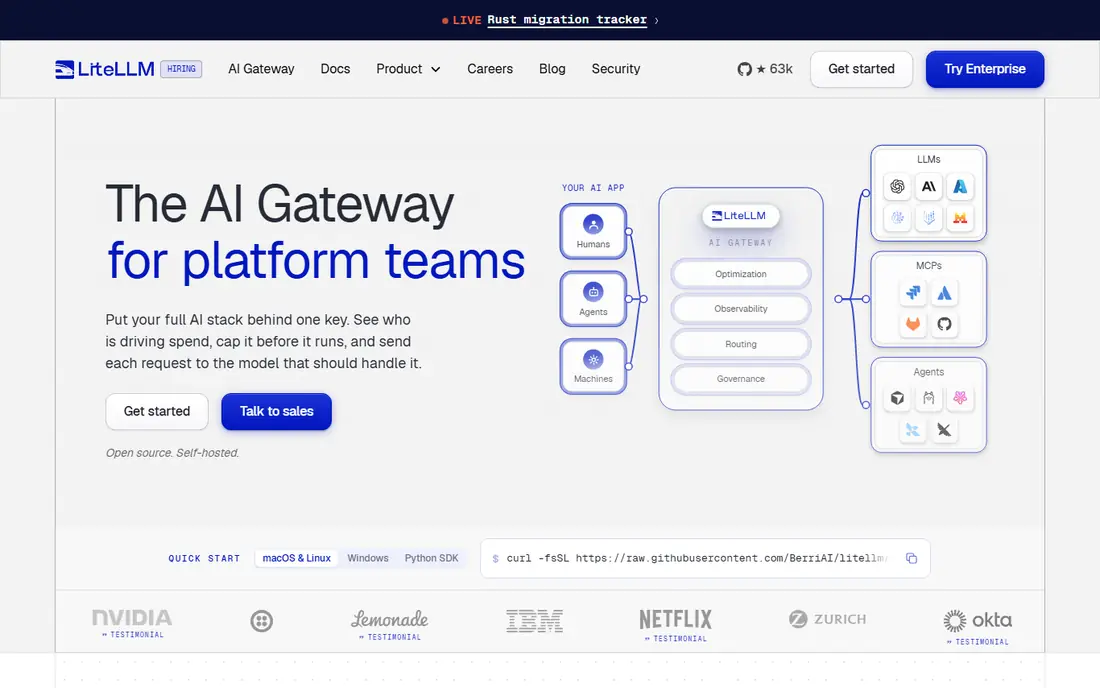
LiteLLM is the closest like-for-like replacement for teams that want a single OpenAI-style endpoint in front of many providers. You can set routing rules, fallbacks, and spend limits per team or per key, and keep traffic inside your own network. That control matters for regulated work and for teams with strict data rules.
The trade-off is operations work, since the proxy, database, and cache need care and monitoring. Small teams can start with the open-source version and learn the setup, while larger teams should price enterprise support. If control beats convenience for you, start here.
- Open-source proxy with wide provider support
- Per-team budgets and fallbacks
- Runs on your own servers
- You run the servers, database, and updates
- Enterprise support is quoted
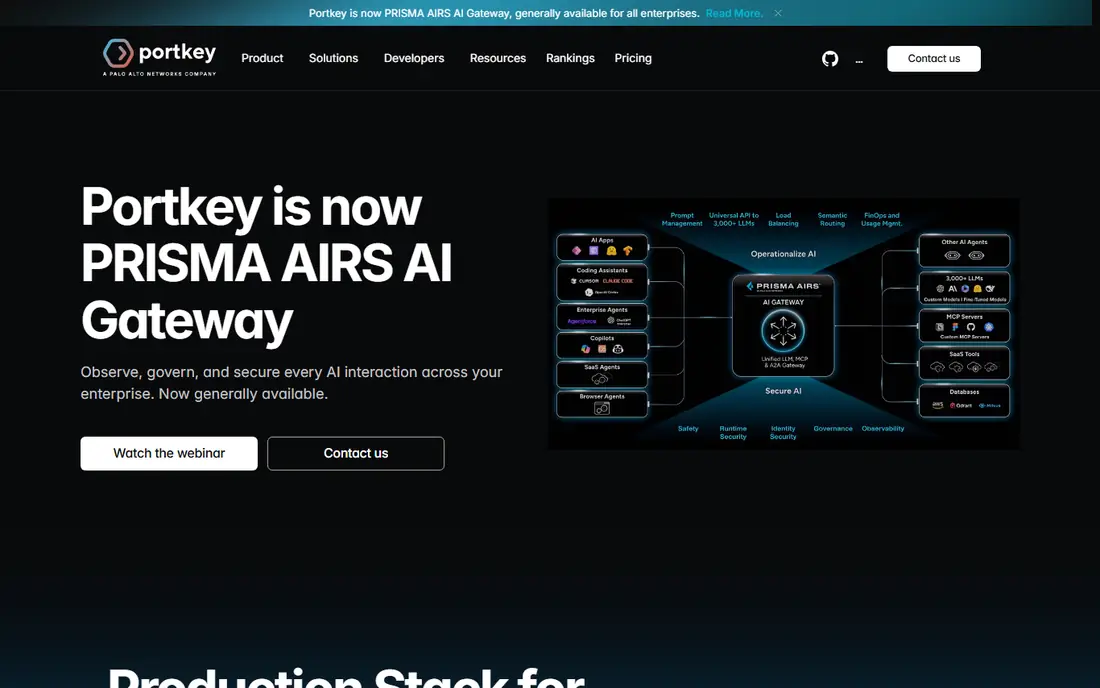
Portkey gives teams a managed route to many models plus the logs, caching, and guardrails that make production use safer. Fallbacks help when a provider slows down, and the dashboard makes it easier to trace a failed call. The free tier covers small projects, while the Production plan adds more logs and team controls.
Watch the log pricing, since extra logs add cost on top of the base plan. Teams with high volume should model their monthly logs before choosing a tier. For most product teams that want a managed gateway, Portkey is a balanced pick.
- Managed gateway with fallbacks and caching
- Detailed logs and guardrails
- Self-host option for the gateway core
- Log limits shape the real cost
- Advanced controls sit in higher tiers
Vercel AI Gateway suits teams already deploying on Vercel, since it adds model routing without a separate vendor to manage. The gateway passes provider token prices through without markup, and fallback handling keeps apps running when one model has trouble. That simplicity helps small teams ship fast.
Teams outside Vercel get less value, and pricing details for credits and add-ons need a careful read. If your app already lives on Vercel, this is an easy trial. If not, a platform-neutral gateway may serve you better.
- No markup on provider token prices
- Automatic fallback across models
- Fits existing Vercel projects
- Tied closely to the Vercel platform
- Bring-your-own-key terms depend on your Vercel plan
Cloudflare AI Gateway is a low-cost way to add caching, rate limits, and analytics in front of model calls. Because it runs at the edge, repeated prompts can be served from cache, which can cut latency and provider spend. The core features are free on Cloudflare plans, which makes it easy to test.
It is not a full replacement for a gateway with deep budget controls or team spend tracking, so larger teams may pair it with another tool. For caching and visibility at low cost, it is hard to beat. Check log limits on your plan before relying on long log retention.
- Core gateway features free on Cloudflare plans
- Caching and rate limits at the edge
- Clear request analytics
- No self-host option
- Some features depend on Workers plan limits
Kong AI Gateway makes sense when your organisation already manages APIs with Kong, since AI traffic can use the same controls, plugins, and policies. That consistency helps platform teams apply rate limits, auth, and logging in one place. Self-host and cloud options give deployment choice.
Solo developers and small teams may find the setup heavier than a simple managed gateway, and pricing needs a sales conversation. If Kong already runs your API layer, adding AI routing there is logical. If not, start with a lighter gateway first.
- Fits existing Kong API management
- Plugin-based AI controls
- Self-host and cloud options
- Pricing is not published in a simple list
- Setup suits API teams more than solo developers
Helicone started as an observability layer, and that focus still shows in its traces, cost views, and debugging tools. When a model call fails or costs spike, the trace helps you find the prompt, model, and timing fast. The free tier covers small volumes, and the Pro plan suits growing teams.
Teams that need hard spend caps per customer should check how Helicone handles limits, since its strength is visibility rather than blocking spend. Pair it with a gateway that enforces budgets if that control is central. For debugging and cost clarity, it is a strong pick.
- Clear request traces and cost views
- Self-host option
- Useful prompt and cache tools
- Observability first, not a full budget enforcement tool
- Paid tiers rise with team needs
Requesty offers a straightforward managed route to many models without the setup work of a self-hosted proxy. That simplicity suits solo developers and small teams who want fallbacks and one endpoint, then want to get back to building. Bring-your-own-key support also helps teams that already hold provider accounts.
The ecosystem and enterprise controls are thinner than larger gateways, so platform teams with complex policy needs should test carefully. For a quick, managed alternative with low friction, Requesty is worth a trial. Compare its fee model with your expected volume before committing.
- Managed routing across providers
- Simple setup for small teams
- Bring-your-own-key option
- Pricing details need checking on the vendor page
- Smaller ecosystem than larger gateways
Together AI fits teams that mainly want open models served fast, rather than a neutral router across every closed lab. The catalogue covers many popular open models, and the API is simple to adopt for chat, embeddings, and image work where open models fit. That focus can also keep costs clear for open model workloads.
Teams that need routing across closed labs as well will still need a gateway in front, or a second provider. Use Together AI as a strong open model source inside a wider routing setup, not as a single answer to every model need. For open model projects, it is a practical pick.
- Wide open model catalogue
- Fast inference for many open models
- Simple API for open model work
- Open model focus, not a neutral gateway across all labs
- Costs depend on model and volume
How we picked these
We compared official product and pricing pages, gateway comparison guides checked in October 2026, and vendor docs on routing, fallbacks, caching, and logs. We kept only tools that are live and that route, observe, or serve many models, and we left out single-purpose tools that do not replace a routing layer. We did not claim hands-on load testing, and we marked pricing as See website where the vendor page does not publish a simple starting price.
How to choose an OpenRouter alternative
Start with how you want to run it. Self-hosting with LiteLLM gives control and data privacy, but it also gives you servers to maintain. A managed gateway removes that work and adds support, but it also adds a vendor between you and your providers. Pick the operating model first, since it shapes every later choice.
Next, test fallbacks and failures, not just happy-path calls. Send a request when a provider is slow, watch how the gateway retries or switches models, and check what the log shows. A gateway that hides failures will cost you debugging time in production. Also test caching, since repeated prompts can save real money when the cache is safe to use.
Finally, model the bill on your real traffic. Include provider token costs, gateway fees, log overages, and seat costs, then compare that total with your current spend. Run a small production slice for two weeks, track cost per thousand requests, and only then move full traffic. That trial beats any pricing table.
Frequently asked questions
What is the best OpenRouter alternative for self-hosting?
LiteLLM is the most common self-hosted choice, since the open-source proxy supports many providers, fallbacks, and budgets. You run it on your own servers, so you control data and routing. Budget for database, cache, and monitoring work, since self-hosting is not free in staff time.
Do these gateways mark up token prices?
Many gateways pass provider token prices through without markup and charge for the platform, logs, or support instead. Others charge a percentage on credits or on model spend. Read the pricing page for your exact plan, since free tiers, bring-your-own-key terms, and log limits change the total.
Can I use my own provider keys with a gateway?
Yes, most gateways on this list support bring-your-own-key setups, though terms differ by plan. Some allow it free, while others require a paid tier. Check key handling, data retention, and logging before you connect a production key.
What is the difference between a gateway and observability?
A gateway routes calls, applies fallbacks, and can enforce limits before a call reaches a provider. Observability tools trace calls, show costs, and help you debug after the call. Some tools do both, but many lean one way, so check which job matters most for your team.
Should I switch all traffic at once?
No, move a small slice of traffic first, compare latency, error rates, and cost, and watch logs for a week or two. Keep your old route as a fallback during the trial. A staged move catches routing mistakes before they affect all users.
Sources
See where you really rank - block by block
ProMapRanker scans Google Maps across a grid of your service area. Simple monthly plans from $19, white-label on every plan.
Start freeKeep reading
 twitch alternatives
Twitch Alternatives in 2026
Explore the best Twitch alternatives in 2026 for live streaming, with free platforms, monetisation options, audiences, chat tools, and tips for new streamers.
Read → firebase alternatives
Best Firebase Alternatives in 2026
Looking for Firebase alternatives? We compare 9 backend platforms for auth, databases, realtime, storage, functions, self-hosting, and pricing for your app.
Read → companies with best work life balance
Companies With Best Work Life Balance in 2026
See companies with best work life balance in 2026, ranked by employee ratings, with flexible work options, benefits, and what to check before applying.
Read →