 ProMapRanker
8 Open Source Alternatives to NotebookLM in 2026

Key takeaways
- Open Notebook and SurfSense are the closest open-source matches for NotebookLM-style research notebooks, with document chat and cited answers.
- AnythingLLM, RAGFlow, and Dify suit teams that want a document question system they can run and customise themselves.
- AFFiNE, Logseq, and Notex suit note-taking and knowledge work, with AI features added through plugins or local models.
- Every tool in this list is genuinely open source, and we excluded proprietary tools such as Obsidian, even though they are often listed alongside open tools.
Quick comparison
| Pick | Great for | Pricing starts at | Free tier | |
|---|---|---|---|---|
 Open Notebook | Closest NotebookLM-style notebook | Free | Yes | Visit |
 SurfSense | Local document research agent | Free | Yes | Visit |
 AnythingLLM | Self-hosted document chat | Free | Yes | Visit |
 RAGFlow | Document understanding and citations | Free | Yes | Visit |
 AFFiNE | Open knowledge workspace | Free | Yes | Visit |
 Logseq | Open networked notes | Free | Yes | Visit |
 Dify | Building document AI apps | Free | Yes | Visit |
 Notex | Simple local notebook chat | Free | Yes | Visit |
The best open source alternatives to NotebookLM
We compared official feature pages, pricing pages, app store listings, privacy policies, and public reviews, and we checked licences before including any tool. NotebookLM itself is not listed below, since this article covers open-source alternatives only. Note that free software still has costs for hosting and for model API use, unless you run a local model.
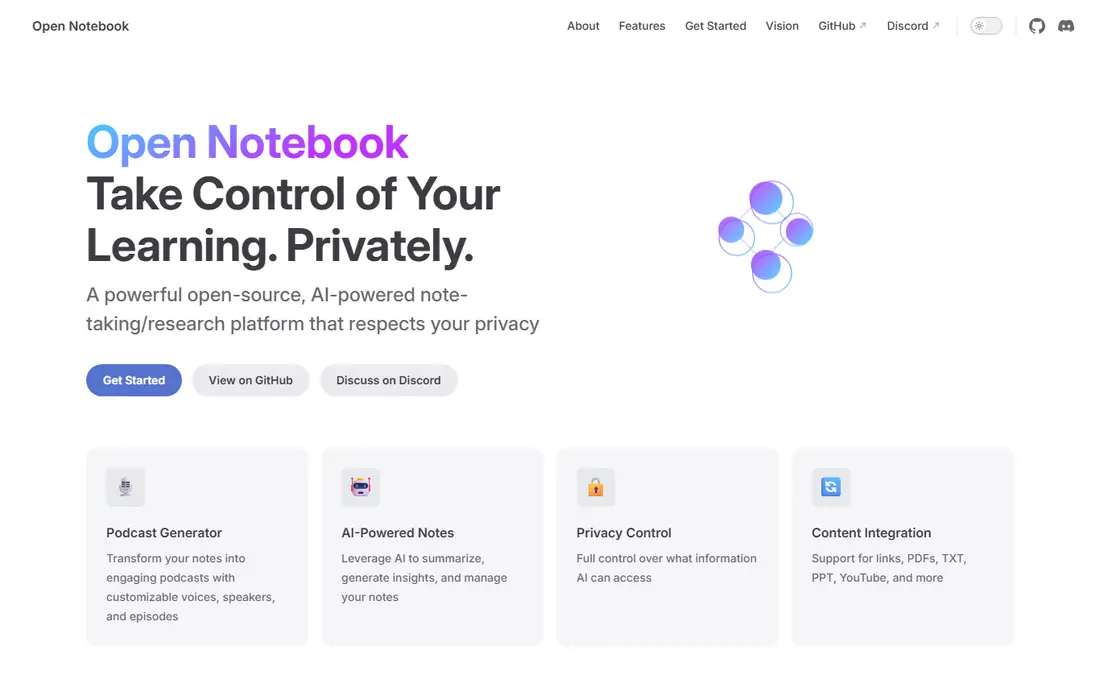
Open Notebook is the closest open-source match for NotebookLM in this list. Upload documents, ask questions grounded in those sources, and generate summaries or audio overviews, all while choosing your own model provider or a local model through Ollama. That model choice is a major difference from a closed service tied to one provider.
Setup needs Docker, and the self-hosted build is mainly single-user, so teams need extra work for multi-user access. Citation handling has also changed across releases. For an individual researcher who wants NotebookLM-style work with data control, Open Notebook is our pick.
- MIT-licensed and self-hosted
- Document chat with source grounding
- Podcast generation with multiple speakers
- Single-user focus in the self-hosted build
- Docker setup needed
- Citation features have been rebuilt over time
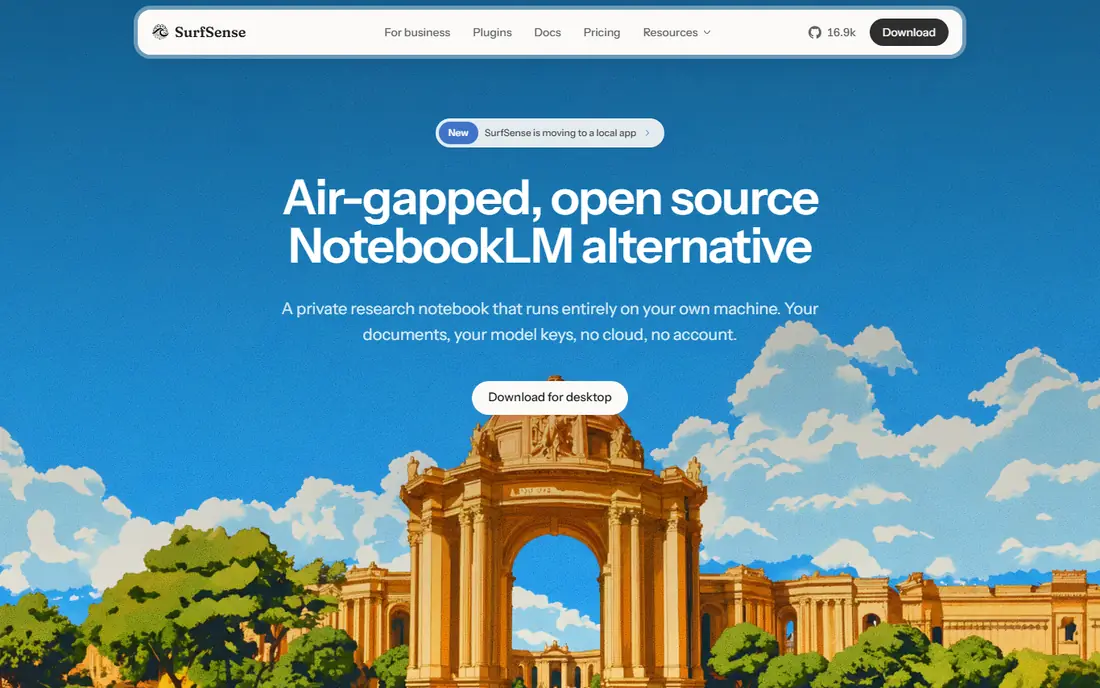
SurfSense acts as a local research agent for documents you may not want to upload to a cloud service. It indexes files on your own machine, answers questions with citations, and can run fully offline with a local model. That local-first design suits researchers handling sensitive material.
The core app is free, while some scraper plugins and priority support need a paid licence, so check which connectors you need. Local models also need a capable machine for good speed. For private, local document research, SurfSense is a strong alternative.
- Open-source core with local document index
- Cited answers from local files
- Local model support through Ollama
- Some scraper plugins need a paid licence
- Desktop focus suits individuals more than large teams
- Setup needs a capable machine for local models
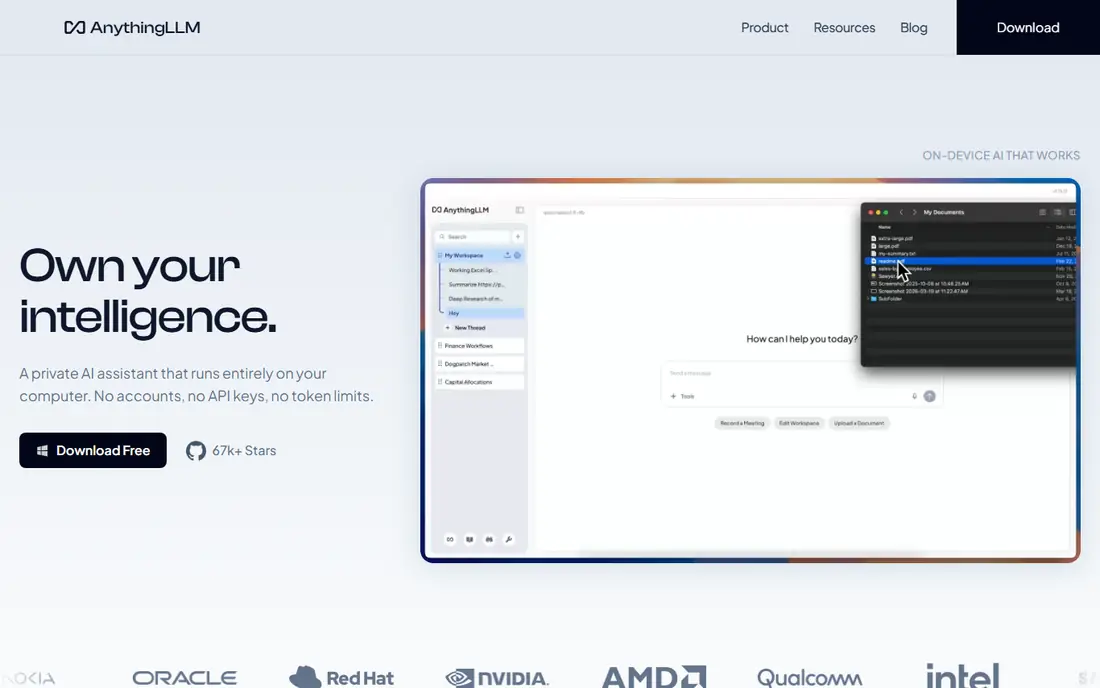
AnythingLLM turns a set of documents into a chat workspace you can run yourself. Desktop use is free for a solo user, while Docker self-hosting adds multi-user workspaces and admin controls. It supports many model providers and local models, so teams can choose cost and privacy trade-offs.
The app itself does not bundle model inference, so hosted model use adds API costs on top of the free software. Team setup also needs technical work. For a team that wants a self-hosted document chat system with flexible models, AnythingLLM is a practical pick.
- MIT-licensed desktop and self-host options
- Multi-user workspaces on self-host and cloud tiers
- Broad model and vector database support
- Model API costs sit on top of the free app
- Team features need self-host or paid cloud tiers
- Setup needs technical effort
RAGFlow is an open-source retrieval engine built for document-heavy work. Its parsing handles complex PDFs, tables, and layouts better than a simple text splitter, which improves citation quality for research and compliance documents. Teams can build question-answering flows on top of that engine.
Setup is heavier than a desktop notebook, and it suits technical teams more than casual note-takers. Hosting and model costs also sit outside the free licence. For a team that needs accurate citations from complex documents, RAGFlow is the most capable engine here.
- Apache-2.0 licensed open-source engine
- Strong document parsing for complex PDFs
- Cited question answering
- Heavier setup than a desktop app
- Hosting and model costs sit on top
- Interface suits technical teams
AFFiNE is an open-source workspace that combines documents, notes, and whiteboards in one place. It suits users who want a knowledge base they can self-host, with a clean interface for daily writing and planning. Self-hosting gives data control that closed workspaces cannot match.
It is not a dedicated NotebookLM clone: AI document chat needs plugins or an external model, and source-grounded answers are less central than in Open Notebook. Teams also need setup work for multi-user use. For an open workspace with research notes alongside daily work, AFFiNE is a good fit.
- Open-source workspace for docs, notes, and whiteboards
- Self-hosting option
- Clean interface for daily notes
- AI document chat needs plugins or an external model
- Less source-grounded than a dedicated research notebook
- Team features need setup
Logseq is an open-source, local-first note tool built around outlines, backlinks, and a knowledge graph. Notes live as local files, which makes export and backup simple, and plugins add task management, flashcards, and AI features. That openness suits researchers who want a durable personal knowledge base.
AI document chat is not built in at the same depth as a research notebook, so users must add plugins and a model key. The outline style also suits some writers more than others. For open, local, connected notes with optional AI, Logseq is a solid choice.
- Open-source networked notes with local files
- Backlinks and graph views for connected ideas
- Large plugin community
- AI features need plugins and a model key
- Interface suits outline-style writers
- Mobile experience is thinner than desktop
Dify is an open-source platform for building AI applications, including document chatbots and research workflows. Its visual builders let a team create a grounded chat app over its own documents, with model choice and workflow control. Self-hosting keeps documents and prompts under team control.
It is a builder, not a ready-made notebook, so casual users will find it heavier than Open Notebook. Hosting and model costs sit outside the free licence. For a team that wants to build a custom NotebookLM-style app for its own documents, Dify is the most flexible pick here.
- Open-source platform for building AI apps
- Document chat and workflow builders
- Self-hosting option
- Builder focus suits developers more than casual readers
- Hosting and model costs sit on top
- Setup needs technical effort
Notex is a smaller open-source project for local notebook-style chat, with a fast Docker setup reported in published tests. It suits users who want a simple local tool without the larger feature set of Open Notebook or AnythingLLM. Local model support allows offline use for basic document questions.
Its smaller community means documentation and support are thinner, and features are narrower. Teams that need multi-user workspaces or advanced audio features should pick a larger tool. For a simple, local, open notebook experiment, Notex is a useful final pick.
- Open-source local notebook tool
- Fast Docker setup in published tests
- Local model support for offline use
- Smaller project than larger rivals
- Documentation is thinner
- Feature set is narrower than Open Notebook
How we picked these
We compared official feature pages, pricing pages, app store listings, privacy policies, and public reviews, and we checked that each tool is genuinely open source before including it. We excluded proprietary tools, including Obsidian, even though Obsidian is free for personal use, because it is not open source. We also excluded closed cloud research tools, since they do not meet the open-source requirement for this article. Prices are starting prices for the software itself, while hosting and model API costs sit on top unless a local model is used.
How to choose an open-source NotebookLM alternative
Open-source tools differ more on setup and model choice than on marketing claims. Pick based on how much technical work you will accept, and where your documents must live.
Decide between a notebook and an engine
A notebook such as Open Notebook or SurfSense gives a ready research workflow: upload, ask, summarise, and listen. An engine such as RAGFlow or Dify gives building blocks for a custom system. Choose a notebook if you want to start researching this week, and choose an engine if you have developers and a specific workflow in mind.
Plan for models and hosting
Check whether you will use a local model through Ollama or a hosted model through an API key. Local models keep documents private and avoid API bills, but they need a capable machine. Hosted models answer faster and handle larger documents, but they add per-token costs and send documents to a provider. Budget both hosting and model costs, not just the free licence.
Test citations on your own documents
Upload a real document with tables, footnotes, or scanned pages, then ask questions whose answers you already know. Check whether citations point to the right passage and whether summaries invent details. A tool that passes on clean text may fail on complex PDFs, so test with your hardest document before committing a research project to it.
Frequently asked questions
What are the best open source alternatives to NotebookLM?
Open Notebook and SurfSense are the closest open-source matches for a NotebookLM-style research notebook. AnythingLLM and RAGFlow suit teams that want a self-hosted document chat system, while AFFiNE and Logseq suit open note-taking with optional AI.
Are open source NotebookLM alternatives really free?
The software licences in this list are free, but hosting and model use can cost money. Local models through Ollama avoid API bills, while hosted models charge per token. Self-hosting also needs a server or a capable local machine.
Can I self-host an open source NotebookLM alternative?
Yes, Open Notebook, SurfSense, AnythingLLM, RAGFlow, AFFiNE, Logseq, Dify, and Notex all offer self-hosting or local use. Self-hosting gives data control, but your team owns updates, backups, and security for the deployment.
Is Obsidian an open source alternative to NotebookLM?
No, Obsidian is free for personal use but it is proprietary software, not open source. It is a useful local note tool, but it does not meet the open-source requirement for this article, so we excluded it from the list.
Do these tools support podcast-style audio overviews?
Open Notebook and SurfSense offer audio overview features, with speaker options that vary by tool and model. Other tools in this list focus on document chat and notes, so check audio support before choosing if audio overviews matter to you.
Which open source alternative is best for teams?
AnythingLLM self-hosted and Dify suit teams that need multi-user workspaces and admin controls. Open Notebook and SurfSense suit individuals and small teams best, since their self-hosted builds focus on single-user or small-team use.
Sources
See where you really rank - block by block
ProMapRanker scans Google Maps across a grid of your service area. Simple monthly plans from $19, white-label on every plan.
Start freeKeep reading
 who has best internet service
Who Has the Best Internet Service in 2026
Who has best internet service for US homes? We compare fiber, cable, fixed wireless and satellite providers on speed, price, availability and terms today.
Read → which survey tool has the best analytics
Which Survey Tool Has the Best Analytics in 2026
Find which survey tool has the best analytics in 2026, comparing Qualtrics, SurveyMonkey, Typeform, Alchemer, and more on reports, text, and stats today.
Read → which streaming service has the best movies
Which Streaming Service Has the Best Movies in 2026
Answering which streaming service has the best movies, with Netflix, Max, Criterion and more compared on libraries, prices and free options in this guide.
Read →