 ProMapRanker
Official Company Contact Directory Best Practices in 2026

Key takeaways
- The best company contact directory has one owner, one source of truth, and a sync from your HR system.
- Include name, role, team, manager, email, phone, location, and time zone, plus skills and preferred contact method.
- Limit sensitive fields with role-based access, and remove or archive profiles promptly when people leave.
- A directory only works if people can find it in seconds, so search, mobile access, and clean data matter more than fancy design.
Quick comparison
| Pick | Great for | Pricing starts at | Free tier | |
|---|---|---|---|---|
 HiBob | Growing companies | See website | No | Visit |
 BambooHR | Small and midsize teams | See website | Free trial | Visit |
 Deel | Global teams | See website | No | Visit |
 Rippling | HR plus IT in one system | See website | No | Visit |
 Pingboard | Org charts and directories | See website | Free trial | Visit |
 Workday | Large enterprises | See website | No | Visit |
 Google Workspace | Google-based companies | See website | Free trial | Visit |
 Microsoft 365 | Microsoft-based companies | See website | Free trial | Visit |
The best official company contact directory tools
A company contact directory is the official place staff look when they need to reach a colleague, a team, or a key contact. The tools below help you build and maintain that directory, and each fits a different company size and system. The practices in this guide matter as much as the tool you pick.

HiBob gives growing companies a directory built into its core HR platform, so profiles stay tied to real employment data. Staff can search by name, team, site, or skill, and views by department or reporting line help new joiners understand how the company fits together. The directory also supports interest and skill fields that help people find the right expert, not just the right title.
The main drawback is that HiBob is a full HR system, so a company that only wants a directory may pay for more than it uses. Pricing is quoted per company, so ask for a scope that matches your headcount. HiBob suits companies that want the directory to grow with their HR needs.
- Searchable directory with photos and reporting lines
- Views by site, team, and skills
- Strong HR core
- Pricing is quote-based
- Smaller teams may not need the full HR suite
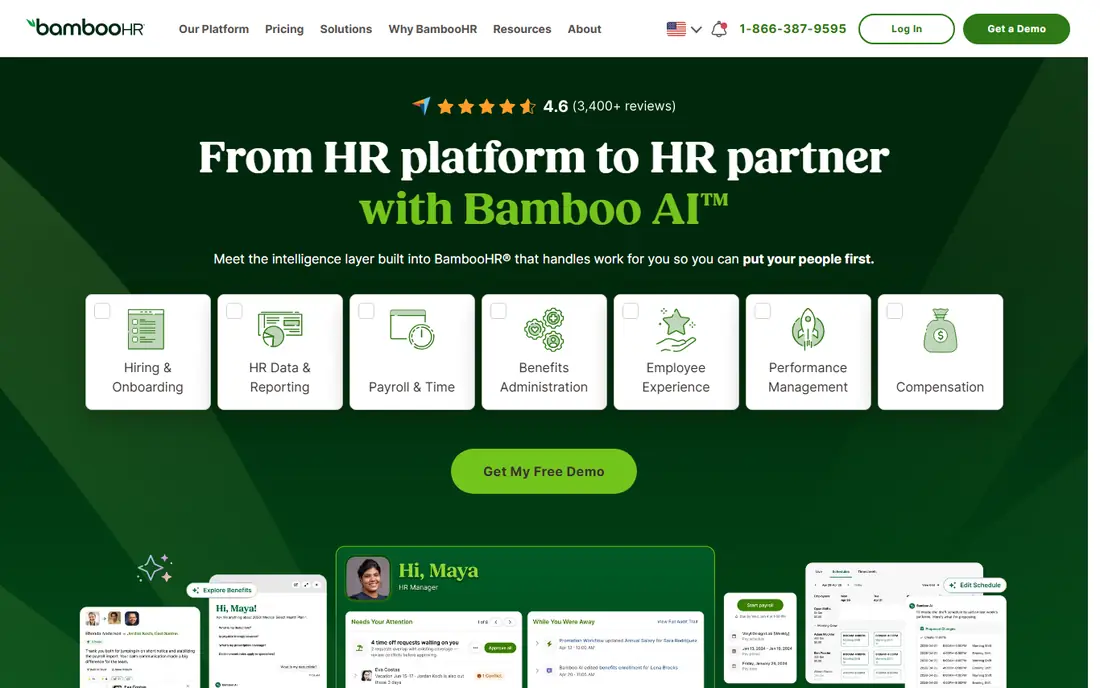
BambooHR includes a built-in employee directory as part of its HR platform for small and midsize businesses. Profiles pull from HR records, so a new hire appears in the directory as part of onboarding rather than through a separate manual step. That link is the single most effective way to keep contact data current.
BambooHR is less built for very large, complex enterprises than some rivals, and pricing depends on company size. For a team of dozens to a few hundred people, it offers a practical balance of simplicity and control. It fits companies that want one HR home for people data and contacts.
- Simple built-in directory
- Easy onboarding flow
- Familiar HR interface
- Deeper enterprise features may need higher tiers
- Pricing varies by headcount
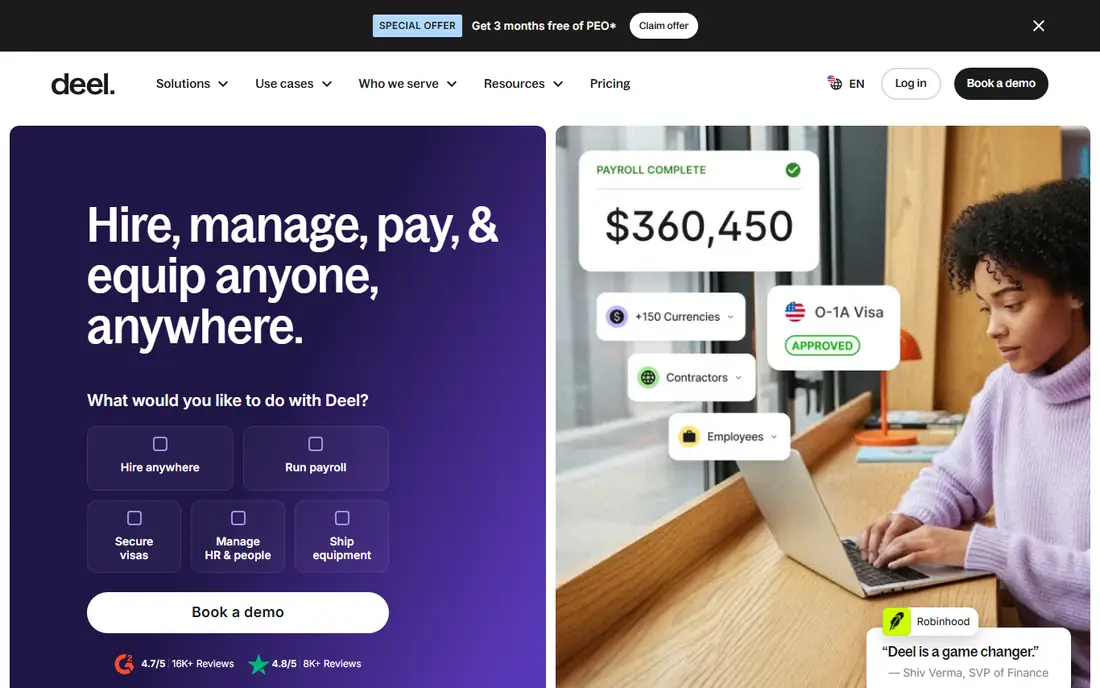
Deel supports a centralized, searchable employee directory that syncs with HR and payroll data across countries. Profiles update automatically as people join, change roles, or leave, which matters most for distributed teams where time zones and local details change often. Role-based permissions help keep sensitive fields visible only to the right staff.
Deel is a broad global HR platform, so a purely domestic small team may find it more than needed. For companies hiring across borders, the sync between payroll, HR, and directory data is a strong reason to shortlist it. Ask how directory fields map to your local privacy rules before rollout.
- Directory synced with global HR and payroll data
- Org chart views
- Role-based permissions
- Pricing is quote-based
- Best value for companies with international staff
Rippling combines HR, IT, and finance workflows, and its directory benefits from that breadth. When someone joins, changes role, or leaves, the directory, system access, and related records can update together. That joined-up approach reduces the stale profiles that plague directories kept in a separate spreadsheet or intranet page.
The trade-off is scope and setup effort. Rippling is a platform decision, not a quick directory add-on, and pricing is quoted. It suits companies that want people data, access control, and directory accuracy managed in one place.
- Directory tied to HR and IT access
- Automatic updates on role changes
- Strong permissions
- Quote-based pricing
- Setup takes planning for larger companies
Pingboard is built around org charts and employee directories, which makes it a good pick for companies that want a directory without adopting a full HR suite. Staff can find colleagues, see reporting lines, and update their own profiles within set limits. The visual org chart helps new hires and cross-team collaborators find the right contact fast.
Because Pingboard is directory-first, it does not replace payroll or deep HR record keeping. Companies that already have an HR system can use it as the visible front end for people data. It fits teams that care most about findability and a clear org view.
- Directory-first design
- Clear org charts
- Easy profile updates
- Less full HR depth than an HRIS
- Pricing is quote-based
Workday gives large enterprises a directory module tied directly to HR records, with real-time updates as roles, departments, and managers change. Its security and permission controls suit companies with strict compliance needs and many locations. For a global enterprise, that depth is hard to match with a lighter tool.
The cost and implementation time are real drawbacks. Workday suits organizations that already run, or plan to run, enterprise HR on the platform. Smaller companies should look at lighter options first and revisit Workday only at enterprise scale.
- Enterprise-grade directory and org management
- Real-time HR sync
- Strong security controls
- High cost and long implementation
- More than small teams need
Google Workspace includes a company directory tied to user accounts, so contacts appear in Gmail, Calendar, and Drive without a separate login. Admins control which fields show, and directory sync tools can connect it to an HR source. For companies already on Google, this is often the fastest official directory to stand up.
The limit is HR depth. Google Workspace is not an HR system, so role history, skills, and manager chains need care in setup or a connected tool. It fits Google-based teams that want a solid, low-cost official directory with minimal new software.
- Directory built into Google accounts
- Searchable contacts in Gmail and Calendar
- Simple admin control
- Directory depth depends on admin setup
- Less HR structure than a dedicated HRIS
Microsoft 365 ties its directory to Entra ID, so the same identity data powers Outlook, Teams, and SharePoint. Staff can find colleagues in Teams or Outlook without learning a new tool, and admins can control visibility with groups and permissions. A SharePoint directory page can add a richer, branded front end on top of that identity data.
The catch is setup. A clean directory needs consistent account data and a maintained SharePoint page, or it drifts like any other manual list. Microsoft 365 fits companies already on the platform that want their official directory inside tools staff already open daily.
- Directory tied to Entra ID accounts
- Works across Outlook, Teams, and SharePoint
- Strong access control
- Best directory experience needs admin setup
- SharePoint directory pages need maintenance
How we picked these
We compared directory and HR platforms named in current guides on employee directories, then checked each vendor's own site for directory features, HR sync, and permissions. We favored tools that keep one source of truth, support search and org views, and offer access control. We did not claim hands-on testing, and we used "See website" where pricing is quoted rather than published.
Best practices for building your official directory
Start by naming one owner and one source of truth. In most companies that source is the HR system or identity provider, and the directory should sync from it, not from a spreadsheet someone updates by hand. Manual directories drift fast: studies cited in directory guides suggest a large share of records go stale within months without automation.
Define the fields before you launch. Every profile should carry name, job title, team, manager, work email, work phone, location, and time zone. Add skills, languages, and preferred contact method where they help people reach the right person. Leave personal phone numbers, home addresses, and other sensitive data out of the general directory entirely.
Keeping data accurate
Automate updates for joins, moves, and exits, and let staff edit only safe fields such as skills, photo, and preferred contact method. Run a regular audit for duplicates, missing managers, and outdated teams, and fix the source record, not just the directory view. When someone leaves, archive or remove the profile promptly as part of offboarding.
Privacy and access
Use tiered access. Most staff need basic contact details and org structure, while HR and IT may need more. Contractors should see only the contacts they need for their work. Require company sign-in, use single sign-on where possible, and log changes so you can trace who edited a record and when.
Making the directory easy to use
Put the directory one click from the intranet home page and inside the chat and email tools staff already use. Support search by name, skill, team, and location, and make it work well on mobile. A directory buried in a folder will not be used, no matter how accurate it is.
Frequently asked questions
What should an official company contact directory include?
At minimum, include name, job title, team, manager, work email, work phone, location, and time zone. Skills, photo, and preferred contact method make it more useful. Keep sensitive personal data out of the general view.
Who should own the company directory?
Give one team, usually HR working with IT, clear ownership of the directory. That team owns the field list, the sync from the HR system, access rules, and the regular audit. Without an owner, accuracy fades quickly.
How often should a directory be updated?
Ideally, it updates automatically when HR records change. If you cannot automate fully, audit at least monthly and after any reorganization. Fix errors at the source record so they do not return at the next sync.
Should contractors appear in the company directory?
Yes, but with limited visibility. Show only the contact details contractors need to do their work, and hide org structure and sensitive fields. Remove contractor profiles when the engagement ends.
How do we protect employee privacy in a directory?
Use role-based access, company sign-in, and clear rules on what fields are shared. Let staff control optional fields, publish a short privacy note, and follow local privacy law for your locations.
Is a spreadsheet enough for a small company?
A spreadsheet can work for a very small, stable team, but it breaks as headcount grows. Once you pass a few dozen people, a synced directory tool saves time and prevents the stale records that make staff stop trusting the list.
Sources
- https://www.deel.com/glossary/employee-directory/
- https://www.hibob.com/hr-glossary/employee-directory/
- https://trainual.com/manual/how-to-build-a-people-first-employee-directory-that-actually-works
- https://www.kumospace.com/blog/employee-directory
- https://www.hibob.com
- https://www.bamboohr.com
- https://www.deel.com
- https://www.rippling.com
- https://www.pingboard.com
- https://www.workday.com
- https://workspace.google.com
- https://www.microsoft.com/microsoft-365
See where you really rank - block by block
ProMapRanker scans Google Maps across a grid of your service area. Simple monthly plans from $19, white-label on every plan.
Start freeKeep reading
 top custom software development company
Top Custom Software Development Company in 2026
Looking for a top custom software development company? We compare 9 firms for web, mobile, and enterprise software, covering strengths and fit for 2026.
Read → tableau alternatives
Tableau Alternatives in 2026
Compare the best Tableau alternatives for 2026, from Power BI to Metabase, with prices, hosting options, and picks for small teams and enterprises today.
Read → microsoft teams alternatives
Best Microsoft Teams Alternatives in 2026
Looking for microsoft teams alternatives? We compare 9 chat and video tools for 2026, covering free plans, pricing, meetings, and integrations for teams.
Read →