 ProMapRanker
Best n8n Alternatives in 2026


Non-technical teams that need many app connections · Pricing starts at: $19.99 per month
Key takeaways
- Zapier and Make cover the widest range of everyday business automations, while Activepieces and Node-RED suit teams that want to host the tool themselves.
- Pricing units differ a lot, so compare tasks, operations, credits and executions against your real monthly volume before you choose.
- Code-first teams should look at Pipedream and Windmill first, since both let developers write code inside a workflow instead of working around a visual builder.
- Enterprise teams with complex approval and governance needs will usually find a better fit in Workato or Tray.ai than in a small-team tool.
- Start on a free plan or trial with one real workflow, and check that your core apps connect cleanly before you move anything important.
Quick comparison
| Pick | Great for | Pricing starts at | Free tier | |
|---|---|---|---|---|
| Zapier | Non-technical teams that need many app connections | $19.99 per month | Yes | Visit |
 Make | Visual multi-step workflows with branching | $9 per month | Yes | Visit |
 Activepieces | Open-source teams that want self-hosting | $25 per month | Yes | Visit |
 Workato | Enterprise automation and governance | See website | No | Visit |
 Pipedream | Developers who want code inside workflows | See website | Yes | Visit |
 IFTTT | Simple personal and smart-home triggers | $2.99 per month | Yes | Visit |
 Tray.ai | Mid-market teams with complex integrations | See website | No | Visit |
 Microsoft Power Automate | Teams already using Microsoft 365 | $15 per user per month | Yes | Visit |
 Windmill | Code-first teams building internal tools | See website | Yes | Visit |
The best n8n alternatives for workflow automation
These nine tools replace n8n in different ways, from drag-and-drop builders to code-first platforms and self-hosted options. We compared their builders, hosting models, pricing units and app coverage.
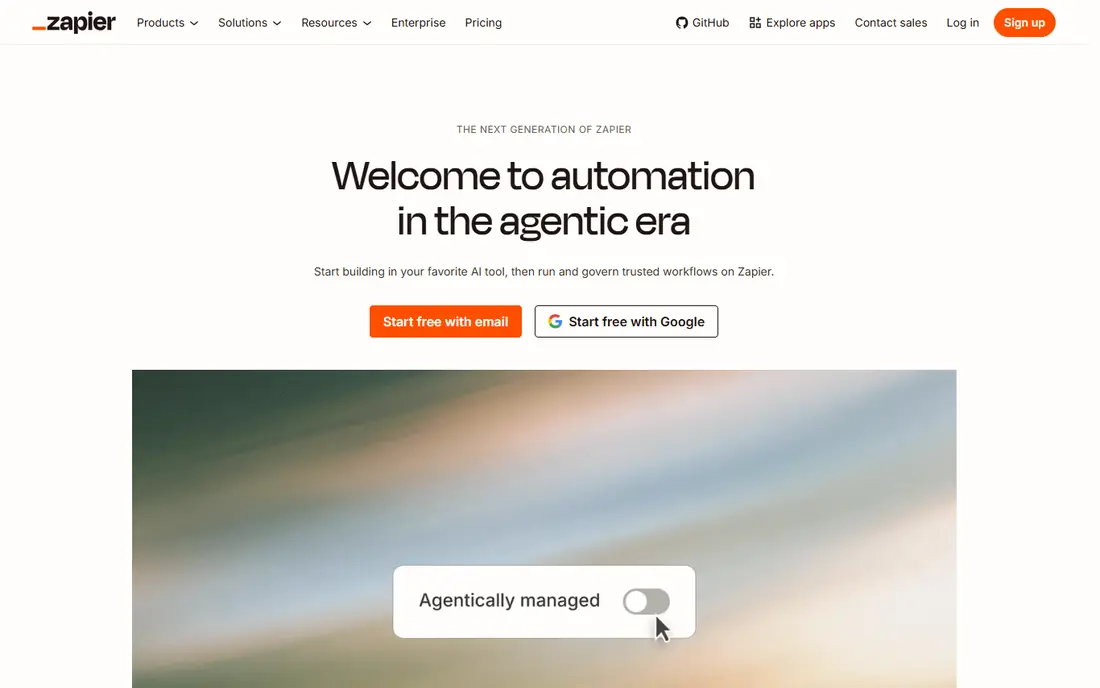
Zapier is the easiest starting point on this list for a team that has never built an automation. The builder reads like a sentence, with a trigger followed by one or more actions, and the template library covers common jobs such as lead routing, form handling and notifications. That simplicity matters when the person building the workflow is also doing sales, support or operations work.
The catch is the billing unit. Every step counts as a task, so a workflow with several steps can use a monthly allowance quickly. Teams with high volumes or complex branching should price a realistic month of runs before committing, and compare that total with Make or Activepieces.
- Very large app catalog
- Simple builder for beginners
- Strong templates and guides
- Task-based pricing can climb fast
- Multi-step logic costs more than on some rivals
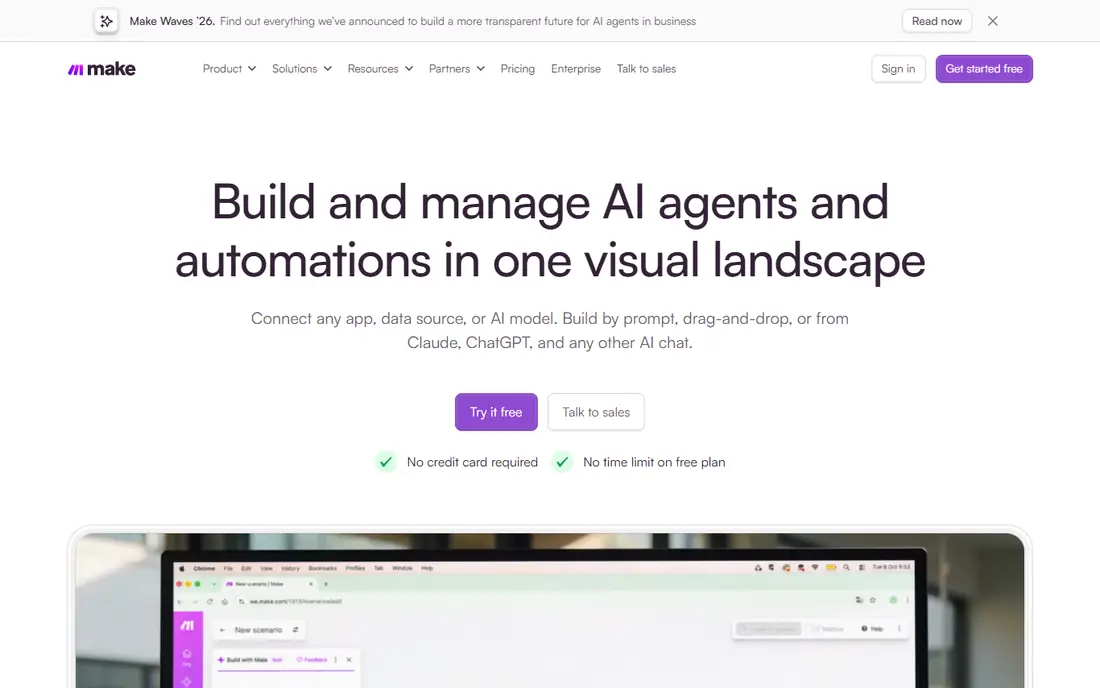
Make gives you a canvas where you can see the whole workflow at once, including branches, filters and data transformations. That view helps when a workflow has several paths, for example when a lead goes to one team for one product and another team for a different product. It also helps when you need to reshape data between apps rather than just passing it along.
New users may need an afternoon to get comfortable with concepts such as bundles, routers and iterators. The payoff is control. If your workflows are getting too tangled in a linear builder, Make is often the next sensible step.
- Visual canvas with routers and filters
- Operations-based pricing often works out lower
- Good data tools
- Learning curve is steeper than Zapier
- Some app connectors are less polished
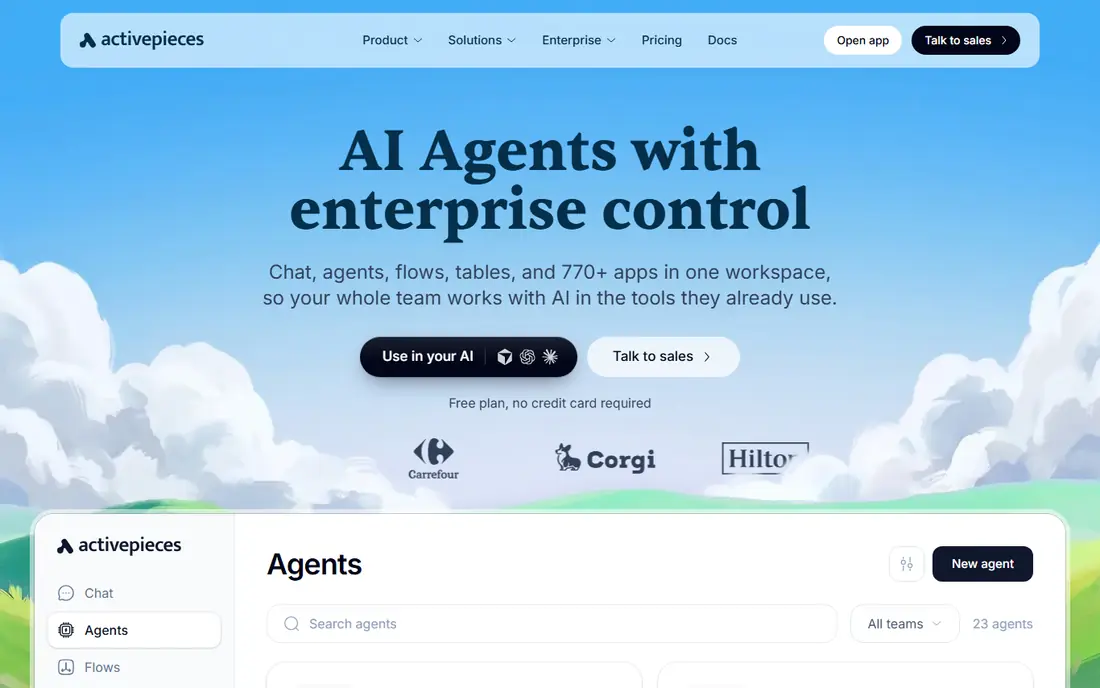
Activepieces is the closest open-source match to n8n for teams that want to keep control of their data and hosting. The builder is visual and approachable, and the code is available for teams that want to inspect it or run it on their own servers. Cloud plans are also available for teams that prefer not to manage infrastructure.
The trade-off is maturity. The connector catalog is smaller than the largest platforms, so check your must-have apps first. Self-hosting removes per-run fees on the hosted side, but it adds updates, backups and security work that someone on your team must own.
- Open-source code you can host yourself
- No-code builder
- Growing piece library
- Smaller app catalog than Zapier
- Self-hosting adds maintenance work
Workato is built for companies where automation touches finance, human resources and customer systems at the same time. Its recipes support long, conditional processes, and its governance tools help larger teams control who can build, publish and change a workflow. That structure matters when a broken automation could affect billing or payroll.
Smaller teams will likely find Workato heavy and costly. It makes sense when you already have several enterprise systems, a dedicated operations owner, and a clear need for audit trails and role-based access.
- Strong enterprise controls and recipes
- Good for complex business processes
- Broad enterprise app support
- Pricing is sales-led and can be high
- More than most small teams need
Pipedream sits between a pure code project and a visual automation tool. Developers can add code steps, call APIs directly and handle webhooks without building a whole service from scratch. The workflow view still shows the steps in order, which makes debugging easier than digging through server logs.
Non-developers may find it less welcoming than Zapier or Make, since some jobs still require reading API documentation. For a technical team that wants speed without giving up code, that balance is a strength rather than a weakness.
- Code steps in Node.js and Python
- Fast way to connect APIs
- Good for event-driven work
- Less friendly for non-developers
- Pricing needs care at high event volumes
IFTTT is best for short, single-purpose triggers, such as saving an attachment, posting a reminder or switching a smart device when something happens. Setting one up takes minutes, and the free plan covers a small number of applets for personal use. That focus is also its limit.
If a workflow needs branching, data mapping or approval steps, IFTTT will feel too thin. Treat it as a personal automation helper, not as a replacement for a business workflow platform.
- Very simple applets
- Broad smart-home and consumer app support
- Low entry price
- Limited multi-step logic
- Not built for business processes
Tray.ai targets operations and IT teams that need more than simple app-to-app syncs. Its builder handles conditional logic, data transformation and multi-system processes, and its AI features can help draft or explain workflows. That makes it a useful option when integrations are part of a wider operations plan.
Pricing is not self-serve in the same way as the smaller tools here, so budget for a sales conversation. Teams that only need a handful of simple automations will get better value from Zapier, Make or Activepieces.
- Visual builder for complex logic
- AI-assisted building
- Strong for operations teams
- Sales-led pricing
- Learning curve for advanced features
Power Automate is the natural choice when your email, files, spreadsheets and CRM already live in Microsoft products. Flows can start from Outlook, Teams, SharePoint or Dynamics, and administrators can manage them with the same controls they use for other Microsoft services. Desktop flows add automation for older Windows applications too.
Outside Microsoft tools, the experience is less smooth, and some connectors sit behind premium plans. If your stack is mixed, compare the full cost of premium connectors before assuming Power Automate is the cheapest option.
- Deep Microsoft 365 and Dynamics integration
- Desktop automation option
- Familiar admin controls
- Premium connectors can add cost
- Weaker outside the Microsoft ecosystem
Windmill treats workflows as code first, with scripts, flows and scheduled jobs that developers can version and review. That approach suits engineering teams building internal tools, data jobs and scheduled tasks, where a visual-only builder would hide too much detail. Self-hosting is available for teams with strict data requirements.
The obvious limit is the audience. A non-technical team will struggle to build and maintain Windmill flows alone. For an engineering-led team, though, it offers a level of control that the simpler builders on this list do not.
- Scripts in Python, TypeScript and other languages
- Self-hosting option
- Good for scheduled jobs
- Requires coding skill
- Smaller no-code audience and template library
How we picked these
We compared official feature pages, pricing pages, app store listings and public documentation for each tool, and we left n8n itself out of the list because this article covers alternatives to it. We favored tools that are live and supported in October 2026, that cover a distinct builder style or hosting model, and that can handle real multi-app workflows rather than a single narrow job. Where a vendor did not publish a self-serve price, we wrote See website instead of guessing.
What to check before you switch
Start with your three most-used workflows, not with the full catalog. Write down the trigger, each step, the apps involved and how often each workflow runs in a typical month. That short list will tell you more than any feature table, because pricing units and connector depth only matter for the work you actually do.
Next, test error handling. Check what happens when an app is down, when a field is missing, or when a run fails halfway through. Look for retry options, run history and clear error messages, since those features decide how much time you spend fixing automations. Finally, confirm who can edit and publish flows, and how you will back them up or move them if you change tools later.
Watch the pricing unit, not just the headline
Zapier counts tasks, Make counts operations, and other tools count credits, steps or executions. A lower monthly price can still cost more if your workflows have many steps. Run one real workflow for a week, note the units used, and multiply that figure before you sign an annual plan.
Frequently asked questions
What is the best alternative to n8n for non-technical teams?
Zapier is usually the easiest start, because its builder and templates need little technical knowledge. Make is a good second choice when workflows need branching or data reshaping, and it often costs less at higher volumes. Pick Zapier for speed and Make for control.
Can I self-host an n8n alternative?
Yes. Activepieces and Windmill both offer self-hosting options, and Node-RED is another open-source option for technical teams. Self-hosting gives you more control over data and costs, but you take on updates, backups and security work yourself.
Is Make cheaper than Zapier?
It often is for multi-step workflows, because Make prices by operations rather than by every task. The honest answer still depends on your workflows, so compare a real month of runs on both platforms before you decide.
Do these tools work with AI steps?
Many of them now include AI steps or AI-assisted building, but AI usage is often billed separately by credits. Check what an AI step costs on your plan, and test it on a small workflow before you build it into a daily process.
What should I check before moving workflows from n8n?
Check that each core app has a connector, that webhooks and code steps have an equivalent, and that you can export or rebuild your logic without losing data. Run the new workflow in parallel for a short period, and compare the results before you switch off the old one.
Sources
See where you really rank - block by block
ProMapRanker scans Google Maps across a grid of your service area. Simple monthly plans from $19, white-label on every plan.
Start freeKeep reading
 who has best internet service
Who Has the Best Internet Service in 2026
Who has best internet service for US homes? We compare fiber, cable, fixed wireless and satellite providers on speed, price, availability and terms today.
Read → which survey tool has the best analytics
Which Survey Tool Has the Best Analytics in 2026
Find which survey tool has the best analytics in 2026, comparing Qualtrics, SurveyMonkey, Typeform, Alchemer, and more on reports, text, and stats today.
Read → which streaming service has the best movies
Which Streaming Service Has the Best Movies in 2026
Answering which streaming service has the best movies, with Netflix, Max, Criterion and more compared on libraries, prices and free options in this guide.
Read →