 ProMapRanker
Miro Alternatives in 2026

Key takeaways
- FigJam is the best pick for design teams already using Figma, with a low entry price for collaborator seats.
- Mural suits formal workshops, while Lucidspark suits teams that turn brainstorms into structured diagrams.
- Microsoft Whiteboard is the cheapest option for teams that already pay for Microsoft 365.
- Excalidraw is the fastest free sketch tool, with no account needed for the basic web editor.
- Canva Whiteboards suits marketing teams that want brainstorms to flow straight into presentations and graphics.
Quick comparison
| Pick | Great for | Pricing starts at | Free tier | |
|---|---|---|---|---|
 FigJam | Design teams | $3 per month | Yes | Visit |
 Mural | Facilitated workshops | $9.99 per month | Yes | Visit |
 Lucidspark | Diagrams from brainstorms | $7.95 per month | Yes | Visit |
 Microsoft Whiteboard | Microsoft 365 teams | Free | Yes | Visit |
 Excalidraw | Fast free sketching | Free | Yes | Visit |
 Canva Whiteboards | Visual and marketing teams | Free | Yes | Visit |
 Whimsical | Clean flowcharts and wireframes | $10 per month | Yes | Visit |
 Conceptboard | European teams and privacy | See website | Yes | Visit |
The best Miro alternatives
These are alternatives only, and the product named in the keyword is not listed below. We focused on infinite-canvas whiteboards that support real-time collaboration, sticky notes, templates, and sharing, with options for design, workshops, diagrams, and simple sketching.
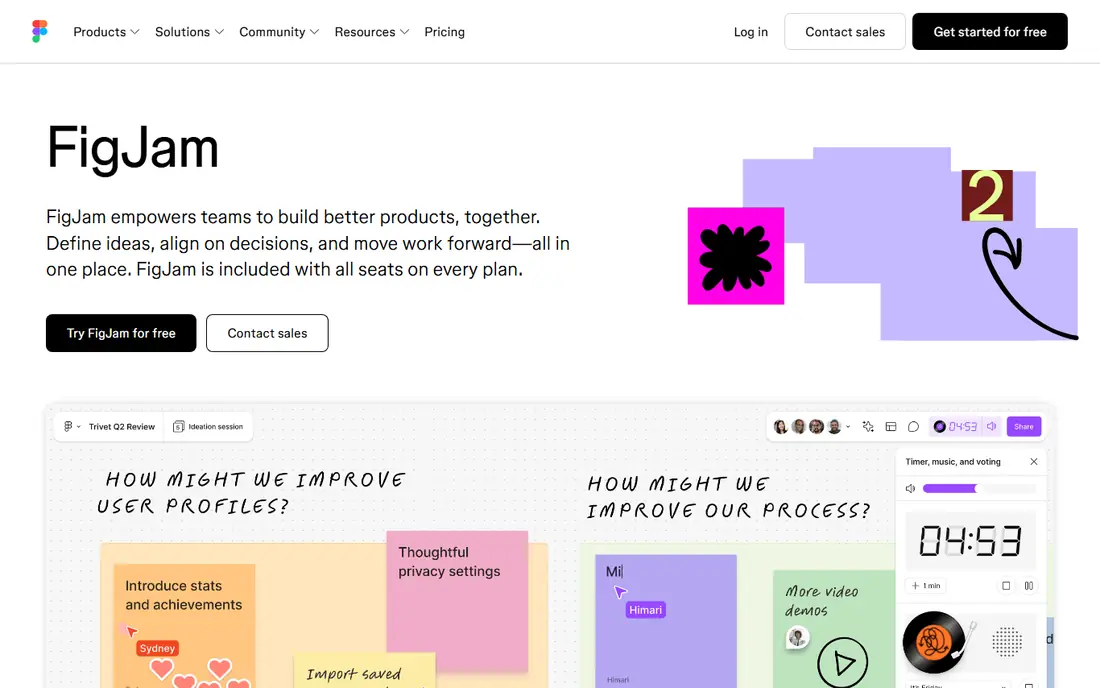
FigJam is Figma's whiteboard, and that connection is its main strength. Design teams can brainstorm, map flows, and plan in FigJam, then move work into Figma files without exporting and re-importing. The interface is clean, the learning curve is short, and collaborator seats start at a low monthly price.
The trade-off is workshop depth. FigJam covers everyday brainstorms and planning well, but formal facilitation features are thinner than Mural's. If your team already lives in Figma, FigJam is the natural choice. If you run structured design-thinking workshops every week, test Mural too.
- Native Figma connection
- Low collaborator seat price
- Simple and fast interface
- Less workshop depth than Mural
- Best value requires a Figma setup
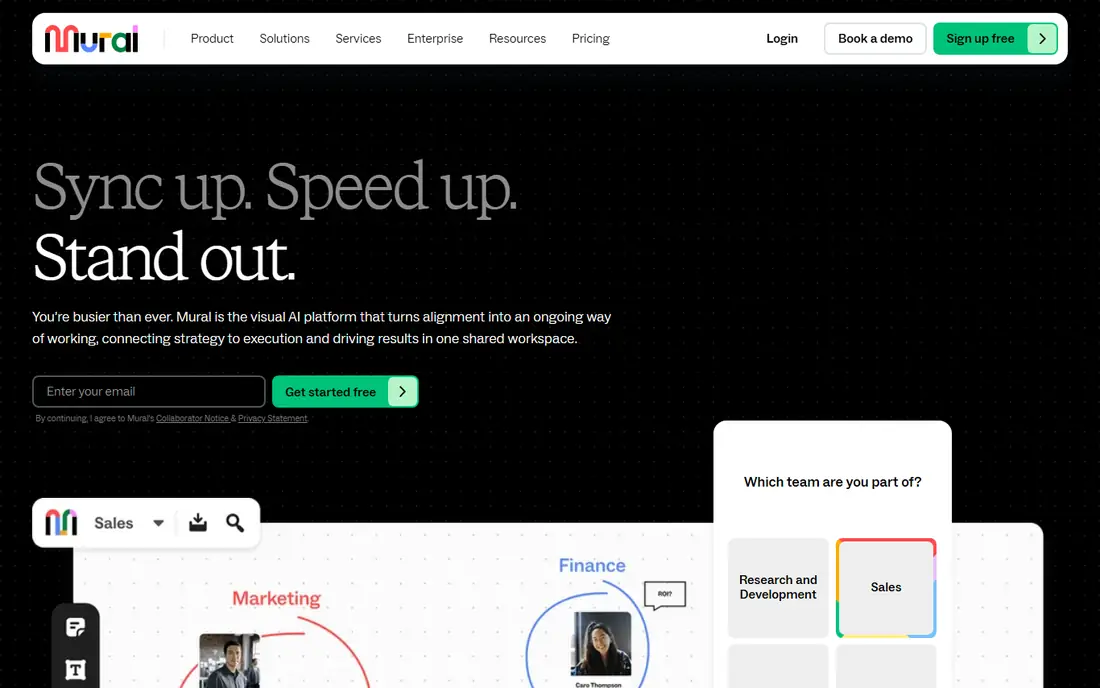
Mural is built for facilitated sessions, not just open canvases. Private mode lets participants think before sharing, voting and timers keep sessions moving, and method templates guide retros, journey mapping, and ideation. For consultants and product teams that run workshops as a core job, that structure matters.
The free plan keeps three editable murals at a time, which is enough to evaluate it but not to run a program. Paid plans start higher than FigJam, and new users may need a session or two to learn the controls. If workshops are your main use, Mural earns its price.
- Strong facilitation tools
- Private mode and voting
- Structured method templates
- Higher entry price than FigJam
- Interface takes time to learn

Lucidspark is Lucid's whiteboard, and its best trick is the path from loose ideas to a structured diagram. Teams can gather sticky notes, group them, then move the work into Lucidchart for formal process maps and documentation. That link saves rework for operations and engineering teams.
Check plan details before you buy, because voting sessions, timers, and some integrations sit on higher tiers, and the free plan limits editable boards. If you already use Lucidchart, Lucidspark is a strong fit. If you need only a simple canvas, a lighter tool will be cheaper.
- Converts brainstorms to Lucidchart diagrams
- Voting and timers
- Jira links on higher plans
- Some facilitation features sit on higher plans
- Free plan limits editable boards
Microsoft Whiteboard is the practical pick for teams that already pay for Microsoft 365. It opens inside Teams meetings, covers sticky notes, drawing, shapes, and basic templates, and costs nothing extra for eligible accounts. For everyday brainstorms, that is often enough.
It is not a full replacement for a dedicated whiteboard. Templates and integrations are thinner, and Microsoft has moved the standalone apps toward Teams and web use. If your team lives in Microsoft 365 and needs a simple shared canvas, start here before buying another tool.
- Included with Microsoft 365
- Teams integration
- Good inking and sticky notes
- Thinner templates than dedicated tools
- Standalone apps are retiring in favor of Teams and web
Excalidraw opens in the browser with no signup, and its hand-drawn style makes rough thinking feel natural. Developers and small teams use it for architecture sketches, flow diagrams, and quick shared drawings during calls. The core editor is free and open source, and teams can self-host it.
The limits are also clear. Templates are minimal, and it lacks the facilitation, voting, and large workshop features of Mural and Lucidspark. Paid Excalidraw Plus adds cloud workspaces and collaboration features. For fast sketches, Excalidraw is unbeatable. For formal workshops, pick a dedicated tool.
- No account needed for basic use
- Hand-drawn style
- Open source and self-hostable
- Few templates
- Not built for large facilitated workshops
Canva Whiteboards brings an infinite canvas into Canva's design suite, so a brainstorm can become a presentation, a social graphic, or a document without leaving the app. Marketing teams that already use Canva for brand assets will find the workflow natural, and the free tier covers basic whiteboarding.
Facilitation is basic, and diagramming depth is thinner than Lucidspark. Paid Canva Pro adds more assets and features, with pricing around $15 per month for an individual in many roundups, so check the current Canva page for your region. If your output is visual content, Canva Whiteboards is a strong pick.
- Flows into Canva presentations and graphics
- Large template and asset library
- Easy to learn
- Basic facilitation
- Not built for serious diagramming or workshops
Whimsical stands out for tidiness. Its flowcharts, wireframes, sticky notes, and mind maps look clean without much formatting effort, which helps product teams share plans with stakeholders. The interface is fast, and the focus on structure suits teams that want diagrams, not just a messy canvas.
The free Starter plan limits items per workspace, and paid plans start at $10 per editor per month on annual billing in recent comparisons. If you need a huge template library or deep workshop facilitation, larger tools win. If you want clean product diagrams, Whimsical is a pleasure to use.
- Clean flowcharts, wireframes, and mind maps
- Fast and tidy interface
- Good for product teams
- Smaller template library than larger rivals
- Free plan limits items
Conceptboard is a European whiteboard with an infinite canvas, sticky notes, and collaboration features for distributed teams. Its EU data hosting and privacy focus appeal to organizations with strict data requirements, and its free tier lets small teams try it before paying.
The community and template library are smaller than the biggest rivals, and pricing is listed in euros on its site, so we list the starting price as See website for US buyers. If privacy and EU hosting matter to your team, Conceptboard deserves a trial. If you need the widest template library, FigJam or Mural will feel richer.
- EU hosting and privacy focus
- Infinite canvas
- Good for distributed teams
- Smaller community than larger rivals
- Pricing varies by currency
How we picked these
We compared official pricing pages, feature lists, and 2026 whiteboard roundups, and we kept only tools that offer a real infinite canvas and real-time collaboration. We excluded the product named in the keyword itself, as required, and we mixed design, workshop, diagram, and free sketch tools. Where pricing varied by billing period or currency, we used the annual figure or wrote See website.
How to choose the right whiteboard
Start with the ecosystem you already pay for. Figma teams should try FigJam first, Microsoft 365 teams should try Microsoft Whiteboard first, and Canva teams should try Canva Whiteboards first. That single choice often saves a subscription and a learning curve.
Match the tool to the session type
Everyday brainstorms need speed and simplicity, formal workshops need private mode, voting, and timers, and diagram work needs structure and export options. Run a real session in each finalist, not just a solo test, and check how guests join, how boards are shared, and how work exports. A tool that feels good alone can still fail in a live workshop.
Check the free plan limits
Free plans usually limit editable boards, items, or features, and those limits decide how long a free plan stays useful. Count your active boards, check guest access, and confirm what happens to older boards when you hit the limit. Paying for one editor seat is often cheaper than paying for every viewer, so check viewer pricing too.
Frequently asked questions
What is the best free Miro alternative?
Excalidraw is the best free sketch tool with no account needed, and Microsoft Whiteboard is free for Microsoft 365 users. FigJam, Mural, and Lucidspark also offer free tiers with limits on editable boards.
Which Miro alternative is best for workshops?
Mural is the best pick for facilitated workshops, with private mode, voting, timers, and method templates. Lucidspark is a close second for teams that also need structured diagrams.
Which Miro alternative is best for design teams?
FigJam is the best pick for design teams, because it connects directly to Figma files and starts at a low collaborator seat price. Canva Whiteboards is better for marketing teams that produce visual content.
Can I import boards from Miro?
Many tools offer import or migration help, but results vary by board type, and complex boards may need manual cleanup. Export a test board first, check what transfers, and keep the original until the new board is verified.
Is Microsoft Whiteboard really free?
Microsoft Whiteboard is included with eligible Microsoft 365 plans and with a free Microsoft account for basic use, with no separate whiteboard-only price. Check your plan, since features can vary by account type.
Sources
- https://www.figma.com/figjam
- https://www.mural.co
- https://www.lucid.co
- https://whiteboard.microsoft.com
- https://excalidraw.com
- https://www.canva.com
- https://whimsical.com
- https://conceptboard.com
- https://huddleiq.com/online-whiteboard-pricing-2026-what-tools-really-cost/
- https://www.guideflow.com/blog/best-online-whiteboards
See where you really rank - block by block
ProMapRanker scans Google Maps across a grid of your service area. Simple monthly plans from $19, white-label on every plan.
Start freeKeep reading
 twitch alternatives
Twitch Alternatives in 2026
Explore the best Twitch alternatives in 2026 for live streaming, with free platforms, monetisation options, audiences, chat tools, and tips for new streamers.
Read → firebase alternatives
Best Firebase Alternatives in 2026
Looking for Firebase alternatives? We compare 9 backend platforms for auth, databases, realtime, storage, functions, self-hosting, and pricing for your app.
Read → companies with best work life balance
Companies With Best Work Life Balance in 2026
See companies with best work life balance in 2026, ranked by employee ratings, with flexible work options, benefits, and what to check before applying.
Read →