 ProMapRanker
Best LearnDash Alternatives in 2026


Beginners selling a first course · Pricing starts at: $29 per month
Key takeaways
- Hosted platforms such as Teachable, Thinkific and Podia remove WordPress maintenance, while Tutor LMS and LifterLMS keep you on WordPress.
- Kajabi suits creators who want courses, email and funnels in one system, but its monthly price is far above the entry plans here.
- LearnWorlds stands out for interactive video, assessments and academic-style courses, while TalentLMS suits workplace training.
- Transaction fees can matter more than the monthly plan, so compare the fee on your typical sale price before you choose.
- Moodle is the most flexible free option, but it needs hosting, setup and ongoing care that hosted platforms handle for you.
Quick comparison
| Pick | Great for | Pricing starts at | Free tier | |
|---|---|---|---|---|
| Teachable | Beginners selling a first course | $29 per month | No | Visit |
 Thinkific | Branded course schools with no transaction fees on paid plans | $40 per month | Yes | Visit |
 Kajabi | All-in-one course business with marketing | $143 per month | Free trial | Visit |
 Podia | Simple courses, memberships and downloads | $42 per month | No | Visit |
 LearnWorlds | Interactive and academic-style courses | $24 per month | Free trial | Visit |
 TalentLMS | Workplace and compliance training | See website | Yes | Visit |
 Moodle | Free, flexible open-source learning | Free | Yes | Visit |
 Tutor LMS | WordPress course sites | $199 per year | Yes | Visit |
 LifterLMS | WordPress memberships and coaching | $299 per year | Yes | Visit |
The best LearnDash alternatives
LearnDash is a WordPress plugin, so the main choice here is whether to stay on WordPress or move to a hosted platform. The tools below cover both paths, plus workplace training and open-source options. We compared course builders, student tools, fees and pricing.
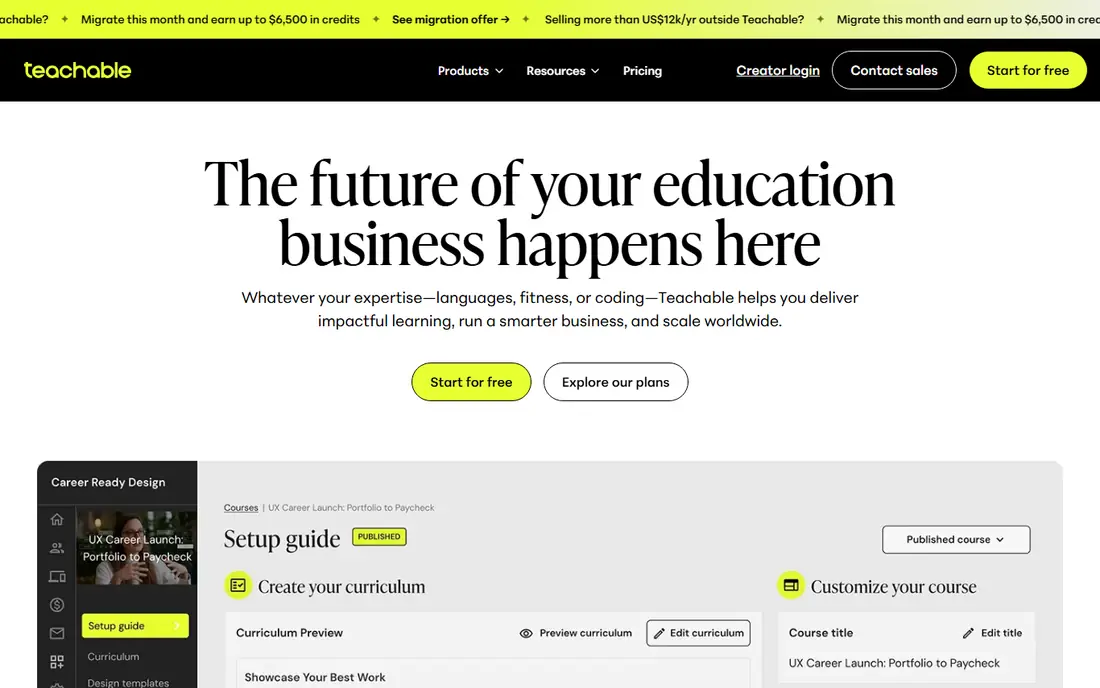
Teachable is a gentle first step away from WordPress. You can build a course, set a price, and sell it without managing plugins, hosting or updates. The checkout and student experience are clean, and payment processing is built in, which removes a common setup headache for new creators.
The entry plan carries a transaction fee, so creators with steady sales should compare the next plan up, where that fee falls away. Teachable is less strong for community-led courses or complex marketing funnels, and creators who need those features may prefer Kajabi or Thinkific.
- Simple course builder
- Built-in payments
- Easy checkout and student pages
- Transaction fee on the entry plan
- Limited community and marketing depth
Thinkific
Great for: Branded course schools with no transaction fees on paid plans
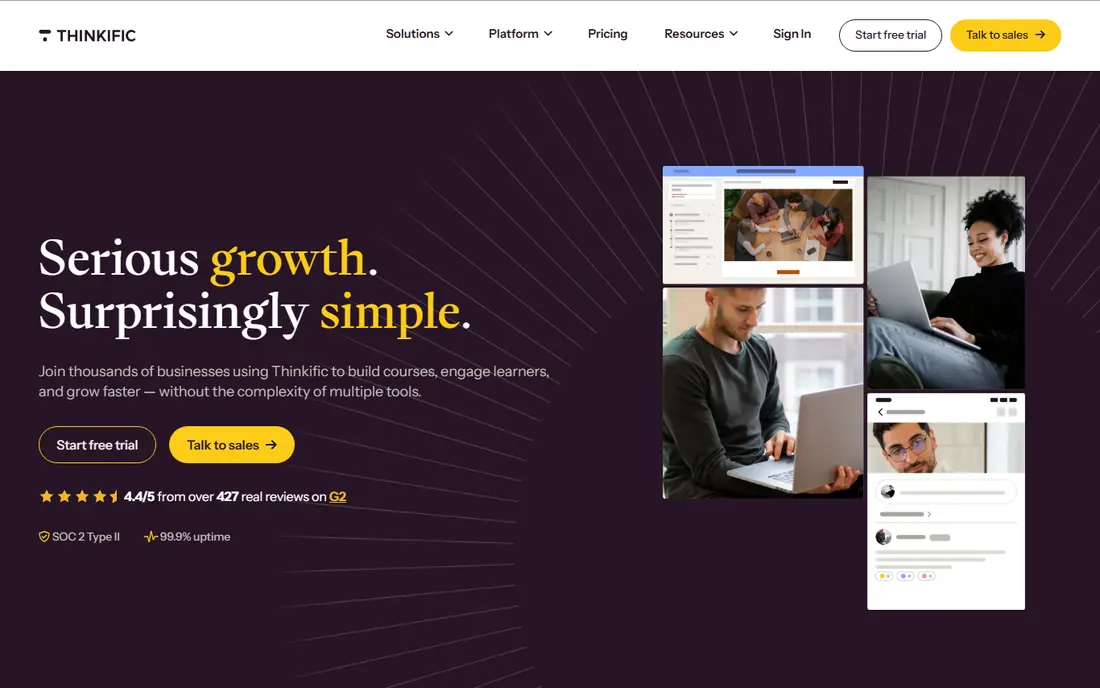
Thinkific gives creators a branded school with a flexible course builder, quizzes, drip content and student management. Paid plans charge no platform transaction fee, which makes the pricing math clearer as sales grow. The free plan is useful for testing a course idea before paying.
Marketing is the weaker side. Thinkific covers the basics, but creators who want funnels, advanced email automation and a full website in one place will find Kajabi more complete. For teaching-first creators, Thinkific is a balanced and dependable choice.
- No transaction fees on paid plans
- Strong course builder
- Good site customization
- Marketing tools are less complete than Kajabi
- Live features need other tools
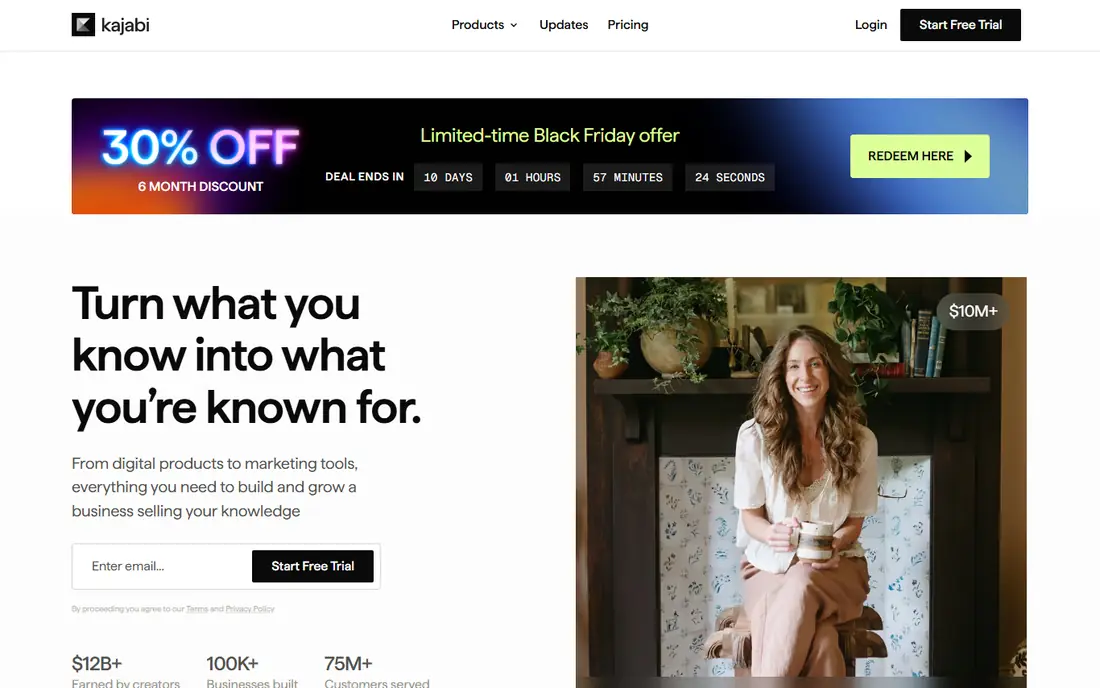
Kajabi is for creators who run a business, not just a course. It combines course hosting, a website builder, email marketing, landing pages and sales funnels, so a creator can launch, sell and follow up without stitching several tools together. Templates and automation help a small team look polished quickly.
That breadth costs money. At its entry price, Kajabi only makes sense when you will actually use the marketing tools and when course revenue can cover the monthly bill. If you only need course hosting, Teachable, Thinkific or Podia will cost far less.
- Courses, email, funnels and website in one system
- No transaction fees with Kajabi Payments
- Polished templates
- High monthly price
- More system than a small course needs
Podia suits creators who sell a mix of courses, memberships and digital downloads and want one simple storefront. Setup is quick, the builder is easy to follow, and email tools cover basic launches and newsletters without a separate service. That simplicity is the point.
Advanced course features such as interactive video, complex assessments and SCORM support are thinner here than on LearnWorlds or TalentLMS. If your course is mostly video lessons and downloads, Podia is a good fit. If it needs formal testing, look elsewhere.
- Courses, memberships, downloads and email in one place
- Simple setup
- Clean storefront
- Transaction fee on the entry plan
- Fewer advanced course features than LearnWorlds
LearnWorlds is the strongest choice here for courses that need more than video playback. Interactive video, detailed quizzes, assignments and certificates support schools, training providers and professional courses where proof of learning matters. The school site can be branded to feel like your own platform.
The entry plan adds a fee per paid enrollment, so check that cost against your expected student numbers. The feature set is also deep enough that a new creator may need time to learn it. For academic or compliance-style courses, that depth is a clear advantage.
- Interactive video and assessments
- Strong quiz and certificate tools
- Good school branding
- Per-enrollment fee on the entry plan
- Learning curve for advanced features
TalentLMS is made for training staff, partners or customers, rather than selling public courses to strangers. Administrators can assign courses, track completion, set due dates and report on compliance, which matters for regulated workplaces. The interface is straightforward for both admins and learners.
Public creators who need marketing funnels and sales pages will find TalentLMS thin in that area. For a company that needs to prove staff completed required training, though, it is a practical and focused option.
- Built for employee training
- Simple admin and reporting
- Supports compliance tracking
- Less suited to public course sales
- Pricing depends on users and plan
Moodle is the free, open-source route, and it is used by schools, universities and training providers around the world. Plugins cover quizzes, forums, grading, badges and many other learning tools, and you control your data and hosting. There is no monthly platform fee for the software itself.
That freedom comes with work. You need hosting, updates, backups and someone who can manage the system, or a paid hosting partner to handle it. Teams that want a hands-off hosted platform should choose Thinkific or Teachable instead.
- Free open-source platform
- Huge plugin library
- Used by schools worldwide
- Needs hosting and setup
- Interface can feel dated without care
Tutor LMS is the closest WordPress alternative to LearnDash for sites that want to stay on WordPress. It adds courses, lessons, quizzes and certificates to a WordPress site, and the free version covers basic course creation. That makes it a natural choice when your site, blog and audience already live on WordPress.
Staying on WordPress still means managing hosting, themes, plugins and updates, just as with LearnDash. If you want to leave that work behind, a hosted platform will suit you better. If WordPress is part of your plan, Tutor LMS is a strong swap.
- WordPress-native course builder
- Quiz and certificate tools
- Good for existing WordPress sites
- Still needs WordPress care
- Some features need paid add-ons
LifterLMS is built for membership sites and coaching programs as much as for courses. It handles membership levels, course bundles, coaching offers and student engagement tools inside WordPress, which suits creators who sell ongoing access rather than a single course. The core plugin is free, with paid bundles for advanced features.
The total cost can rise once add-ons are included, so price the bundle you actually need rather than the core plugin alone. For a WordPress creator focused on memberships, LifterLMS offers a depth that hosted course platforms do not match in the same way.
- Strong membership and coaching tools
- WordPress-native
- Flexible access and pricing options
- Higher annual price than Tutor LMS
- Add-ons can raise the total cost
How we picked these
We compared official pricing pages, feature pages and documentation for each platform, and we left LearnDash itself out of the list because this article covers alternatives to it. We favored platforms that are live in October 2026, that serve creators, schools or workplace training, and that offer a distinct path, whether hosted, WordPress-based or open-source. Where a vendor did not publish a simple self-serve price, we wrote See website.
What to check before you switch
Decide first whether you want to stay on WordPress. That single choice narrows the list fast. If you stay, Tutor LMS and LifterLMS are the natural options. If you leave, compare hosted platforms on fees, course features and marketing depth, not just on the monthly plan.
Next, test a real course migration. Move one course, including videos, quizzes and student data where possible, and check what carries over and what must be rebuilt. Confirm how student progress, certificates and payment history are handled, since those details affect trust with existing students. Finally, run the new checkout with a test purchase before you point your audience at it.
Compare fees on a real sale price
A low monthly plan with a transaction fee can cost more than a higher plan with no fee once sales grow. Take your typical course price, apply the platform fee, and add payment processing. Repeat that math at ten sales and at fifty sales a month. That simple check often changes the ranking.
Frequently asked questions
What is the best LearnDash alternative for beginners?
Teachable is the easiest start for a first course, because setup is simple and payments are built in. Podia is another gentle option when you also sell memberships or downloads. Both remove WordPress maintenance from your week.
Can I move my courses from LearnDash to another platform?
Often yes, but the ease varies. WordPress plugins such as Tutor LMS and LifterLMS keep you on WordPress, which can simplify the move. Hosted platforms usually need course content rebuilt or imported through their tools, so test one course before you move everything.
Is Thinkific better than Teachable?
Thinkific suits creators who want a branded school and no platform transaction fee on paid plans, while Teachable suits beginners who want the simplest setup. Compare the transaction fee on your typical sale price, since that fee can outweigh a small monthly price gap.
What is the cheapest LearnDash alternative?
Moodle is free as software, though hosting and care add cost. Among hosted platforms, LearnWorlds has the lowest entry monthly price on this list, but its per-enrollment fee on the entry plan should be included in the total.
Do I need WordPress to use these alternatives?
No. Only Tutor LMS and LifterLMS require WordPress. Teachable, Thinkific, Kajabi, Podia, LearnWorlds, TalentLMS and Moodle run as their own platforms, with Moodle needing hosting you arrange yourself.
Sources
See where you really rank - block by block
ProMapRanker scans Google Maps across a grid of your service area. Simple monthly plans from $19, white-label on every plan.
Start freeKeep reading
 who has best internet service
Who Has the Best Internet Service in 2026
Who has best internet service for US homes? We compare fiber, cable, fixed wireless and satellite providers on speed, price, availability and terms today.
Read → which survey tool has the best analytics
Which Survey Tool Has the Best Analytics in 2026
Find which survey tool has the best analytics in 2026, comparing Qualtrics, SurveyMonkey, Typeform, Alchemer, and more on reports, text, and stats today.
Read → which streaming service has the best movies
Which Streaming Service Has the Best Movies in 2026
Answering which streaming service has the best movies, with Netflix, Max, Criterion and more compared on libraries, prices and free options in this guide.
Read →