 ProMapRanker
9 Google Chat Alternatives in 2026

Key takeaways
- Slack and Microsoft Teams lead for most teams, with Slack winning on integrations and Teams winning for Microsoft 365 users.
- Self-hosted options such as Mattermost and Rocket.Chat suit teams that need data control, while Zoho Cliq and Pumble suit tight budgets.
- Free plans differ sharply on message history, so check retention before choosing a free tier for a whole team.
- The named product itself is not listed below, since this article covers alternatives only.
Quick comparison
| Pick | Great for | Pricing starts at | Free tier | |
|---|---|---|---|---|
 Slack | Most teams and integrations | $7.25 per user per month | Yes | Visit |
 Microsoft Teams | Microsoft 365 organisations | $4 per user per month | Yes | Visit |
 Mattermost | Self-hosted secure chat | Free | Yes | Visit |
 Rocket.Chat | Open-source team chat | Free | Yes | Visit |
 Zoho Cliq | Budget teams in the Zoho suite | Free | Yes | Visit |
 Zulip | Topic-based team chat | $3.50 per user per month | Yes | Visit |
 Pumble | Free unlimited history | Free | Yes | Visit |
 Twist | Async-first teams | See website | Yes | Visit |
 Chanty | Small teams on a budget | $3 per user per month | Yes | Visit |
The best Google Chat alternatives
We compared official feature pages, pricing pages, app store listings, privacy policies, and public reviews. Google Chat itself is not listed below, since this article covers alternatives to Google Chat only. Each pick states whether it suits a chat-first team, a suite user, or a self-hosting team.
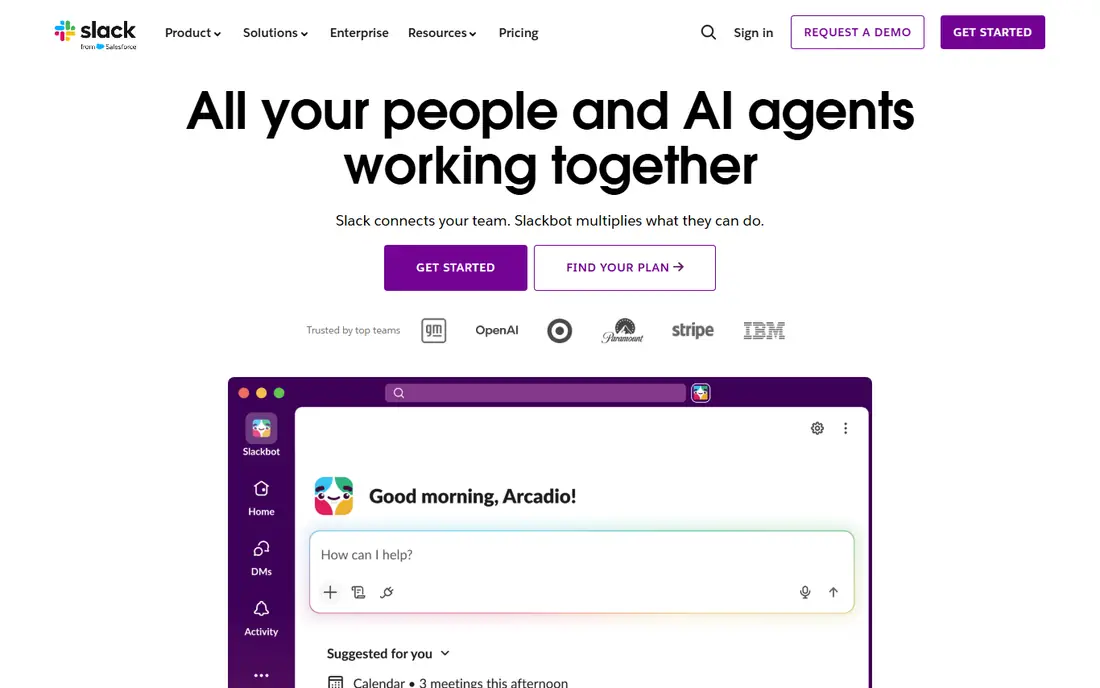
Slack is the default alternative for teams that treat chat as their main workspace. Channels organise work by project, threads keep replies attached to topics, and integrations connect tools such as project boards, code repositories, and help desks. Workflow automation also handles routine approvals and alerts without code.
The free plan is the main trap: searchable history is limited, so a team that relies on old decisions will need a paid plan. Per-seat pricing also grows with every hire. For a team that lives in chat and uses many tools, Slack is still the strongest all-round pick.
- Largest integration range for team chat
- Channels, threads, and workflow automation
- Strong search on paid plans
- Free plan limits searchable history
- Per-seat pricing grows fast
- Paid plans needed for full history and admin controls
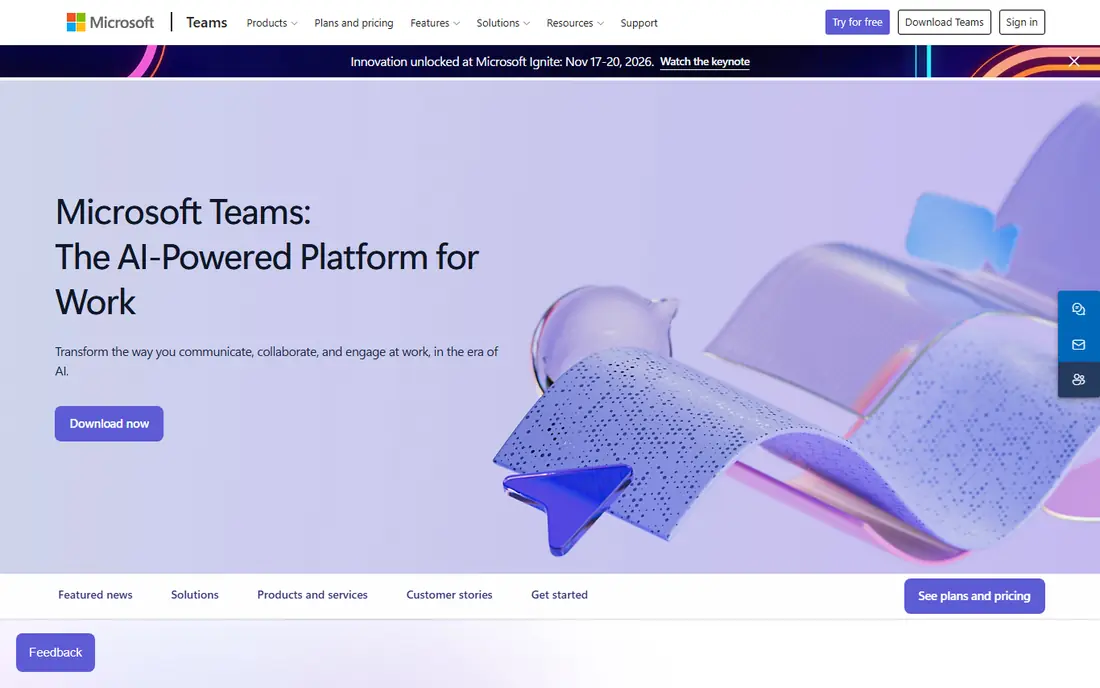
Microsoft Teams suits organisations already paying for Microsoft 365, since chat comes with email, files, and meetings in one system. Channel chat, direct messages, video meetings, and shared documents sit together, which reduces tool switching for office teams. Meeting quality and capacity are also strong for larger groups.
Teams can feel heavier than Slack, with more menus and settings to learn. Chat-only buyers should check standalone pricing, since suite pricing is the usual route. For a Microsoft 365 organisation, Teams is the most cost-effective alternative, since it may add no extra seat cost.
- Chat, meetings, and files in one hub
- Included in many Microsoft 365 plans
- Strong video and meeting features
- Interface can feel heavy
- Chat features vary by plan
- Non-Microsoft users may find setup less simple
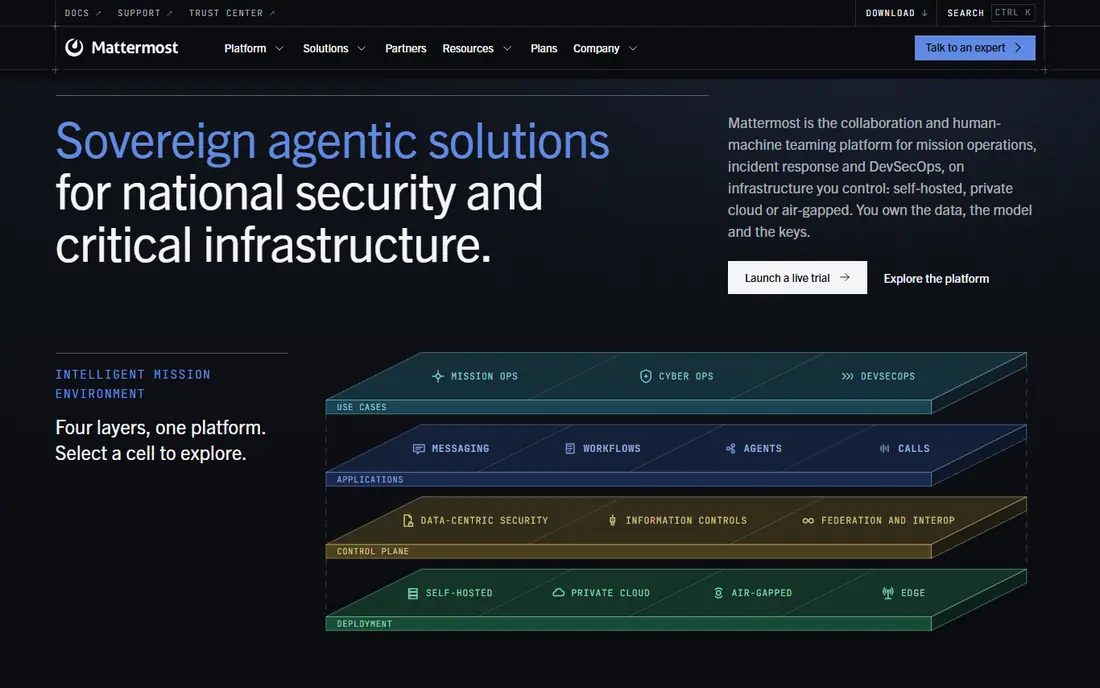
Mattermost is the pick for teams that must control where chat data lives. The open-source server can run on your own infrastructure, with channels, threads, and file sharing that feel familiar to Slack users. Paid tiers add compliance, retention, and enterprise controls for regulated teams.
Self-hosting is real work: updates, backups, and security fall on your team. The integration range is also narrower than Slack. For a security-conscious team with IT capacity, Mattermost offers control that cloud-only tools cannot match.
- Self-hosted open-source option
- Familiar channel interface
- Strong admin and compliance controls on paid tiers
- Self-hosting needs IT effort
- Integration range is smaller than Slack
- Paid tiers needed for advanced compliance
Rocket.Chat suits teams that want open-source chat with customer messaging alongside internal chat. It supports channels, direct messages, video, and omnichannel inboxes for external chats, which helps support teams as well as internal teams. Self-hosting gives the same data control as Mattermost.
The interface feels less polished, and setup takes more effort than a cloud signup. Enterprise features sit in paid tiers. For a team that wants open-source flexibility and omnichannel coverage, Rocket.Chat is a versatile choice.
- Open-source and self-hostable
- Omnichannel messaging for customer chats
- Broad protocol and integration support
- Interface is less polished than Slack
- Setup and maintenance need technical effort
- Paid tiers needed for some enterprise features
Zoho Cliq is the budget pick for teams already using Zoho apps. Chat, channels, calls, and file sharing sit alongside Zoho Projects, Mail, and other Zoho tools, which keeps context in one suite. Free and low-cost paid tiers make it easy to cover a whole team without a large bill.
Outside Zoho, integrations are thinner than Slack, and the interface is simpler. Some top tiers also carry seat minimums. For a Zoho-based team that wants low-cost chat, Cliq is hard to beat on price.
- Free tier with unlimited message history in many plans
- Low paid prices
- Tight Zoho app integration
- Integration range outside Zoho is smaller
- Interface is simpler than Slack
- Top tiers have seat minimums
Zulip solves a specific problem: busy channels where many conversations mix together. Every message sits under a topic inside a channel, so a reader can follow one thread without wading through unrelated chat. That structure helps large or distributed teams with high message volume.
The topic model takes a week or two to learn, and teams used to a single stream may resist it at first. Free cloud history is also limited. For a team drowning in mixed channel noise, Zulip is the most thoughtful alternative here.
- Topics inside channels keep conversations separate
- Open-source self-host option
- Strong threading for busy teams
- Topic model takes time to learn
- Free cloud plan limits searchable history
- Smaller integration range than Slack
Pumble stands out on its free plan, which offers unlimited users and unlimited message history. That combination suits startups and small teams that cannot pay per seat yet still need a searchable record. Channels, threads, and calls cover the core chat job without complexity.
Advanced features and integrations are thinner than in Slack or Teams. Larger firms may miss admin and compliance depth. For a small team that wants a free chat tool without a history limit, Pumble is the practical pick.
- Free plan with unlimited users and message history
- Simple channels and direct messages
- Low paid prices
- Fewer integrations and advanced features than Slack
- Newer platform with a smaller ecosystem
- Admin controls vary by tier
Twist is built for teams that want fewer interruptions and more thoughtful replies. Conversations are organised as threads from the start, which suits distributed teams across time zones. That design reduces the pressure to reply instantly and keeps decisions easier to find later.
Real-time teams may find it slower than Slack for urgent chat. The ecosystem is also smaller. For a remote team that values async work over constant presence, Twist is a refreshing alternative.
- Thread-first design that suits async work
- Fewer real-time interruptions
- Clear topic organisation
- Less suited to fast real-time chat
- Smaller ecosystem than Slack
- Paid pricing must be checked on the vendor site
Chanty suits small teams that want chat plus simple task management in one place. Messages, tasks, calls, and file sharing cover daily coordination without a complex setup. Unlimited history on all plans also removes the free-tier trap found in larger tools.
Integration depth and admin controls are thinner than in Slack or Teams. Larger organisations will outgrow it. For a small team on a tight budget that wants a simple, complete chat tool, Chanty is a fair final pick.
- Simple interface with tasks built in
- Unlimited message history on all plans
- Low paid price for small teams
- Fewer integrations than Slack
- Smaller user base
- Advanced admin features are limited
How we picked these
We compared official feature pages, pricing pages, app store listings, privacy policies, and public reviews, and we kept only team chat tools that operate in October 2026 and suit workplace messaging. We excluded the named product itself, since this article covers alternatives only, and we excluded consumer-only chat apps that lack channels, admin controls, or team workspaces. Prices are starting prices and vary by billing term and seat count.
How to choose a team chat tool without regret
Chat tools are easy to adopt and hard to leave, since history becomes the team record. Choose on history, integrations, and suite fit, not on looks alone.
Check message history and export rules
Ask how long messages stay searchable on each tier, and whether history can be exported. A free plan that deletes old messages will cost a team its decisions. Paid plans should offer full history and export for compliance and continuity.
Match the tool to your suite
If your team already pays for Microsoft 365, Teams may cost nothing extra. If your team uses Zoho apps, Cliq fits the same way. If your team uses many separate tools, Slack's integration range may justify its seat price. Suite fit often matters more than a small feature gap.
Test with a real project channel
Run a trial with one real project, including files, threads, and external guests if you use them. Check search quality, notification controls, and mobile behaviour during that trial. A tool that feels good in a demo can still frustrate a team during a busy week.
Frequently asked questions
What are the best alternatives to Google Chat?
Slack suits most teams for integrations, while Microsoft Teams suits Microsoft 365 organisations. Mattermost and Rocket.Chat suit self-hosting teams, and Zoho Cliq and Pumble suit budget teams that want low or free pricing.
Is there a free alternative to Google Chat?
Yes, Slack, Microsoft Teams, Mattermost, Rocket.Chat, Zoho Cliq, Pumble, Twist, and Chanty all offer free tiers or free self-hosted editions. Free tiers differ on message history and features, so check retention before moving a whole team.
Which Google Chat alternative is best for small teams?
Pumble and Chanty suit small teams because of low prices and unlimited history. Slack free also works for a small team, but history limits mean a growing team should plan for a paid tier.
Can I self-host a Google Chat alternative?
Yes, Mattermost, Rocket.Chat, and Zulip all offer self-hosted editions. Self-hosting gives data control but requires IT effort for updates, backups, and security, so budget staff time alongside any licence cost.
Do these alternatives support video meetings?
Yes, most support voice and video calls, with Microsoft Teams and Slack offering the strongest meeting features in this list. Check participant limits and recording options on the tier you plan to buy, since those vary widely.
Sources
See where you really rank - block by block
ProMapRanker scans Google Maps across a grid of your service area. Simple monthly plans from $19, white-label on every plan.
Start freeKeep reading
 who has best internet service
Who Has the Best Internet Service in 2026
Who has best internet service for US homes? We compare fiber, cable, fixed wireless and satellite providers on speed, price, availability and terms today.
Read → which survey tool has the best analytics
Which Survey Tool Has the Best Analytics in 2026
Find which survey tool has the best analytics in 2026, comparing Qualtrics, SurveyMonkey, Typeform, Alchemer, and more on reports, text, and stats today.
Read → which streaming service has the best movies
Which Streaming Service Has the Best Movies in 2026
Answering which streaming service has the best movies, with Netflix, Max, Criterion and more compared on libraries, prices and free options in this guide.
Read →