 ProMapRanker
Google Business Categories List: A Complete Guide

As the founder of ProMapRanker, a geo-grid local rank tracker and Google Business Profile audit tool, I often see businesses struggling with their online visibility simply because they misunderstand or misuse Google Business Categories. These categories are fundamental labels that describe what your business is, directly influencing which search queries Google considers your business relevant for. Selecting accurate, specific, and comprehensive categories is critical for ranking in local search results and appearing in the coveted Map Pack, connecting your business with the right customers at the right time.
What Are Google Business Categories, and Why Are They Crucial for Local SEO?
Google Business Categories are predefined labels that describe your business type and the services or products you offer, acting as a primary relevance signal to Google's algorithms. They directly inform Google which search queries your business is most relevant for, significantly impacting your visibility in local search results and the Google Map Pack.
Think of Google Business Categories as the foundational classification system for your local business profile. When a potential customer searches for "plumber near me" or "best Italian restaurant," Google uses these categories to filter and display the most relevant local businesses. Without accurate categories, your business might be overlooked for searches directly related to your core offerings, regardless of other SEO efforts. From ProMapRanker's extensive data, we consistently observe that businesses with highly optimized and relevant categories achieve significantly better local search rankings and higher impression counts within a 5x5 geo-grid scan compared to those with generic or incorrect classifications.
How Do Google Business Categories Impact Your Local Search Ranking?
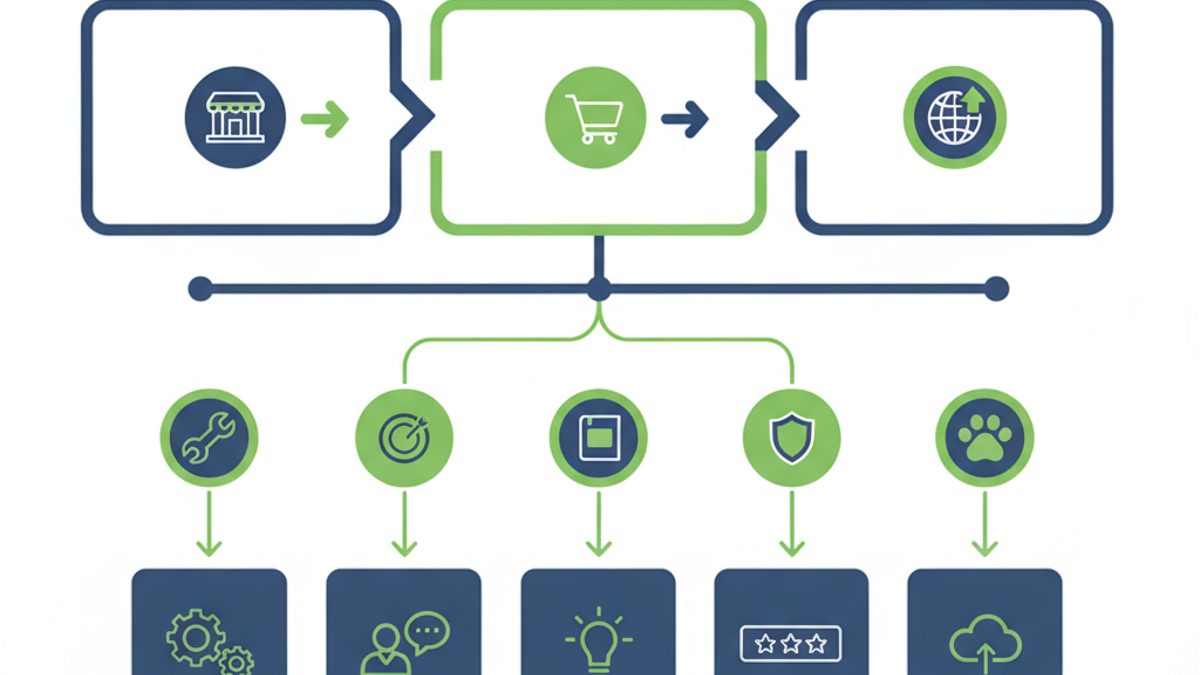
Google Business Categories are a core ranking factor, directly influencing your business's relevance for specific search queries and determining its eligibility to appear in local search results. By accurately categorizing your business, you help Google understand exactly what you do, increasing your chances of matching user intent and ranking higher in the Map Pack.
Google's local search algorithm primarily considers three factors: proximity, relevance, and prominence. Categories heavily contribute to the "relevance" factor. If your primary category is "Pizza Restaurant," Google knows to show your business for searches like "pizza near me." If it's "Restaurant" generally, you might still appear, but with less weight than a specialized profile. Using ProMapRanker's geo-grid tracking, we can pinpoint how category choices affect visibility across different locations. For example, a business categorized specifically as "HVAC Contractor" will outperform one using just "Contractor" for HVAC-related searches, often appearing in higher positions within a 7x7 grid covering a 10-mile radius.
For more insights into how Google ranks local businesses, explore our Map Pack SEO Guide.
The Complete List of Google Business Categories: How Many Are There?
Google maintains a dynamic and extensive list of over 4,000 highly specific business categories, which it updates regularly to reflect evolving industries and service offerings. There is no static "2026" list, as Google frequently adds, modifies, or deprecates categories to ensure accuracy and granularity for users.
Trying to present a static, exhaustive list of all 4,000+ categories would be impractical and quickly outdated. Instead, it's crucial to understand the philosophy behind Google's category system: extreme specificity. Unlike broad economic classifications that might group businesses into "retail" or "services," Google aims to pinpoint exactly what a business does. This granularity allows Google to match precise user queries with the most appropriate businesses. For instance, instead of just "Doctor," you'll find "Cardiologist," "Pediatrician," or "Dermatologist." This specificity is vital for local SEO success.
Here’s a small illustrative sample to highlight the depth and variety of Google's categories:
| Industry Sector | Specific Google Business Categories Examples |
|---|---|
| Automotive | Auto Repair Shop, Car Wash, Tire Shop, Oil Change Service, Car Dealership |
| Food & Beverage | Italian Restaurant, Coffee Shop, Bakery, Sushi Restaurant, Vegan Restaurant |
| Health & Medical | Dentist, Pediatrician, Physical Therapist, Pharmacy, Mental Health Service |
| Home Services | Plumber, Electrician, HVAC Contractor, Landscaper, Roofing Contractor |
| Professional Services | Accountant, Lawyer, Real Estate Agency, Marketing Agency, Financial Planner |
| Retail | Book Store, Clothing Store, Electronics Store, Pet Supply Store, Hardware Store |
| Beauty & Personal Care | Hair Salon, Barbershop, Nail Salon, Spa, Massage Therapist |
| Education | Driving School, Tutoring Service, Preschool, Art School, Language School |
This illustrates Google's preference for detailed categorization. To find the most current and relevant categories for your business, it's best to use the Google Business Profile manager directly, where the search function will suggest available categories as you type. For official guidance on managing your business information, refer to Google Business Profile Help.
How to Choose the Best Google Business Categories for Your Profile
Selecting the optimal Google Business Categories involves a strategic approach to accurately represent your business while maximizing your local search visibility. The goal is to choose the most specific primary category and then complement it with relevant secondary categories that cover all your significant services.
Here’s a step-by-step guide to making the best category choices:
-
Identify Your Core Service or Product: Begin by pinpointing the single most important thing your business does or sells. This should be the primary category Google uses to define your business. For instance, if you are a plumbing company that also offers HVAC services, and plumbing is 80% of your revenue, "Plumber" should be your primary category.
-
Be Specific, Not General: Google rewards specificity. Instead of "Restaurant," choose "Mexican Restaurant." Instead of "Lawyer," choose "Personal Injury Attorney" or "Family Law Attorney." The more precise your primary category, the better Google can match you with highly specific user searches.
-
Leverage Secondary Categories Strategically: You can add up to nine secondary categories to your Google Business Profile. Use these to capture all other significant services or products your business offers. If your primary is "Plumber," secondary categories could include "HVAC Contractor," "Water Heater Installation Service," and "Drainage Service." These broaden your reach without diluting your primary identity.
-
Research Competitors: Analyze what categories your top-ranking local competitors are using. This can reveal effective category combinations you might have overlooked. ProMapRanker's competitive analysis features allow you to easily identify competitor categories and their impact on local rankings within a specific geo-grid, giving you a strategic advantage.
-
Avoid Misrepresentation: Never choose categories that don't genuinely apply to your business, even if they seem popular. Misleading categories can lead to profile suspension and erode trust with potential customers. Google prioritizes accuracy and relevance above all else.
Category Selection Checklist:
- Is your primary category the most accurate and specific descriptor of your main offering?
- Have you utilized up to nine secondary categories to cover all significant services?
- Are all selected categories genuinely relevant to your business operations?
- Have you reviewed competitor categories for inspiration and strategic insights?
- Are you avoiding any categories that could be considered misleading or keyword stuffing?
For a deeper dive into competitor analysis, check out our article on Local Keyword Research and Grid Tracking.
Common Mistakes to Avoid When Selecting Google Business Categories
Many businesses make critical errors when choosing their Google Business Categories, leading to reduced visibility and missed opportunities in local search. Avoiding these common pitfalls is essential for optimizing your profile's performance.
Here are the most frequent mistakes and how to steer clear of them:
-
Being Too Broad: Selecting "Restaurant" instead of "Sushi Restaurant" or "Contractor" instead of "Roofing Contractor" is a common mistake. Broad categories dilute your relevance for specific searches, making it harder to rank for targeted keywords that customers use. Google's algorithm favors precision.
-
Choosing Irrelevant Categories: Adding categories that don't accurately reflect your services (e.g., a "Pizza Restaurant" adding "Auto Repair Shop") in an attempt to capture more traffic is a direct violation of Google's guidelines. This can lead to profile suspension and damages your credibility.
-
Ignoring Secondary Categories: Only setting a primary category is a missed opportunity. Secondary categories allow you to convey the full breadth of your services to Google, capturing a wider array of relevant searches. Utilize all available slots wisely.
-
Setting and Forgetting: The local business landscape and Google's category list are dynamic. Businesses often set categories once and never revisit them. New services, discontinued offerings, or category updates from Google warrant regular review.
-
Keyword Stuffing in Categories: While you can't manually add keywords to the category list itself, some businesses try to choose categories that sound like keywords but don't accurately describe their business. This is counterproductive. Stick to descriptive, accurate categories only.
Auditing Your Google Business Categories for Optimal Performance
Regularly auditing your Google Business Categories is crucial to ensure they remain accurate, effective, and aligned with both your current business offerings and Google's evolving guidelines. A proactive audit can identify opportunities for improvement and prevent potential visibility issues.
Market conditions change, your business evolves, and Google frequently updates its category list. An audit ensures your profile stays competitive. Here’s how to conduct an effective category audit:
-
Review Your Current Categories: Log into your Google Business Profile and list all your current primary and secondary categories. Ask yourself: Are these still 100% accurate? Do they reflect all major services you currently offer? Have any services been discontinued?
-
Check Google Search Results for Your Services: Perform incognito Google searches for your core services (e.g., "plumber in [your city]"). Observe the categories of businesses ranking in the Map Pack. Are there any highly specific categories your competitors use that you're missing?
-
Analyze Competitor Categories: Use tools like ProMapRanker to specifically audit your competitors' Google Business Profiles. Our platform allows you to see their chosen categories and correlate them with their geo-grid rankings, providing actionable insights into what's working for top performers in your service area.
-
Consult Google's Category Suggestions: When editing your categories in GBP, start typing keywords related to your business. Google will suggest available categories. This can sometimes reveal new, more specific options you weren't aware of.
-
Frequency of Audit: Aim to audit your categories at least once every six months, or whenever you introduce significant new services, change your core business model, or notice a dip in local search visibility. This proactive approach ensures your profile remains optimized.
For a complete diagnostic of your local online presence, consider a full Google Business Profile Audit.
Understanding the "20% Rule" in Google: Does It Apply to Categories?
The "20% rule" in Google typically refers to various guidelines related to content, image text, or keyword density, and it does not directly apply as a specific rule for selecting Google Business Categories. Google's primary directive for categories is accuracy and relevance, not a numerical percentage limit.
While there isn't a "20% rule" specifically for categories, the general principle behind such rules often relates to avoiding keyword stuffing or disproportionate emphasis. For categories, this translates to Google's strict stance against misrepresentation. You shouldn't choose a category just because it contains a popular keyword if it doesn't accurately describe your business. For instance, if you are a "Coffee Shop," adding "Bakery" would be acceptable if you genuinely sell baked goods as a significant part of your business. However, adding "Art Gallery" would be misleading, even if you display local art, because it's not a core business function. Google's algorithm and human reviewers are adept at detecting such miscategorization, which can lead to penalties or profile suspension. Focus on choosing categories that reflect 100% of your business identity and offerings.
Leveraging ProMapRanker to Master Your Google Business Categories and Local SEO
ProMapRanker empowers businesses to master their Google Business Categories and local SEO strategy through advanced geo-grid tracking, comprehensive GBP audits, and AI-driven insights. Our platform helps you identify optimal categories, track their performance, and outrank competitors effectively.
At ProMapRanker, we understand that category selection is just one piece of the complex local SEO puzzle. Our platform provides the tools to connect those pieces:
-
Geo-Grid Rank Tracking: Visualize your local search performance across a precise grid (e.g., 5x5, 7x7, 13x13) to see how category changes impact your rankings in specific neighborhoods. This data is invaluable for understanding real-world visibility for different service-area searches.
-
Competitor Category Analysis: Easily identify the primary and secondary categories your top local competitors are using. Our tools help you spot strategic gaps and opportunities to refine your own category selections.
-
Google Business Profile Audits: Our in-depth audit tool scans your entire GBP, highlighting category optimization opportunities, identifying potential issues, and providing actionable recommendations to enhance your profile's relevance and prominence.
-
Share of Local Voice (SoLV) & AI Visibility Index: ProMapRanker goes beyond simple rank tracking. We show you your market share for specific keywords and categories, giving you a holistic view of your local presence and areas for growth.
-
Reporting & Insights: Generate clear, client-ready reports that demonstrate the impact of category optimization and other local SEO efforts on your business's visibility and performance.
Don't leave your Google Business Categories to chance. Optimize them strategically and monitor their impact with precision. Start Your Free ProMapRanker Trial Today or Get a Free Google Business Profile Audit to unlock your full local SEO potential.
Frequently Asked Questions
What are Google business categories?
Google Business Categories are predefined labels that describe your business type and services, acting as a critical signal to Google's search algorithms. They help Google match your business with relevant user queries, directly influencing your local search visibility and Map Pack rankings.
What are the 4 main categories of business?
When discussing Google Business Categories, there isn't a concept of "4 main categories." This phrase typically refers to broad economic sectors (e.g., primary, secondary, tertiary, quaternary industries). Google's system is far more granular, offering over 4,000 specific categories like "Italian Restaurant" or "HVAC Contractor" to precisely define a business.
Can I add custom Google Business Categories?
No, you cannot add custom Google Business Categories. You must choose from Google's extensive, predefined list of categories available within your Google Business Profile manager. Google regularly updates this list to ensure accuracy and cover emerging business types, but user-defined categories are not permitted.
How many categories can I add to my Google Business Profile?
You can add one primary category and up to nine secondary categories to your Google Business Profile, for a total of ten categories. It is crucial to choose the most accurate and specific primary category, then use the secondary categories to describe all other significant services or products your business offers.
How often does Google update its business categories?
Google updates its business categories regularly, though there isn't a fixed schedule for these changes. New categories are frequently added, existing ones are modified for clarity, and less relevant ones may be deprecated, reflecting the dynamic nature of industries and search trends. It's wise to review your categories periodically.
What is the "20% rule" in Google related to categories?
The "20% rule" is not a specific guideline for Google Business Categories. This concept usually refers to various content or image optimization rules, such as text on images or keyword density. For categories, Google's main principle is absolute accuracy and relevance; there's no percentage rule for category selection, only a strict adherence to genuine business description.
See where you really rank - block by block
ProMapRanker scans Google Maps across a grid of your service area. Simple monthly plans from $19, white-label on every plan.
Start free