 ProMapRanker
Front Alternatives in 2026


Shared inbox plus team chat · Pricing starts at: $14 per user per month
Key takeaways
- Missive is the closest like-for-like swap for teams that want shared email plus internal chat at a lower price.
- Help Scout suits support teams that want a clean email-first help desk, with a free plan for up to five users.
- Hiver and Gmelius suit teams that want to stay inside Gmail, while Zendesk and Freshdesk suit teams growing into full ticketing.
- Pricing is mostly per user per month, so model the cost for your full team, not only the starting seat price.
Quick comparison
| Pick | Great for | Pricing starts at | Free tier | |
|---|---|---|---|---|
| Missive | Shared inbox plus team chat | $14 per user per month | Free trial | Visit |
 Help Scout | Email-first support teams | Free | Yes | Visit |
 Hiver | Teams working inside Gmail | $25 per user per month | Free trial | Visit |
 Zendesk | Larger support teams | $19 per agent per month | Free trial | Visit |
 Freshdesk | Budget help desk growth | $19 per agent per month | Free trial | Visit |
 Gmelius | Google Workspace teams | $25 per user per month | Free trial | Visit |
 Drag | Cheapest Gmail shared inbox | $12 per user per month | Free trial | Visit |
 Zoho Desk | Low-cost full help desk | See website | Free trial | Visit |
The best front alternatives
A shared inbox stops two people answering the same email, and stops good emails sitting unowned. We compared official feature pages, pricing pages and public reviews for shared inbox and team messaging tools live in October 2026. This list covers shared inbox and team messaging alternatives only.
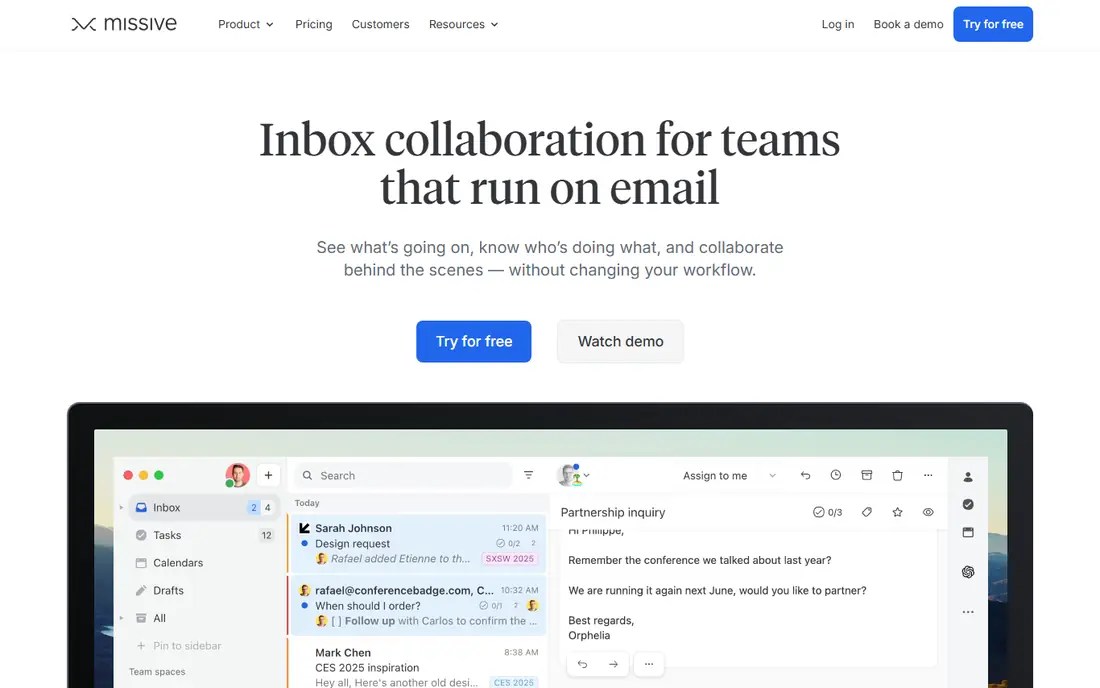
Missive is the closest match for teams that like the shape of a shared inbox but want a lower price and stronger internal chat. Email, SMS and social messages sit beside team chat in the same conversation, so a handoff does not need a separate chat app. Assignments, tasks and collaborative drafts keep ownership clear without turning every email into a ticket.
The price structure is the detail to check. Starter plans cover the core inbox and chat, while rules, integrations, the API and AI features sit on the Productive plan and above. Small teams that mainly need shared email and chat will find Starter enough, while teams that automate routing should budget for the higher tier from the start.
- Shared inboxes with internal chat in each conversation
- Assignments and tasks built in
- Connects email, SMS and social channels
- Rules, integrations and AI features start on higher plans
- Reporting is lighter than full help desks
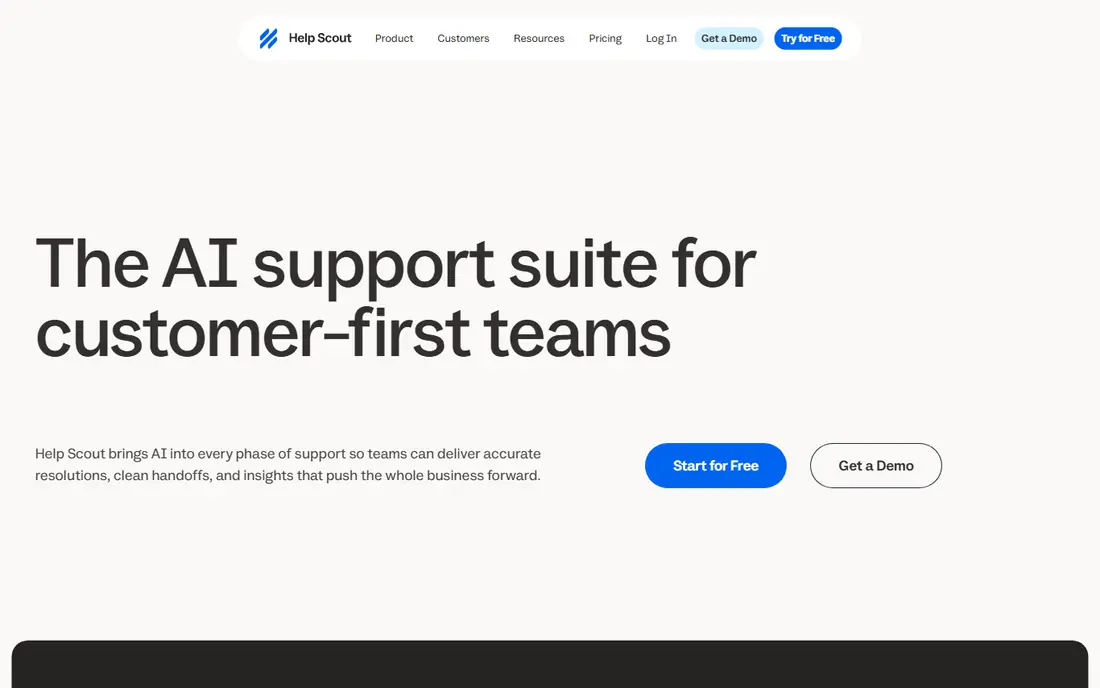
Help Scout turns shared email into a help desk that still feels like email to the customer. Assignments, saved replies and collision detection stop duplicate answers, while Docs provides a knowledge base and Beacon adds live chat. That combination suits support teams that want structure without ticket numbers and heavy process.
The free plan for up to five users makes Help Scout easy to trial with a real team. The limit is scope: it is a customer support tool, not a general internal inbox, and AI drafts and answers add cost on higher plans. Support teams that fit that shape will find it one of the calmest tools here.
- Clean email-style support inbox
- Free plan for up to five users
- Built-in knowledge base and live chat options
- Built for customer support, not internal team email
- AI drafts sit on higher plans
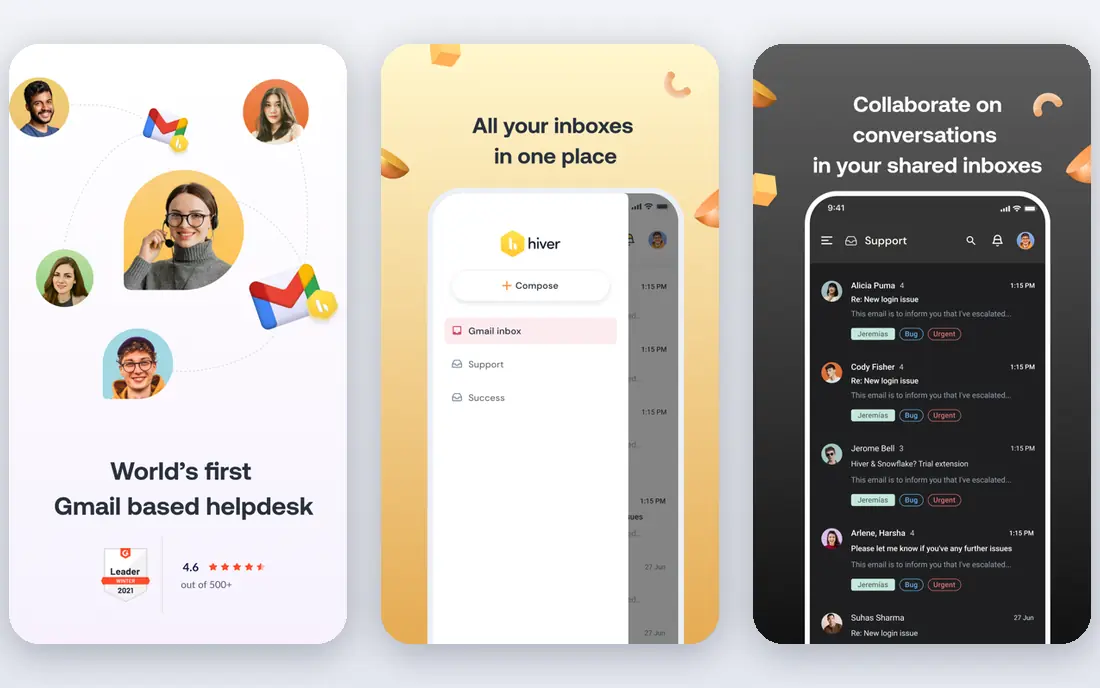
Hiver suits teams that refuse to leave Gmail. Shared inboxes, assignments, internal notes and automation live inside the Gmail interface staff already know, which cuts training time to almost nothing. The Omni version extends the same idea to Outlook and other channels for teams that outgrow Gmail-only work.
The trade is focus. Hiver is strongest for Gmail teams, and teams on mixed providers may prefer Missive or Help Scout. Pricing also climbs with higher tiers, so check whether the AI and automation features you want sit on the Growth plan or above before you compare the starting price alone.
- Shared inbox inside Gmail and Outlook
- Assignments, notes and automation
- AI features included on growth plans
- Best value inside Gmail, less so outside it
- Per-user price rises on higher tiers
Zendesk is the step up when a shared inbox stops being enough. Ticketing, service level agreements, reporting, automation and a wide integration marketplace support larger teams with complex queues and multiple brands. Email, chat, phone and social channels can be managed in one system, which matters once volume and team size grow.
That depth comes with cost and setup time. AI copilot features and higher tiers add to the seat price, and a small team may find the configuration heavier than it needs. Choose Zendesk when you have outgrown a simple inbox and need reporting, routing and scale, not when you only need to share an inbox among five people.
- Deep ticketing, reporting and automation
- Wide channel coverage
- Large integration marketplace
- Higher total cost once AI and advanced plans are added
- Setup takes longer than simple shared inboxes
Freshdesk gives growing teams a full help desk without the enterprise price tag. Ticketing, automation, service level agreements and reporting cover the core support job, while email, chat and phone channels keep customer contact in one place. For a team moving from a shared inbox to its first real help desk, that balance is attractive.
AI features are the main extra cost, since Freddy AI copilot sits as an add-on rather than in the base seat. Advanced reporting and automation also need higher tiers. Teams that value a clear upgrade path from a simple inbox to a structured help desk will still find Freshdesk a sensible middle step.
- Full help desk at a lower entry price than Zendesk
- Email, chat and phone channels
- Automation and reporting
- AI copilot features cost extra
- Some advanced features need higher tiers
Gmelius turns Gmail into a team workspace. Shared inboxes, shared labels, kanban boards, assignments and automation live inside Gmail, so Workspace teams keep their existing email habits while gaining team ownership and tracking. That inside-Gmail approach is the reason many small Workspace teams choose it over a separate app.
The limit is the same as its strength. Gmelius does not serve Outlook teams, and mixed-provider teams will need a tool such as Missive instead. Pricing is also mid-range, so compare it against Hiver and Drag for Gmail teams before deciding, since the three overlap heavily on core shared inbox features.
- Shared inboxes and boards inside Gmail
- Assignments and automation for Workspace teams
- AI features included on plans
- Gmail only, so Outlook teams need another tool
- Per-user price is mid-range
Drag is the budget pick for Gmail teams that want a shared inbox without paying help desk prices. Shared inboxes, boards, assignments and team chat live inside Gmail, and AI features are included from the higher entry tier rather than sold as a separate add-on. That pricing clarity helps small teams budget with confidence.
The scope is narrower than a full help desk. Drag suits email-driven Gmail teams, not teams that need deep ticketing, phone support or wide channel coverage. If your work lives in Gmail and your main problem is shared ownership of email, Drag covers it at the lowest starting price in this list.
- Low starting price for a Gmail shared inbox
- AI included from higher entry tiers
- Boards and assignments inside Gmail
- Gmail-focused, so other providers need a different tool
- Smaller ecosystem than Zendesk or Freshdesk
Zoho Desk is the low-cost full help desk option for teams that want ticketing, automation and reporting without a high seat price. It fits especially well for businesses already using Zoho CRM or other Zoho apps, since customer data and tickets can sit in the same ecosystem. Email, chat and social channels are covered, with knowledge base options for self-service.
The feel is more help desk than shared inbox, which may be too structured for a tiny team that only shares an email address. AI assistance through Zia is also tiered, so check which plan includes the features you want. For budget-conscious teams that need real ticketing depth, Zoho Desk is hard to beat on price.
- Full help desk features at a low entry price
- Strong fit for existing Zoho users
- Automation and reporting options
- Interface feels more like a help desk than a simple inbox
- AI features are tiered
How we picked these
We compared official feature pages, pricing pages and public reviews for shared inbox and team messaging tools live in October 2026. We required real shared inbox features, such as assignments, collision detection or internal notes, and we excluded single-user email clients. We did not claim hands-on testing, and where a price could not be confirmed from the vendor, we wrote See website rather than guessing.
How to choose among front alternatives
Start with where your team already works. Gmail teams should shortlist Hiver, Gmelius and Drag first, since staying inside Gmail cuts training and keeps habits intact. Teams on mixed providers should look at Missive, Help Scout and Zoho Desk, which connect several providers and channels in one place. That single choice narrows the list faster than any feature table.
Next, decide how much structure you need. A shared inbox with assignments suits a small team answering a general address. A help desk with service levels, reporting and knowledge bases suits a support team with volume, targets and multiple queues. Buying help desk depth for a five-person inbox wastes money, while staying on a simple inbox when volume grows creates missed emails and duplicate replies.
Finally, price the team you will have in six months, not today. Per-user pricing means a tool that looks cheap for five seats can cost far more at twenty, especially once AI add-ons are included. Check free trials, free plans and what sits on each tier, and test assignment, collision detection and reporting on real emails before you move your main inbox.
Frequently asked questions
What are the best missive alternatives?
Help Scout, Hiver, Gmelius and Drag are strong missive alternatives, depending on your provider. Help Scout suits support teams, Hiver and Gmelius suit Gmail teams, and Drag suits Gmail teams on a budget. Missive itself remains a strong choice for teams that want email plus internal chat across providers.
What are the best frontapp alternatives for small teams?
Missive and Help Scout lead for small teams, since Missive offers shared email plus chat at a lower starting price and Help Scout offers a free plan for up to five users. Drag is the cheapest Gmail option, while Zoho Desk gives small teams full help desk features at a low entry price.
What are good alternatives to Front for Gmail users?
Hiver, Gmelius and Drag are built for Gmail teams, keeping shared inboxes inside the Gmail interface. Missive also connects Gmail well, with the added benefit of SMS and social channels. Choose by price and whether you need boards, automation or AI features on the starting plan.
What are the best front app alternatives for support teams?
Help Scout, Zendesk, Freshdesk and Zoho Desk suit support teams that need ticketing, service levels and reporting. Help Scout is the simplest email-first option, Freshdesk and Zoho Desk offer budget help desks, and Zendesk suits larger teams with complex queues and reporting needs.
Do any front alternatives offer a free plan?
Yes. Help Scout offers a free plan for up to five users, one inbox and a limited contact count. Other tools here offer free trials rather than permanent free plans, so check trial length and what happens to your data if you do not upgrade.
How much do shared inbox tools cost?
Most tools here start between 12 and 25 dollars per user per month on annual billing, with Zendesk and Freshdesk starting at 19 dollars per agent per month. Higher tiers, AI add-ons and larger teams raise the total, so model the cost for your full team and the features you actually need.
Sources
- https://missiveapp.com
- https://www.helpscout.com
- https://hiverhq.com
- https://www.zendesk.com
- https://www.freshdesk.com
- https://gmelius.com
- https://www.dragapp.com
- https://www.zoho.com/desk
- https://www.slashy.com/blog/alternatives/front-alternatives-in-2026-shared-inbox-and-ai-email-tools-compared
- https://canarymail.io/blog/top-front-alternatives
See where you really rank - block by block
ProMapRanker scans Google Maps across a grid of your service area. Simple monthly plans from $19, white-label on every plan.
Start freeKeep reading
 twitch alternatives
Twitch Alternatives in 2026
Explore the best Twitch alternatives in 2026 for live streaming, with free platforms, monetisation options, audiences, chat tools, and tips for new streamers.
Read → firebase alternatives
Best Firebase Alternatives in 2026
Looking for Firebase alternatives? We compare 9 backend platforms for auth, databases, realtime, storage, functions, self-hosting, and pricing for your app.
Read → companies with best work life balance
Companies With Best Work Life Balance in 2026
See companies with best work life balance in 2026, ranked by employee ratings, with flexible work options, benefits, and what to check before applying.
Read →