 ProMapRanker
Best Free Alternatives to Figma in 2026

Key takeaways
- Penpot is the closest free Figma replacement for product UI work, with open source code, browser editing, and a free cloud tier.
- Lunacy is the best free desktop option, especially for Windows and Linux users and for offline work.
- Framer and Pixso suit teams that want to publish or prototype from the design, while Canva suits marketing assets more than design systems.
- Excalidraw, Inkscape, and Vectr cover wireframes and vector work at no cost, but they do not replace full component libraries.
- Check free tier limits before you commit: team size, file count, cloud storage, and version history are where free plans differ most.
Quick comparison
| Pick | Great for | Pricing starts at | Free tier | |
|---|---|---|---|---|
 Penpot | Open source UI design | Free | Yes | Visit |
 Lunacy | Free desktop design | Free | Yes | Visit |
 Framer | Design to published site | Free | Yes | Visit |
 Pixso | Collaborative UI design | Free | Yes | Visit |
 Canva | Marketing and social design | Free | Yes | Visit |
 Excalidraw | Quick wireframes | Free | Yes | Visit |
 Inkscape | Free vector illustration | Free | Yes | Visit |
 Vectr | Simple free vector design | Free | Yes | Visit |
 Affinity | Free professional design suite | Free | Yes | Visit |
The best free alternatives to Figma
We compared tools that offer a genuinely free tier for UI or visual design in October 2026, not just a short trial. Every tool below can be used at no cost for real design work, though paid tiers add team, storage, or publishing features. Figma itself is not listed, since this guide covers alternatives to it.
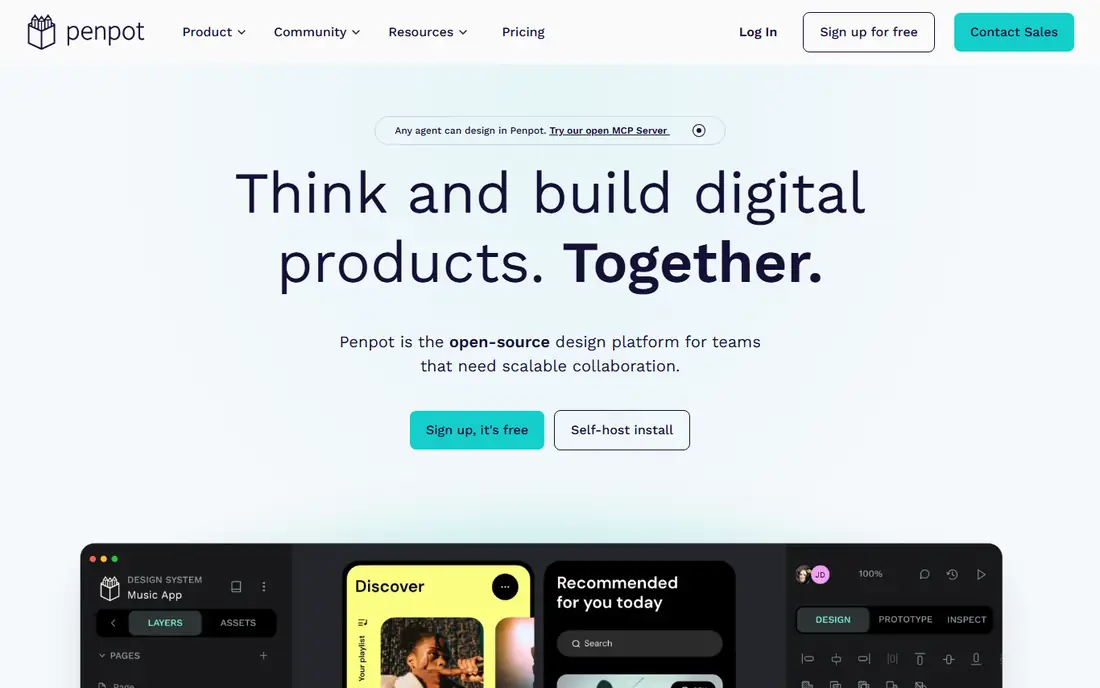
Penpot is our pick for most people who want a free Figma replacement for product work. It runs in the browser, supports frames, components, prototyping, and shared libraries, and its open source code means you can self-host it if you do not want your files on a vendor cloud. The free cloud tier covers core design work, which makes it practical for freelancers and small teams without a budget discussion.
The honest gaps are ecosystem and migration. Figma plugins and advanced auto layout features do not transfer cleanly, and complex Figma files need manual cleanup after import. If you start a new project in Penpot, though, those gaps matter less. For teams that value open standards, SVG based output, and no licence fee, Penpot is the strongest free starting point.
- Open source and self-hostable
- Browser based UI design with components
- Free cloud tier with no feature paywall on core design tools
- Plugin library is thinner than Figma
- Figma file import needs cleanup on complex files
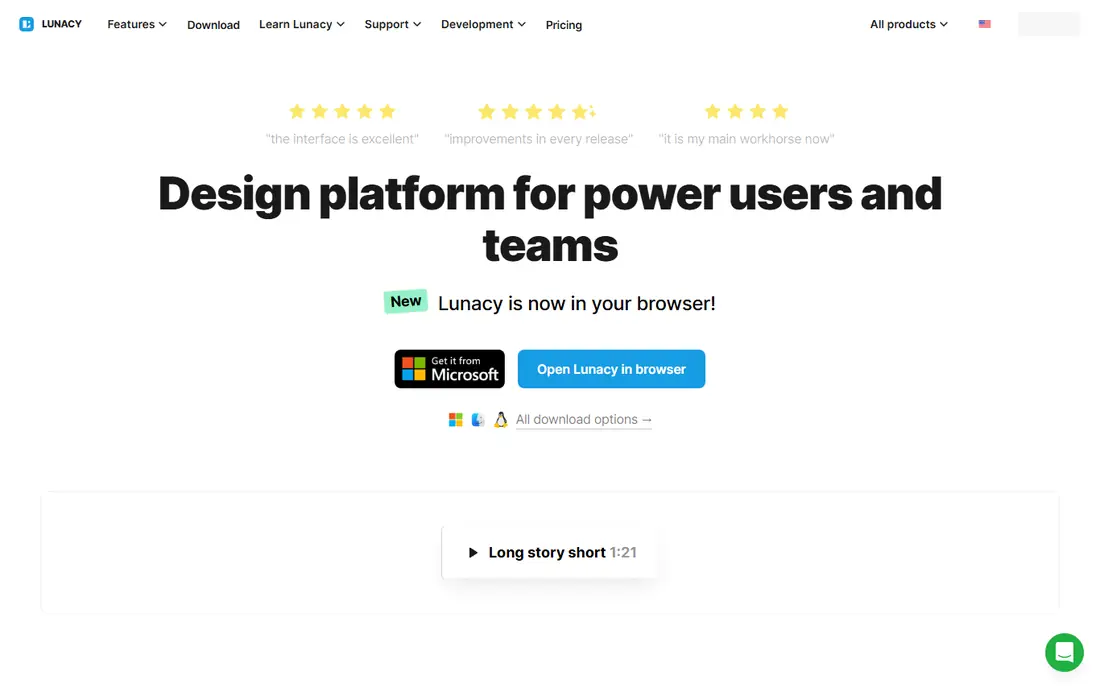
Lunacy suits designers who prefer a desktop app and who work on Windows or Linux, where Figma desktop options are thinner. It opens Figma and Sketch files, supports vector editing, prototyping, and components, and it works offline, which helps on flights, in low connectivity areas, or on machines where browser tabs already compete for memory. Icons8 assets built in give quick access to icons and illustrations.
Collaboration is the trade-off. Lunacy is stronger as a solo or small team desktop tool than as a real-time multiplayer editor for a large product team. Cloud document limits on the free tier also need a check if you keep many projects online. For a solo designer who wants a free, capable desktop editor, Lunacy is hard to beat.
- Free desktop app for Windows, Mac, and Linux
- Reads Figma and Sketch files
- Offline work and built-in assets from Icons8
- Cloud document limits apply on the free tier
- Collaboration is less central than Figma
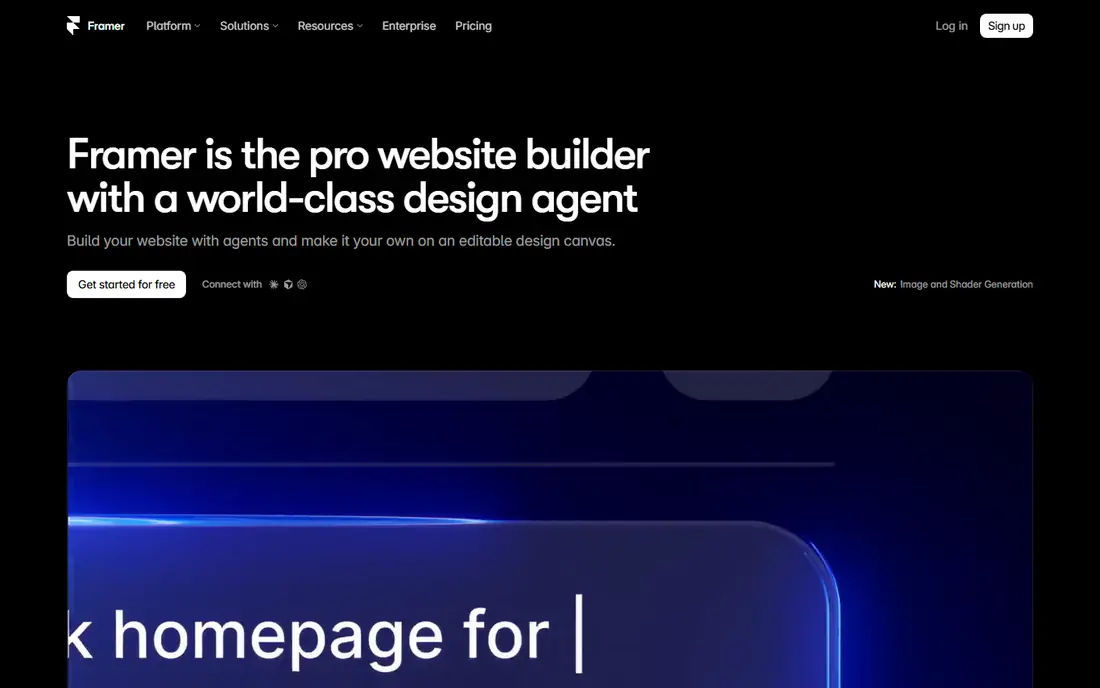
Framer fits designers whose end goal is a live website, not just a mockup. You design pages, add interactions, and publish to a Framer domain on the free plan, which makes it useful for portfolios, landing pages, and marketing sites. Templates speed up a first site, and the visual editor avoids code for many common layouts.
It is not a one-for-one Figma replacement for product design systems. Component libraries, developer handoff, and large app flows are thinner here than in Penpot or Lunacy. Use Framer when the deliverable is a published site, and use Penpot or Lunacy when the deliverable is a product interface that engineers will build in code.
- Design and publish websites from one tool
- Free plan with a Framer domain
- Strong templates and interactions for marketing sites
- Free plan limits pages, bandwidth, and publishing features
- Less suited to large product design systems than Penpot
Pixso is a browser based UI tool that will feel familiar to Figma users. It supports vector design, components, prototyping, and team collaboration, which makes it a practical choice for small teams that want a Figma style workflow without paying from day one. Import options help teams that need to bring existing files across.
The free tier has limits, and larger teams will need a paid plan, so check team size and project limits before you build a large library on the free tier. Ecosystem depth, including plugins and community files, is also smaller than Figma. For a small team that wants a familiar collaborative editor at no initial cost, Pixso is worth a trial alongside Penpot.
- Browser based UI design with collaboration
- Figma style workflow for teams
- Free tier for getting started
- Paid tiers apply for larger teams and advanced features
- Ecosystem is smaller than Figma
Canva is the best free option when the job is marketing design, not product UI. Social posts, presentations, posters, and simple brand assets come together fast from templates, and the free tier covers a large share of everyday tasks for small businesses and solo creators. Brand kits and stock assets on paid tiers add polish, but free users can still produce clean work.
Do not treat Canva as a Figma replacement for app design. It lacks the component variants, token workflow, and developer handoff that product teams need, and a team that forces a design system into Canva will end up running both tools. Use Canva for what it does well, and pair it with Penpot or Lunacy for product work.
- Huge template library
- Easy social, deck, and print design
- Free tier covers many everyday tasks
- Not a product design system tool
- Component variants and developer handoff are limited
Excalidraw is the fastest free tool for early ideas. You open it in a browser, sketch wireframes, flows, and diagrams in a hand-drawn style, and share a link with collaborators. That speed makes it ideal for the first hour of a project, when you need to test a layout or a user flow before committing to polished design.
It is not a Figma replacement for final UI. There are no production components, no design tokens, and no handoff specs, so work done here still needs to move into Penpot, Lunacy, or another UI tool for final design. Use Excalidraw to think, then move to a UI editor to build.
- Free hand-drawn style whiteboard
- No account needed for basic use
- Fast for wireframes, diagrams, and brainstorming
- Not a polished UI design tool
- No component libraries or developer handoff
Inkscape is a professional grade vector editor at no cost, and it suits illustration, logo work, and detailed vector assets that feed into a UI project. Its path editing, boolean operations, and text tools are deep, and its open source community keeps it updated across platforms. For a designer who needs precise vector control without a subscription, it is a strong companion tool.
Product UI work is slower here than in Penpot, since Inkscape centers on illustration rather than frames, components, and prototyping. Use it to create icons, illustrations, and vector assets, then place those assets into your UI tool. For vector craft alone, though, Inkscape beats every other free tool on this list on depth.
- Free open source vector editor
- Powerful path, shape, and text tools
- Works on Windows, Mac, and Linux
- Interface design workflow is less streamlined than Figma
- Prototyping and collaboration are limited
Vectr suits beginners and quick vector tasks. It runs in the browser, offers a clean interface for shapes, text, and paths, and lets you share work without installing software. That simplicity helps students, small business owners, and anyone who needs a logo, social graphic, or simple illustration without learning a full professional editor.
Depth is the limit. Complex illustration, large component libraries, and product prototyping all need a stronger tool. Treat Vectr as a free entry point and a quick task tool, and move to Inkscape for serious vector work or to Penpot for product UI when a project grows beyond simple graphics.
- Free browser based vector editor
- Simple interface for beginners
- Real-time sharing for basic collaboration
- Feature depth is below Inkscape and Penpot
- Less suited to large or complex design systems
Affinity, now free through Canva, gives designers professional desktop tools for vector design, photo editing, and page layout at no licence cost. That suite covers much of the craft work around a product project, from marketing assets to detailed illustrations, with performance that suits larger files on desktop machines.
It is not a direct Figma clone. Real-time collaboration, component libraries for product UI, and developer handoff are not its center, so product teams will still want Penpot or Lunacy for interface work. As a free professional suite alongside a UI tool, though, Affinity is a strong addition, especially for designers who already know desktop design software.
- Professional vector, photo, and layout tools
- Now free through Canva
- Strong performance on desktop
- UI prototyping and collaboration are thinner than Figma
- Workflow differs from browser based UI tools
How we picked these
We compared official product and pricing pages for design tools that offer a genuinely free tier in October 2026, not a trial that ends after a few days. We kept tools that support real design work, whether that is UI design, vector illustration, wireframing, or publishing, and we noted where a free tier limits team size, files, storage, or publishing. We excluded tools with no free tier and tools that only offer a free trial, since this guide promises free alternatives.
How to build a free design stack
Start with the job, not the tool list. For product UI, pick Penpot or Lunacy as your main editor, since both support components and prototyping at no cost. Add Inkscape or Affinity for vector and illustration work that needs more depth, and use Excalidraw for early wireframes and flows. That combination covers a solo designer at zero licence cost, with each tool doing the job it does best.
For teams, check the free tier limits first. Count editors, not just viewers, and check file counts, cloud storage, and version history. A free tier that covers five editors may break when a sixth designer joins, and a limit on version history can hurt when you need to roll back a design. Export your files regularly, keep a backup outside any single tool, and test Figma import on your most complex file before you commit a whole library to a new editor.
Frequently asked questions
What are the best open source Figma alternatives?
Penpot is the leading open source Figma alternative, with browser editing, components, and self-hosting. Excalidraw and Inkscape are also open source, for wireframes and vector work respectively. Open source tools give you control over hosting and data, though you may need to manage updates and hosting yourself if you self-host.
Is Penpot really free?
Yes. Penpot offers a free cloud tier for core design work, and its open source code can be self-hosted at no licence cost, with only your own hosting costs to cover. Paid cloud tiers add team size, storage, and support features, but solo designers and small teams can do real product work on the free tier.
Can I open Figma files in a free alternative?
Partly. Lunacy and Pixso offer Figma import, and Penpot supports migration from Figma with some cleanup needed on complex files. Components, styles, and layers usually transfer better than prototyping settings and advanced auto layout, so test your most complex file first and budget time for cleanup.
Which free Figma alternative is best for beginners?
Canva is easiest for marketing and social design, while Excalidraw is easiest for wireframes. For product UI, Penpot has a gentle learning curve for Figma users, and Lunacy feels familiar to Sketch and Figma users on desktop. Start with the tool that matches your first project, not the tool with the longest feature list.
Do free Figma alternatives support collaboration?
Yes, with limits. Penpot and Pixso support browser collaboration, Lunacy supports sharing and cloud documents, and Excalidraw supports shared whiteboards. Real-time multiplayer editing at Figma scale is thinner in free tools, so larger teams should test collaboration on a real project before they rely on it for daily work.
Is Canva a good Figma alternative?
Canva is a good free alternative for marketing, social, and presentation design, but not for product design systems. It lacks component variants, tokens, and developer handoff, so product teams should use Penpot, Lunacy, or Pixso for interface work and keep Canva for marketing assets.
Sources
See where you really rank - block by block
ProMapRanker scans Google Maps across a grid of your service area. Simple monthly plans from $19, white-label on every plan.
Start freeKeep reading
 who has best internet service
Who Has the Best Internet Service in 2026
Who has best internet service for US homes? We compare fiber, cable, fixed wireless and satellite providers on speed, price, availability and terms today.
Read → which survey tool has the best analytics
Which Survey Tool Has the Best Analytics in 2026
Find which survey tool has the best analytics in 2026, comparing Qualtrics, SurveyMonkey, Typeform, Alchemer, and more on reports, text, and stats today.
Read → which streaming service has the best movies
Which Streaming Service Has the Best Movies in 2026
Answering which streaming service has the best movies, with Netflix, Max, Criterion and more compared on libraries, prices and free options in this guide.
Read →