 ProMapRanker
Best DataGrip Alternatives in 2026

Key takeaways
- DBeaver Community is the best free starting point for multi-database work, while paid editions add schema compare and other advanced tools.
- TablePlus suits developers who want speed and a native feel on a small set of databases, rather than the widest engine coverage.
- Navicat Premium and DbVisualizer suit teams that need visual modeling, data sync and polished multi-database management.
- Single-database tools such as pgAdmin, MySQL Workbench and HeidiSQL are often better than a universal client when you work in one engine all day.
- Check your must-have databases first, since engine support varies more than price or interface style across this list.
Quick comparison
| Pick | Great for | Pricing starts at | Free tier | |
|---|---|---|---|---|
 DBeaver | Free multi-database work | Free | Yes | Visit |
 TablePlus | Fast native database client | $99 one-time | Yes | Visit |
 Navicat Premium | Polished multi-database management | See website | Free trial | Visit |
 DbVisualizer | Visual modeling and broad JDBC support | $199 first year | Yes | Visit |
 HeidiSQL | Lightweight MySQL and MariaDB work | Free | Yes | Visit |
 pgAdmin | PostgreSQL administration | Free | Yes | Visit |
 MySQL Workbench | Official MySQL design and admin | Free | Yes | Visit |
 Azure Data Studio | Microsoft and cloud database work | Free | Yes | Visit |
 Beekeeper Studio | Clean cross-platform SQL client | Free | Yes | Visit |
The best DataGrip alternatives
DataGrip is a strong SQL editor, but teams leave it for price, speed, a free option, or a tool that fits one database better. These nine alternatives cover universal clients, single-engine tools and visual modeling options. We compared engine support, editing, pricing and platform coverage.
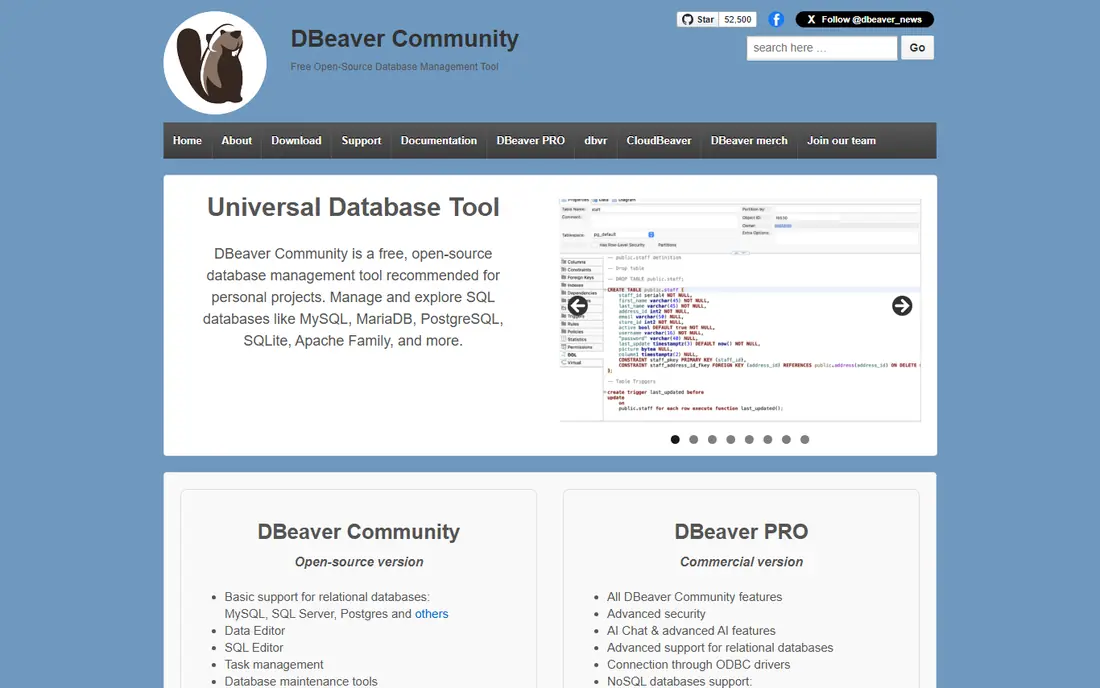
DBeaver Community is the safest free replacement for most DataGrip users. It connects to a wide range of relational and other databases, offers a solid SQL editor with completion, and includes ER diagrams, data export and visual query building. For a developer who touches several databases in a week, that breadth matters.
The paid editions add features such as full schema compare and advanced data tools, and the interface can feel heavier than TablePlus or Beekeeper Studio. Still, if you want one free client that covers almost everything, start here and only pay if a specific paid feature proves necessary.
- Free Community Edition
- Very wide database support
- ER diagrams and data tools
- Can feel heavy on large result sets
- Full schema compare needs a paid edition
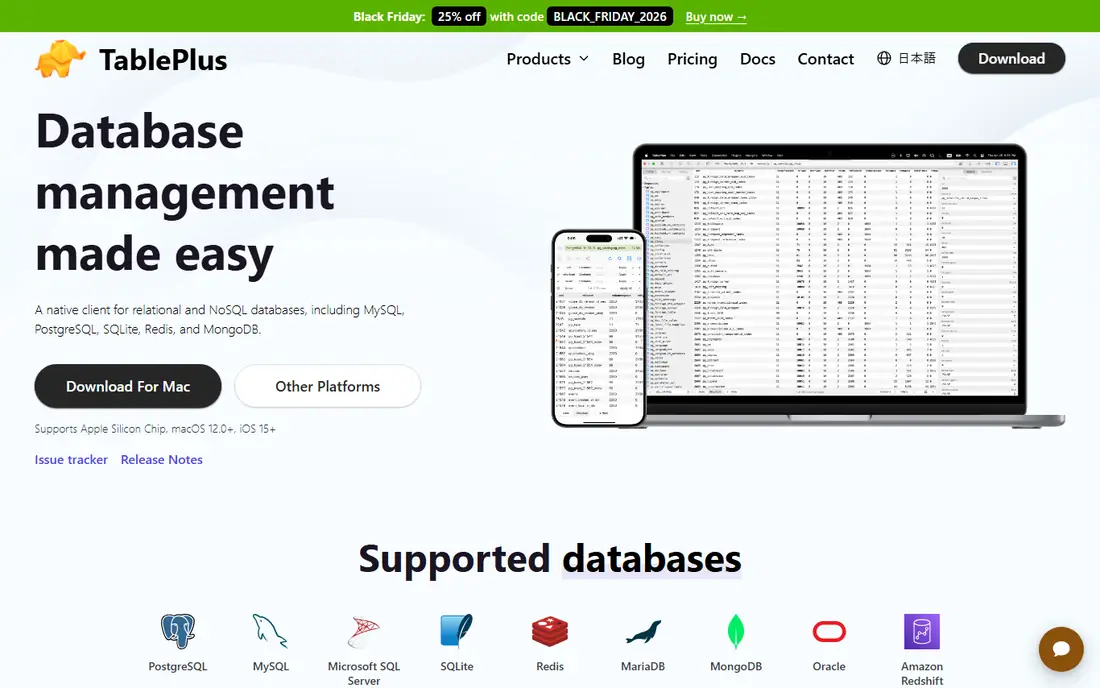
TablePlus feels different from the moment you open it. It starts quickly, queries run with little friction, and editing rows inline is simple. Developers who spend most of the day running queries and fixing data will appreciate that speed, especially on macOS and Windows where the native feel shows.
The trade is coverage. TablePlus supports a solid but smaller set of databases than DBeaver or Navicat, and it is weaker for ER modeling and schema synchronization. If your databases are on its supported list, it is a pleasure to use. If you need an unusual engine, check support before you buy.
- Very fast native interface
- Clean query and data editing
- One-time license option
- Fewer databases than DBeaver
- Limited visual modeling and schema sync
Navicat Premium is the polished, commercial option for teams that manage several major databases and want reliable sync and modeling tools. Data transfer, synchronization and visual design are central, not afterthoughts, and the interface is consistent across database types. That consistency helps when a team supports MySQL, PostgreSQL, SQL Server and MongoDB at once.
Pricing is the main barrier. A perpetual license or subscription per user costs far more than a free client, so small teams should compare it with DBeaver before committing. For teams where data sync reliability justifies the price, Navicat earns its place.
- Polished interface
- Strong data sync and modeling
- Supports many major databases
- Premium pricing
- Per-license cost can add up for teams
DbVisualizer connects to many databases through JDBC drivers, which makes it useful for teams with a mix of standard and less common engines. ER diagram generation, schema browsing and result handling are solid, and the free edition covers basic work. Enterprises that need a dependable universal client often keep it on the shortlist.
The interface is more traditional than TablePlus or Beekeeper Studio, and some users will find it less modern. If visual modeling and broad engine support matter more than a sleek editor, DbVisualizer is worth a trial.
- Broad database support through JDBC
- ER diagrams
- Strong result and schema tools
- Interface feels more traditional
- Renewal pricing needs checking
HeidiSQL is a small, fast, free client for MySQL, MariaDB and related engines. It starts quickly, handles sessions and bulk operations well, and does not ask you to learn a large system to run a query. For Windows users who live in MySQL, it remains a favorite for daily maintenance.
It is not a universal client. PostgreSQL and SQL Server support is limited compared with DBeaver or Navicat, and the interface looks dated next to newer tools. Within its focus, though, HeidiSQL is efficient and dependable.
- Free and very light
- Fast startup
- Good import, export and session tools
- Windows-focused
- MySQL and MariaDB focus limits other engines
pgAdmin is the official open-source administration tool for PostgreSQL, and it shows in the depth of its admin features. Server management, backup and restore, query tools, ERD diagrams and schema diff support make it a complete choice for PostgreSQL teams. Being free removes any budget discussion.
The limit is obvious: it only covers PostgreSQL. Teams that also use MySQL or SQL Server will need a second client. For a PostgreSQL-only shop, pgAdmin is the natural default before looking at paid universal tools.
- Free and official for PostgreSQL
- ERD and schema tools
- Strong admin features
- PostgreSQL only
- Can feel slow on large schemas
MySQL Workbench is the official tool for MySQL design, development and administration. Visual EER modeling helps teams design schemas, while admin tools cover users, backups and server status. Migration tools can help move data from other database systems into MySQL.
Like pgAdmin, it is single-engine, so it only fits MySQL teams. It can also feel resource-heavy on older machines. If MySQL is your main database, Workbench gives you official modeling and admin depth that universal clients do not always match.
- Free from Oracle
- Visual EER modeling
- Server admin and migration tools
- MySQL only
- Can feel heavy and slow at times
Azure Data Studio is a free, cross-platform tool from Microsoft for SQL Server, Azure SQL and related services. Notebooks let analysts combine queries, results and notes in one document, and extensions add support for other tasks. Teams already running Microsoft databases will find the setup familiar.
Outside the Microsoft world, Azure Data Studio is less compelling than DBeaver or TablePlus, and visual modeling is thinner. For a Microsoft-focused team that wants a free, modern client, it is a practical choice.
- Free from Microsoft
- Good SQL Server and Azure support
- Notebooks and extensions
- Less strong outside Microsoft databases
- Fewer visual modeling features
Beekeeper Studio aims to be the clean, friendly SQL client that does not get in the way. The Community Edition is free and open-source, the interface is easy to read, and it runs on all major desktop platforms. Querying, browsing tables and editing data feel straightforward from the first session.
Advanced features such as some collaboration and commercial tools sit on paid plans, and the overall feature set is smaller than DBeaver. If you want a simple, attractive client for everyday SQL work, Beekeeper Studio is a good fit.
- Clean interface
- Free Community Edition
- Runs on Windows, macOS and Linux
- Smaller feature set than DBeaver
- Some advanced features need a paid plan
How we picked these
We compared official feature pages, pricing pages and documentation for each client, and we left DataGrip itself out of the list because this article covers alternatives to it. We favored tools that are live and supported in October 2026, that cover universal, single-engine and visual modeling needs, and that offer a clear difference in price, speed or engine support. Where a vendor did not publish a simple self-serve price, we wrote See website.
What to check before you switch
List your databases first, then your daily tasks. A universal client is only useful if it supports every engine you touch, and a single-engine client is only useful if you truly work in one engine. Next, test the SQL editor on your real queries, including completion, formatting and result handling on large outputs.
Check schema tools if you manage migrations. ER diagrams, schema compare and data sync vary widely, and a missing feature can force you back to another tool. Finally, test connections through your real network setup, including SSH tunnels, SSL and cloud databases, before you move a whole team.
Match the client to the database mix
A team with one database should favor the official or focused client for that engine. A team with many databases should favor a universal client such as DBeaver, Navicat or DbVisualizer. Buying a universal client for a single-database team usually adds cost and complexity without benefit.
Frequently asked questions
What is the best free DataGrip alternative?
DBeaver Community is the strongest free universal option, with wide database support and solid editing tools. HeidiSQL, pgAdmin, MySQL Workbench, Azure Data Studio and Beekeeper Studio are also free, but each focuses on a narrower set of databases.
Is TablePlus better than DBeaver?
TablePlus is faster and more polished for everyday queries on its supported databases, while DBeaver covers far more engines and offers more advanced tools. Choose TablePlus for speed on a small set of databases, and DBeaver for breadth.
Which DataGrip alternative is best for PostgreSQL?
pgAdmin is the official free choice for PostgreSQL administration, while DBeaver and TablePlus offer faster daily query workflows. Teams that need both admin depth and speed often use pgAdmin alongside a lighter query client.
Do these tools work on Windows, macOS and Linux?
Most of them do, including DBeaver, DbVisualizer, Azure Data Studio and Beekeeper Studio. HeidiSQL is Windows-focused, and TablePlus covers macOS, Windows and Linux. Check the vendor page for your exact platform before you install.
Can I use a DataGrip alternative for visual database design?
Yes. MySQL Workbench offers EER modeling for MySQL, pgAdmin offers ERD tools for PostgreSQL, and DbVisualizer and Navicat offer broader modeling. DBeaver Community also includes ER diagrams, though full schema compare needs a paid edition.
Sources
See where you really rank - block by block
ProMapRanker scans Google Maps across a grid of your service area. Simple monthly plans from $19, white-label on every plan.
Start freeKeep reading
 who has best internet service
Who Has the Best Internet Service in 2026
Who has best internet service for US homes? We compare fiber, cable, fixed wireless and satellite providers on speed, price, availability and terms today.
Read → which survey tool has the best analytics
Which Survey Tool Has the Best Analytics in 2026
Find which survey tool has the best analytics in 2026, comparing Qualtrics, SurveyMonkey, Typeform, Alchemer, and more on reports, text, and stats today.
Read → which streaming service has the best movies
Which Streaming Service Has the Best Movies in 2026
Answering which streaming service has the best movies, with Netflix, Max, Criterion and more compared on libraries, prices and free options in this guide.
Read →