 ProMapRanker
Customer Service Best Practices in 2026


Mature ticketing for multi-channel teams · Pricing starts at: $55 per agent per month
Key takeaways
- Reply fast, but measure resolution too, since a quick reply that does not solve the problem creates repeat contacts.
- Keep one customer record across email, chat, phone and social, so customers never have to repeat themselves after a transfer.
- Build self-service first for common questions, then give people a clear path to a human when the answer is not in the help centre.
- Track first response time, first contact resolution, reopen rate and satisfaction together, and fix the top contact reason each month.
Quick comparison
| Pick | Great for | Pricing starts at | Free tier | |
|---|---|---|---|---|
| Zendesk | Mature ticketing for multi-channel teams | $55 per agent per month | Free trial | Visit |
 Freshdesk | Small and mid-market teams starting fast | $19 per agent per month | Free trial | Visit |
 Intercom | Support inside a website or app | $29 per seat per month | Free trial | Visit |
 HubSpot Service Hub | Teams already using HubSpot CRM | $20 per seat per month | Yes | Visit |
 Help Scout | Email-first teams that value a personal tone | $25 per user per month | Yes | Visit |
 Zoho Desk | Budget teams and Zoho users | $14 per agent per month | Yes | Visit |
 Salesforce Service Cloud | Enterprises on Salesforce CRM | $25 per user per month | Free trial | Visit |
 Gladly | Customer-centred service for growing brands | See website | Free trial | Visit |
The best customer service best practices
Good customer service is less about a single trick and more about a set of habits that hold up when volume grows. The tools below put those habits into practice: one queue, clear ownership, honest response targets, useful self-service and reporting that shows what to fix next. We compared official pricing pages, feature lists and public guidance from vendors that are live in October 2026.
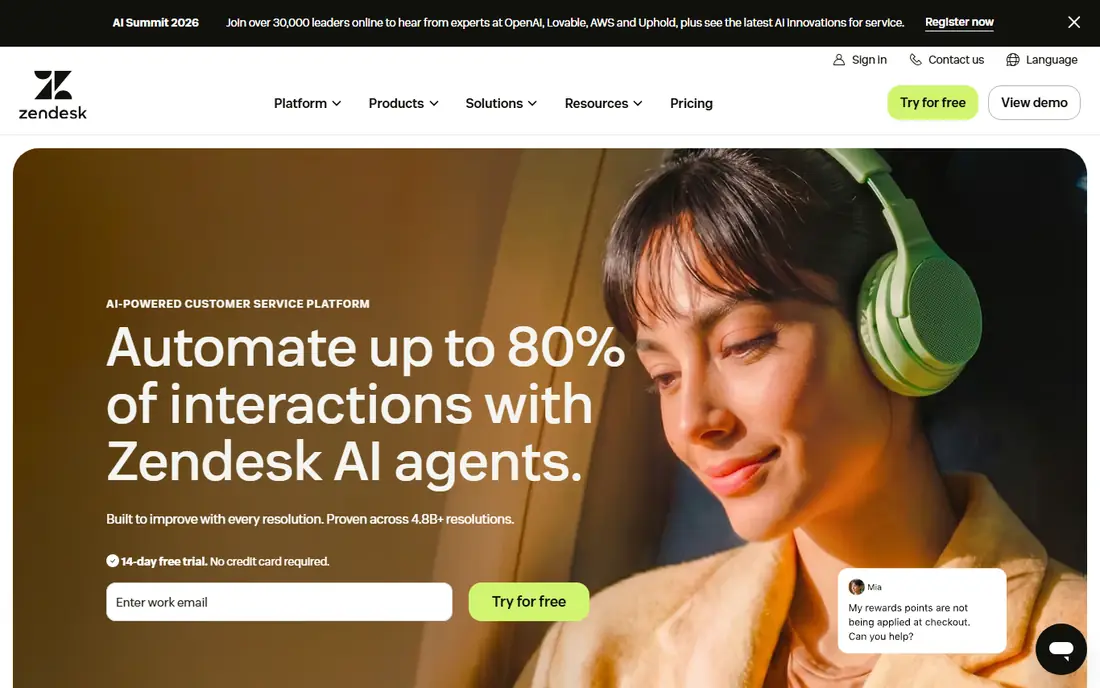
Zendesk is the reference point for the best practice of running every channel through one queue. Email, chat, phone, social and messaging land as tickets with a shared history, which makes handoffs cleaner and reporting more reliable. Service level agreements let a team publish response targets and see when they are at risk, rather than guessing.
The catch is cost and complexity. The full suite entry price is higher than many rivals, and AI add-ons are priced separately. For a team with several channels, a growing agent count and a need for formal reporting, Zendesk still sets the standard that other tools are judged against.
- Deep ticketing and automation
- Large app marketplace
- Strong reporting and SLA tools
- Higher entry price for the full suite
- AI features can add extra cost
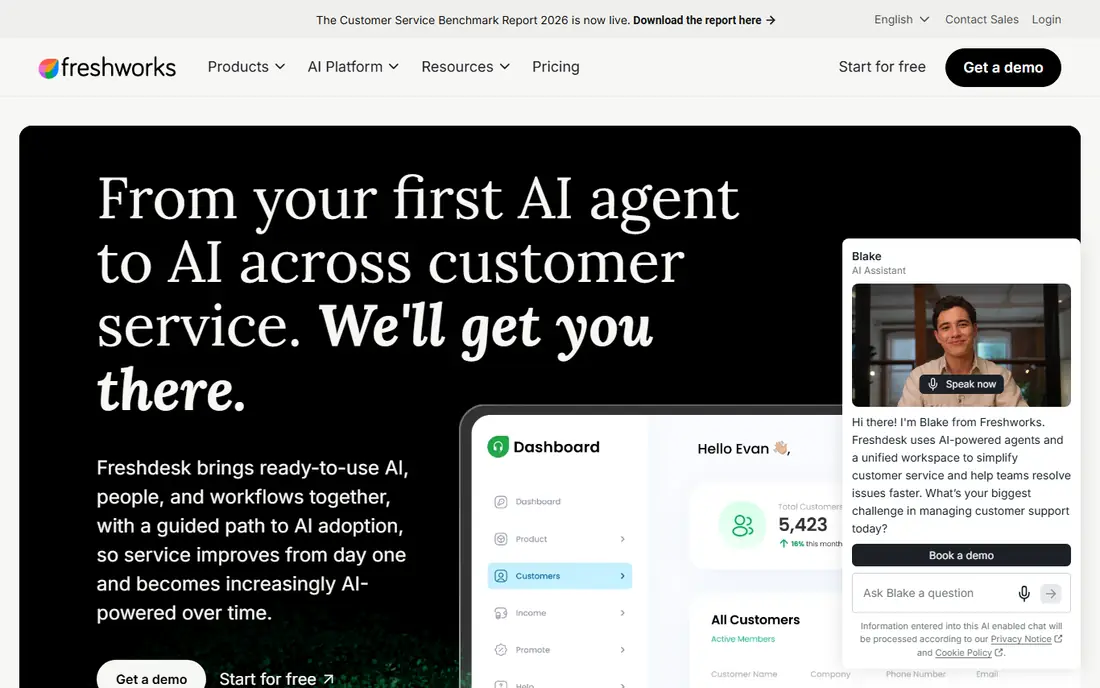
Freshdesk puts the practice of getting started simple into action. A small team can connect email and chat, build a help centre and set up ticket routing in days rather than weeks. The interface is approachable, and the knowledge base helps customers solve common questions without waiting for an agent.
The limit shows up as the team grows. Deeper automation, advanced reporting and AI assistance sit on higher plans, so the bill rises with ambition. For a team that wants solid ticketing without enterprise overhead, Freshdesk is a sensible, fast starting point.
- Quick setup
- Multichannel ticketing and knowledge base
- Lower entry price
- AI copilot is a paid add-on on higher plans
- Some advanced features need Pro
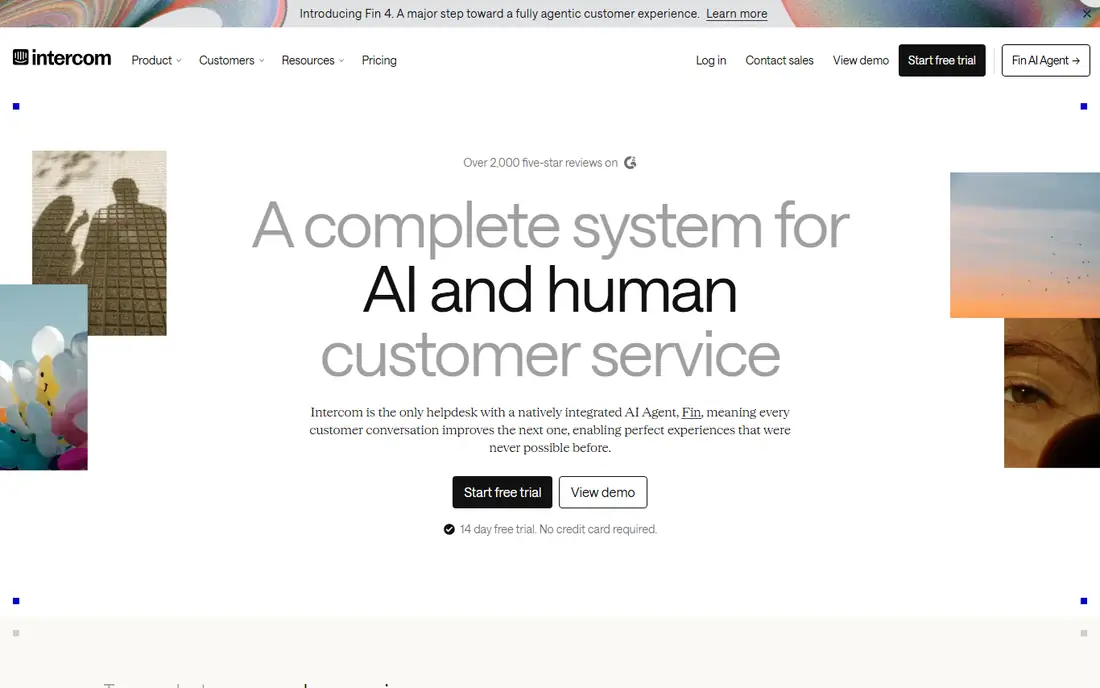
Intercom embodies the practice of meeting customers where they already are, inside your product. The messenger, help centre and AI agent work together, so a customer can ask a question without leaving the app. The AI agent can resolve common questions and hand a full transcript to a human when it cannot, which supports the rule that automation must never trap a customer.
Costs need careful watching, since seats and AI outcomes are billed separately. For a software company whose customers live in the product, Intercom fits the way people actually ask for help. For an email-heavy team, a traditional help desk may fit better.
- In-product messenger
- AI agent for common questions
- Good for SaaS teams
- Seat plus AI outcome costs can grow
- Less suited to email-heavy operations
HubSpot Service Hub shows why a shared customer record is a best practice, not a nice extra. Tickets sit next to contact, company and deal history, so an agent can see past purchases and conversations before replying. Free service tools cover a shared inbox and basic ticketing for very small teams, which makes it easy to start.
The full help desk, with advanced automation and reporting, requires a paid tier, and higher tiers can carry onboarding fees. For a business already running sales and marketing on HubSpot, the shared data is a real advantage. For a standalone support team, a dedicated help desk may be cheaper.
- CRM-linked tickets and customer history
- Free tools for small teams
- Shared inbox
- Full help desk features need higher tiers
- Onboarding fees apply on Pro and above
Help Scout is built around the practice of keeping support personal. Conversations feel like email from a person, not a ticket number, and the shared inbox, collision detection and saved replies help small teams stay organised without heavy process. A free plan for up to five users covers very small teams getting started.
Larger teams may miss deeper routing, enterprise reporting and phone support. AI answers are priced per resolution on top of seats. If most of your support is email and you care about tone, Help Scout is one of the most pleasant tools to work in every day.
- Clean shared inbox
- Personal, human tone
- Free plan for very small teams
- Thinner enterprise routing and reporting
- Live chat needs a paid plan
Zoho Desk proves that good practice does not have to cost a lot. The free edition covers up to three agents with email and a self-service portal, and paid plans add chat, phone, social and automation at prices below most rivals. Teams already using Zoho CRM benefit from data moving between the apps without a custom integration.
The interface is busier than Help Scout or Freshdesk, and the automations most teams want sit above the entry tier. Outside the Zoho ecosystem the case is weaker, but on a tight budget it is hard to find a fuller help desk for the price.
- Low price
- Free edition for up to three agents
- Broad channel coverage
- Interface can feel busy
- Best automation sits on higher tiers
Salesforce Service Cloud puts the practice of a single customer record at enterprise scale. Cases, knowledge, omni-channel routing and automation all sit on the same CRM data that sales teams use, which helps large organisations keep service, sales and success aligned. Reporting and service level tools support formal targets across many teams.
That power comes with admin work and cost. Setup, customisation and AI features need time and budget, and small teams will find it heavy. For a large company already committed to Salesforce, it is the natural choice. For a small team, it is more tool than the job needs.
- Deep CRM integration
- Strong case management and automation
- Scalable for large teams
- Highest admin load
- AI features add cost
- Overkill for small teams
Gladly takes the best practice of organising service around the customer, not the ticket, and builds the product around it. Conversations across channels sit on one customer timeline, so an agent sees the full story instead of separate tickets for each channel. That design suits retail and consumer brands where repeat customers and order history matter.
Pricing is not published, so you will need a demo and a quote. The fit is also narrower than a general help desk, and very large enterprise teams may prefer a broader platform. For a growing brand that wants service to feel personal and joined up, Gladly is worth a trial.
- Person-centred conversation timeline
- Good for retail and growing brands
- Unified channels
- Pricing is not published
- Narrower fit outside consumer brands
How we picked these
We compared official pricing pages, feature lists and public best practice guidance from vendors live in October 2026. We chose tools that support the practices that matter most: one queue, a shared customer record, self-service, clear response targets and honest reporting. We did not claim hands-on testing, and we wrote See website where a vendor does not publish a price.
Putting the best practices to work
Start with response promises you can keep. Publish a first response target for each channel, such as a business-day window for email and a shorter window for chat, and add an update rule so customers are never left in silence. An automatic reply that states the target and asks for the missing detail is better than no reply at all.
Next, fix the handoff. Every transfer should carry the issue, the steps already tried, the deadline the customer stated and the next action promised. When a bot hands over to a human, the transcript should travel with it. If your tool cannot keep one record across channels, fix that before you add another channel.
Build self-service that people trust
Write help articles for your top ten contact reasons, and link them from the places customers actually look, such as order pages, checkout and account settings. Test each article with a real customer question, and add a clear step to reach a person when the article does not solve the problem. Self-service works when it shortens the path to an answer, not when it hides the contact form.
Measure the right mix
Track first response time, resolution time, first contact resolution, reopen rate and satisfaction together. A fast reply with a high reopen rate means answers are incomplete. Rising escalations on one topic mean automation has gone too far. Review the top contact reason each month and pick one fix, such as a clearer help article, a product change or a better form.
Frequently asked questions
What are the best practices in customer service?
The core practices are replying quickly, keeping one customer record, solving the issue on first contact when possible, offering useful self-service and giving a clear path to a human. Teams should also publish response targets, track satisfaction and fix the top contact reason each month. Tools help, but the habits matter more than the software.
What are the best customer service practices for online support?
Online support needs clear channel promises, since customers forgive waiting when they know how long it will take. Publish hours, response targets and update rules for email and chat, and make sure a chat that goes offline creates a ticket. Keep the conversation history visible across channels so a customer never repeats the story.
How can a small team improve customer service fast?
Start with one shared inbox, a short list of saved replies and a help centre covering your most common questions. Set a first response target you can meet, and review low satisfaction comments every week. HubSpot free tools, Help Scout free plan and Zoho Desk free edition all give a small team a solid start at low cost.
What is first contact resolution, and why does it matter?
First contact resolution means the customer's issue is solved in a single interaction, without a follow-up or a reopened ticket. It matters because repeat contacts cost time and damage trust, even when the first reply was fast. Track it alongside response time, since speed alone can hide incomplete answers.
Should AI handle customer service questions?
AI works well for common, well-defined questions, such as order status, password resets and policy answers, when it hands over cleanly to a human. It works badly when it traps customers, gives wrong answers or hides the human option. Start AI at classification and drafting, and keep a visible path to a person on every automated flow.
How do you measure good customer service?
Measure first response time, resolution time, first contact resolution, reopen rate, escalation rate and customer satisfaction together. No single number tells the full story, and a dashboard should drive a decision, such as rewriting a help article or changing a process. Review the numbers weekly and the top contact reasons monthly.
Sources
See where you really rank - block by block
ProMapRanker scans Google Maps across a grid of your service area. Simple monthly plans from $19, white-label on every plan.
Start freeKeep reading
 top custom software development company
Top Custom Software Development Company in 2026
Looking for a top custom software development company? We compare 9 firms for web, mobile, and enterprise software, covering strengths and fit for 2026.
Read → tableau alternatives
Tableau Alternatives in 2026
Compare the best Tableau alternatives for 2026, from Power BI to Metabase, with prices, hosting options, and picks for small teams and enterprises today.
Read → microsoft teams alternatives
Best Microsoft Teams Alternatives in 2026
Looking for microsoft teams alternatives? We compare 9 chat and video tools for 2026, covering free plans, pricing, meetings, and integrations for teams.
Read →