 ProMapRanker
Canva Alternatives Free in 2026

Key takeaways
- Adobe Express is the closest free like-for-like swap for social and marketing design, while Photopea and GIMP suit deeper photo editing.
- No free alternative matches every Canva feature, so pick by job: social posts, photo edits, presentations, vectors, or print layout.
- Free tiers often limit premium templates, stock assets, AI credits, or exports, so check those limits before you build a brand system on one tool.
- Photopea, GIMP, and Inkscape are free in a fuller sense, with no subscription needed for core editing, while template tools rely on freemium tiers.
- Export your work in standard formats, because moving designs between tools is rarely a one-click job.
Quick comparison
| Pick | Great for | Pricing starts at | Free tier | |
|---|---|---|---|---|
 Adobe Express | Free social posts and marketing design | Free | Yes | Visit |
 Photopea | Free layered photo editing in a browser | Free | Yes | Visit |
 Pixlr | Quick free photo edits and social graphics | Free | Yes | Visit |
 VistaCreate | Free template-driven social posts | Free | Yes | Visit |
 Figma | Free collaborative design and layout | Free | Yes | Visit |
 Visme | Free infographics, reports, and presentations | Free | Yes | Visit |
 GIMP | Free professional desktop photo editing | Free | Yes | Visit |
 Inkscape | Free vector logos and print design | Free | Yes | Visit |
The best free Canva alternatives
This list includes free alternatives only, and Canva itself is not listed as a product here. Each tool below offers a free tier or a fully free version, and we note where that free tier stops short, because a free plan that blocks the export you need is not a useful alternative. We compared official product and pricing pages for design, photo, and layout tools.
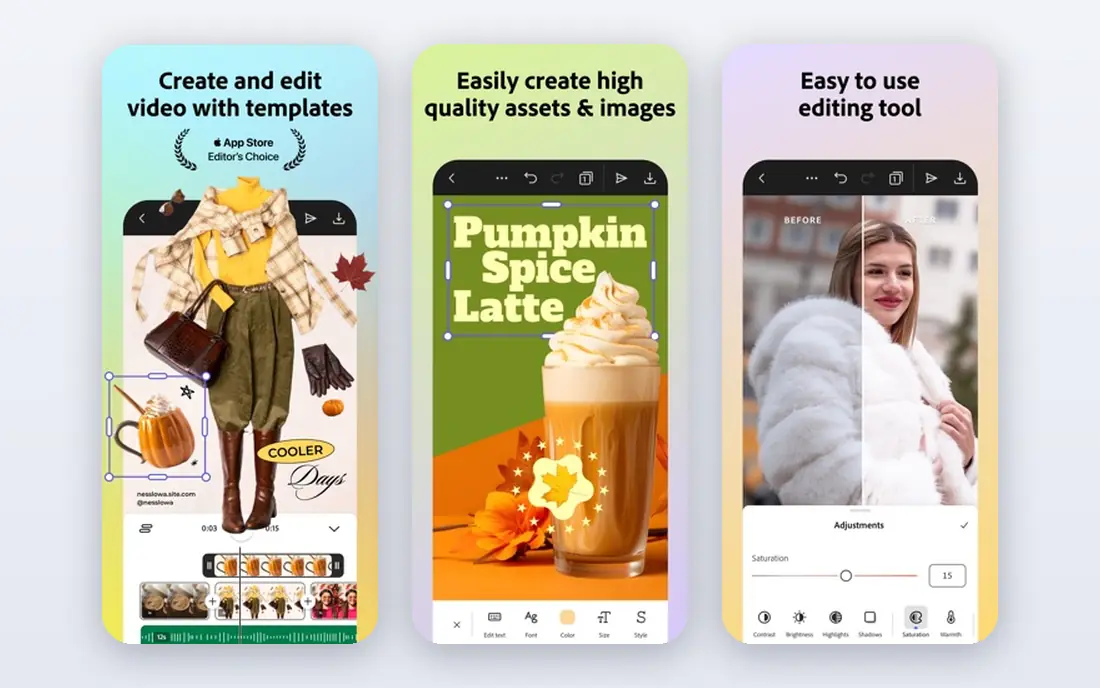
Adobe Express is the closest free like-for-like swap for everyday Canva-style work. Its free plan offers templates for social posts, flyers, and short videos, plus stock photos and fonts, and it resizes designs for common social formats without manual work. Firefly AI image generation is available within free limits, and Adobe positions Firefly outputs as designed for commercial use, which matters for a small business posting to social channels.
The honest limit is the freemium line. Premium templates, premium stock, and some AI and brand features need a paid plan, so a team that builds a full brand system may hit that line sooner than a casual user. The free plan also limits some collaboration and scheduling depth. For a solo creator or a small team making regular social graphics free, Adobe Express is the first alternative we would try.
- Free plan with templates, stock photos, and fonts
- Firefly AI image features on the free plan within limits
- Easy social sizing
- Premium templates, assets, and features need a paid plan
- Brand kit depth is limited on the free plan
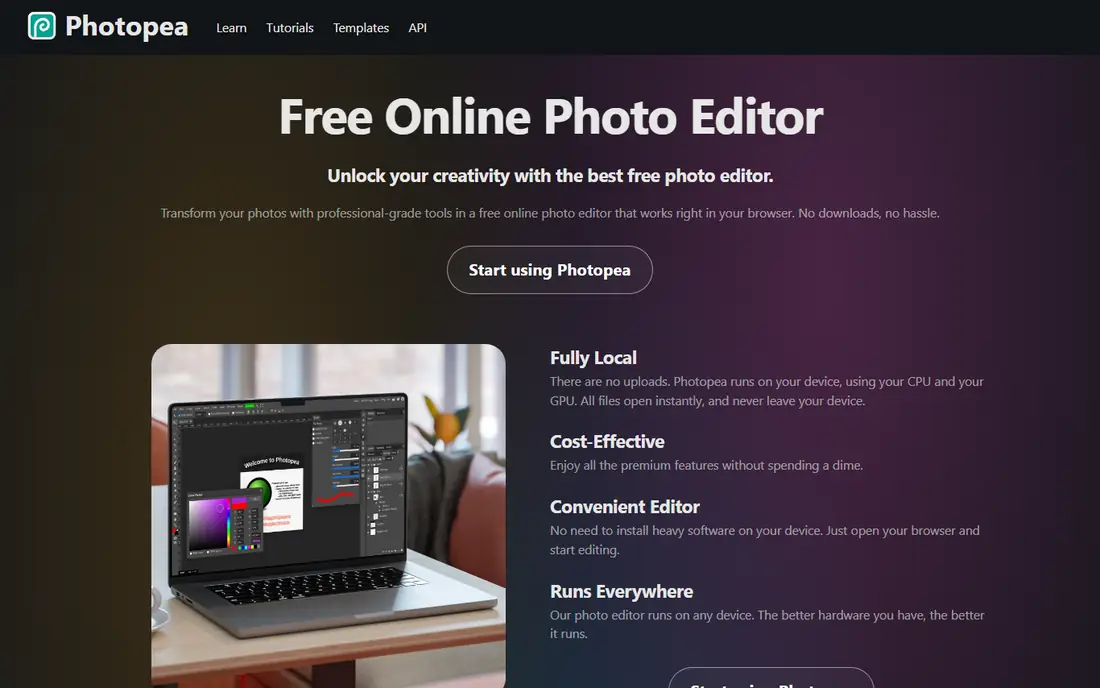
Photopea is a free browser editor that feels familiar to Photoshop users, with layers, masks, adjustments, and PSD file support, all without installing software. That makes it a strong free alternative for photo retouching, composites, and image fixes, and for opening PSD files a collaborator sends you. Because it runs in a browser, it works on almost any computer, including a Chromebook, and your files stay on your device rather than on a server by default.
The trade-offs are ads and learning curve. Free use is ad-supported, and a paid premium tier removes ads and changes some allowances, so the free experience is functional but not as clean as a paid editor. Beginners may also find layered editing harder than a template tool. If your main job is photo editing rather than template design, Photopea is one of the best free tools available.
- Free browser editor with layers, masks, and PSD support
- No install needed
- Works with common image formats
- Ad-supported free use
- Some allowances and convenience features sit behind a paid premium tier
- Learning curve for beginners
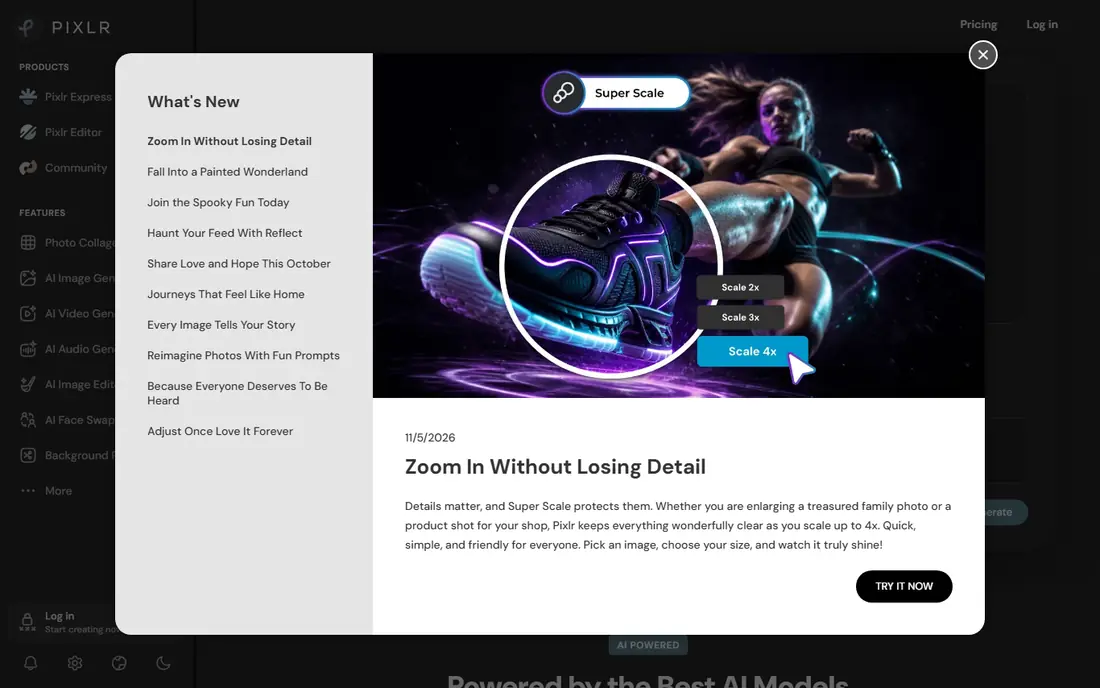
Pixlr offers two free browser editors: a simple editor for quick corrections and a layered editor for deeper work, plus templates for social graphics. That split helps a user who sometimes needs a fast crop and filter, and sometimes needs layers and masks, without switching tools. Its AI tools, including background removal within limits, also help with product photos and social images.
The limit is the free allowance. Free use has restrictions on saves and AI credits in current pricing, and paid plans remove those limits and ads. A casual user who edits a few photos a week may never hit the cap, while a daily social poster will. Check the current free allowance on the Pixlr pricing page before you rely on it for daily work, and keep Photopea as a backup for heavier editing days.
- Free browser editing with a simple editor and a layered editor
- Templates and AI tools within free limits
- Fast for quick fixes
- Free access has save and AI limits
- Ads and premium prompts appear in free use
- Advanced features need a paid plan
VistaCreate, formerly Crello, is a template-first free alternative for social posts, ads, and simple marketing graphics. Its free plan offers templates, stock photos, and fonts, with sizing for common social formats, and its editor is friendly for a non-designer who needs a post in ten minutes. That template focus is the point: you start from a finished layout and change text and images, rather than designing from a blank page.
The catch is the premium line, as with other freemium design tools. Premium templates, assets, and some features need a paid plan, and its total template range is smaller than the largest design platforms. For a small business that posts regularly and wants a free template library without learning a photo editor, VistaCreate is a practical and honest free option.
- Free plan with templates, photos, and fonts
- Social sizing and scheduling helpers
- Easy for non-designers
- Premium assets and features need a paid plan
- Template range is smaller than the largest rivals
Figma is best known for interface design, but its free Starter plan also works well for social graphics, presentations, and layout work that needs precision. Its vector tools, auto-layout, and component system help a team build a consistent set of graphics, and real-time collaboration in the browser means a teammate can comment and edit without sending files back and forth. For a team that values layout control over template volume, Figma is a strong free choice.
The limits are project and template scope. The free Starter plan limits the number of Figma files and version history in current pricing, and it does not offer the same ready-made marketing template library as Adobe Express or VistaCreate. Figma suits a designer or a small team building a system, while a non-designer who wants a finished template in minutes may prefer a template-first tool.
- Free Starter plan for individuals and small teams
- Strong layout precision
- Real-time collaboration in the browser
- Free plan limits on projects and version history
- Template and stock range is thinner than a marketing design tool
Visme suits a different Canva job: infographics, reports, and presentations that need charts and data. Its free plan offers templates for those formats, with chart widgets that turn a small data set into a visual without a separate chart tool. That makes it useful for a teacher, a nonprofit, or a small business that needs a quarterly report or a pitch deck, not just a social post.
The free limits matter for regular use. The free plan limits the number of projects and access to premium assets, and removing Visme branding needs a paid plan. A user who makes one infographic a month may stay free comfortably, while a weekly report maker will likely need to upgrade or pair Visme with another free tool. For data-led visuals, Visme free tier is still worth trying first.
- Free plan with templates for infographics and decks
- Charts and data widgets
- Export to image and PDF formats
- Free plan limits projects and premium assets
- Branding removal and advanced features need a paid plan
GIMP is the fully free desktop editor for users who want professional photo tools without any subscription. It is open source, it costs nothing, and it offers layers, masks, curves, healing, and a wide plugin range for retouching and compositing. Because there is no account and no freemium tier, the full editor is available from the first install, which is a clearer free deal than most browser tools offer.
The trade-off is ease. GIMP interface feels technical, it has no marketing template library, and building a social post from scratch takes longer than in a template tool. It also suits photo editing more than layout design, so a user who mainly needs social templates should pair GIMP with Adobe Express or VistaCreate. For deep photo work at zero cost, GIMP remains a trusted free standard.
- Fully free and open source
- Deep retouching, layers, and masks
- No subscription and no account needed
- Interface feels technical for beginners
- No template library
- Learning curve for design layouts
Inkscape is the free vector counterpart to GIMP, and it fills a gap most template tools leave open: original logos and illustrations that scale cleanly for print. It offers bezier drawing, text on paths, node editing, and export to SVG and PDF, which suits a small business that needs a logo, a flyer, or a sign without paying for vector software. Being open source, it is free in full, with no premium tier hiding core tools.
The limits are scope and learning curve. Inkscape has no social template library, it is not a photo editor, and vector drawing takes practice for a beginner. It also works best as part of a free toolkit, paired with GIMP for photos and a template tool for quick social posts. For vector work at zero cost, Inkscape is the free pick we recommend most often.
- Fully free and open source
- Vector drawing for logos and illustrations
- Exports print-ready formats including SVG and PDF
- No template library
- Learning curve for vector tools
- Not a photo editor
How we picked these
We compared official product and pricing pages for design tools with a real free tier or a fully free version, and we favoured tools that let a user finish and export work without paying. We did not claim hands-on testing, and free tiers change, so check the vendor pricing page for current limits before you build a workflow on one tool.
How to choose a free Canva alternative
Start with the job, not the tool list. Social posts need templates and sizing, photo edits need layers and masks, infographics need charts, and logos need vectors, and no single free tool does all four equally well. Most free users do best with two tools: one template tool for speed, and one editor such as Photopea or GIMP for depth. That pair covers more jobs than any single freemium plan.
Check the free limits that matter
Before you commit, check project limits, premium template and stock access, AI credit limits, export resolution, and whether branding appears on exports. A free plan that limits exports to low resolution, or that adds a watermark, may not suit client work even if the editor feels good. Export a test design at the size you need, check the file, and only then build a library of templates in that tool.
Keep your files portable
Save originals in standard formats such as PNG, PDF, SVG, or PSD where the tool allows it, and keep a copy of text and images outside the design tool. Design tools rarely import each other files cleanly, so portability is your insurance against a pricing change or a discontinued free tier. A free tool is only a good deal if your work stays yours and movable.
Frequently asked questions
What are the best free Canva alternatives?
Adobe Express suits social and marketing design, Photopea and GIMP suit photo editing, Figma suits collaborative layout, Visme suits infographics, and Inkscape suits vector logos. The best free alternative depends on whether you need templates, photo depth, data visuals, or vector work most.
Is there a completely free alternative to Canva?
Photopea, GIMP, and Inkscape are fully free for core use, with no subscription needed for their main editors. Template tools such as Adobe Express, VistaCreate, and Visme offer free tiers with limits on premium assets, projects, or AI credits, so read the free tier details before you rely on them for daily work.
What is the best free alternative to Canva Pro?
There is no single free tool that matches every Pro feature, because Pro bundles premium templates, stock, brand tools, and AI features. A free combination of Adobe Express for templates, Photopea or GIMP for photo depth, and Inkscape for vectors covers most Pro jobs at zero cost, with more manual work than a single paid plan.
Can I use free Canva alternatives for commercial work?
In most cases, yes for your own designs, but check each tool terms for stock photos, fonts, and AI-generated images. Adobe states Firefly is designed for commercial use, while other tools vary by asset and licence, so check the licence for any stock or AI asset you publish, especially for client work.
Do free alternatives add watermarks?
Some do, and some do not. Fully free editors such as GIMP, Inkscape, and Photopea do not watermark your exports in normal use, while freemium template tools may keep branding on free exports or limit premium assets. Export a test file before you commit to a tool for client-facing work.
Can I import my Canva designs into a free alternative?
Most alternatives do not import Canva files directly. You can export a design as PNG or PDF and use it as a reference or background in a new tool, and you can export at the highest resolution available to preserve quality. For editable work, rebuild the design in the new tool using its templates and your original text and images.
Sources
See where you really rank - block by block
ProMapRanker scans Google Maps across a grid of your service area. Simple monthly plans from $19, white-label on every plan.
Start freeKeep reading
 top custom software development company
Top Custom Software Development Company in 2026
Looking for a top custom software development company? We compare 9 firms for web, mobile, and enterprise software, covering strengths and fit for 2026.
Read → tableau alternatives
Tableau Alternatives in 2026
Compare the best Tableau alternatives for 2026, from Power BI to Metabase, with prices, hosting options, and picks for small teams and enterprises today.
Read → microsoft teams alternatives
Best Microsoft Teams Alternatives in 2026
Looking for microsoft teams alternatives? We compare 9 chat and video tools for 2026, covering free plans, pricing, meetings, and integrations for teams.
Read →