 ProMapRanker
Top Canva AI Alternatives for 2026, With Prices

Logos, business cards and brand kits · Pricing starts at: See website
Direct answer
Brandcrowd leads the list, best for Logos, business cards and brand kits. Listed starting prices: Picsart from $10.5 a month and Figma from $3 per month. Picsart is better for quick content with templates and AI tools, and Figma is better for collaborative product and interface design. Prices, free plans and limits for all 5 tools follow.
If you are comparing Canva AI, this page covers 5 tools in one place: what each is best for, what it costs to start, whether it has a free plan, and the main limit to know about.
Key takeaways
- Brandcrowd takes the first slot, best suited to Logos, business cards and brand kits.
- Check the limits for Picsart before you commit: interface can feel busy for beginners.
- Microsoft Designer suits prompt-driven social posts and invitations.
- The lowest published monthly entry price here is $3 per month, from Figma.
Quick comparison
| Pick | Great for | Pricing starts at | Free tier | |
|---|---|---|---|---|
| Brandcrowd | Logos, business cards and brand kits | See website | Not stated | Visit |
 Picsart | Quick content with templates and AI tools | $10.5 a month | Not stated | Visit |
 Figma | Collaborative product and interface design | $3 per month | Not stated | Visit |
 VistaCreate | Social, ad and print design | See website | Yes | Visit |
 Microsoft Designer | Prompt-driven social posts and invitations | See website | Not stated | Visit |
Tool-by-tool breakdown
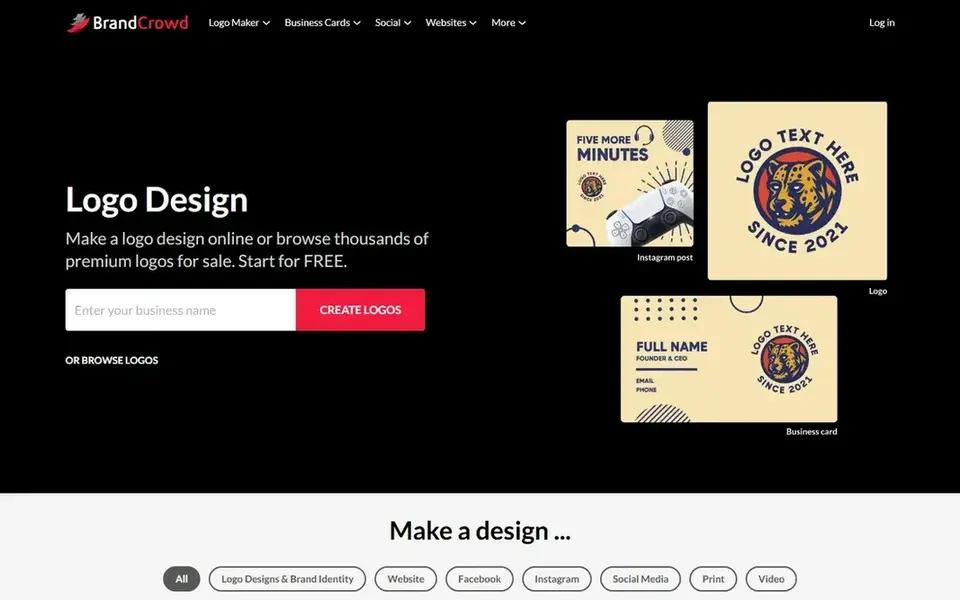
Where Brandcrowd fits: Logos, business cards and brand kits. It fits new firms and solo founders who require identity assets and matching marketing materials rapidly.
Check the vendor site for Brandcrowd pricing; none is listed in this comparison. Free access: Not stated.
Where it is weaker: Template-led results can feel similar across users.
- Capable for logo and identity work
- Large template library
- Less suited to complicated interface design
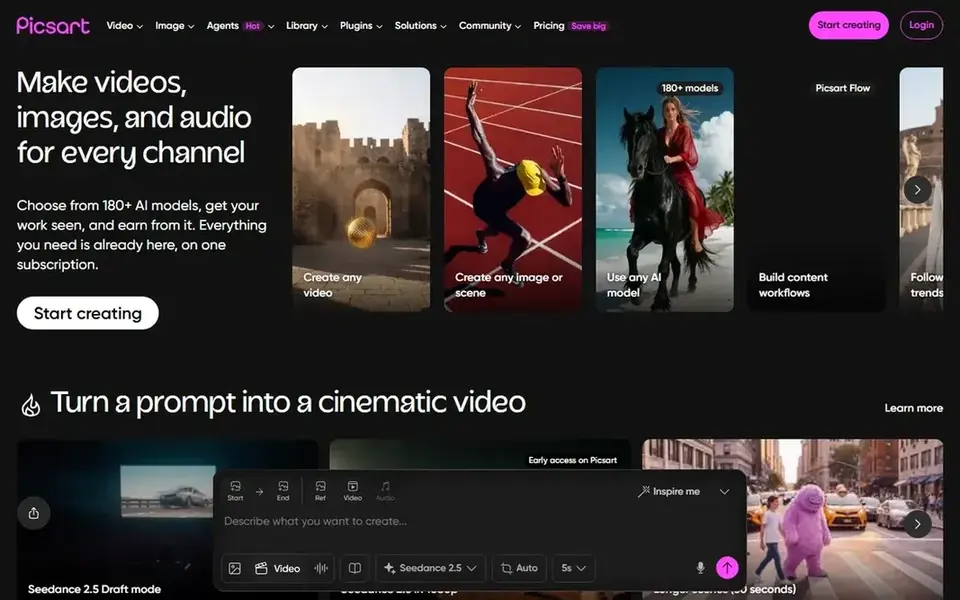
Picsart makes the most sense for quick content with templates and AI tools. Picsart positions itself as an all-in-one AI creative product with a wide selection of AI design tools, expert-crafted templates and built-in asset libraries.
It is targeted at creators and social media teams who want to produce content rapidly, combining generative features with ready-made layouts. On cost, Picsart starts like this: $10.5 per month. Free plan details: Not stated.
Downsides: Less concentrated on product design work.
- Expert-crafted templates
- Built-in asset libraries
- Interface can feel busy for beginners
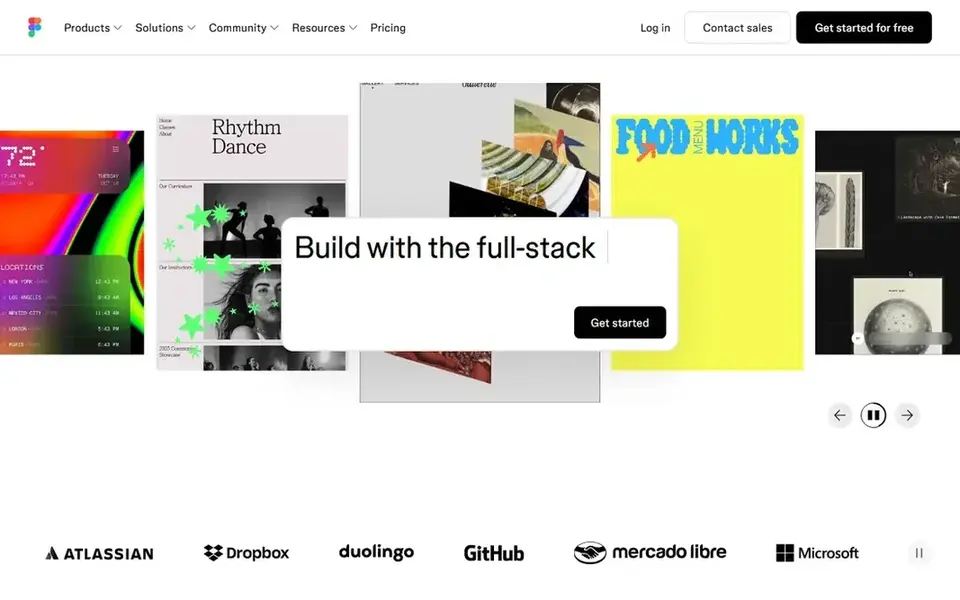
Think of Figma for collaborative product and interface design. It fits product designers, engineers and cross-functional teams that require shared files, feedback and handoff instead of one-off graphics.
Figma starts at: $3 per month. Free access: Not stated.
The main drawbacks: Not pitched at fast social templates. Where Figma stands out: Moves from concept to production.
- Code and AI in one canvas
- Design
- Steeper ramp-up time for casual users
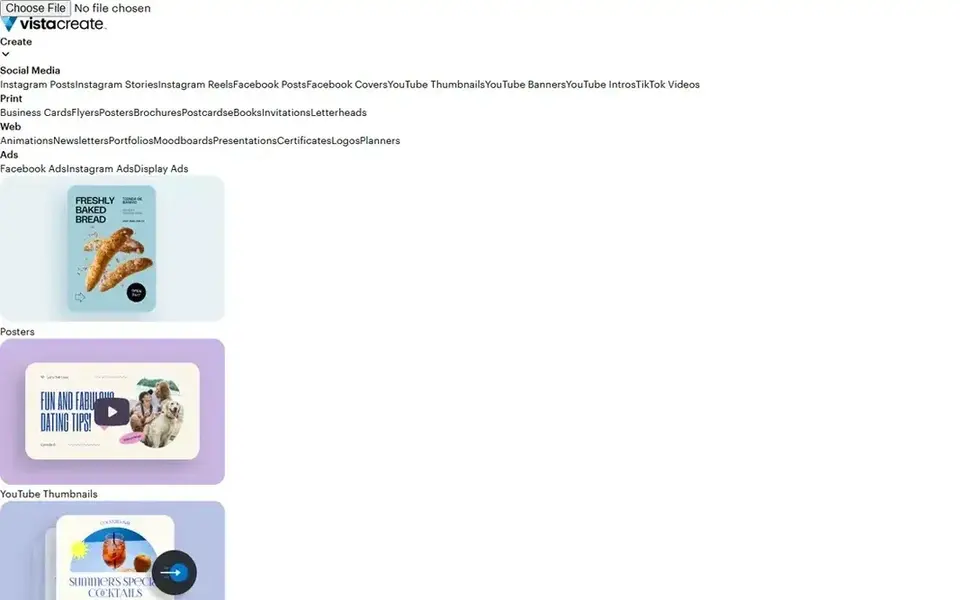
VistaCreate is designed for social, ad and print design. VistaCreate presents itself as an AI graphic design tool for online and print, letting users turn photos, ideas or templates into professional designs for social media, ads and print.
Limits to weigh: Fewer advanced collaborative features.
Worth adding: the print coverage is a handy differentiator for local promotions. Its strengths lie in template-driven marketing design instead of deep product collaboration or advanced generative media. Pricing for VistaCreate is not stated here, so ask the vendor for current figures. VistaCreate includes a free tier.
- Turns photos and templates into designs
- Handles online and print formats
- Generative depth is narrower than media-focused tools
Microsoft Designer
Great for: Prompt-driven social posts and invitations
Think of Microsoft Designer for prompt-driven social posts and invitations. Microsoft Designer is a graphic design app built around starting with an idea and generating something unique. Its homepage flags professional quality social media posts, invitations, digital postcards and graphics, which makes it a natural fit for marketers, small firms and individuals who want quick results without deep design skills.
Watch-outs: Template depth is narrower than dedicated suites.
It works well for anyone already comfortable in Microsoft tools. If your team needs shared component libraries and developer handoff, a product design canvas is the better choice. Microsoft Designer does not show a starting price in this comparison, so check the vendor site for current pricing. Free options: Not stated.
- Idea-to-design generation
- Invitations and postcards
- Less suited to complex product design
How we compared the tools
For each of the 5 tools we noted price, free plan or trial, fit for Canva AI and the main limit, using vendor pages and documentation. Treat prices as a snapshot: vendors change plans often, so check the vendor site for the figure that applies today. The order reflects how well each tool fits the most common buying scenario for Canva AI, then price clarity, then free plan access. It is a starting point, not a verdict.
A buyer's checklist
- Get a written quote from Brandcrowd, VistaCreate and Microsoft Designer; the list shows no starting price for them.
- Test the free plan from VistaCreate against your real workload before relying on it.
- Before choosing Brandcrowd, weigh its main limit: less suited to complicated interface design.
- Confirm the exact Picsart plan that includes your must-have features.
- Before you load data into Brandcrowd, check what an export looks like and who can run it.
Frequently asked questions
Do these tools publish their prices?
Not all of them. Brandcrowd, VistaCreate and Microsoft Designer publish no starting price, so expect a quote request for those. The rest, Picsart included, show a starting price, though seats and billing terms still change the final cost.
Can I try these tools before paying?
Often, yes. VistaCreate has a free plan. Use your own data and a real task during the test, and check what the free tier or trial limits before you rely on it.
Which options for Canva AI have a free plan?
VistaCreate is the only tool in this list with a free plan. Free plans usually cap users, projects or features, so check the limits on the vendor page.
Which Canva AI alternative is best for fast social media graphics?
Brandcrowd comes first here and is built for Logos, business cards and brand kits. Buyers with other needs may prefer Picsart (for quick content with templates and AI tools) or Figma (for collaborative product and interface design). Compare costs and limits first.
What is the cheapest option for Canva AI in this list?
On published monthly entry prices, Figma is the lowest here at $3 per month. Entry price is only part of the cost, because seats, add-ons and billing terms can change the total. All 5 picks in this Canva AI alternatives comparison list a starting price, free plan details and the main limits on their cards above.
Sources
See where you really rank - block by block
ProMapRanker scans Google Maps across a grid of your service area. Simple monthly plans from $19, white-label on every plan.
Start freeBrowse all guides
← Best AI-Driven Prior Art Search Software in 20265 Best AI-Powered UX Design Tools for 2026 →
 best ai app builder for designers
Best AI App Builder for Designers in 2026
Weighing the best AI app builder for designers? We lined up 5 products by cost, free access and fit. Includes honest limits for each tool. Start here.
Read → best image recognition software for small business
Best Image Recognition Software for Small Business in 2026
Best image recognition software for small business in 2026: 5 tools with starting prices, free plans and limits. Each entry gets a plain verdict. Quick to scan.
Read → best image recognition software for remote teams
Best Image Recognition Software for Remote Teams in 2026
Best image recognition software for remote teams: 5 tools compared on price, free plans and fit. Fit and flaws are laid out for each entry. Choose faster.
Read → best design software for beginners
Best Design Software for Beginners in 2026
We compared the best design software for beginners, covering free plans, templates, photo editing, social graphics, and tools that grow with your skills.
Read → best image resizer app
Best Image Resizer App in 2026
We compared the best image resizer app and online tools for photos, social posts and web images, covering free plans, batch resizing and quality in 2026.
Read → best logo design software
Best Logo Design Software in 2026
Compare the best logo design software for 2026, from Looka and Canva to Adobe Illustrator and free Inkscape, with pricing and honest limits for each today.
Read →More in Design & Creative · All guides A to Z by date · Latest guides