 ProMapRanker
Best Logo Design Software in 2026

Key takeaways
- Looka and Brandmark suit founders who want a finished logo and brand kit fast, with a one-time purchase.
- Canva and Adobe Express suit teams that already make other graphics in those tools and want the logo in the same workspace.
- Adobe Illustrator and Inkscape suit original vector work, with Illustrator for professionals and Inkscape for free.
- Vector files matter for print, so check whether your chosen tier includes SVG, EPS, or PDF before you pay.
Quick comparison
| Pick | Great for | Pricing starts at | Free tier | |
|---|---|---|---|---|
 Looka | Fast logo plus brand kit | $20 one-time | Yes | Visit |
 Canva | Logo in a full design workspace | Free | Yes | Visit |
 Adobe Illustrator | Professional original vector work | $22.99 per month | Free trial | Visit |
 Adobe Express | Quick logos in the Adobe ecosystem | Free | Yes | Visit |
 Brandmark | One-time logo purchase | $25 one-time | Yes | Visit |
 DesignEvo | Budget template logos | Free | Yes | Visit |
 Tailor Brands | Logo plus business formation | See website | Yes | Visit |
 Inkscape | Free full vector editing | Free | Yes | Visit |
The best logo design software
We compared logo makers and vector editors that are still available in October 2026, with attention to file formats, commercial rights, ease of use, and price. Template makers suit non-designers, while vector editors suit original work. Check vector output and rights for your tier before you buy.
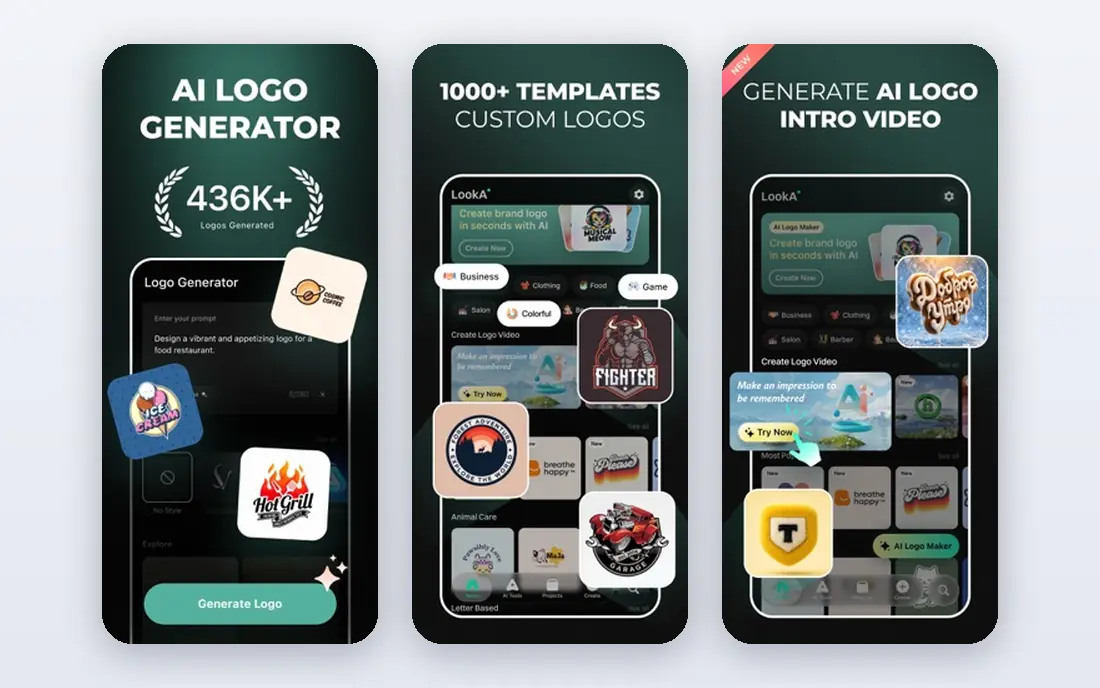
Looka is the fastest route from an idea to a usable logo plus matching business cards and social assets. Guided choices for style, color, and icons produce a wide set of options in one sitting, which suits a founder launching now. Paid packages grant full ownership, which matters when the logo goes on products and packaging.
The basic tier is PNG only, so print-ready vector files need a higher package. The brand kit is also a separate subscription, which adds to the one-time logo cost over time. If speed and a complete kit matter most, Looka is a strong default.
- Fast guided logo creation
- Brand kit with matching assets
- Full ownership on paid packages
- Basic tier is PNG only
- Brand kit is a separate subscription
- Designs are template-led
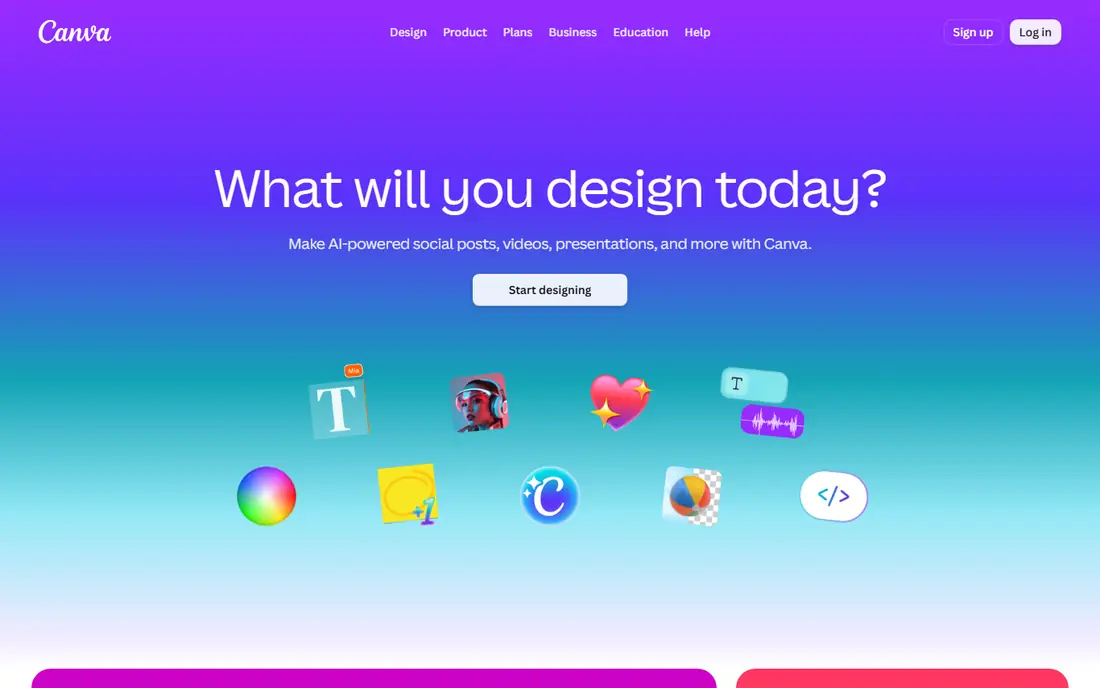
Canva suits a business owner who already designs flyers, social posts, and presentations in one place. Logo templates are easy to edit with drag-and-drop tools, and the finished logo sits beside every other asset you make. That shared workspace saves time when a logo change must ripple through many designs.
Vector SVG export needs a Pro plan, and template-based logos cannot be trademarked as fully unique marks, since others may use similar elements. Premium assets also need Pro for guaranteed commercial use. If you already live in Canva, keeping the logo there makes sense.
- Huge template library
- Drag-and-drop editing
- Logo lives beside other marketing graphics
- SVG export needs Pro
- Template logos cannot be trademarked as unique
- Premium assets need Pro
Adobe Illustrator is the professional standard for original logo work, with full control over paths, typography, and color. A designer can build a mark from scratch, export clean vector files, and hand over source files a printer or agency can use. That control is why agencies and brand designers still rely on it.
The learning curve is steep for a non-designer, and the subscription cost adds up over years. It is also overkill if you only need a simple template logo for a new venture. If you hire a designer or plan to learn vector work properly, Illustrator is the tool to use.
- Full vector control
- Industry-standard files
- Precise typography and path tools
- Steep learning curve
- Subscription only
- Overkill for a simple template logo
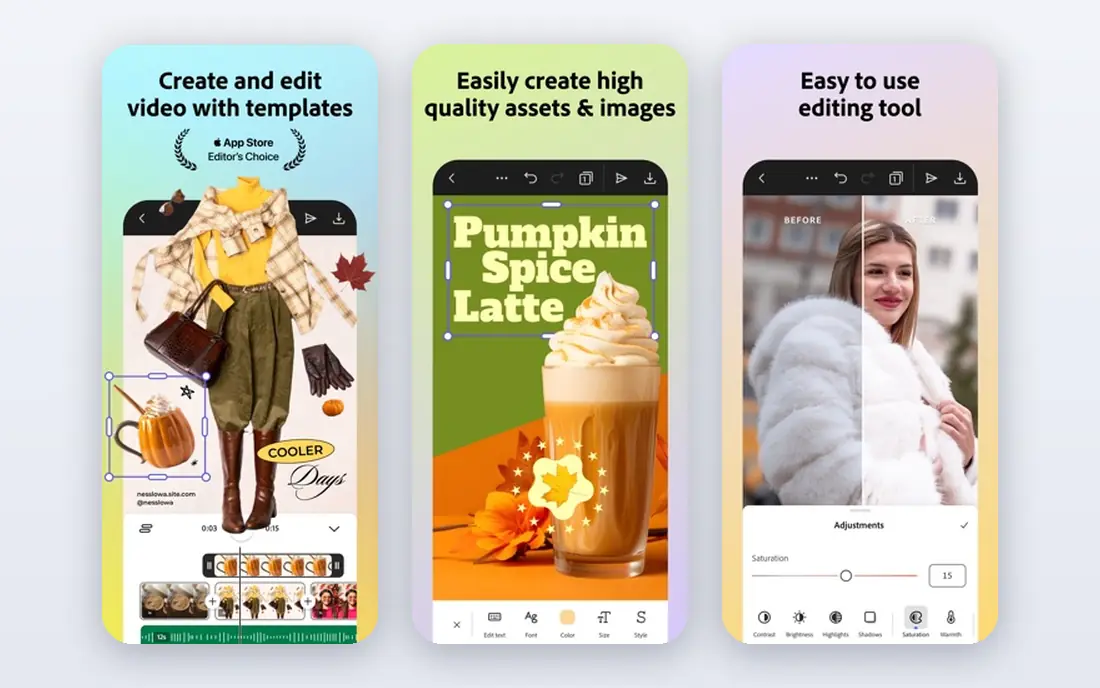
Adobe Express suits a team already in the Adobe ecosystem that wants quick logos and social graphics without opening Illustrator. Templates and Adobe Fonts speed up a simple mark, and the free tier covers basic work. Social resizing helps a small team publish the same logo across channels fast.
There is no SVG export, so print-ready vector work still needs Illustrator or another vector tool. Vector control is also lighter, which limits original mark design. If you need a quick logo inside Adobe tools, Express is convenient, but it is not a full Illustrator replacement.
- Free starting tier
- Quick logo and social templates
- Adobe Fonts and stock access
- No SVG export
- Less vector control than Illustrator
- Premium features need a paid plan
Brandmark appeals to a founder who wants to pay once and own the logo, without a subscription. You can design and preview for free, then pay only when you choose a package. Higher packages add vector files and brand assets, which cover print and digital use.
The basic tier lacks vector files, so a print-ready logo needs a higher package, much like Looka. Designs are template-led, so a truly unique mark still needs a designer. If a one-time purchase matters more than a subscription, Brandmark is a clean alternative to Looka.
- One-time packages
- Design free and pay to download
- Full ownership on paid packages
- Basic tier lacks vector files
- Template-led designs
- Brand assets need higher tiers
DesignEvo is the budget pick for a founder who wants a large template library and a low entry price. The free plan lets you design and download a low-resolution logo, which is enough to test an idea. Paid plans raise resolution and add vector files at a modest one-time cost.
Free downloads are low resolution and carry credit requirements, so they are not print-ready. Copyright ownership also applies only on higher plans, so read the tier terms before using a logo commercially. If budget comes first and templates are acceptable, DesignEvo is a practical start.
- Large template library
- Free plan with low-resolution downloads
- Low entry price for paid files
- Free downloads are low resolution
- Copyright ownership only on higher plans
- Designs are template-led
Tailor Brands suits a founder who wants a logo beside LLC formation, a website, and other business setup tools in one account. Guided setup walks a new owner through naming, logo choices, and business documents, which saves juggling vendors. Brand kit and website options extend the logo into a fuller identity.
Pricing is bundled with business plans, so the cost of a logo alone is less clear than with Looka or Brandmark. Designs are also template-led, so uniqueness is limited. If you are forming a business and want the logo in the same flow, Tailor Brands is convenient.
- Logo plus LLC formation and business tools
- Brand kit and website options
- Guided setup
- Pricing is bundled with business plans
- Logo alone is less clear to price
- Template-led designs
Inkscape is the free vector editor for a designer or a determined founder who wants original work without a subscription. Full vector tools cover paths, typography, and color, and files export in formats printers can use. Running on Windows, macOS, and Linux makes it accessible on almost any machine.
The learning curve is steep, and the interface feels technical beside a guided logo maker. There are also fewer ready templates, so you start from a blank canvas more often. If you want free, original vector work and can invest learning time, Inkscape is the best no-cost choice here.
- Free and open source
- Full vector editing
- Runs on Windows, macOS, and Linux
- Steep learning curve
- Interface feels technical
- Fewer templates than logo makers
How we picked these
We compared vendor pricing pages, product descriptions, and 2026 logo tool guides for tools still available in October 2026. We kept logo makers with clear file outputs and rights, plus vector editors for original work. Prices are starting prices or one-time package prices as listed by each vendor, and free design tiers are noted where they exist.
What to check before you pay
Check vector output first, since a PNG-only logo will need buying again for print, signage, or merch. Check commercial rights next, since template elements may not be exclusive to you, even when a paid package grants use rights. Check whether the brand kit, social assets, and source files are included or sold separately.
Start with a test, not a trademark filing
Use a paid logo for a website, cards, and social profiles for a few weeks before filing a trademark or printing large runs. That test reveals whether the mark reads well at small sizes and in one color. A designer review at that stage can catch spacing or legibility problems a template tool may miss.
Frequently asked questions
What is the best logo design software?
The best logo design software depends on your skill and goal. Looka suits fast founder logos, Canva suits teams already designing in Canva, and Adobe Illustrator suits professional original work. Inkscape suits free vector work for users willing to learn the tool.
What are the best logo design tools for beginners?
Beginners benefit from guided makers such as Looka, Brandmark, and DesignEvo, which use templates and style choices instead of blank canvases. Canva and Adobe Express also suit beginners with drag-and-drop editing. Start free, test options, and pay only for the tier with the files you need.
What is the best free logo design software?
Inkscape is the best free software for original vector logos, since it offers full editing at no cost. Canva and Adobe Express offer free tiers for template logos, while DesignEvo offers free low-resolution downloads. For a print-ready free logo, Inkscape is the strongest answer.
Can I trademark a logo made with a template tool?
Template logos can be hard to trademark as unique marks, since similar elements may appear in other logos. Paid packages usually grant commercial use rights, but that is not the same as exclusive trademark ownership. Ask a trademark professional before filing a template-based mark.
What file format should a logo use?
Use SVG, EPS, or PDF vector files for print, signage, and large formats, since vectors scale without losing quality. Use PNG files for websites and social profiles, where a transparent background helps. A good logo package includes both vector and PNG files.
Sources
See where you really rank - block by block
ProMapRanker scans Google Maps across a grid of your service area. Simple monthly plans from $19, white-label on every plan.
Start freeKeep reading
 top custom software development company
Top Custom Software Development Company in 2026
Looking for a top custom software development company? We compare 9 firms for web, mobile, and enterprise software, covering strengths and fit for 2026.
Read → tableau alternatives
Tableau Alternatives in 2026
Compare the best Tableau alternatives for 2026, from Power BI to Metabase, with prices, hosting options, and picks for small teams and enterprises today.
Read → microsoft teams alternatives
Best Microsoft Teams Alternatives in 2026
Looking for microsoft teams alternatives? We compare 9 chat and video tools for 2026, covering free plans, pricing, meetings, and integrations for teams.
Read →