 ProMapRanker
Best YouTube SEO Software in 2026

Key takeaways
- vidIQ and TubeBuddy remain the core YouTube SEO pair, with keyword scores inside YouTube and tools for titles, tags, and thumbnails.
- YouTube Studio is free and gives the most reliable data about your own channel, so use it as the base before adding a paid tool.
- Keyword Tool is useful for autocomplete research, while 1of10 helps you find outlier videos and topics before you film.
- Ahrefs and Semrush fit creators who also work on Google search, because they add cross-platform keyword and competitor data.
- A/B testing, bulk edits, and competitor tracking are the features that most often justify a paid plan for a busy channel.
Quick comparison
| Pick | Great for | Pricing starts at | Free tier | |
|---|---|---|---|---|
 vidIQ | Keyword research and channel analytics | $19 per month | Yes | Visit |
 TubeBuddy | Bulk edits and thumbnail A/B testing | $15 per month | Yes | Visit |
 YouTube Studio | Free official channel analytics | Free | Yes | Visit |
 Keyword Tool | YouTube autocomplete keyword mining | $69 per month | Yes | Visit |
 Ahrefs | Cross-platform keyword and competitor data | $129 per month | No | Visit |
 Semrush | Video and Google search strategy together | $139 per month | Yes | Visit |
 TubeRanker | Simple channel audits and keyword checks | $19 per month | Yes | Visit |
 Morningfame | Growth analytics for small channels | See website | Yes | Visit |
 1of10 | Outlier video and topic research | See website | Free trial | Visit |
The best youtube seo software
We compared tools that help with YouTube search specifically, such as keyword scores, title and tag guidance, thumbnail testing, and competitor research, rather than general video editors.
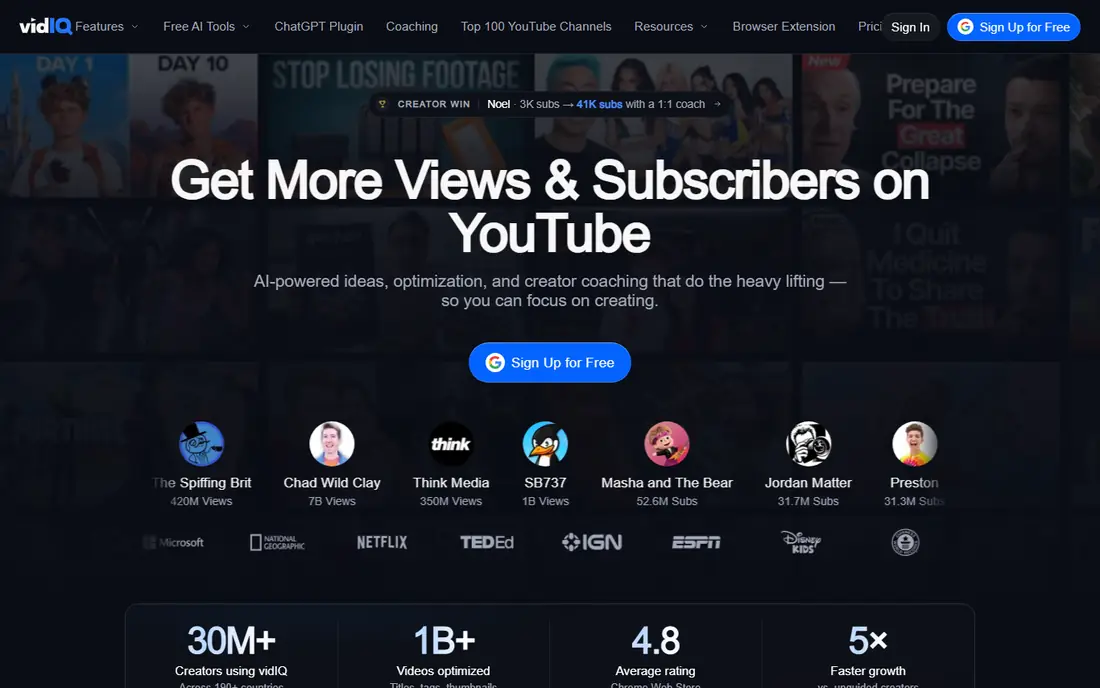
vidIQ shows keyword data where creators already work, inside YouTube and in its own dashboard. A creator can check search volume, competition, and related keywords before choosing a title, then track competitors to see which topics are gaining views. Daily ideas and channel audits add structure to a posting routine.
The free plan is useful for a new channel, but its limits on keyword results and competitors arrive fast. Paid Boost adds more research volume, while Max suits a channel that publishes often and tracks many rivals. Start free, then upgrade when a limit actually blocks your workflow.
- Keyword scores and search volume inside YouTube
- Competitor tracking and daily ideas
- Free plan for basic research
- Paid limits on competitors and AI credits apply
- Higher plan needed for heavy research volume
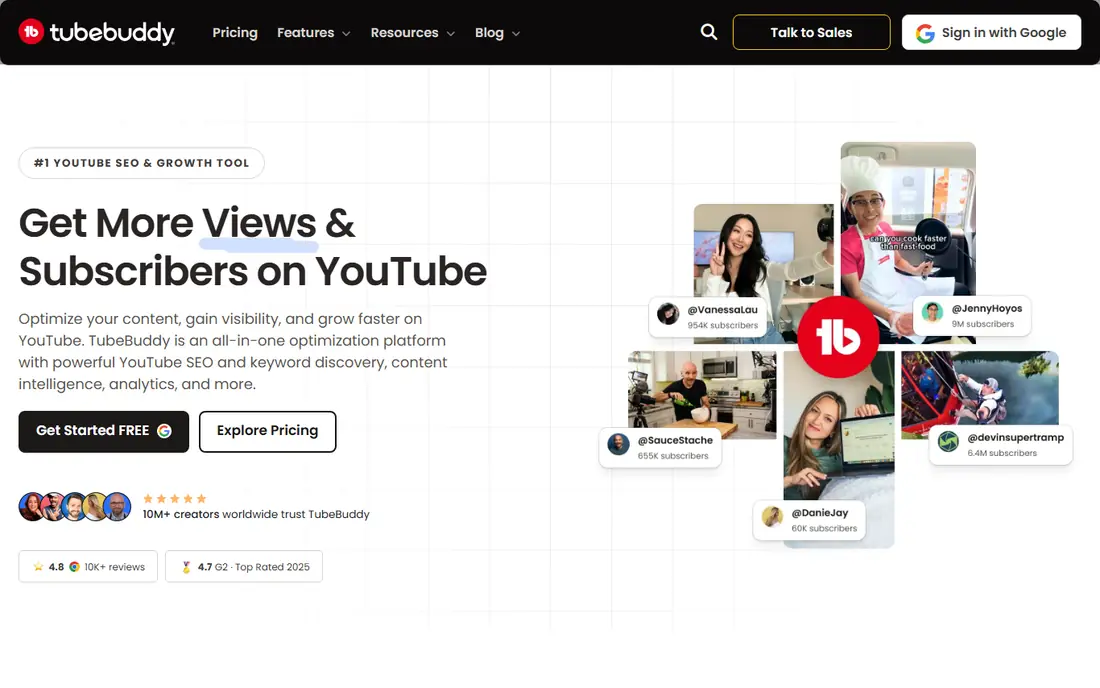
TubeBuddy is built around the upload and library workflow. Its SEO Studio walks through title, description, and tags for each video, while bulk tools let a creator update descriptions, cards, and end screens across many videos at once. For a channel with a large back catalog, that bulk work alone can justify the price.
Thumbnail and title A/B testing is the other key draw, since it replaces guesswork with click data. New creators should still start with keyword research and a clear title, because testing cannot fix a weak topic. For a growing channel, TubeBuddy keeps publishing consistent and measurable.
- SEO Studio checklist for each upload
- Thumbnail and title A/B testing on higher plans
- Bulk tools for large libraries
- A standard license covers one channel
- Some advanced features need the Legend plan
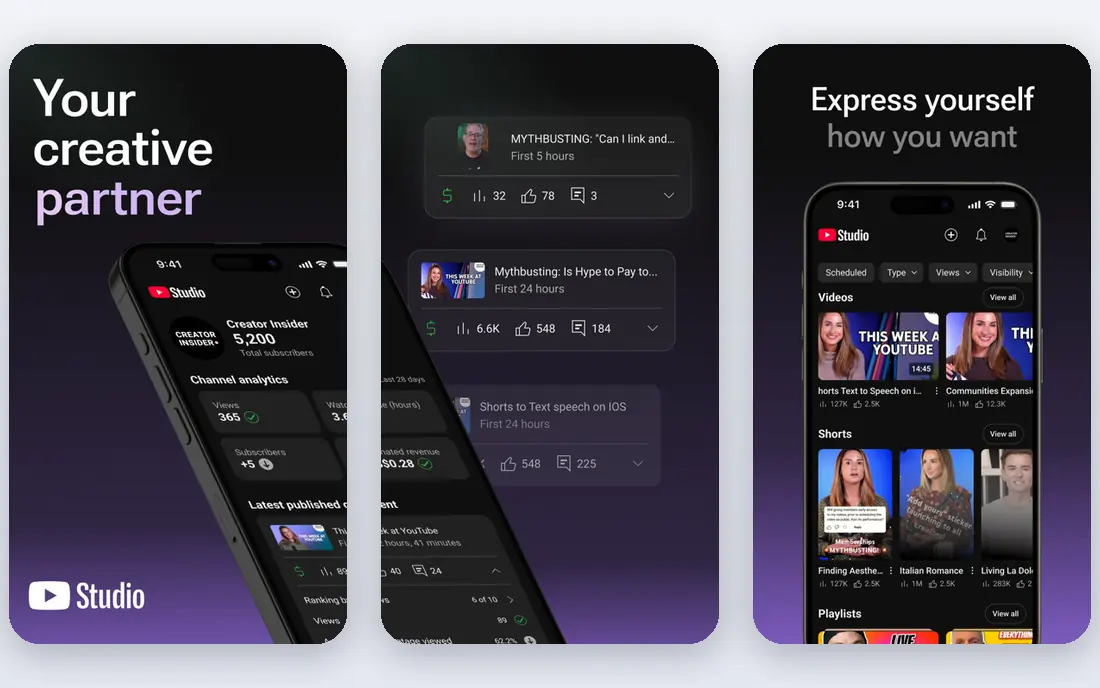
YouTube Studio should be the base for every creator, paid tools or not. It shows how viewers find your videos, which search terms bring traffic, and which videos keep viewers watching. That data comes from your own channel, so it is more reliable for your decisions than an estimate from a third party.
Its limits are also clear. It does not score competitor keywords in the same way as vidIQ or TubeBuddy, and it will not generate a long list of new topics. Use Studio to judge what already works, then use a paid tool to find the next topic.
- Free and official
- Real search terms and audience data for your channel
- No extra install needed for basic analytics
- No competitor keyword scores
- Limited idea generation compared with paid tools
Keyword Tool takes a seed phrase and returns the phrases YouTube suggests around it, which is useful for long-tail planning. A creator can build a list of real viewer phrases, then check the strongest ones in vidIQ, TubeBuddy, or YouTube Studio before filming. That two-step process avoids chasing a phrase nobody searches.
The free version is limited, because it shows keywords without search volume. Paid plans add volume, competition, and cost data. For a creator who already pays for vidIQ or TubeBuddy, Keyword Tool is a useful extra, not a replacement.
- Mines YouTube autocomplete for long-tail ideas
- Works for several platforms beside YouTube
- Simple keyword lists for planning
- Free version shows keywords without volume data
- Paid price is high for a single-purpose tool
Ahrefs fits a creator who also runs a website or a business, because its YouTube keyword data sits beside Google keyword, competitor, and content data. You can compare a topic across search and video, check what a competitor ranks for, and plan content that serves both channels. That breadth is valuable for a media brand.
For a YouTube-only creator, the price is harder to justify. It does not offer the same in-YouTube upload checklist or thumbnail testing as the specialist tools. Choose it when cross-platform research is a regular job, not a one-time check.
- Strong YouTube keyword explorer
- Deep competitor and backlink data
- Useful for creators with a website beside a channel
- Price is high for YouTube-only work
- No in-YouTube extension workflow like vidIQ or TubeBuddy
Semrush suits a team that plans video as part of a wider search strategy. It can show video results in Google search, competitor topics, and keyword ideas that work for both articles and videos. That view helps a brand decide when a video, an article, or both should target the same topic.
A solo creator will likely find vidIQ or TubeBuddy cheaper and more direct. Semrush earns its price when video planning, website SEO, and competitor tracking all sit with the same team and the same budget.
- Video and search data in one suite
- Competitor and topic research
- Limited free account for spot checks
- High price for a creator who only needs YouTube tools
- YouTube features are part of a much larger platform
TubeRanker is a lighter option for creators who want a quick audit and keyword check without learning a large platform. It can highlight basic optimization gaps and suggest keywords for a video, which is enough for a small channel that publishes on a simple routine. The free tools also help a beginner test the idea before paying.
Busy channels may miss bulk editing, A/B testing, and deep competitor tracking. Use TubeRanker as a starting point or a second opinion, and move to a specialist tool when your library and publishing pace grow.
- Simple channel audit and keyword tools
- Low learning curve
- Free tools for quick checks
- Narrower feature set than vidIQ or TubeBuddy
- Less suited to large team workflows
Morningfame focuses on the growth questions a small creator actually asks, such as which topics fit the channel size and which videos are likely to perform. Its analytics view is simpler than a full marketing suite, which helps a creator who feels lost in a large dashboard. Keyword research is built around channel size, not just raw volume.
The invitation-based access is a drawback for some creators, since sign-up is not instant for everyone. If you can join, it works well as a focused growth companion beside YouTube Studio.
- Growth-focused analytics for small channels
- Simple keyword research view
- Invitation-based access can keep the community focused
- Access model may delay sign-up
- Feature set is narrower than the largest tools
1of10 answers a different question from most SEO tools. Instead of scoring a title after you choose a topic, it helps you find videos that performed far above their channel average, which often signals a strong topic or angle. A creator can study those outliers, then use vidIQ or TubeBuddy to shape the title, tags, and thumbnail.
It does not replace an upload checklist or analytics tool. Pair it with YouTube Studio for your own data and a specialist tool for optimization, and it becomes a strong idea layer for a channel that already publishes regularly.
- Finds outlier videos that beat a channel average
- Topic research before filming
- Useful for idea generation in a niche
- Research tool, not a full SEO toolbar
- Pricing needs a check on the vendor site
How we picked these
We compared official feature pages, pricing pages, and public documentation for tools that are live in October 2026 and that support YouTube search work, such as keyword research, title and tag optimization, thumbnail testing, or competitor research. We kept free official tools beside paid tools, so creators can see what YouTube Studio already covers before paying. Where pricing was unclear at checking time, we wrote See website.
How to choose a YouTube SEO tool
Start with your bottleneck. If you struggle to pick topics, choose a research tool such as vidIQ or 1of10. If you struggle to publish well, choose TubeBuddy for its upload checklist and bulk tools. If you struggle to know what works, spend a month inside YouTube Studio before buying anything.
Test one workflow for a month
Pick one workflow, such as keyword research for four videos, and run it fully in the trial. Check whether the tool changes your title, tags, or thumbnail in a way you can explain. A tool that only adds numbers to a dashboard without changing a decision is not earning its price.
Keep titles honest and clear
Keyword tools can tempt a creator toward clickbait titles that do not match the video. A clear title that matches the content keeps viewers watching longer, which matters more for long-term growth than a short spike in clicks. Use the score as a guide, then write the title a real viewer would trust.
Review results in YouTube Studio
After a month, compare impressions, click-through rate, and watch time in YouTube Studio for videos made with the tool against older videos on similar topics. If the new workflow shows no clear change, simplify the toolset rather than adding another subscription.
Frequently asked questions
What is the best tool for YouTube SEO?
vidIQ and TubeBuddy are the most complete YouTube SEO tools for most creators, because they combine keyword research with upload optimization inside YouTube. YouTube Studio should still be used beside them for official channel data.
What is the best SEO app for YouTube on a budget?
YouTube Studio is free and covers your own channel data, while vidIQ offers a free plan for basic keyword research. TubeBuddy also offers a free start, with paid plans for bulk work and A/B testing.
What is the best YouTube ranking software for keyword research?
vidIQ is a strong choice for YouTube keyword scores and competition data, while Keyword Tool is useful for autocomplete phrases. Ahrefs adds cross-platform data for creators who also work on Google search.
Do YouTube SEO tools guarantee ranking?
No. They help you choose topics, write clearer titles and descriptions, and test thumbnails, but ranking also depends on video quality, watch time, and viewer response. No tool can promise a top position.
Which is better, vidIQ or TubeBuddy?
vidIQ leans toward research, competitor tracking, and ideas, while TubeBuddy leans toward upload workflow, bulk edits, and thumbnail testing. Many creators use one as the main tool and the other for a specific job.
Sources
See where you really rank - block by block
ProMapRanker scans Google Maps across a grid of your service area. Simple monthly plans from $19, white-label on every plan.
Start freeKeep reading
 twitch alternatives
Twitch Alternatives in 2026
Explore the best Twitch alternatives in 2026 for live streaming, with free platforms, monetisation options, audiences, chat tools, and tips for new streamers.
Read → firebase alternatives
Best Firebase Alternatives in 2026
Looking for Firebase alternatives? We compare 9 backend platforms for auth, databases, realtime, storage, functions, self-hosting, and pricing for your app.
Read → companies with best work life balance
Companies With Best Work Life Balance in 2026
See companies with best work life balance in 2026, ranked by employee ratings, with flexible work options, benefits, and what to check before applying.
Read →