 ProMapRanker
Best Workspace Management Software in 2026

Key takeaways
- Desk and room booking alone is not enough for most hybrid offices, so the stronger picks here also cover visitors, floor plans, and usage data.
- Officely and Skedda give small teams the clearest starting prices, while Envoy, Robin, and OfficeSpace suit larger and more complex offices.
- Check calendar support first, because a tool that does not match your Outlook or Google setup will struggle to gain daily use.
- Free plans are rare in this category, so trial the booking flow with real staff before signing a yearly deal.
Quick comparison
| Pick | Great for | Pricing starts at | Free tier | |
|---|---|---|---|---|
 Envoy | Visitor-first workplaces | See website | Yes | Visit |
 Robin | Large multi-building offices | See website | No | Visit |
 Skedda | Fair booking rules | $249 per month | Free trial (14 days) | Visit |
 deskbird | Microsoft 365 teams | $3.75 per user per month | Free trial | Visit |
 Yarooms | Multi-site booking and signage | $99 per month | Free trial | Visit |
 Officely | Small Slack and Teams groups | $2.50 per user per month | Yes | Visit |
 Kadence | Team-based hybrid scheduling | See website | Free trial | Visit |
 OfficeSpace Software | Space planning and moves | See website | No | Visit |
 Condeco | Outlook-based enterprises | See website | No | Visit |
The best workspace management software
We compared official feature pages, pricing pages, and public reviews for nine workspace tools. This list covers booking, visitors, floor plans, and reporting, with a plain note on price where vendors publish it.
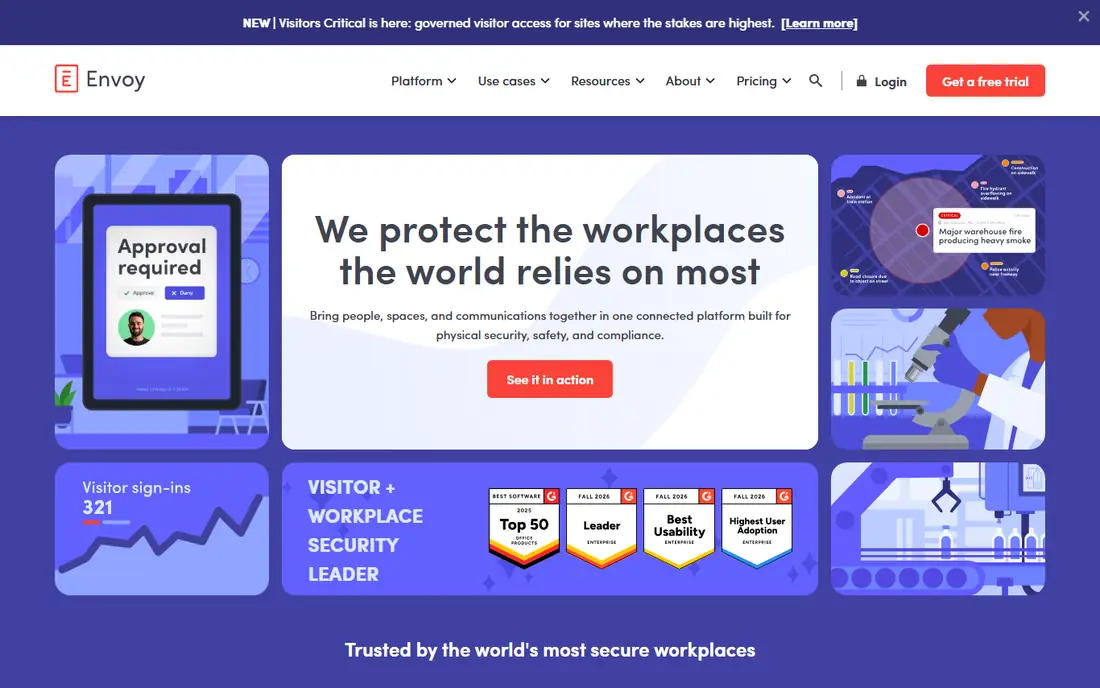
Envoy suits an office where guests, deliveries, and security checks matter as much as desks. Visitors can check in, sign documents, and get a badge, while staff book desks and rooms from the same system. That shared setup helps front-desk teams avoid juggling separate tools for arrivals and space.
The catch is cost clarity. Envoy sells workplace, visitors, and related modules separately, so a quote depends on locations and add-ons. Ask for a total that covers every site and every module you plan to use, then compare that figure with a booking-only tool before you commit.
- Strong visitor management
- Desk and room booking in one place
- Useful workplace analytics
- Pricing varies by module and location
- Smaller teams may pay for features they rarely use
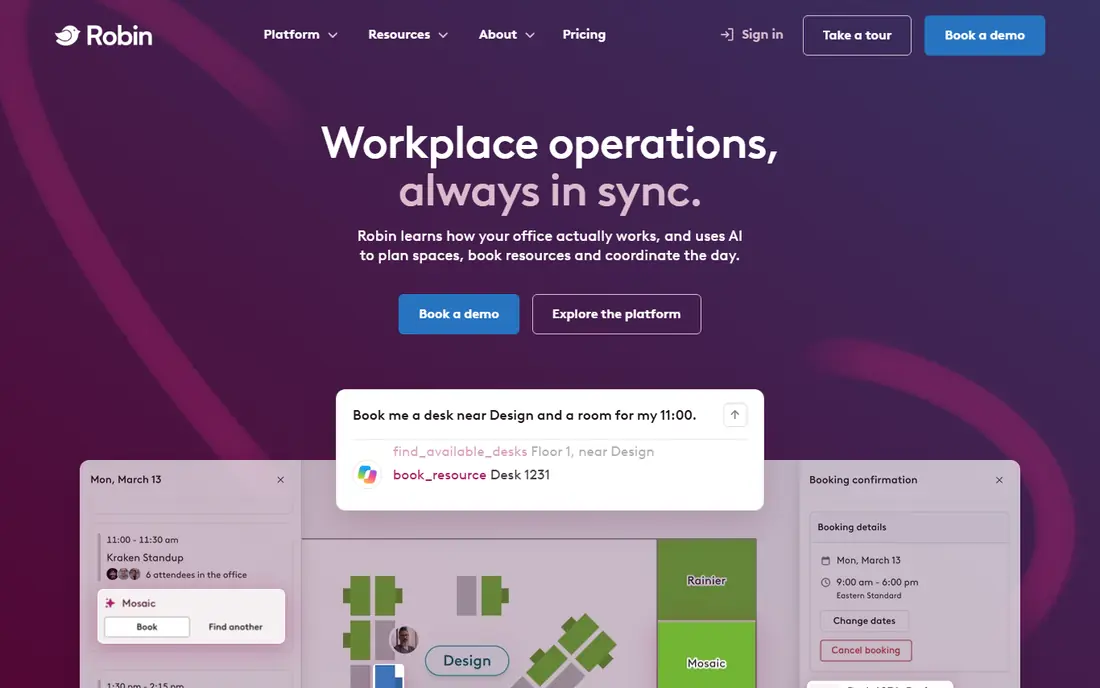
Robin fits a company with several floors, buildings, or campuses that needs one consistent booking system. Interactive maps show where teams sit, room panels show availability at a glance, and reports reveal which rooms sit empty. Managers can use that data to adjust layouts instead of guessing about space needs.
The trade-off is scale. Robin is built for larger operations, so a ten-person office will find the setup heavy and the price hard to justify. Shortlist it when you have many rooms, many locations, and someone who can own the rollout.
- Clear floor plans and room displays
- Strong analytics for large portfolios
- Broad calendar and chat integrations
- Quote-only pricing
- More setup than a small team usually needs
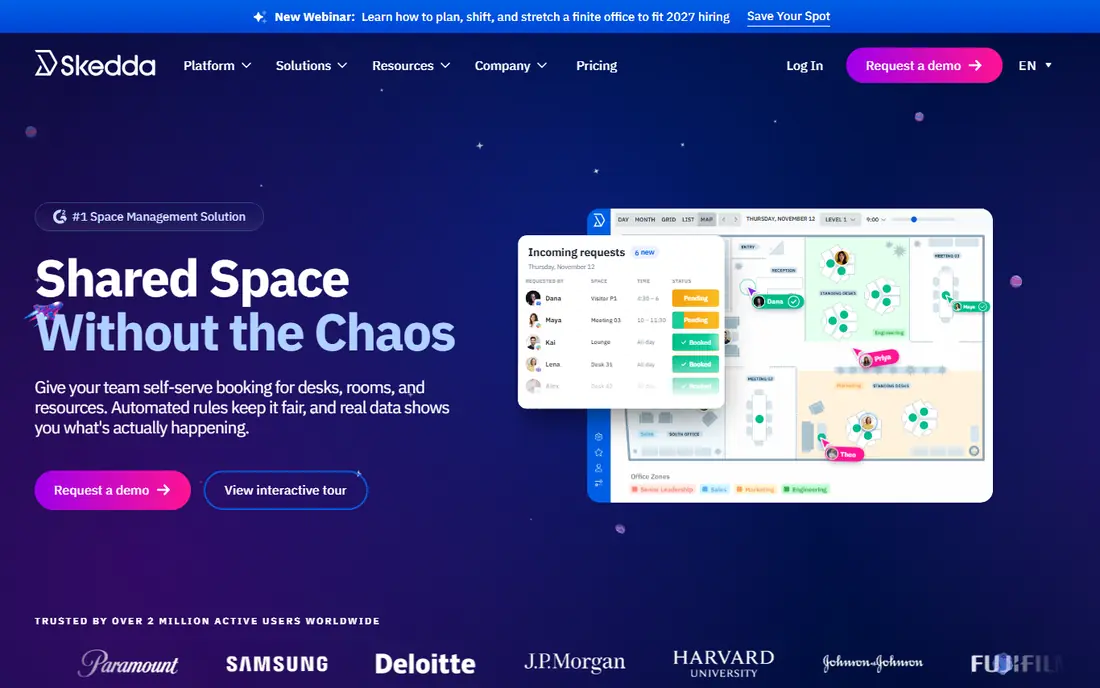
Skedda stands out for teams that argue over popular desks and rooms. Admins can set booking limits, approval rules, and access by group, so one team cannot grab every window seat each week. The floor plan view keeps booking simple for staff who just want to pick a spot and get on with work.
Pricing is easier to estimate here than with most rivals, though the monthly figure depends on how many spaces you list. Count desks, rooms, and shared areas carefully before quoting, and check what the trial includes, since some features sit on higher tiers.
- Transparent published pricing
- Flexible booking rules and quotas
- Floor plans included
- Visitor tools are limited compared with Envoy
- Pricing rises with space count
deskbird earns its place for offices that already live in Microsoft 365. Staff can see who is in the office, book a desk near teammates, and manage hybrid schedules without learning a separate calendar system. Admins can set office attendance rules and track compliance in the same dashboard.
The weakness is per-user pricing. A growing headcount pushes the monthly bill up even when desk use stays flat, so model the cost at your hiring plan, not just today's staff count. Teams on Google Workspace should test the calendar link closely before switching.
- Clean booking experience
- Strong Microsoft 365 and Teams links
- Hybrid work policy controls
- Cost grows with headcount
- Some visitor features need add-ons
Yarooms appeals to companies that want one vendor for desks, rooms, visitors, parking, and screens. Room panels and desk signs reduce double bookings, and the flat monthly tiers make budgeting simpler than per-user pricing for large teams. Multi-site admins get a single view across offices.
The catch is tier gaps. The entry tier covers basic booking well, but richer features and larger user counts push you to higher plans. List every site, screen, and parking area you need in the trial, and confirm which tier covers them all.
- Desk, room, visitor, and parking tools in one product
- Digital signage included
- Flat tier pricing
- Some advanced features sit on higher tiers
- Setup takes care across many sites
Officely is the pick for a small hybrid team that already chats in Slack or Microsoft Teams. Staff book desks and rooms without opening another app, which matters more than it sounds, since adoption often fails when booking feels like extra work. The free plan lets a tiny team test the habit before paying.
The limit is breadth. Officely does not try to match Envoy on visitors or Robin on portfolio analytics, so larger offices will outgrow it. Use it when simple desk and room booking inside chat is the main job.
- Low entry price
- Booking inside Slack or Teams
- Free plan for small teams
- Narrower feature set than enterprise tools
- Limited visitor management
Kadence focuses on the team question that desk booking alone misses: who is in, and where are they sitting. Neighbourhood views group teams together, managers can coordinate office days, and staff can find colleagues before they travel in. That team view helps hybrid schedules feel planned rather than random.
Pricing is the main drawback, since Kadence does not publish a simple starting figure for every plan. Get a written quote for your user count and sites, and compare it with deskbird and Officely if your main need is booking rather than full workplace planning.
- Team neighbourhood and scheduling views
- Desk, room, and visitor booking
- Strong calendar links
- Quote-based pricing
- Smaller vendor than the biggest rivals
OfficeSpace Software suits facility and workplace teams that plan space, not just book it. Scenario planning lets you test a new layout before moving furniture, and move management tracks seats, teams, and equipment through a change. Daily booking still works, but planning is where this product earns its fee.
The downside is price and packaging. Quotes are custom, and some floor plan features sit behind add-ons, so the first quote may not match the full setup you imagined. Ask exactly what planning, booking, and reporting modules are included before comparing it with Robin.
- Visual floor planning and scenario tools
- Move management
- Strong reporting for facility teams
- Quote-only pricing
- Floor plan editing can cost extra
Condeco fits large companies standardized on Microsoft Outlook and Exchange. Staff book rooms and desks from Outlook, panels show live availability, and admins get usage data across a large estate. That Outlook-first flow cuts training time in offices where Outlook is already the daily calendar.
The catch is fit. Condeco is an enterprise product with enterprise setup and pricing, so small teams will find lighter tools faster and cheaper. Shortlist it when Outlook integration and large-scale room management are firm requirements.
- Deep Outlook and Exchange booking
- Room and desk tools for large firms
- Workplace analytics
- Quote-only pricing
- Setup suits enterprises more than small teams
How we picked these
We compared official feature and pricing pages, app store listings, and public reviews for workspace tools that still operate in October 2026. We kept only products that cover desk or room booking as a core job, and we favored tools with clear calendar links, floor plans, and reporting. We did not claim hands-on testing, and we wrote See website where a vendor does not publish a starting price.
What to check before you buy
Start with your calendar and chat tools, since booking lives or dies on those links. Test Outlook or Google sync, Slack or Teams booking, and mobile booking with a small pilot group before rolling out to everyone. A tool that looks good in a demo can still fail if staff must open a separate app to book a desk.
Next, count what you will pay for. Per-user tools charge for headcount, per-space tools charge for desks and rooms, and module tools charge for visitors, parking, and signage separately. Model the total at your planned size, and ask which features sit on higher tiers. Finally, check reporting early, because usage data is the reason many offices buy these tools at all.
A simple rollout plan
Run a two-week pilot in one office or one floor, with clear booking rules and a named owner. Track no-shows, double bookings, and empty rooms, then adjust rules before adding more sites. That pilot gives you real numbers for the business case, and it shows whether staff will actually use the tool each week.
Frequently asked questions
What is the best workspace management software for a small team?
Officely and Skedda are strong starting points for small teams, since both publish clear prices and cover core desk and room booking. Officely fits chat-first teams, while Skedda fits teams that need booking rules and quotas.
What is the best space management software for a large company?
Robin, OfficeSpace Software, and Condeco suit large companies with many rooms, floors, or sites. Robin leads on booking and analytics, OfficeSpace leads on planning and moves, and Condeco leads for Outlook-based firms.
What are the best workspace apps for hybrid teams?
The best workspace apps for hybrid teams combine desk booking with team visibility, so staff can see who is in before they travel. deskbird, Kadence, and Officely all do this well, with different price models and levels of control.
Do these tools work with Outlook and Google Calendar?
Most tools here link to Outlook, Google Calendar, or both, but the depth of that link varies. Check two-way sync, room panel support, and mobile booking for your exact calendar setup during a trial.
Is there a free workspace management tool?
Officely offers a free plan, and Envoy offers a free basic visitors tier, but most full booking tools are paid. Free plans suit very small teams, while larger offices should budget for a paid plan.
Sources
See where you really rank - block by block
ProMapRanker scans Google Maps across a grid of your service area. Simple monthly plans from $19, white-label on every plan.
Start freeKeep reading
 who has best internet service
Who Has the Best Internet Service in 2026
Who has best internet service for US homes? We compare fiber, cable, fixed wireless and satellite providers on speed, price, availability and terms today.
Read → which survey tool has the best analytics
Which Survey Tool Has the Best Analytics in 2026
Find which survey tool has the best analytics in 2026, comparing Qualtrics, SurveyMonkey, Typeform, Alchemer, and more on reports, text, and stats today.
Read → which streaming service has the best movies
Which Streaming Service Has the Best Movies in 2026
Answering which streaming service has the best movies, with Netflix, Max, Criterion and more compared on libraries, prices and free options in this guide.
Read →