 ProMapRanker
Best Work Management Software in 2026

Key takeaways
- Monday.com is our pick for non-technical teams because visual boards, templates, and status columns are easy to read at a glance.
- Asana suits cross-team work with timelines, portfolios, and goals, while ClickUp gives the most features per dollar for feature-hungry teams.
- Trello remains the simplest kanban choice, and Notion suits teams that want tasks, docs, and wikis in one workspace.
- Smartsheet, Wrike, and Teamwork.com fit operations, marketing approvals, and client work better than general task boards.
- Every tool here offers a free plan or trial, so test with a real project before committing a whole team to per-user pricing.
Quick comparison
| Pick | Great for | Pricing starts at | Free tier | |
|---|---|---|---|---|
 monday.com | Visual boards | $9 per user per month | Yes | Visit |
 Asana | Cross-team coordination | $10.99 per user per month | Yes | Visit |
 ClickUp | Most features per dollar | $7 per user per month | Yes | Visit |
 Trello | Simple kanban | $5 per user per month | Yes | Visit |
 Notion | Tasks plus docs | $10 per user per month | Yes | Visit |
 Smartsheet | Spreadsheet-style planning | $9 per user per month | Yes | Visit |
 Wrike | Approvals and marketing work | $10 per user per month | Yes | Visit |
 Basecamp | Flat pricing for teams | See website | Free trial | Visit |
 Teamwork.com | Agencies and client work | $9.99 per user per month | Yes | Visit |
The best work management software
Work management software should cut status meetings, not create a second job of updating the tool. The best choice depends on how your team thinks, whether in boards, timelines, spreadsheets, or documents, and on how much structure you actually need. The nine tools below cover visual boards, structured timelines, docs-based work, and agency client management.
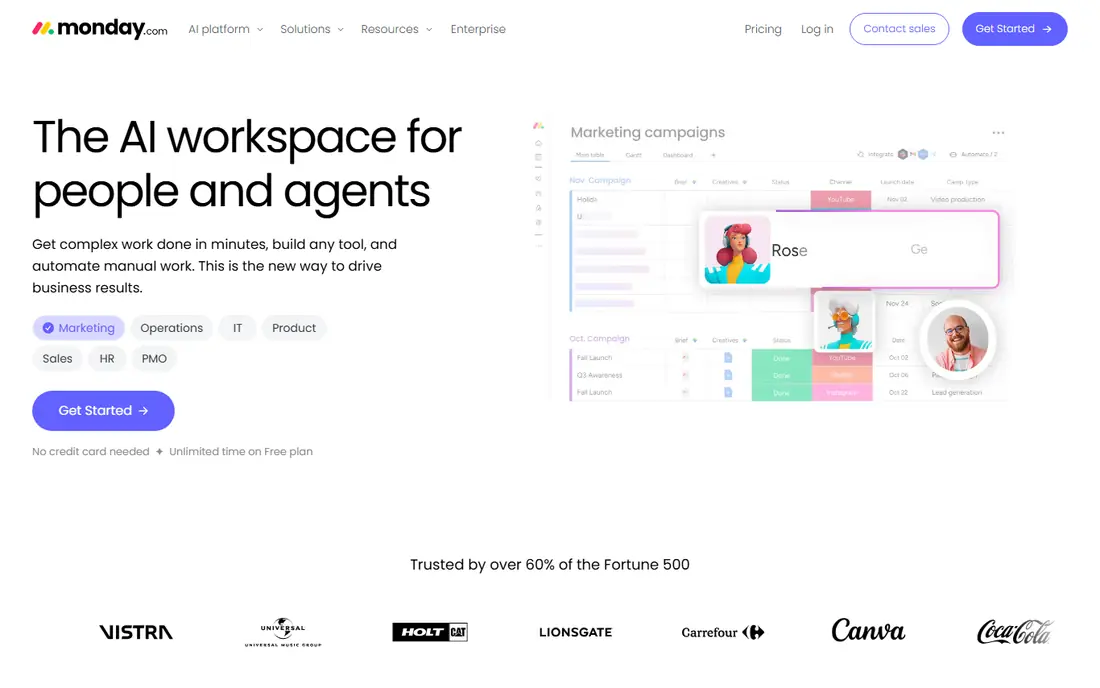
Monday.com wins on approachability. Boards use color, status labels, and column types that make sense to marketing, HR, and operations staff who have never used project software.
Paid plans start at $9 per user per month billed annually for the Basic tier, with a free plan for up to two users. The catch is scale and depth. Larger teams pay per seat, and the automations, integrations, and dashboards that make the tool powerful sit on higher tiers. For a team that needs shared visibility without a steep learning curve, monday.com remains the easiest adoption bet.
- Color-coded boards that non-technical teams read quickly
- Templates for campaigns, hiring, and content
- Automations and dashboards on paid plans
- Costs add up per user for large teams
- Advanced automation and reporting sit on higher tiers
- Free plan is limited to a small team size
Asana is the default answer when teams want project management without a steep learning curve. Tasks, projects, timelines, and calendars come together in an interface most people understand in an afternoon. Every task has an owner and a due date, which alone removes a large share of status confusion in cross-functional teams.
Starter pricing starts at $10.99 per user per month billed annually, with a free plan for up to 15 users covering unlimited tasks and projects with file limits. Portfolios, goals, workload views, and advanced automation sit on higher tiers, so budget for those if leadership reporting matters. For teams that need everyone aligned on who owns what, Asana remains the safest structured pick.
- Clear task ownership, timelines, and calendars
- Portfolios and goals connect work to objectives
- Strong automation and integrations
- Per-user pricing adds up at scale
- Portfolios and advanced reporting sit on higher tiers
- Free plan lacks timelines and advanced search
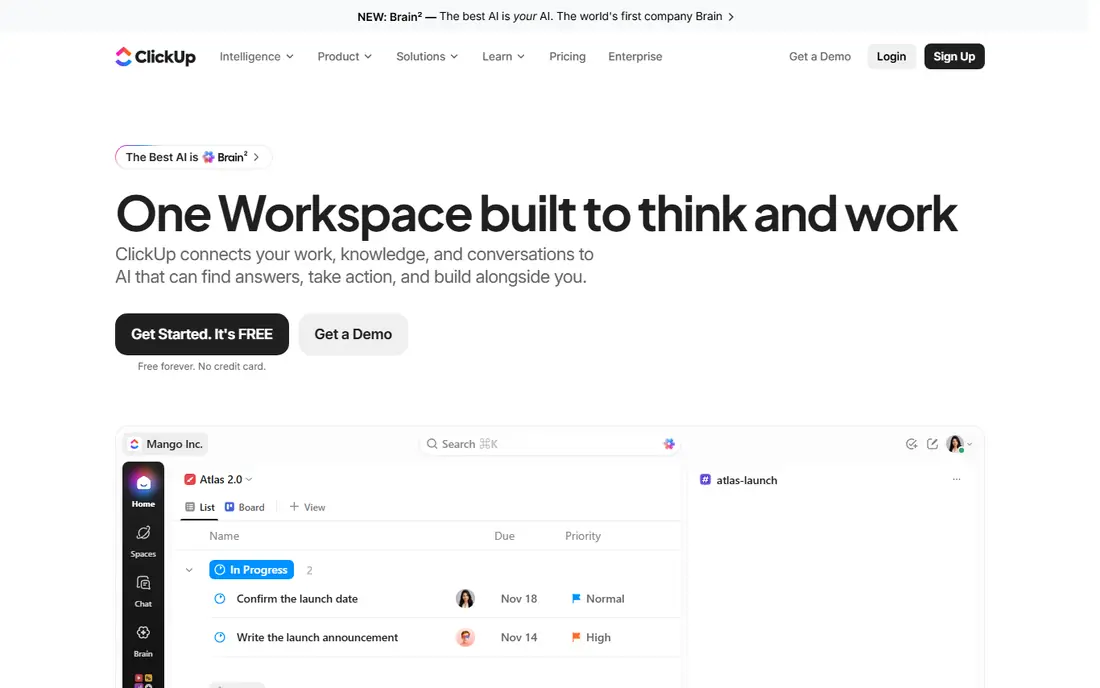
ClickUp appeals to teams that want one tool instead of three. Tasks, docs, whiteboards, goals, time tracking, and automations live in the same workspace, with list, board, calendar, timeline, and Gantt views on the same data. The free tier is generous for small teams, and the Unlimited plan at $7 per user per month billed annually adds unlimited storage, integrations, and dashboards.
That breadth is also the risk. New users can spend a week configuring ClickUp instead of doing work, and the interface packs in options that simpler tools hide. Start with one project, one view, and a small set of custom fields, then add automations only after the team uses the basics daily. For feature-hungry teams on a budget, ClickUp gives the most capability per dollar in this list.
- Many views, docs, goals, and automations in one tool
- Generous free tier for small teams
- Unlimited plan starts at $7 per user per month
- Feature depth can overwhelm new users
- Setup takes time to tune views and permissions
- Some users find the interface busy
Trello remains the simplest way to see work moving from left to right. Create a board, add lists for stages, and drag cards as work progresses. Checklists, due dates, attachments, and comments cover most small-team needs, and Butler automation handles repetitive moves and reminders without code.
The limit shows up as work grows. Trello lacks the native portfolios, workload views, and deep reporting of Asana or monday.com, and complex programs can sprawl across many boards. Standard pricing at $5 per user per month billed annually adds unlimited boards, advanced checklists, and custom fields. For a small team, a freelancer, or a single pipeline, Trello is often all you need, and its simplicity is the feature.
- Kanban boards that anyone can learn in minutes
- Power-Ups add calendars, automation, and integrations
- Free tier suits small groups
- Weak for complex timelines, portfolios, and reporting
- Large projects need many boards and Power-Ups
- Standard starts at $5 per user per month for fuller features
Notion suits teams whose work lives in documents as much as in tasks. A project page can hold the brief, meeting notes, specs, and task database together, so context does not scatter across separate apps. Databases with board, timeline, and calendar views let small teams track work without leaving the docs they already use.
That flexibility needs discipline. Without agreed templates and naming rules, Notion workspaces grow messy, and reporting for leadership is thinner than in Asana or monday.com. Plus pricing starts at $10 per user per month billed annually, with a free tier for individuals. If your team writes a lot and manages a moderate number of projects, Notion is a strong all-in-one choice. If you run large programs with strict reporting, pair it with a dedicated PM tool instead.
- Tasks, docs, wikis, and databases in one workspace
- Flexible pages suit planning, notes, and specs together
- Free tier for personal use
- Project reporting and timelines are thinner than dedicated PM tools
- Setup freedom can lead to messy workspaces
- Plus starts at $10 per user per month
Smartsheet fits teams that already think in rows and columns. Operations, construction, and event teams can plan in a grid, add dependencies and dates, and switch to Gantt or card views when a visual check helps. Forms collect requests without email chaos, and dashboards roll many sheets into one leadership view.
The spreadsheet style is a strength for planners and a barrier for teams that prefer visual boards. Pro pricing starts at $9 per user per month billed annually, with a free trial and a free plan tier in some listings, so confirm current terms on the vendor site. If your team lives in spreadsheets today, Smartsheet shortens adoption time. If your team hates spreadsheets, monday.com or Trello will feel friendlier.
- Familiar grid view for operations teams
- Gantt, card, and calendar views on the same data
- Automations, forms, and dashboards for reporting
- Interface feels spreadsheet-first, not board-first
- Pro starts at $9 per user per month
- Some users need training to use formulas and reports well
Wrike is built for work that needs approval before it ships. Marketing, creative, and professional services teams can route assets through review stages, track comments on proofs, and keep a clear record of who approved what. Custom workflows, dashboards, and reporting support larger programs better than a simple board.
That power needs admin time. Configuring workflows, permissions, and request forms takes longer than setting up Trello, and the most useful reporting and resource tools sit on higher tiers. Team pricing starts at $10 per user per month billed annually, with a free tier for small teams. For approval-heavy work, Wrike earns its complexity. For simple task lists, it will feel heavy.
- Approval workflows for creative and marketing teams
- Custom workflows, dashboards, and reporting
- Time tracking and resource views on higher tiers
- Setup and admin take longer than simpler tools
- Team starts at $10 per user per month
- Best features sit on Business and Enterprise tiers
Basecamp takes a different pricing stance, and large teams notice it first. Instead of charging per seat, Basecamp charges a flat monthly rate for unlimited users on the main plan, which can save a lot for a 30-person team or a client-heavy agency. To-dos, message boards, schedules, docs, and chat cover the core collaboration jobs without a maze of settings.
The trade-off is depth. Basecamp lacks the advanced timelines, automations, workload views, and reporting found in Asana, monday.com, and Wrike. Teams that need those controls will feel constrained, while teams that want a calm, shared home for projects will appreciate the restraint. Check current pricing on the vendor site, since Basecamp has revised plans, and compare the flat total against per-user totals for your actual headcount.
- Flat monthly price regardless of team size
- To-dos, message boards, schedules, and file storage in one place
- Simple interface that clients grasp quickly
- No per-user free tier for ongoing use
- Fewer advanced views, automations, and reporting than rivals
- Pricing should be checked on the vendor site
Teamwork.com is built for agencies and client services teams. Projects can carry client access, milestones, task lists, time logs, and billing context, so delivery and commercial work stay connected. Workload views help managers balance staff across clients, and templates speed up repeat engagements.
The agency focus means solo teams may pay for features they never use, and setup takes longer than Trello or monday.com. Pricing starts at $9.99 per user per month billed annually for the Deliver plan, with a free tier for small teams. If your work is client billable and time matters to revenue, Teamwork.com fits better than a general task board. If you have no clients and no billing, a simpler tool will do.
- Client projects, time tracking, and billing features in one tool
- Task lists, milestones, and workload views
- Free tier for small teams
- Interface covers many agency jobs, so setup takes time
- Deliver plan starts at $9.99 per user per month
- Smaller teams may not need billing features
How we picked these
We compared official pricing pages, feature pages, and current work management guides for tools live in October 2026. We kept tools that manage tasks, projects, timelines, or client work as a core job, and we checked free plans, starting paid prices, and the features that sit on higher tiers. Where pricing varies by billing period or plan name, we used the commonly published annual figure and noted See website for flat or custom plans.
How to choose without a long trial spiral
Start from the work, not the feature list. Write down three real projects, who owns each step, and what report a manager needs at the end of the week. If a tool cannot show that report without heavy setup, it is the wrong tool even if its feature list looks longer. Run a two-week trial with one real project, not a demo project, and judge by whether updates happen without reminders.
Watch seat rules closely. Per-user pricing, guest limits, viewer roles, and minimum seats change the real cost fast. A tool that looks cheap at five users can become expensive at fifty, while a flat-priced tool can look expensive at five users and cheap at fifty. Count everyone who needs to edit, comment, or view, then compare totals, not headline rates.
Views, automation, and reporting in plain terms
Boards suit stage-based work, timelines suit dated dependencies, and grids suit operations data. Automations should handle repetitive moves, assignments, and reminders, not replace human judgment on approvals. Reporting should answer who is overloaded, what is late, and what ships next week, without exporting to a spreadsheet every Friday.
Adoption tips that prevent tool abandonment
Name one owner per project, agree on status meanings, and keep task titles specific enough to act on without opening the card. Archive finished projects promptly, limit custom fields to those you actually filter by, and review the workspace monthly. A tidy tool with ten active projects beats a powerful tool with a hundred stale ones.
Frequently asked questions
What is the best work management tool?
Monday.com suits non-technical teams that want visual boards, Asana suits cross-team coordination with timelines and goals, and ClickUp suits teams that want the most features per dollar. Trello suits simple kanban work, while Notion suits teams that combine tasks with docs. The best tool is the one your team updates daily without prompting.
What is the best work management software for small business?
ClickUp and Trello offer strong free tiers and low starting prices for small teams. Monday.com and Asana also offer free tiers, with paid plans from $9 and $10.99 per user per month billed annually. Start free, test with a real project, and pay only when limits on users, automations, or reporting start to block work.
What is the best free project management app?
Trello, ClickUp, Asana, monday.com, Notion, Smartsheet, Wrike, and Teamwork.com all offer a free tier or free trial, with different user and feature limits. Trello is the simplest free kanban choice, ClickUp offers the broadest free feature set, and Asana offers a generous free tier for up to 15 users. Check guest and storage limits before rolling a free tier out to a whole company.
Is monday.com better than Asana?
Monday.com is easier for non-technical teams to read and adopt, thanks to visual boards and templates. Asana is stronger for structured cross-team work, timelines, portfolios, and goals. Teams that need visual status at a glance often prefer monday.com, while teams that need program reporting often prefer Asana.
How much does work management software cost?
Starting paid prices in this list range from $5 per user per month for Trello Standard to about $10.99 per user per month for Asana Starter, billed annually. Basecamp uses flat pricing, so its total depends on the current plan rather than headcount. Always compare annual totals for your actual team size, including guests and viewers.
What is the difference between work management and project management software?
Work management covers ongoing tasks, workflows, and team coordination across many projects. Project management often focuses on a single project with dates, dependencies, and delivery milestones. Most tools in this list cover both, but Trello and Notion lean toward everyday work, while Asana, Wrike, and Teamwork.com lean toward structured programs and client delivery.
Sources
See where you really rank - block by block
ProMapRanker scans Google Maps across a grid of your service area. Simple monthly plans from $19, white-label on every plan.
Start freeKeep reading
 free chatgpt alternatives hong kong
Free ChatGPT Alternatives Hong Kong in 2026
Find free ChatGPT alternatives Hong Kong users can access in 2026, from Gemini and Perplexity to DeepSeek and Copilot, with free tiers compared today.
Read → best wiki app paid
Best Wiki App Paid in 2026: 10 Apps Compared
Compare the best wiki app paid options in 2026, with Confluence, Notion, Nuclino, Slab, Guru, and more for teams needing a real knowledge base Plus buying tips.
Read → best vulnerability management tools
Best Vulnerability Management Tools in 2026
We compared the best vulnerability management tools for scanning, prioritising fixes and tracking remediation, with pricing and free options explained clearly.
Read →