 ProMapRanker
Best Vulnerability Management Tools in 2026


Broad infrastructure coverage · Pricing starts at: See website
Key takeaways
- Rapid7 InsightVM gives the clearest published starting price in this list, at $1.62 per asset per month for a 500 asset tier.
- Tenable and Qualys suit larger estates that need broad coverage, but both are priced by quote, so budget talks start with a sales call.
- Wiz and Orca focus on cloud workloads, while ManageEngine and Greenbone give smaller teams a lower cost way in.
- Intruder adds a free plan for a small external footprint, which helps lean teams start without a large contract.
- Every tool here should be used only on systems you own or have clear permission to test.
Quick comparison
| Pick | Great for | Pricing starts at | Free tier | |
|---|---|---|---|---|
| Tenable Vulnerability Management | Broad infrastructure coverage | See website | Free trial | Visit |
 Qualys VMDR | Patching linked to scanning | See website | Free trial | Visit |
 Rapid7 InsightVM | Clear per asset pricing | $1.62 per asset per month | Free trial | Visit |
 Wiz | Cloud exposure prioritisation | See website | Free trial | Visit |
 Orca Security | Agentless cloud scanning | See website | Free trial | Visit |
 Intruder | Small teams starting with external scans | See website | Yes | Visit |
 ManageEngine Vulnerability Manager Plus | Endpoint patching on a budget | $695 per year | Yes | Visit |
 Greenbone OpenVAS | Self hosted open source scanning | Free | Yes | Visit |
The best vulnerability management tools
We compared tools that find weaknesses, rank them by risk, and help teams close them. The right pick depends on whether your estate is mostly servers, mostly cloud, or a mix of both.
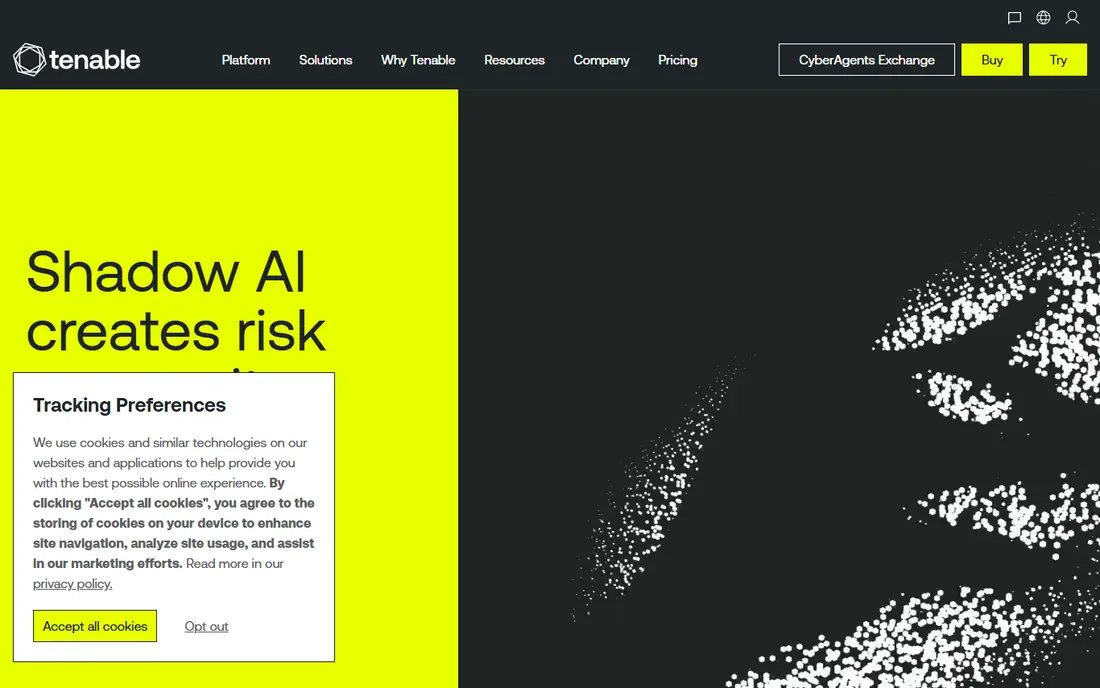
Tenable is the familiar name in this space, and its scanner heritage shows in the depth of checks it runs. It covers servers, network devices, and cloud assets, then ranks findings so teams fix the items that matter first. That ranking matters when a scan returns hundreds of results and only a few deserve urgent attention.
The trade off is cost clarity. Pricing is quote based, so a small team cannot build a budget from a public price page. Implementation also takes planning, especially if you need authenticated scans and segmented networks. For a mid size or large team that already runs formal patch cycles, that effort is usually worth it.
- Wide scanner coverage
- Risk based prioritisation
- Strong reporting for audits
- Quote based pricing
- Setup can feel heavy for very small teams
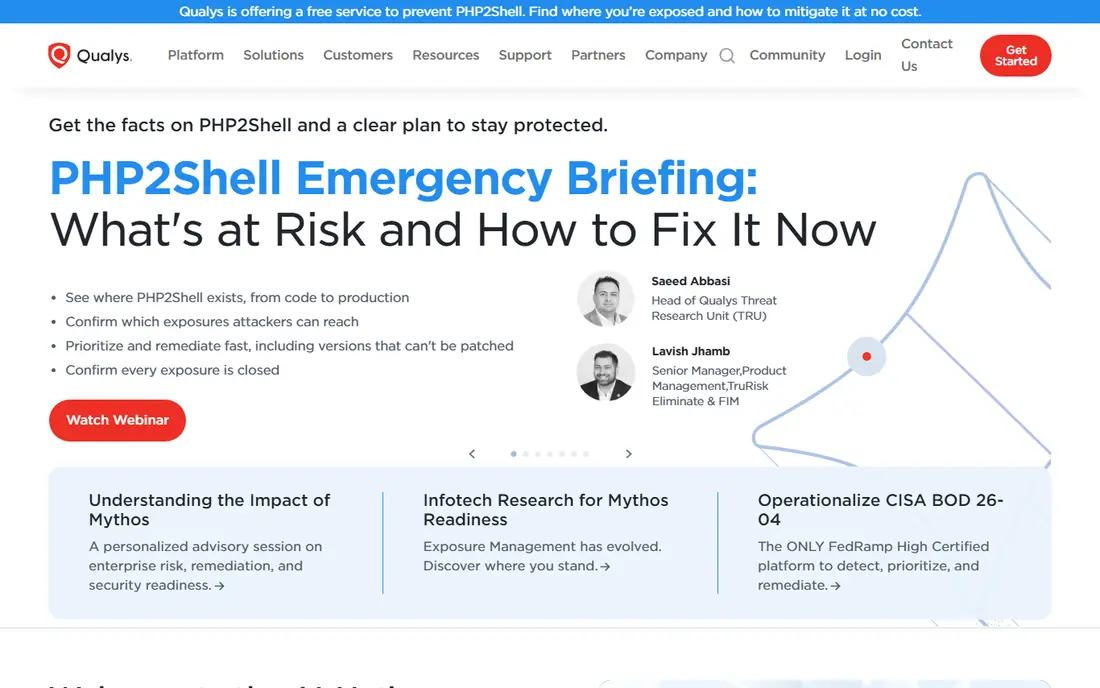
Qualys VMDR ties detection to remediation in a direct way. A finding can move into a patch job without exporting lists between separate tools, which cuts the delay that often leaves known flaws open. Its compliance reporting also helps teams that answer to auditors or frameworks on a regular cycle.
Pricing is the weak point for comparison shopping. Quotes vary with asset count and modules, so two buyers can pay very different amounts for similar coverage. The platform also rewards teams that take time to learn its module structure. If you want scanning plus patching from one vendor, it remains a strong shortlist pick.
- Scanning and patching in one workflow
- Strong compliance reporting
- Cloud based delivery
- Quote based pricing
- Module choices can confuse first time buyers
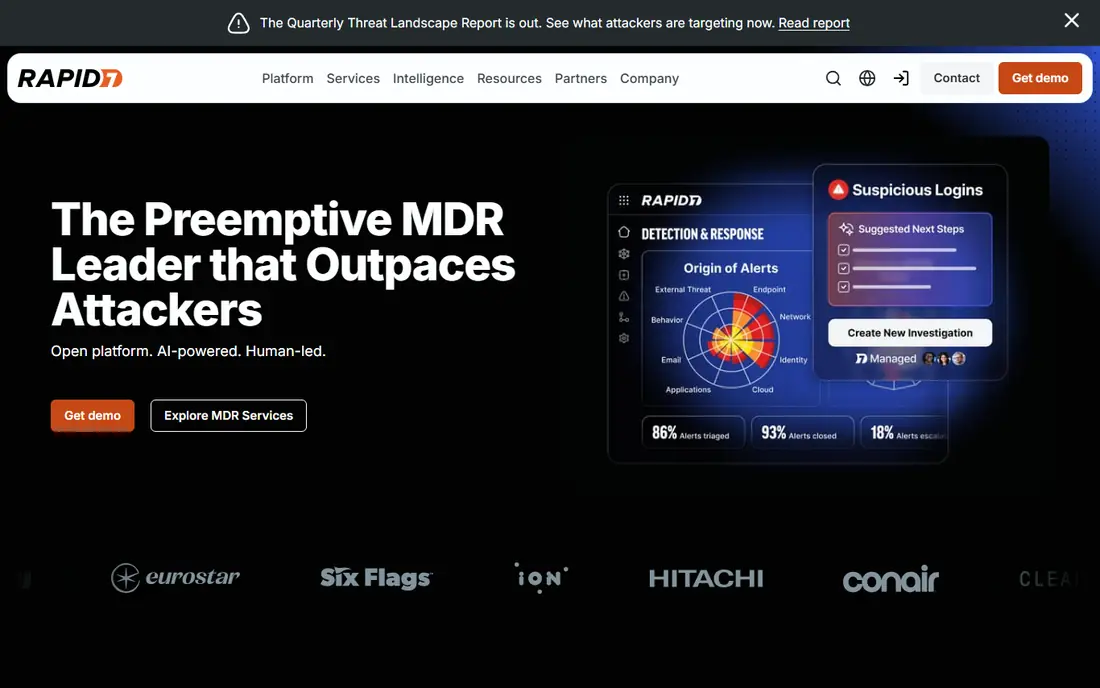
Rapid7 stands out here for pricing transparency. The published starting rate of $1.62 per asset per month at 500 assets lets a buyer model cost before a sales call. InsightVM pairs that with prioritisation that weighs exploit activity, so teams are not forced to treat every high severity item as equal.
The catch is scale. Smaller estates may not hit the tier where that rate applies, and the total still grows as you add assets. Reporting and remediation tracking are solid, but the tool works best when someone owns the patch queue week to week. For teams that want a predictable model, it is easy to compare against quote only rivals.
- Published per asset starting price
- Risk based prioritisation
- Remediation tracking
- Price rises with asset count
- Best value needs a larger asset commitment
Wiz looks at cloud risk as a connected picture rather than a list of isolated alerts. It links a vulnerable workload to its exposure, identity access, and data sensitivity, then shows which combinations create a real path to harm. That context helps cloud teams ignore noise and fix the few issues that could actually be reached.
The limit is scope. If most of your estate is on premises hardware, Wiz will not replace a traditional network scanner. Pricing is also quote based and scales with workloads and modules. For cloud heavy teams on AWS, Azure, or Google Cloud, it is one of the most focused options in this list.
- Cloud security graph linking issues
- Agentless scanning option
- Clear attack path views
- Quote based pricing
- Mainly a cloud tool, not a general on premises scanner
Orca takes an agentless approach, scanning cloud workloads from outside the workload itself. That can speed up deployment, since teams do not need to install agents on every virtual machine or container. It covers virtual machines, containers, Kubernetes pods, and serverless resources, then scores risk with business context.
Pricing is quote based, and marketplace packs are sold in monthly workload bundles, so small cloud footprints should confirm the minimum before signing. The tool is also cloud first, so it is not the pick for a traditional data centre. For teams that want fast cloud coverage without agent rollout, it deserves a demo.
- Agentless deployment
- Broad cloud workload coverage
- Contextual risk scoring
- Quote based pricing
- No on premises network scanning focus
Intruder suits lean teams that need continuous external scanning without running their own scanner infrastructure. It watches your internet facing assets, flags new vulnerabilities, and uses threat data to prioritise what to fix first. Setup is simpler than an enterprise platform, which matters when security is one job among many.
The free plan covers a small number of external targets, so it is a genuine starting point rather than a trial in disguise. Costs rise per target as your footprint grows, and internal scanning costs more than external only coverage. For a small business or startup, it is a practical first step into formal vulnerability management.
- Free plan for a small external footprint
- Continuous external monitoring
- Simple setup
- Per target pricing can grow
- Deeper features sit on higher plans
ManageEngine Vulnerability Manager Plus
Great for: Endpoint patching on a budget
ManageEngine pairs vulnerability assessment with endpoint management in a way small IT teams will recognise. It finds missing patches, checks security configurations, and flags high risk software, then helps deploy fixes. The free edition for up to 25 endpoints gives a real way to test it on a small fleet.
Buyers should read the edition split carefully. Professional starts at $695 per year, but built in patch management belongs to the Enterprise edition, so the cheaper tier is not a like for like patching tool. On premises network device features also carry extra licence needs. For Windows heavy shops that want assessment plus patching, it is still strong value.
- Free edition for up to 25 endpoints
- Patching in higher edition
- Configuration checks
- Built in patching needs the Enterprise edition
- Network device features are on premises only in part
Greenbone OpenVAS, built on the open source scanner tradition, gives teams a scanner they can host themselves at no licence cost. It runs a wide set of network vulnerability tests and lets technical teams control where scan data lives. That control appeals to teams with strict data rules or very tight budgets.
The honest catch is effort. You install, update, and tune it yourself, and the free edition comes without vendor support. False positives need review, and scan scheduling needs care on large networks. For a skilled team that wants a free scanner and can maintain it, it is hard to beat on price.
- Free community edition
- Self hosted control
- Wide network vulnerability tests
- Needs technical skill to run well
- No vendor support on the free edition
How we picked these
We compared official product pages, pricing pages, and public reviews, and we favoured tools that are still sold and supported in October 2026. We looked for a clear fit with vulnerability management, meaning scanning, prioritisation, and remediation tracking, not just a single security feature. We mixed enterprise platforms with budget and open source options so small teams are not left with quote only choices. We did not run hands on tests in a lab, and we did not invent prices, ratings, or feature claims.
What to check before you buy
Match the scanner to your estate
Start by listing what you actually run. Cloud only teams need a cloud tool, on premises teams need network and endpoint scanning, and mixed estates may need two tools or a platform that covers both. Buying a cloud only tool for a server room, or the reverse, wastes the first year.
Ask about pricing units
Some tools price per asset, some per workload, and some per target or per user. Ask for a quote at your exact asset count, and ask what counts as an asset. A low per unit price can still produce a high bill if every container or device counts separately.
Check remediation, not just detection
A scanner that finds flaws but leaves patching to spreadsheets will slow your team down. Look for ticket creation, patch links, and a way to prove a fix worked on rescan. Also confirm who can run scans, and use these tools only on systems you own or have clear permission to test.
Frequently asked questions
What is the best vulnerability management software for a small team?
Intruder, ManageEngine Vulnerability Manager Plus, and Greenbone OpenVAS are the most practical small team starting points. Intruder is simplest for external scanning, ManageEngine adds endpoint patching, and Greenbone is free if you can host it yourself.
What is the best vulnerability assessment tool for cloud workloads?
Wiz and Orca Security are built for cloud workloads, with agentless scanning and risk scoring that links exposure to reachable issues. Traditional scanners like Tenable and Qualys also cover cloud assets, but their strength is broader infrastructure coverage.
Do I need a paid vulnerability management platform?
Not always. A small footprint can start with a free plan or a free scanner, then move to a paid platform when asset counts, compliance needs, or patching volume grow. Paid platforms add prioritisation, reporting, and remediation tracking that free scanners often lack.
How often should vulnerability scans run?
Continuous or weekly scanning suits internet facing assets, while internal estates often run on a weekly or monthly cycle plus scans after major changes. The right cadence depends on how often you change systems and how quickly you can patch what you find.
What is the difference between vulnerability scanning and vulnerability management?
Scanning finds weaknesses at a point in time, while management covers the full cycle of finding, ranking, fixing, and proving the fix. A management platform adds prioritisation, ownership, deadlines, and rescan proof, which is what turns scan results into lower risk.
Sources
- https://www.tenable.com
- https://www.qualys.com
- https://www.rapid7.com
- https://www.wiz.io
- https://www.orca.security
- https://www.intruder.io
- https://www.manageengine.com
- https://www.greenbone.com
- https://tech-insider.org/tenable-vs-qualys-vs-rapid7-2026/
- https://cloudaware.com/blog/best-vulnerability-management-tools/
See where you really rank - block by block
ProMapRanker scans Google Maps across a grid of your service area. Simple monthly plans from $19, white-label on every plan.
Start freeKeep reading
 free chatgpt alternatives hong kong
Free ChatGPT Alternatives Hong Kong in 2026
Find free ChatGPT alternatives Hong Kong users can access in 2026, from Gemini and Perplexity to DeepSeek and Copilot, with free tiers compared today.
Read → best work management software
Best Work Management Software in 2026
We compared the best work management software for teams, agencies, and small businesses, covering boards, timelines, automation, and current pricing today.
Read → best wiki app paid
Best Wiki App Paid in 2026: 10 Apps Compared
Compare the best wiki app paid options in 2026, with Confluence, Notion, Nuclino, Slab, Guru, and more for teams needing a real knowledge base Plus buying tips.
Read →