 ProMapRanker
Best Wiki App Paid in 2026: 10 Apps Compared

Key takeaways
- Confluence suits large teams and Atlassian shops, while Notion suits teams that want docs, tasks, and databases in one place.
- Nuclino and Slab are the simplest paid wikis for small teams that want fast setup and clean docs.
- Helpjuice and Document360 suit customer-facing help centers, not just internal wikis.
- Guru suits support and sales teams that need verified answers inside the tools they already use.
- Paid plans usually charge per user, so count editors and viewers separately before budgeting.
Quick comparison
| Pick | Great for | Pricing starts at | Free tier | |
|---|---|---|---|---|
 Confluence | large team wikis | See website | Yes | Visit |
 Notion | all-in-one workspace wiki | $10 per member per month | Yes | Visit |
 Nuclino | simple team wiki | $8 per user per month | Yes | Visit |
 Slab | clean internal docs | $8 per user per month | Yes | Visit |
 Guru | verified answers in workflows | See website | No | Visit |
 Document360 | customer help centers | See website | Free trial | Visit |
 Helpjuice | branded knowledge portals | $249 per month | Free trial | Visit |
 Slite | docs with stale content flags | $10 per user per month | Free trial | Visit |
 GitBook | product and developer docs | See website | Yes | Visit |
 Tettra | simple Slack-connected wiki | See website | Free trial | Visit |
The best wiki app paid
These are paid wiki and knowledge base apps, chosen for teams that need structure, permissions, and search, not just a free notes app.
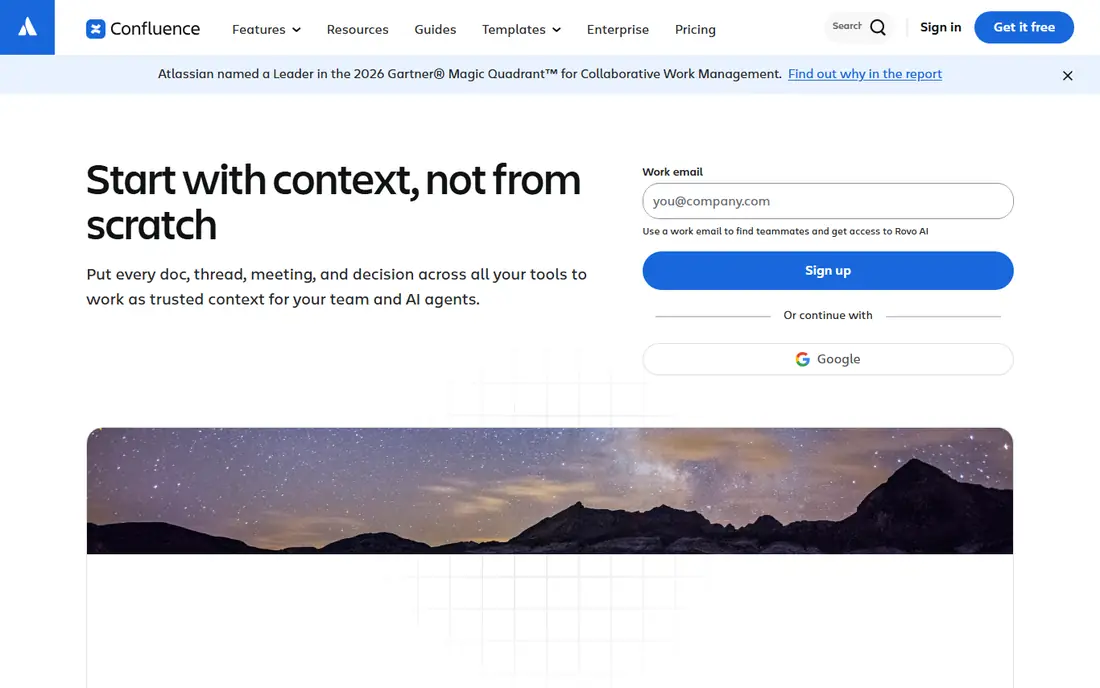
Confluence is Atlassian's wiki, and it is the standard choice for companies that already use Jira. Teams organize docs into spaces, with page trees, templates, and permissions at space and page level. That structure holds up when a wiki grows to hundreds of pages, which is where simpler tools start to feel messy. Real-time collaboration, comments, and mentions keep docs current across teams.
Confluence is heavier than a simple wiki, and its list prices have changed in 2026, so we list the starting price as See website and suggest running Atlassian's own pricing calculator for your team size. A free plan covers up to 10 users with limits, including permissions that are not fully customizable. For a large team or an Atlassian shop, Confluence is still the safest paid wiki pick.
- Spaces and page trees for large wikis
- Granular permissions
- Strong Jira integration
- Pricing changes often
- Can feel heavy for small teams
- Search gets harder as wikis grow
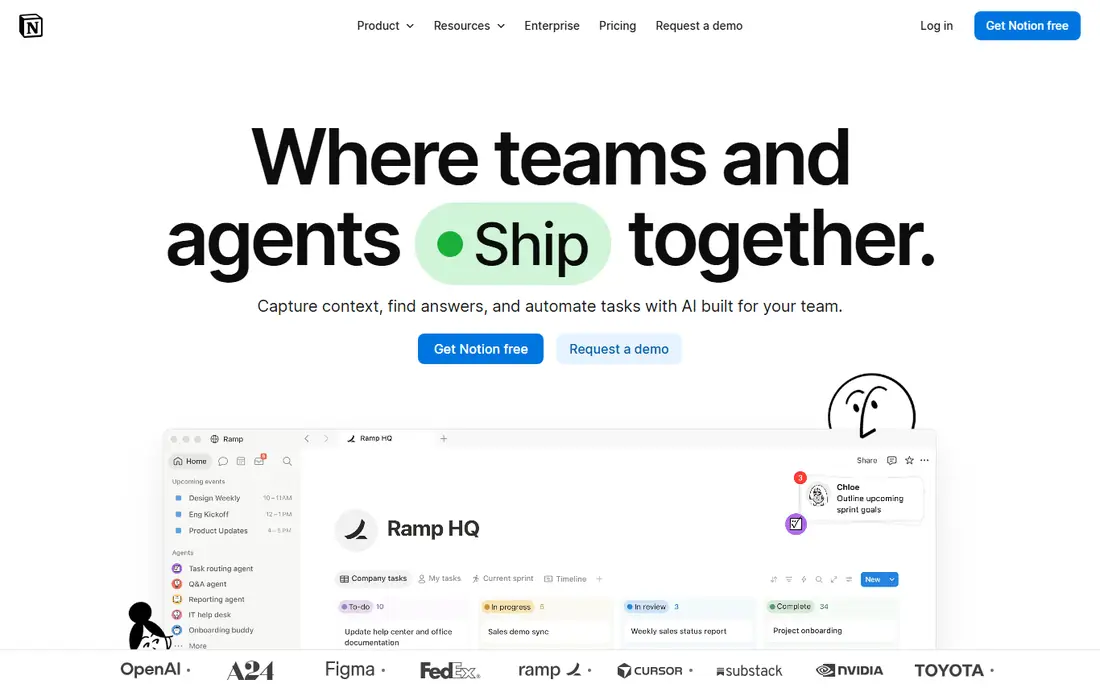
Notion works as a wiki, a notes app, and a project workspace at once, which is why so many teams adopt it. Pages can hold text, tables, databases, and tasks, and teams can link pages into a knowledge base that also tracks work. The Plus plan is listed at $10 per member per month on annual billing, with a Business plan at $20, and a free plan for personal use.
The risk with Notion is structure. Without someone owning the layout, a Notion wiki can grow into a maze of pages that nobody can search well. Teams that assign an owner, use templates, and keep the page tree simple get the most from it. If you want a wiki that also runs projects, Notion is the best paid pick here. If you want a pure wiki, a simpler tool may fit better.
- Docs, databases, and tasks in one place
- Flexible page structure
- Large template range
- Needs someone to own the structure
- Costs grow per member
- Offline use is limited
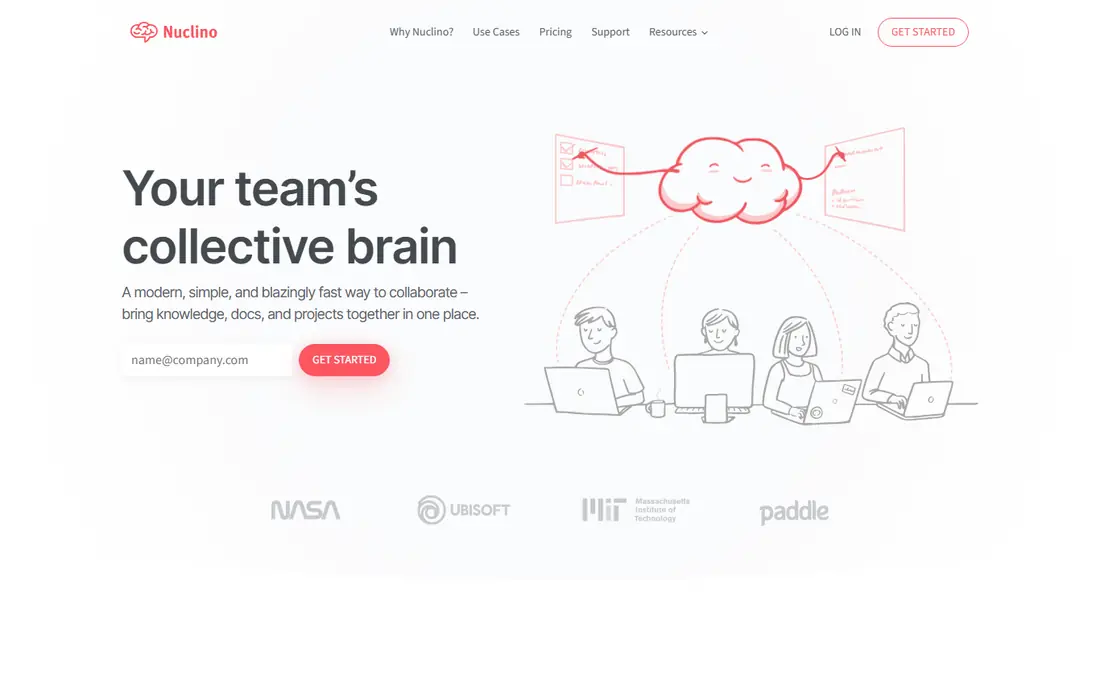
Nuclino is a clean, fast wiki for teams that want to start documenting without a long setup project. Pages link together visually, with a graph view that shows how topics connect, and teams can edit together in real time. Drag-and-drop organization makes it easy to restructure a wiki as a team grows, and the interface stays simple even for non-technical users.
Nuclino lacks some of the advanced governance and integration features of larger platforms, so a large enterprise with strict compliance needs may outgrow it. For a small or mid-sized team that wants a paid wiki that people will actually use, Nuclino is one of the best options. Paid plans start at $8 per user per month in the comparisons we checked, with a free tier for smaller use.
- Fast setup
- Visual graph view of pages
- Real-time collaboration
- Fewer advanced features than Confluence
- Smaller integration range
Slab focuses on internal documentation done well, with a clean reading experience, strong search, and topics that group related pages together. Teams can set granular permissions, see who owns a page, and use AI help for editing and answering questions from docs. That combination suits cross-functional teams that need a single source of truth for processes, onboarding, and product knowledge.
Slab is less focused on customer-facing help centers than Document360 or Helpjuice, so support teams that need a public portal should look there instead. Paid plans start at $8 per user per month in the comparisons we checked, with a free tier for basic use. For internal docs that people actually read, Slab is a strong paid pick.
- Clean reading experience
- Strong search
- Granular permissions and AI editing help
- Less suited to customer-facing help centers
- Pricing per user adds up for large teams
Guru is built for teams that need trusted answers while they work, rather than a wiki they must visit separately. Knowledge cards live in Guru and surface through a browser extension, Slack, and other tools, with verification reminders that prompt owners to confirm cards are still correct. That verification loop is the key difference from a plain wiki, where outdated pages often linger unnoticed.
Guru does not publish a simple seat price in current listings, with quote-based pricing and self-serve surfaces showing around $25 per seat per month with a minimum seat count, so we list it as See website. That makes Guru a poor fit for a tiny team that only needs a page tree, but a strong fit for support, sales, and operations teams where wrong answers cost real money.
- Verified knowledge cards
- Answers surface in Slack and browsers
- Verification reminders
- No published seat price in current listings
- Minimum seat counts can raise small-team cost
Document360 is a knowledge base platform that runs both internal wikis and customer-facing help centers from one system, with SEO controls for public docs. It offers version control, review workflows, and granular permissions, which suit regulated teams and multi-audience documentation. Its AI assistant, Eddy, answers from your published docs rather than from general web knowledge.
Pricing is quote-based and varies by project, with no free tier and a 14-day trial in current listings, so we list it as See website. Document360 suits product and support teams that publish a lot of documentation and need a polished public help center. For a simple internal wiki, it may be more platform than you need, and a simpler paid wiki will cost less.
- Runs internal wikis and public help centers
- Version control
- Granular article permissions
- Quote-based pricing
- AI features gated to higher tiers
- No free tier
Helpjuice builds polished, branded knowledge portals for support teams, with custom portal design, analytics, multi-language support, and integrations with Slack and Zendesk. If your help center is part of your product experience, Helpjuice gives you more design control than a plain wiki, and its flat monthly pricing makes budgeting simple for a support team.
The entry price is $249 a month for 30 users in the comparisons we checked, which is high for a small team that only needs a few articles. Helpjuice fits support teams that publish a large help center and care about branding and search analytics. Smaller teams should compare it with Document360 or a simpler wiki before committing to that monthly cost.
- Polished customer portals
- Custom branding
- Multi-language support
- Analytics
- High entry price for small teams
- Flat pricing may not suit tiny support teams
Slite is a wiki for remote and distributed teams, with clean writing, shared docs, and features that flag stale content so outdated pages do not mislead readers. That stale-doc flagging is a practical answer to the most common wiki problem: nobody knows which pages are still true. Teams can organize docs by channel and topic, collaborate in real time, and search across the whole wiki.
Slite has a smaller ecosystem and fewer integrations than Notion or Confluence, so teams deep in those platforms may miss some connections. Paid plans are listed at $10 and $20 per user per month in comparisons, with a free trial for testing. For a remote team that wants a focused wiki with content health built in, Slite is a strong paid option.
- Clean wiki writing
- Flags stale docs
- Good for remote teams
- Smaller ecosystem than Notion or Confluence
- Paid plans needed for full features
GitBook is best known for product and developer documentation, with clean published docs, versioning, and workflows that fit teams who already use Git. Technical teams can write docs alongside code, publish public user guides, and keep internal docs private in the same system. Its reading experience is polished, which matters when docs are part of the product.
GitBook is less suited to a general company wiki covering HR, operations, and sales processes, where Confluence or Notion fits better. Pricing varies by plan and team size, so we list it as See website. For a software team that needs product docs that look professional and stay in sync with releases, GitBook is one of the best paid wiki options.
- Clean docs for products and APIs
- Git-based workflows
- Public and private docs
- Less suited to general company wikis
- Pricing varies by plan and team size
Tettra is a simple internal wiki that connects closely with Slack, so teams can capture answers from Slack conversations into lasting docs. Page ownership and verification prompts help keep content current, and the setup is lighter than Confluence or Document360. That Slack link suits teams that already answer most questions in chat and want those answers to survive beyond the chat thread.
Tettra has a smaller feature range than larger knowledge platforms, and pricing for larger teams needs a quote, so we list it as See website. For a small team that lives in Slack and wants a wiki without a heavy platform, Tettra is a practical paid pick. Larger teams with complex permission or public docs needs should compare it with Slab or Confluence first.
- Simple wiki setup
- Slack integration for questions
- Page ownership and verification
- Smaller feature range than larger wikis
- Pricing needs a quote for larger teams
How we picked these
We compared official pricing pages, feature pages, and recent knowledge base comparisons, and kept only paid wiki and knowledge base apps with a real team user base in 2026. We favored apps with clear permissions, search, and content ownership, since those decide if a wiki stays useful after the first month. Where a price could not be confirmed from the vendor, we wrote See website rather than guessing, because wiki pricing changes often.
Choosing a paid wiki without overbuying
Start with the audience. Internal wikis need permissions, search, and ownership. Customer help centers need branding, public search, and analytics. Verified-answer tools need a verification loop, not just pages. Buying a customer help center platform for an internal wiki, or an enterprise verification tool for a five-person team, wastes money and adds setup work nobody will maintain.
Count the real bill. Most paid wikis charge per user per month, so a $10 plan for 20 people is $200 a month, not $10. Check if viewers count as paid seats, if guests are free, and if AI features cost extra per credit or per user. Run a trial with real docs, not sample content, and ask a new team member to find an answer without help. If they cannot find it in a minute, the wiki structure needs work before you pay for a year.
Keeping a wiki alive after launch
Assign an owner for each major section and set a review date for key pages. Flag stale docs, archive outdated pages instead of deleting useful history, and link from onboarding docs to the wiki so new hires learn to use it first. A wiki that nobody maintains becomes a maze within a year, no matter how good the app is. The best paid wiki is the one your team will actually update.
Frequently asked questions
What is the best paid wiki app overall?
Confluence is the best overall paid wiki for large teams and Atlassian shops, while Notion suits teams that want docs and project work in one place. For a simple team wiki, Nuclino or Slab are easier to run. The best choice depends on team size, existing tools, and if docs are internal, public, or both.
How much does a paid wiki cost?
Prices vary widely, from around $8 per user per month for Nuclino and Slab to $249 a month flat for Helpjuice, with Confluence, Guru, and Document360 priced by quote or calculator. Always count paid seats, check viewer and guest rules, and confirm if AI features cost extra before budgeting.
Is Notion a wiki?
Yes, Notion can work as a wiki, with linked pages, databases, and templates for knowledge bases. It also handles tasks and projects, which makes it flexible but also easier to let structure drift. Teams that assign a wiki owner and use templates get better results than teams that let pages grow without rules.
What is the difference between a wiki and a knowledge base?
A wiki is usually an internal, collaborative set of pages that a team writes and edits together. A knowledge base can be internal or customer-facing, and often adds search analytics, version control, and publishing workflows. Many paid apps in this list cover both, but help center apps such as Document360 and Helpjuice lean further toward public publishing.
Do paid wikis offer free trials?
Most do. Document360, Helpjuice, Slite, and Tettra offer free trials, while Confluence, Notion, Nuclino, Slab, and GitBook offer free tiers with limits. Guru is mainly quote-based with demos rather than a free tier. Use a trial with real docs and real team members before committing to an annual plan.
How do I move an existing wiki to a new app?
Most paid wikis offer importers from Notion, Confluence, Google Docs, and Markdown, though formatting, permissions, and comments may not all survive the move. Export a backup first, test the import with one section, and check links, images, and permissions before migrating the whole wiki. Plan time to fix structure after import, since no importer produces a perfect result.
Sources
See where you really rank - block by block
ProMapRanker scans Google Maps across a grid of your service area. Simple monthly plans from $19, white-label on every plan.
Start freeKeep reading
 free chatgpt alternatives hong kong
Free ChatGPT Alternatives Hong Kong in 2026
Find free ChatGPT alternatives Hong Kong users can access in 2026, from Gemini and Perplexity to DeepSeek and Copilot, with free tiers compared today.
Read → best work management software
Best Work Management Software in 2026
We compared the best work management software for teams, agencies, and small businesses, covering boards, timelines, automation, and current pricing today.
Read → best vulnerability management tools
Best Vulnerability Management Tools in 2026
We compared the best vulnerability management tools for scanning, prioritising fixes and tracking remediation, with pricing and free options explained clearly.
Read →