 ProMapRanker
Best Whois Lookup Tools in 2026

Key takeaways
- For a single domain check, ICANN Lookup is the most authoritative free starting point, because it uses registry data through RDAP.
- Registrar tools from GoDaddy and Namecheap are fast and free, but their results pages push you toward buying or transferring the domain.
- DomainTools and WhoisXML API are the serious options for historical records, reverse lookup, and bulk checks, and both sit behind paid plans.
- Privacy protection and GDPR redaction mean most lookups now hide personal contact details, even on the best tools.
- Use lookup data only for lawful purposes, such as domain research and abuse reporting, and never use it for spam or harassment.
Quick comparison
| Pick | Great for | Pricing starts at | Free tier | |
|---|---|---|---|---|
 ICANN Lookup | Authoritative single-domain checks | Free | Yes | Visit |
 Whois.com | Quick free lookups with DNS detail | Free | Yes | Visit |
 Who.is | Simple readable domain reports | Free | Yes | Visit |
 DomainTools | Historical and reverse research | See website | Free trial | Visit |
 GoDaddy WHOIS | Fast checks tied to registration | Free | Yes | Visit |
 Namecheap WHOIS | Clean free checks for buyers | Free | Yes | Visit |
 MXToolbox | Whois plus DNS and blacklist checks | Free | Yes | Visit |
 WhoisXML API | Bulk and automated lookups | See website | Free trial | Visit |
The best whois lookup tools
A whois lookup shows who registered a domain, when it was created and when it expires, which registrar manages it, and which name servers it uses. In 2026, many of those records are now served through RDAP, the modern successor to classic whois, which returns structured data over HTTPS. The best whois lookup tool for a job depends on whether you need one quick check, a readable report, history, or an API for bulk work.
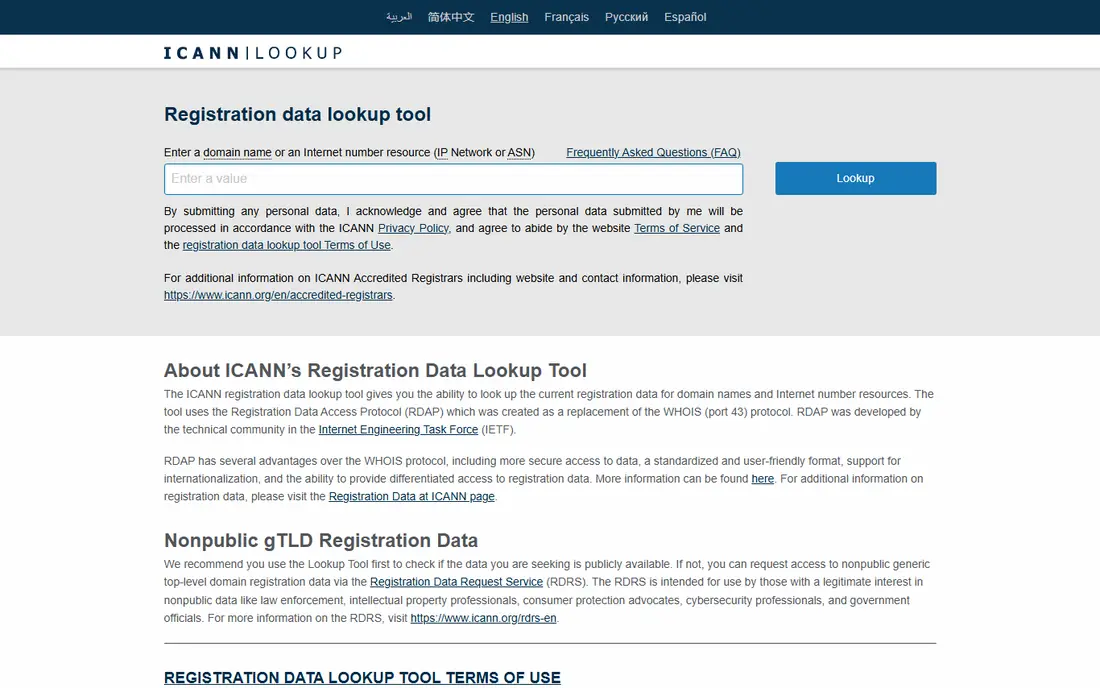
ICANN Lookup is our first stop for a single domain, because it draws on registry data rather than a reseller database. That makes it the most authoritative free check for creation dates, expiry dates, status codes, and registrar details. It also uses RDAP, so results are structured and consistent across many top-level domains.
The limits are narrow by design. You cannot search history, find other domains owned by the same registrant, or run bulk checks from the web page. For those jobs, pair it with a research or API tool below, and use ICANN Lookup to confirm the current record.
- Registry-backed RDAP data
- Free with no account
- Clear source for domain and registrar facts
- No historical or reverse search
- Single-domain web checks only
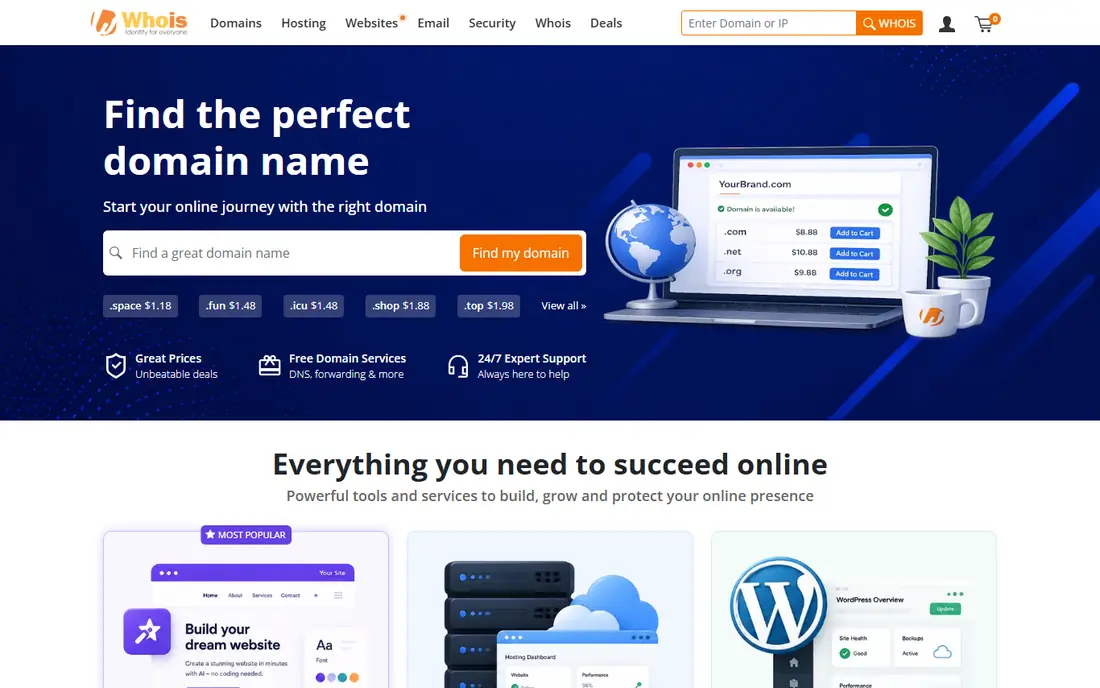
Whois.com is a practical everyday lookup tool. Type a domain, get the registration record, and see useful DNS detail on the same page. For buyers, researchers, and support teams doing a quick check, that speed is the main appeal.
The results page is built around domain sales, so expect purchase and transfer prompts beside the data. If you can ignore those, the core lookup is free and fast. For history or bulk work, you will still need a paid tool.
- Fast free lookups
- DNS and related domain detail beside the whois record
- No account needed for basic checks
- Results page includes purchase prompts
- Less depth than a paid research suite
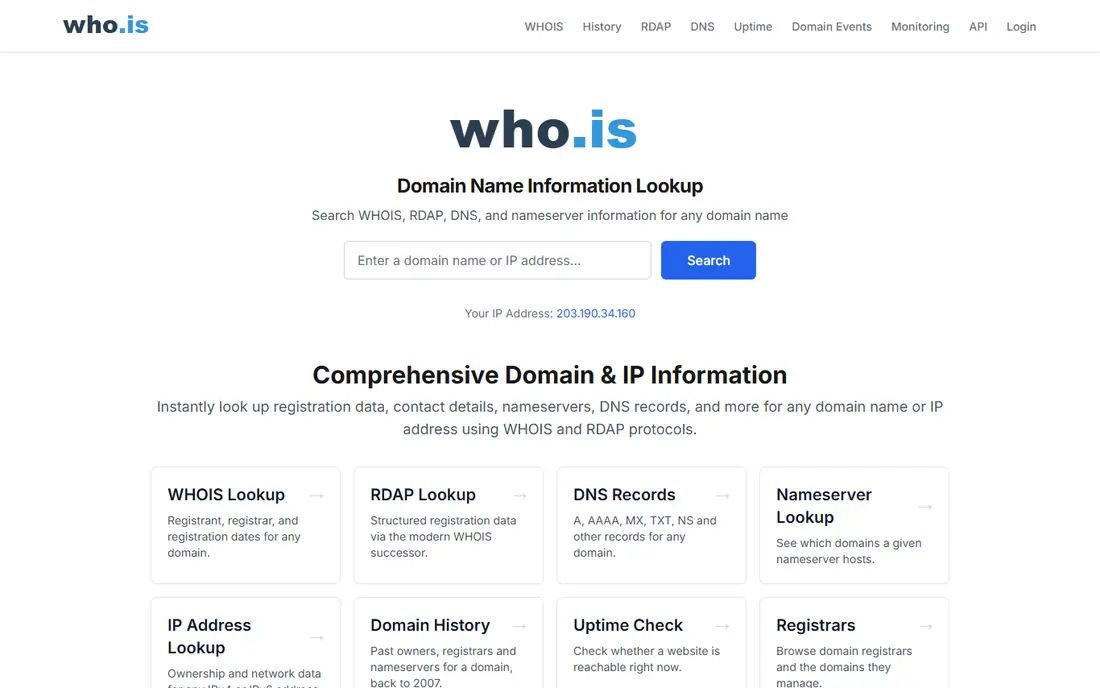
Who.is suits readers who want a plain, readable domain report without learning RDAP output. It presents registrar, dates, name servers, and related DNS and IP information in a layout that is easy to scan. That clarity helps when you are checking a domain for a client or a colleague who is not technical.
It is not a research suite. There is no deep history, no reverse search, and no API workflow for large lists. Use it for single checks, and move to DomainTools or WhoisXML API when a list or a history question appears.
- Clean readable reports
- DNS and IP detail in one place
- Free for single lookups
- No bulk or historical research depth
- Advertising and upsells on the page
DomainTools is the research-grade option in this list. It keeps historical whois records, so you can see who owned a domain before privacy protection or a transfer, and it supports reverse searches that link domains by registrant, IP, or name server patterns. For brand protection, abuse investigation, and due diligence, that history is often the whole point.
The cost reflects that depth. Occasional users doing one check will not need it, and should start with ICANN Lookup or a free tool. Investigators, security teams, and brand owners who run repeated research will find the subscription easier to justify.
- Historical whois records
- Reverse whois and IP research
- Risk and hosting history for investigations
- Paid pricing can be steep for occasional users
- Full features need a subscription
GoDaddy's whois tool is fast and familiar, and it makes sense if you are already a GoDaddy customer or plan to register the domain there. The lookup itself is free, and the path from a result to a purchase or transfer is short. For buyers, that convenience is useful.
For pure research, the sales framing is a distraction, and the tool offers little beyond the current record. Use it for quick availability and registration checks, and use ICANN Lookup when you want a neutral, authoritative record.
- Very fast free checks
- Clear availability and transfer path if you want to buy
- Large registrar coverage
- Results page pushes registration and related services
- Limited research features
Namecheap's whois lookup is one of the cleaner registrar options. The result is easy to read, and it sits naturally beside a domain search if you are weighing a purchase. For buyers who want a quick, free check without a cluttered page, it works well.
Like other registrar tools, it is not built for investigations. There is no historical archive or reverse search of the kind DomainTools provides. For a single current record, though, it is fast and free.
- Clean free lookup
- Straightforward availability view
- Useful beside Namecheap registration
- Limited history or bulk features
- Tied to a registrar sales flow
MXToolbox suits IT and support teams who need more than a whois record. On one site, you can check whois, DNS records, mail server settings, and blacklist status, which helps when a domain problem could be registration, DNS, or reputation. That breadth saves time during troubleshooting.
The whois view itself is straightforward, not deep. It will not give you history or reverse search, and heavy or automated use needs a paid plan. For a combined diagnostic check, it is a strong free starting point.
- Whois beside DNS, MX, and blacklist checks
- Useful for email and deliverability troubleshooting
- Free single checks
- Whois is one tool among many, not a research suite
- Bulk and monitoring features are paid
WhoisXML API is the pick for developers and researchers who need whois data inside a script, a security tool, or a monitoring workflow. Its APIs return structured data, support bulk queries, and offer historical and reverse products for deeper research. Published rate limits and credit pricing make it easier to plan a project than scraping web pages.
The trade-off is setup. You need an API key, code or a tool that calls the API, and a paid plan once free credits run out. For one-off checks, a web tool is faster. For repeated, automated, or large-scale work, an API is the correct approach.
- API for bulk and automated lookups
- Structured JSON output
- Historical and reverse lookup products
- Paid plans needed for serious volume
- API setup takes more work than a web lookup
How we picked these
We compared official vendor and registry pages, and we favoured tools that return current, accurate records, explain their data source, and fit a clear use case: single checks, readable reports, history, or bulk API work. We left out tools that encourage scraping, bypassing redaction, or using personal data for spam or harassment. Where pricing is not published, we wrote See website rather than guessing.
What to check before you choose
Start with the question you need to answer. A single current record calls for ICANN Lookup or a free registrar tool. A history question calls for DomainTools. A bulk or automated job calls for WhoisXML API. Matching the tool to the question saves money and avoids weak data from the wrong tier.
Also expect redaction. Most personal contact details are now hidden behind privacy services or GDPR redaction, so a lookup will usually show registrar, dates, status, and name servers, not a private email or address. That is normal, and it is not a sign that the tool is broken. If you need to contact a domain owner, use the registrar abuse contact or the published contact method for that domain, and keep the message lawful and relevant.
Frequently asked questions
What is the best whois lookup tool for a single domain?
ICANN Lookup is the best starting point for a single domain, because it uses registry-backed RDAP data and is free. Whois.com and Who.is are also good free options for a quick readable check.
Why is personal data missing from whois results?
Privacy protection services and GDPR rules mean registrars redact personal names, emails, and addresses in most public records. You will usually still see the registrar, creation and expiry dates, status codes, and name servers.
Which tool is best for historical whois records?
DomainTools is the strongest option here for historical whois, reverse whois, and hosting history. WhoisXML API also offers historical lookup products for automated research.
Can I use whois data to contact a domain owner?
You can use the lawful contact path shown in the record, such as a registrar abuse contact, for legitimate purposes like abuse reporting or a purchase enquiry. Do not use lookup data for spam, harassment, or unsolicited bulk marketing.
What is RDAP and why does it matter?
RDAP is the modern replacement for classic whois, returning structured data over HTTPS with better security and access control. Most authoritative lookups in 2026 use RDAP behind the scenes, even when the page still says whois.
Sources
See where you really rank - block by block
ProMapRanker scans Google Maps across a grid of your service area. Simple monthly plans from $19, white-label on every plan.
Start freeKeep reading
 who has best internet service
Who Has the Best Internet Service in 2026
Who has best internet service for US homes? We compare fiber, cable, fixed wireless and satellite providers on speed, price, availability and terms today.
Read → which survey tool has the best analytics
Which Survey Tool Has the Best Analytics in 2026
Find which survey tool has the best analytics in 2026, comparing Qualtrics, SurveyMonkey, Typeform, Alchemer, and more on reports, text, and stats today.
Read → which streaming service has the best movies
Which Streaming Service Has the Best Movies in 2026
Answering which streaming service has the best movies, with Netflix, Max, Criterion and more compared on libraries, prices and free options in this guide.
Read →