 ProMapRanker
Best Weight Loss Tracker App in 2026

Key takeaways
- MyFitnessPal suits most people who want a large food database and wide device integrations, while Lose It is easier for beginners who want simple tracking.
- Cronometer is the best pick for detailed nutrient tracking, because it covers far more nutrients than most rivals on its free plan.
- MacroFactor suits lifters and data-focused users, because it adjusts targets as your weight and intake change over time.
- A free plan is enough for basic food and weight tracking in most apps here, so pay only when you need barcode scanning, photo logging, or coaching.
- General information only: these apps are not medical advice, and anyone with a health condition, eating disorder history, or complex dietary needs should talk to a clinician first.
Quick comparison
| Pick | Great for | Pricing starts at | Free tier | |
|---|---|---|---|---|
 MyFitnessPal | Large database and integrations | Free | Yes | Visit |
 Lose It | Beginner-friendly tracking | Free | Yes | Visit |
 Cronometer | Detailed nutrient tracking | Free | Yes | Visit |
 MacroFactor | Adaptive targets for lifters | $11.99 per month | Free trial | Visit |
 Noom | Behaviour and coaching support | See website | Free trial | Visit |
 WeightWatchers | Structured points system | See website | Free trial | Visit |
 Yazio | Fasting and meal planning | Free | Yes | Visit |
 Lifesum | Visual meal plans and habits | Free | Yes | Visit |
 FatSecret | Free tracking with community | Free | Yes | Visit |
The best weight loss tracker app
We compared food databases, logging speed, nutrient detail, weight trends, device sync, and price, so you can pick an app you will actually use for more than a few weeks.
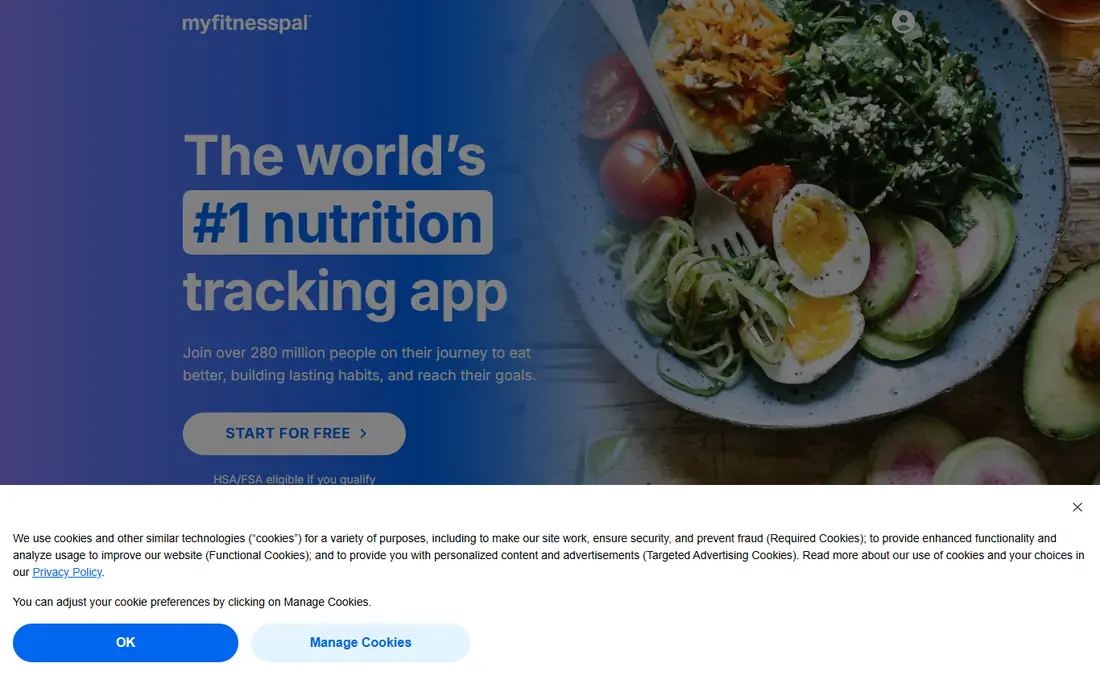
MyFitnessPal is the most widely used food tracker for a reason: its database covers an enormous range of packaged foods, restaurant items, and user-submitted entries, so most meals are quick to find. It syncs with Apple Health, Garmin, Fitbit, and many other apps, which means exercise and weight data can flow into one place without manual entry. For a user who eats a varied diet and wants the least friction finding foods, that breadth is a real advantage.
The free plan has limits that matter. Barcode scanning now sits behind Premium, and the free plan includes ads, so a user who scans every meal may find the paid plan more practical. Food entries also vary in quality, because many are user-submitted, so check the nutrition label for packaged foods before you trust an entry. For most users, though, MyFitnessPal remains the easiest tracker to start with and stick with.
- Very large food database
- Syncs with many fitness apps and wearables
- Recipe importer and community forums
- Barcode scanning sits behind Premium
- Free plan includes ads
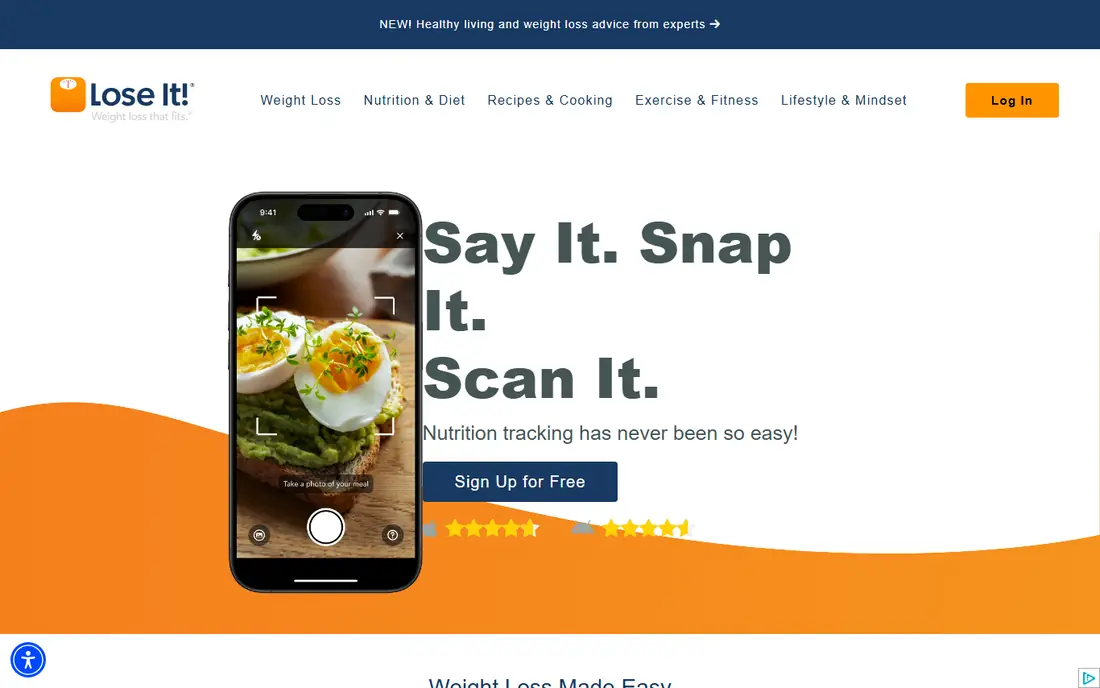
Lose It is the app we recommend most often to a beginner, because its interface keeps tracking simple and visual. You set a goal, log meals, and see your progress in clear charts, without wading through dozens of nutrient fields you may not need yet. Its photo logging feature helps when you do not know the exact item, and habit challenges add a light sense of structure for users who like goals.
Barcode scanning sits behind Premium on current plans, which is a drawback for a user who scans packaged foods daily, and its nutrient detail is lighter than Cronometer. For a beginner focused on consistent calorie and weight tracking, though, those limits matter less than ease of use. Lose It makes the daily habit easier, and that habit is what drives results over months.
- Simple and visual tracking
- Photo logging with Snap It
- Weight charts and habit challenges
- Barcode scanning sits behind Premium on current plans
- Nutrient detail is lighter than Cronometer
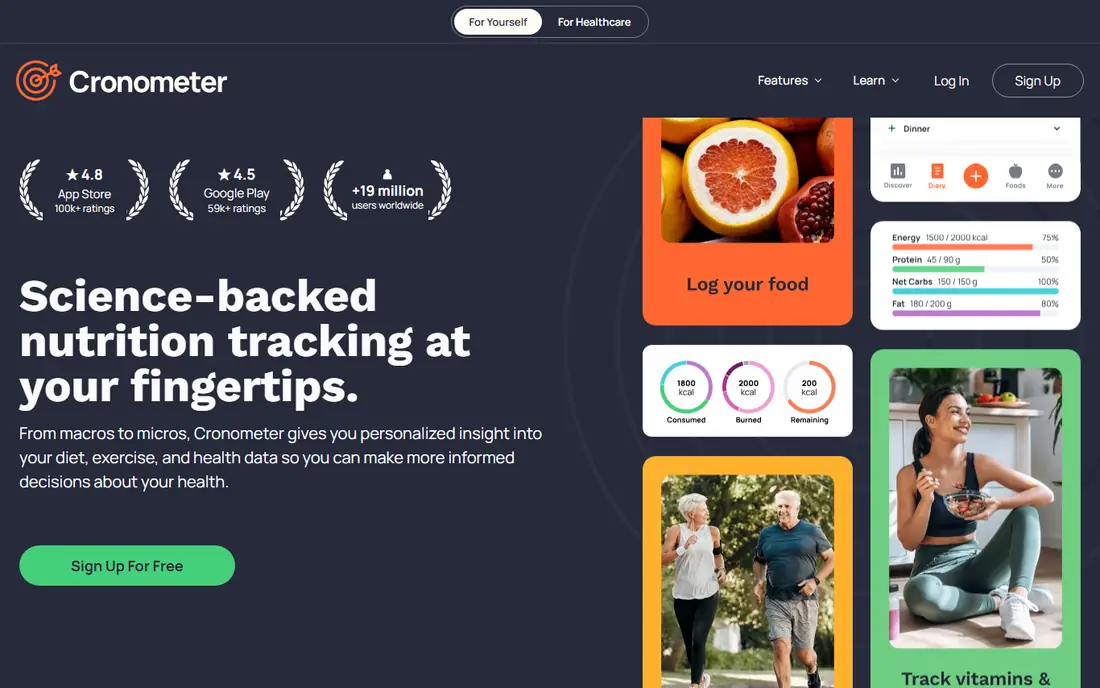
Cronometer is the best pick for a user who cares about nutrient quality, not just calories. Its database is curated and verified, it tracks a wide range of vitamins and minerals on the free plan, and its barcode scanner is free, which is a notable advantage over MyFitnessPal and Lose It. For an athlete, a user with specific dietary targets, or anyone who wants to see micronutrient gaps, Cronometer gives you data other free plans do not.
The interface feels more clinical and data-heavy than Lose It or Lifesum, and it offers fewer social features and no built-in coaching program. That focus is a strength for data users and a drawback for users who want encouragement and community. If accuracy and nutrient detail matter more to you than a pretty interface, Cronometer is the strongest free tracker available.
- Verified food database
- Tracks many nutrients on the free plan
- Free barcode scanner
- Interface feels more clinical than rivals
- Fewer social and coaching features
MacroFactor suits a lifter or data-focused user who wants targets that adapt over time. Instead of giving you a fixed calorie goal and leaving it there, it estimates your expenditure from your logged food and weight trend, then adjusts your targets as your body changes. That adaptive approach helps users who stall on a fixed plan, because the app responds to real data rather than a one-time calculation.
There is no permanent free plan, only a trial, so you need to pay to use it long term, and it offers less coaching and community support than Noom or WeightWatchers. For a user who is comfortable logging consistently and wants smart targets without a coach, that trade is worth it. For a beginner who needs encouragement and structure, a simpler free app may be easier to stick with.
- Targets adjust from your logged weight and intake
- Strong macro and expenditure math
- Clean tracking for lifters
- No permanent free plan
- Less coaching and community than Noom or WeightWatchers
Noom is different from a pure tracker, because it is built around behaviour change. Daily lessons cover habits, triggers, and psychology, and coaching support gives users a person to check in with, which helps people who have struggled with tracking alone. Its color-coded food system simplifies choices without requiring detailed nutrient math, and that simplicity suits users who feel overwhelmed by a full food diary.
The price is higher than a simple tracker, and its food logging is less detailed than Cronometer or MyFitnessPal, so a data-focused user may find it limiting. Noom also uses a trial rather than a permanent free plan, so check the full program price before you commit. For a user who needs structure, lessons, and coaching more than a large database, Noom is a strong choice.
- Daily lessons on behaviour and habits
- Coaching support
- Structured program rather than just a diary
- Higher price than simple trackers
- Food logging is less detailed than Cronometer
WeightWatchers, now often written as WW, suits a user who wants structure without counting every calorie. Its points system turns foods into a simple daily budget, which many users find easier to follow than detailed macro tracking, and its workshops and community add accountability that a solo app cannot offer. The program has run for decades, and that long record gives many users confidence.
There is no permanent free plan, and the points system hides detailed nutrition, so a user who wants to see protein, fiber, or micronutrients will need another tool or a higher plan. The monthly cost also adds up over a year, so compare the digital-only plan with workshop plans before you sign up. For a user who thrives on structure and group support, WeightWatchers remains a proven option.
- Simple points system instead of calorie math
- Workshops and community support
- Long-running program
- Monthly cost with no permanent free plan
- Points system hides detailed nutrition
Yazio is a good pick for a user who combines weight tracking with intermittent fasting or structured meal planning. Its fasting tracker covers common schedules, its meal plans and recipes help with planning, and its free plan includes barcode scanning, which is a useful advantage. The interface is clean and visual, which makes daily logging feel less like a chore.
Nutrient detail is lighter than Cronometer, and some fasting schedules and advanced features sit behind the Pro plan, so check which schedule you need before you pay. For a user whose main routine is fasting plus simple food tracking, Yazio covers the job well at a lower cost than many rivals. For detailed nutrition work, pair it with Cronometer or pick Cronometer instead.
- Fasting tracker with common schedules
- Meal plans and recipes
- Free barcode scanner
- Nutrient detail is lighter than Cronometer
- Some fasting plans sit behind Pro
Lifesum suits a visual learner who wants meal plans and habit tracking in a polished app. It offers diet plans for common eating styles, including keto, vegan, and Mediterranean, and its Life Score gives a simple visual summary of your day. That design-led approach helps users who find a plain food diary dull, because the app feels more like a lifestyle tool than a spreadsheet.
The free plan is limited, and many meal plans and detailed features sit behind Premium, so a user on a tight budget may find the free tier frustrating. Its food database and nutrient detail are also less deep than MyFitnessPal or Cronometer. For a user who values design, meal ideas, and habit tracking, Lifesum is an enjoyable tracker, but check the Premium price against your needs first.
- Attractive visual design
- Diet plans for keto, vegan, and Mediterranean eating
- Habit tracking
- Free plan is limited
- Premium features gate meal plans and detailed tracking
FatSecret is a strong free option for a user who wants solid tracking without paying. Its free plan includes barcode scanning, food logging, weight charts, and community features, which is more generous than the free tiers of MyFitnessPal and Lose It for scanning. For a budget-conscious user, that free depth makes FatSecret easy to recommend as a starting point.
The interface feels dated next to Lifesum or Lose It, and its premium features are less polished than rivals, though most users will not need them. Food entries also vary in quality, as with any large database, so verify packaged foods against the label. If free tracking matters most to you, FatSecret gives you the core tools without a paywall in the way.
- Free barcode scanning and tracking
- Community features
- Food diary and weight charts
- Interface feels dated next to rivals
- Premium features are less polished
How we picked these
We compared official feature and pricing pages, free plan limits, food database quality, and device sync, and we kept only apps that are live and widely used for weight and food tracking in 2026. We included large-database trackers, detailed nutrient trackers, adaptive tools, coaching programs, and free options, so the list covers a beginner, a lifter, and a user who wants structure. This article is general information only and is not medical advice, and we did not recommend any app for a specific medical condition.
How to choose a weight loss tracker app
Start with the habit you can keep. A detailed app is useless if you stop logging after a week, so pick the interface that feels easiest for your daily meals, whether that is simple tracking in Lose It, photo logging, or barcode scanning in Cronometer or FatSecret. Test logging for three days with real meals before you pay, because logging speed in real life matters more than a feature list.
Next, decide how much detail you need. A beginner should start with calories, protein, and weight trend, while an athlete or a user with specific targets should pick Cronometer or MacroFactor for nutrient and adaptive detail. Finally, consider support. A solo tracker suits a self-directed user, while Noom or WeightWatchers suit a user who needs coaching, lessons, or group accountability. If you have a health condition, a history of disordered eating, or you take medication that affects weight, talk to a clinician or registered dietitian before starting any weight loss plan.
Frequently asked questions
What is the best free weight loss app?
Cronometer and FatSecret offer the strongest free plans, because both include barcode scanning and detailed tracking without a paywall for core features. Lose It and MyFitnessPal also have free plans, but barcode scanning sits behind Premium on current plans. Try Cronometer for nutrient detail and FatSecret for simple free tracking, and pick the one you log in most easily.
What is the best weight loss tracker app for beginners?
Lose It is the easiest tracker for most beginners, with simple visual tracking and clear weight charts. MyFitnessPal is also easy to start, thanks to its large database, though its free plan includes ads and paid barcode scanning. Start with Lose It if you want simplicity, and move to Cronometer later if you want more nutrient detail.
Is MyFitnessPal or Lose It better for weight loss?
MyFitnessPal suits users who eat a wide range of foods and want many device integrations, while Lose It suits users who want a simpler, more visual daily routine. Both track calories and weight effectively, so the better app is the one you use consistently. Try each free plan for a week with real meals before you choose.
Do weight loss apps really work?
Apps can help by making food intake and weight trends visible, which supports consistent habits, but no app guarantees weight loss, and results depend on diet, activity, sleep, and health factors. Research and user experience both point to consistency mattering more than the specific app. If tracking feels stressful or triggers unhealthy eating patterns, stop and talk to a clinician.
Should I pay for a weight loss tracker app?
Pay only when a paid feature solves a real problem, such as barcode scanning, photo logging, adaptive targets, or coaching. Free plans in Cronometer, FatSecret, Lose It, and MyFitnessPal cover basic tracking well. If you pay, check whether the plan is monthly or yearly, and cancel if you stop logging, because an unused subscription does not help.
Sources
See where you really rank - block by block
ProMapRanker scans Google Maps across a grid of your service area. Simple monthly plans from $19, white-label on every plan.
Start freeKeep reading
 bitly alternatives
Bitly Alternatives in 2026: 8 Tools Compared
Compare the best Bitly alternatives for branded short links, with free tiers, custom domains, analytics, and pricing that suits creators and small teams.
Read → bill.com alternatives
Best Bill.com Alternatives in 2026
Looking for bill.com alternatives? We compared 9 bill pay and AP automation tools on price, approvals, and accounting sync to help you switch with confidence.
Read → betterhelp alternatives
BetterHelp Alternatives in 2026
We compared BetterHelp alternatives for online therapy, covering Talkspace, Grow Therapy, Rula, Brightside and more on price, insurance and format in 2026.
Read →