 ProMapRanker
Best Website Building Platform in 2026

Key takeaways
- Wix suits most beginners who want a wide template choice and built-in business tools in one account.
- Squarespace suits design-led sites, while Shopify suits stores where selling is the main job of the site.
- WordPress.com and Hostinger keep costs low, but check renewal prices, since introductory rates rise sharply.
- Webflow and Framer suit designers who want finer control, while GoDaddy and Weebly suit fast, simple launches.
- A free plan helps you test an editor, but a custom domain and full selling tools usually need a paid plan.
Quick comparison
| Pick | Great for | Pricing starts at | Free tier | |
|---|---|---|---|---|
 Wix | All-round beginner sites | $17 per month | Yes | Visit |
 Squarespace | Design-led business sites | $19 per month | Free trial | Visit |
 Shopify | Online stores | $29 per month | Free trial | Visit |
 WordPress.com | Blogs and flexible sites | $4 per month | Yes | Visit |
 Webflow | Design control and CMS sites | $15 per month | Yes | Visit |
 Hostinger Website Builder | Lowest-cost hosted sites | $2.99 per month | No | Visit |
 GoDaddy | Fast setup with domain in one place | $9.99 per month | Free trial | Visit |
 Framer | Modern animated marketing sites | $10 per month | Yes | Visit |
 Weebly | Simple sites tied to Square | $13 per month | Yes | Visit |
 Duda | Agencies building client sites | See website | Free trial | Visit |
The best website building platforms
These platforms let you build and publish a site without hiring a developer, and each one leans toward a different kind of owner. Prices below are monthly rates on the billing terms noted on each vendor page, so check the checkout total before you pay.
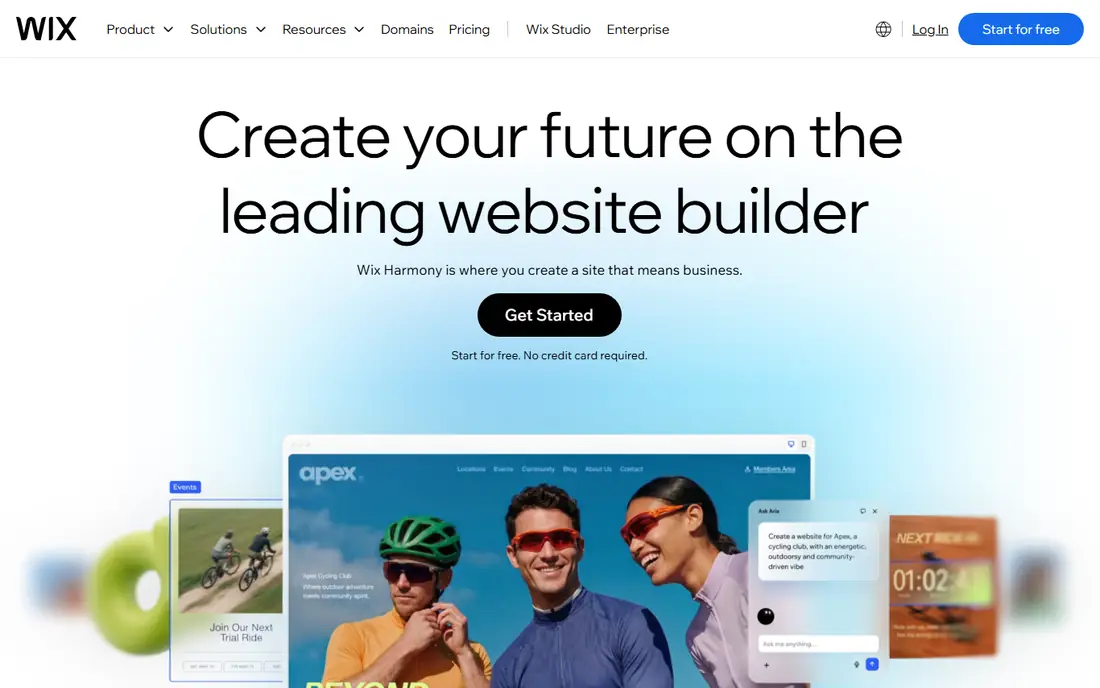
Wix is our pick for most people starting a small business site. You can begin with a template or an AI-generated draft, then move elements freely on the page. Bookings, a store, email marketing, and a blog can all run from the same dashboard, which avoids stitching several tools together.
The main limits are familiar to hosted builders. Moving to a very different template later usually means rebuilding parts of the site, and leaving Wix means rebuilding elsewhere too. The free plan is useful for testing, but it shows Wix branding and uses a Wix subdomain. For a first professional site, the paid Light or Core plan is the sensible entry point.
- Large template library
- Drag and drop editor with AI help
- Bookings, stores, and marketing in one dashboard
- Switching templates later is awkward
- Costs rise with apps and higher plans
- Sites cannot be exported easily
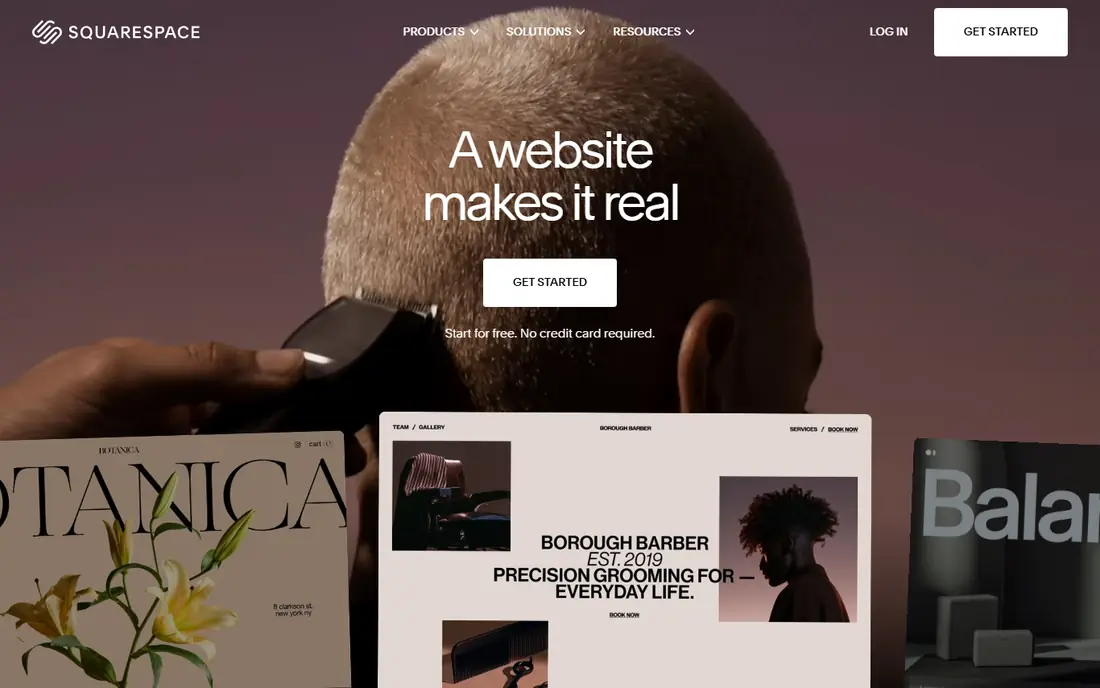
Squarespace suits owners who care most about how the site looks on first visit. Its templates are curated rather than endless, which makes it easier to pick a clean design and stick with it. Service businesses benefit from scheduling tools, and every plan can sell, although the lowest plan adds a transaction fee on store sales.
Editing is more structured than Wix, so you trade some freedom for consistency. That structure helps non-designers avoid a messy page, but it can frustrate owners who want pixel-level control. The 14-day trial is enough to build a draft site and test the editor, but budget for the annual plan price, not just the trial.
- Polished templates
- Built-in scheduling through Acuity
- Selling on every plan
- No permanent free plan
- Fewer templates than Wix
- Large stores are weaker than Shopify

Shopify is the clear pick when selling is the core purpose of the site. Checkout, discount codes, shipping labels, tax tools, and abandoned cart recovery are built for commerce from the start. You can also sell on social channels and in person with Shopify point of sale, while keeping stock and orders in one place.
For a brochure site with a small shop added later, Shopify can feel like too much tool and too much monthly cost. Content features such as blogging work, but they are not the reason to choose it. App subscriptions also add up quickly, so keep a list of must-have apps and their prices before you judge the total cost.
- Strong checkout, shipping, and app ecosystem
- Unlimited products
- Multi-channel selling
- Content sites feel secondary
- App costs add up
- Third-party payment fees apply on lower plans
WordPress.com is the hosted version of WordPress, so you get its blogging strength without managing a server. The free plan works for a personal blog, and low paid plans add a custom domain and remove WordPress.com ads. Writers, news sites, and content-led businesses will find the editor and post tools comfortable.
The catch is the plan ladder. Installing plugins and themes from outside WordPress.com needs the Business plan, which costs far more than the entry plan. First-year prices also renew higher, so budget on the renewal rate. If you want full control and lower long-term costs, self-hosted WordPress on separate hosting is a different route with more upkeep.
- Free plan to start
- Strong blogging tools
- Plugin access on higher plans
- Plugin access needs the Business plan
- First-year prices renew higher
- Support varies by plan
Webflow suits designers and marketing teams who want a site that looks custom without writing every line of code. You control layout, animation, and content structure in a visual editor, and the CMS handles blog posts, case studies, and portfolio items well. The free starter plan lets you design and stage a site before paying to publish it.
Beginners should expect a slower start than Wix or Squarespace. Concepts such as classes, breakpoints, and CMS collections take time to learn, and a store adds a separate ecommerce plan. For a content-rich brand site or a marketing site that must look distinct, that learning time pays off.
- Fine visual design control
- Strong CMS for blogs and portfolios
- Clean code output
- Steeper learning curve
- Site, workspace, and store costs can stack
- Ecommerce is smaller than Shopify
Hostinger Website Builder is the budget pick in this list. Its AI builder can draft a site from a short description, and hosting, a domain for the first year, and SSL are bundled into the plan. For a simple business site, a landing page, or a first portfolio, it covers the basics at a price few rivals match.
Read the term before you pay. The lowest monthly rate applies to a long prepaid term paid upfront, and renewal is far higher. Templates and design options are also more limited than Wix or Squarespace. If you accept those limits and plan for renewal, Hostinger is good value for a straightforward site.
- Very low introductory price
- AI builder for fast drafts
- Hosting and domain bundled
- Lowest price needs a long prepaid term
- Renewal price is much higher
- Design depth is thinner than Wix
GoDaddy suits owners who want one vendor for the domain, the site, and email, with phone support when something goes wrong. Its AI tool builds a first draft quickly from answers about the business, and you can edit text, images, and sections without learning a complex editor. That speed matters for a trades business or local service that needs a credible site this week.
Design freedom is the trade-off. Layouts are more fixed than Wix, and a full store needs the Commerce plan. Owners who want a highly distinctive brand site may outgrow GoDaddy sooner. For a fast, supported launch with everything in one account, it does the job with little fuss.
- Domain, hosting, and email in one account
- AI-assisted setup
- Phone support
- Less design freedom than Wix or Squarespace
- Commerce needs a higher plan
- Templates feel generic
Framer suits startups and creators who want a marketing site that feels current and loads fast. Templates lean modern and visual, animation is easy to add, and publishing is quick. The free plan lets you design and publish on a Framer subdomain, which is useful for a landing page test.
It is not a store builder. If you need a full catalogue, checkout, and shipping tools, Shopify or Wix Business plans fit better. Framer also has limits on bandwidth, pages, and localisation that rise with higher plans. For a product launch page, a portfolio, or a startup homepage, it is a strong, stylish choice.
- Fast, modern templates
- Smooth animation and effects
- Free plan for drafting
- No real ecommerce
- Smaller template range
- Localisation and bandwidth limits on lower plans
Weebly remains a sensible pick for a very simple site, especially for a seller already using Square. The editor is easy to learn, the free plan lets you publish a basic site, and paid plans connect the site to Square payments and in-person sales. A cafe, market stall, or small retailer can keep online and in-person records in one system.
The downside is freshness. Templates and features have changed slowly since the Square acquisition, and the design range feels older than Wix or Squarespace. Some store plans also add a platform transaction fee, so check the plan details if you sell online. For a plain site with Square at its centre, Weebly still works well.
- Simple editor
- Free plan for testing
- Square payments and point of sale links
- Templates look dated
- Development pace has slowed
- Transaction fee on some store plans
Duda is built for agencies and freelancers who build sites for clients, rather than for a single owner building one site. It offers team seats, client feedback tools, and white-label options so an agency can present the platform under its own brand. Widgets for reviews, business hours, and local content speed up service business sites.
For a single small business, Duda can feel like the wrong fit and the wrong price structure. Its consumer template range is smaller, and its app ecosystem is narrower than Wix. If you run an agency or manage several client sites, though, the workflow tools and client billing features make Duda worth a trial.
- Client management and white-label options
- Fast site building
- Widgets for local business content
- Pricing is aimed at agencies
- Fewer consumer templates
- Smaller app ecosystem than Wix
How we picked these
We compared official pricing pages, feature pages, and editor descriptions for website builders that are live in October 2026. We kept only platforms that host the site, provide templates or AI drafting, and allow a custom domain on a paid plan. Where a price varies by term or region, we used the most commonly published US monthly rate and noted the term where it changes the total.
How to choose the right platform
Start with the main job of the site. A store needs checkout and stock tools first, a service business needs booking and contact tools, and a portfolio needs image quality and speed. Pick the platform that does that main job well, rather than the one with the longest feature list.
Check the true yearly cost
Add the plan, the domain renewal after year one, any apps you need, and payment fees on sales. Introductory prices and annual billing both hide the renewal total, so read the checkout page closely. A cheaper first year can become the dearer choice in year two.
Test the editor with real content
Build one real page with your own text, photos, and contact form before you pay for a year. Check mobile layout, page speed, and how easy it is to change a headline or price later. An editor that feels fine in a demo can feel slow when you edit a live site every week.
Think about leaving
Hosted builders do not let you export a finished site to another host in most cases. That lock-in is acceptable for many small sites, but it matters if you plan a major redesign later. WordPress.com and self-hosted WordPress give more portability, at the cost of more upkeep. Choose with the next three years in mind, not just launch week.
Frequently asked questions
What is the best website building platform for a small business?
Wix suits most small businesses, because it covers templates, bookings, stores, and marketing in one place. Squarespace suits design-led service firms, and Shopify suits businesses where selling is the main activity. Test the editor with your own content before committing to a yearly plan.
What is the best platform for building websites on a budget?
Hostinger Website Builder has the lowest introductory price, and WordPress.com has a free plan and low entry plans. Check renewal prices, since both rise after the first term. Weebly also offers a free plan, which suits a very simple site tied to Square.
Which website building software is best for an online store?
Shopify is the strongest store-first choice, with checkout, shipping, and app support built for selling at scale. Wix Business and Squarespace Commerce also work for smaller catalogues. Compare transaction fees, payment options, and app costs, since those decide the true cost of selling.
Can I build a website for free?
Yes, Wix, WordPress.com, Webflow, Framer, and Weebly all offer free plans or free drafting. Free plans usually show platform branding, use a subdomain, and limit selling and storage. A paid plan is normally needed for a custom domain and a professional finish.
Do I need to know how to code to build a website?
No, every platform here works without code for a standard business site. Wix, Squarespace, GoDaddy, and Hostinger use drag and drop or AI drafting. Webflow and Framer allow custom code for advanced tweaks, but you can publish a complete site without it.
What is the best tool for building websites if I want full control?
Webflow gives the most visual control without a developer, and self-hosted WordPress gives the most ownership and portability. Both need more learning and upkeep than Wix or Squarespace. Choose Webflow for design control, and WordPress for plugin choice and content portability.
Sources
See where you really rank - block by block
ProMapRanker scans Google Maps across a grid of your service area. Simple monthly plans from $19, white-label on every plan.
Start freeKeep reading
 twitch alternatives
Twitch Alternatives in 2026
Explore the best Twitch alternatives in 2026 for live streaming, with free platforms, monetisation options, audiences, chat tools, and tips for new streamers.
Read → firebase alternatives
Best Firebase Alternatives in 2026
Looking for Firebase alternatives? We compare 9 backend platforms for auth, databases, realtime, storage, functions, self-hosting, and pricing for your app.
Read → companies with best work life balance
Companies With Best Work Life Balance in 2026
See companies with best work life balance in 2026, ranked by employee ratings, with flexible work options, benefits, and what to check before applying.
Read →