 ProMapRanker
Best Website Builder for Daycare Centers in 2026

Custom layouts and structure · Pricing starts at: $15 a month (billed yearly)
Direct answer
Our first pick is Webflow, best for custom layouts and structure. Listed starting prices: Webflow from $15 a month, Hostinger from $1.99 a month (48-month term) and Duda from $19 a month. For a different need, Hostinger covers low-cost starter site and Duda covers multi-location centers and client sites. Prices, free plans and limits for all 6 tools follow.
ProMapRanker put together this guide to website builder for daycare centers for readers who want a clear shortlist without reading every vendor page. It compares 6 tools on starting price, free plans, who each one suits and where each one falls short.
Key takeaways
- This list starts with Webflow, which is built for custom layouts and structure.
- For refined class pages and galleries, Squarespace is worth a look.
- Hostinger is the lowest-priced starter here at $1.99 per month.
- A fair warning about Weebly: free plan displays Square ads.
- Only 3 of the 6 tools have a free plan (Webflow, Weebly, WordPress.com), so check the caps.
Quick comparison
| Pick | Great for | Pricing starts at | Free tier | |
|---|---|---|---|---|
| Webflow | Custom layouts and structure | $15 a month (billed yearly) | Yes | Visit |
 Hostinger | Low-cost starter site | $1.99 a month (48-month term) | No | Visit |
 Duda | Multi-location centers and client sites | $19 a month (billed annually) | Free trial (14 days) | Visit |
 Weebly | Straightforward setup for small centers | $13 a month (billed annually) | Yes | Visit |
 WordPress.com | Content pages and blogging | Quote only | Yes | Visit |
 Squarespace | Refined class pages and galleries | $19 a month (billed annually) | Free trial (14 days) | Visit |
Every option for website builder for daycare centers explained
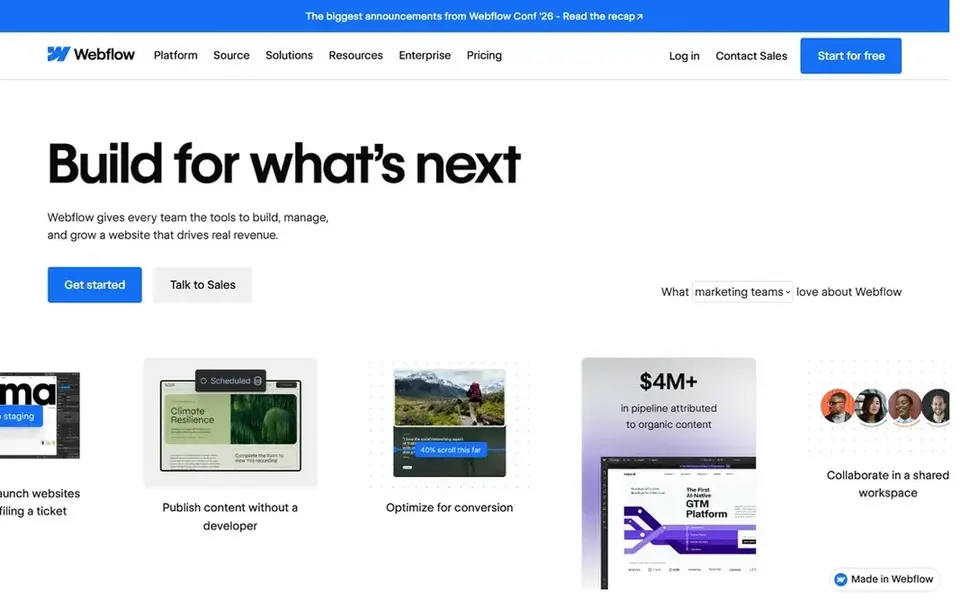
For custom layouts and structure, Webflow is a natural candidate. Also, the free plan lets only 2 static pages, so a full center site will need a higher plan.
Where it falls short: Ramp-up time is steeper than more straightforward builders.
For a center with a clear vision and someone to build it, the control is worth the effort. More specifically, Webflow also asks more of its users than more straightforward builders, so a small team without design time may find setup slow. Price to start with Webflow: $15 per month. A free plan is available with Webflow.
- Fine control over layout and design
- Clean structure for class and program pages
- Free Starter plan permits only 2 static pages

Hostinger is built with low-cost starter site in mind. For a single new center watching every dollar, Hostinger is hard to beat at the start. As for the details, the Premium plan also lets only 3 websites, which is fine for one center but limits a group.
Where it is weaker: Renewal price rises to $10.99 a month.
From a buyer's view, the trade-off is the renewal price, which rises to $10.99 per month after the first term. So a center should plan for that later cost. A team can publish pages for programs, fees, hours, and contact details, add a gallery, and place an enrollment form where parents can reach it. There is no free plan, so even a trial-style start needs a purchase. Hostinger pricing: $1.99 per month. Hostinger has no free tier.
- Lowest starting price in this list
- AI tools help draft pages and text rapidly
- Premium plan permits only 3 websites
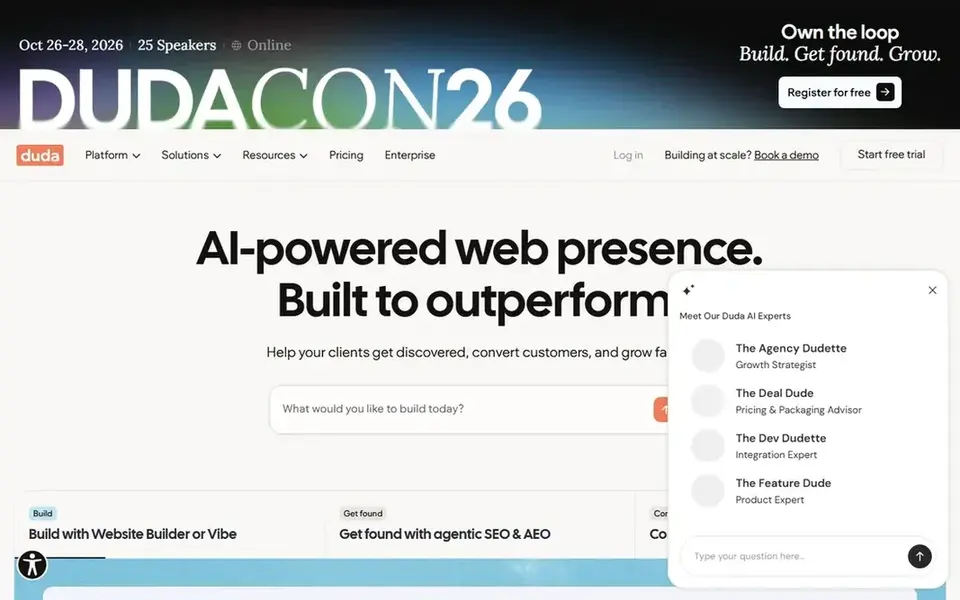
Duda makes the most sense for multi-location centers and client sites. Each location can have its own pages for programs, staff, hours, and contact details, whereas shared content for example policies, fees, and enrollment steps stays consistent. More specifically, templates include service companies well, with clear sections for trust facts for example licensing and safety steps.
Duda also has no free plan after the trial, which matters for a center that wants to keep costs at zero. Forms deal with tour bookings and waitlist signups, and the editor keeps publishing simple once the structure is set. The Basic plan begins at $19 a month when billed annually, with a 14-day trial for testing the setup. The starting price for Duda: $19 per month. Free plan details: Free trial (14 days).
Drawbacks to consider: Entry-level plan includes only 1 project.
- Solid templates for service companies
- Decent tools for managing multiple sites
- No free plan after the trial ends

Weebly was built for straightforward setup for small centers. The free plan presents Square ads, which can distract parents and make the site look less refined.
Downsides: Free plan presents Square ads.
The free plan lets a center publish those basics and add pages as it grows. What you pay to start with Weebly: $13 per month. Weebly has a free plan.
- Simple editor for small teams
- Free plan for an entry-level center site
- Design choices are more restricted than rivals
In short, WordPress.com is for content pages and blogging. Beyond that, the free plan limits storage, so a center that uploads plenty of photos and videos will have to watch space or move to a higher plan.
Trade-offs to know: Design control relies on the plan chosen.
A center with multiple rooms can provide each room its own page with photos, teacher names, and age ranges. WordPress.com does not publish a starting price; ask for a quote. You can start on WordPress.com without paying.
- Free plan for entry-level pages and updates
- Solid blogging and page tools
- Free plan limits storage
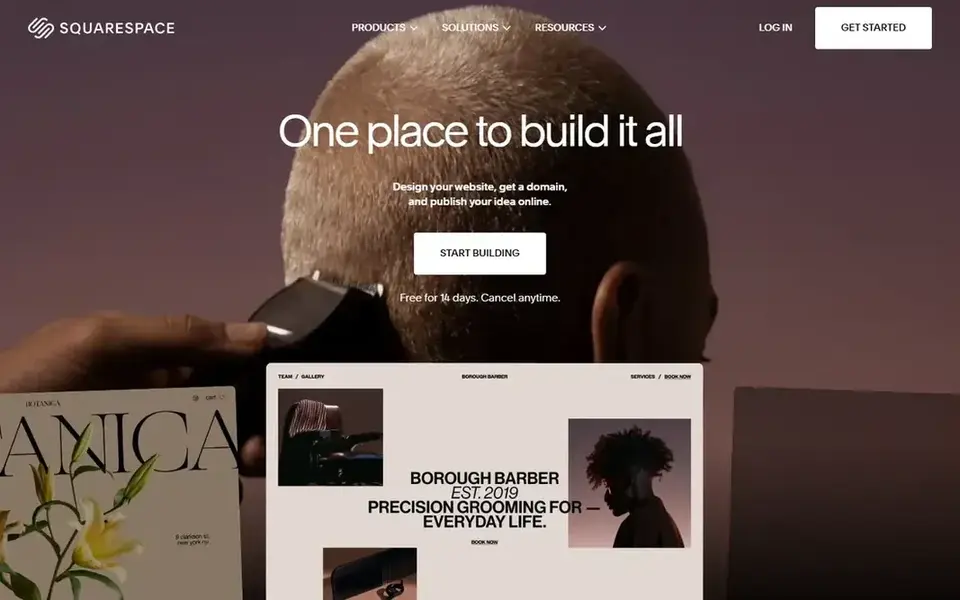
Squarespace targets polished class pages and galleries. Worth adding: for a single-site center that values clean design and straightforward publishing, it is a solid pick. Also, a news page can handle closures, holiday dates, and menu notes, which keeps parents informed between visits.
For everyday use, the Basic plan begins at $19 a month when billed yearly. The 14-day trial hands a team time to build pages and test forms first. The starting price for Squarespace: $19 per month. On free options: Free trial (14 days).
Trade-offs to know: No free plan after the trial ends.
- Solid image galleries and templates
- Built-in forms for enrollment and tours
- Entry-level plan lets only 2 contributors
Notes on website builder for daycare centers
Before you choose, test the parts parents will use most. Beyond that, build the enrollment form and send a test entry to the office inbox. Upload classroom photos and check them on a phone, since most parents will visit on a mobile screen first.
A 2-contributor cap can slow a team where the director, the office manager, and a teacher all need access. Check the renewal price as well as the first-term price, and confirm what happens to the domain and content if the center moves to a different builder later. Put trust facts where parents can find them in one minute: license number, staff ratios, safety steps, hours, fees, and the address with a map.
What to confirm before you sign up
- Confirm the entry price on the vendor page. For WordPress.com that means a quote rather than a fixed price.
- Read the fine print on the free plans from Webflow, Weebly and WordPress.com; seat, project and feature caps differ.
- Run a trial of Duda and Squarespace with real work before paying for a year; your own workflow is the best test.
- Read the limits listed for Webflow first: free Starter plan permits only 2 static pages.
- Ask Hostinger whether prices are locked for the first term and what happens at renewal.
- List the apps you already depend on and check that Squarespace supports each one on the plan you would buy.
Frequently asked questions
Which options for website builder for daycare centers have a free plan?
On this list, Webflow, Weebly and WordPress.com include a free plan. Caps on seats, usage or features are common, so test the free plan against your real workload. Several others offer a trial instead. All 6 picks in this website builder for Daycare centers comparison list a starting price, free plan details and the main limits on their cards above.
Is Webflow the right pick for everyone comparing website builder for daycare centers?
No single tool suits every team. Webflow comes first because it fits custom layouts and structure, while Hostinger suits low-cost starter site and Duda suits multi-location centers and client sites. Match the tool to your own size, budget and workflow before deciding.
Can I try these tools before paying?
Often, yes. Webflow, Weebly and WordPress.com have a free plan and Duda and Squarespace offer a free trial. Use your own data and a real task during the test, and check what the free tier or trial limits before you rely on it.
Do these tools publish their prices?
Not all of them. WordPress.com publishes no starting price, so expect a quote request for it. The rest, Webflow included, show a starting price, though seats and billing terms still change the final cost.
Sources
See where you really rank - block by block
ProMapRanker scans Google Maps across a grid of your service area. Simple monthly plans from $19, white-label on every plan.
Start freeBrowse all guides
← Best Website Builder for Bakers (2026)Website Builder for Small Law Firm in 2026: Top 6 Compared →
 best offline website builder software
Offline Website Builder Software: 6 Options Compared in 2026
Best offline website builder software in 2026: 6 tools with starting prices, free plans and limits. Every profile names its biggest catch. See the full list.
Read → best domain auction platforms
Domain Auction Platforms in 2026: Top 6 Compared
Best domain auction platforms in 2026: 6 tools with starting prices, free plans and limits. Weak spots flagged for every entry. Current for November 2026.
Read → alternatives to wix website builder
Wix Website Builder Alternatives: 6 Tools Compared in 2026
Alternatives to wix website builder: 6 contenders ranked by fit, with entry costs and free tiers. Each tool is judged on the same checks. Pick by budget.
Read → best ai website builder tools
7 Best AI Website Builder Tools for 2026
Best AI website builder tools: 7 contenders ranked by fit, with entry costs and free tiers. Short, factual notes on every option. Quick comparison inside.
Read → best website ranking tool
Best Website Ranking Tool in 2026
Compare the best website ranking tool options for keyword tracking, local rank checks, and competitor positions, with free plans and current starting prices.
Read → bluehost alternatives
Best Bluehost Alternatives in 2026
We compared the best Bluehost alternatives, from Hostinger and SiteGround to WP Engine and Kinsta, with starting prices, renewals and who each host suits.
Read →More in Websites & Hosting · All guides A to Z by date · Latest guides