 ProMapRanker
7 Best AI Website Builder Tools for 2026


AI design agent for high-polish marketing sites · Pricing starts at: See website
Direct answer
This list puts Framer first for AI design agent for high-polish marketing sites. Durable is the stronger choice for fastest route to a live business site, while Jimdo suits Solopreneurs who require bookings and payments fast. All 7 tools are compared below on price, free plan and limits.
Key takeaways
- Number one here is Framer, a fit for AI design agent for high-polish marketing sites.
- 6 out of 7 tools include a free plan, among them Framer, Durable, Jimdo and Webflow.
- The main caution on Durable: design customization is restricted.
- GoDaddy fits small companies starting inside GoDaddy's ecosystem.
Quick comparison
| Pick | Great for | Pricing starts at | Free tier | |
|---|---|---|---|---|
| Framer | AI design agent for high-polish marketing sites | See website | Yes | Visit |
 Durable | Fastest route to a live business site | $25/month | Yes | Visit |
 Jimdo | Solopreneurs who require bookings and payments quick | See website | Yes | Visit |
 Webflow | Designer-grade sites without code | $15/month (billed annually) | Yes | Visit |
 Wix | All-round AI builder with the deepest feature set | See website | Yes | Visit |
 Hostinger | Cheapest AI builder bundled with hosting | $2.99/month | No | Visit |
 GoDaddy | Small firms starting inside GoDaddy's ecosystem | $24.99/month (billed yearly) | Yes | Visit |
The best AI website builder tools
ProMapRanker put together this guide to AI website builder tools for readers who want a clear shortlist without reading every vendor page. It compares 7 tools on starting price, free plans, who each one suits and where each one falls short.
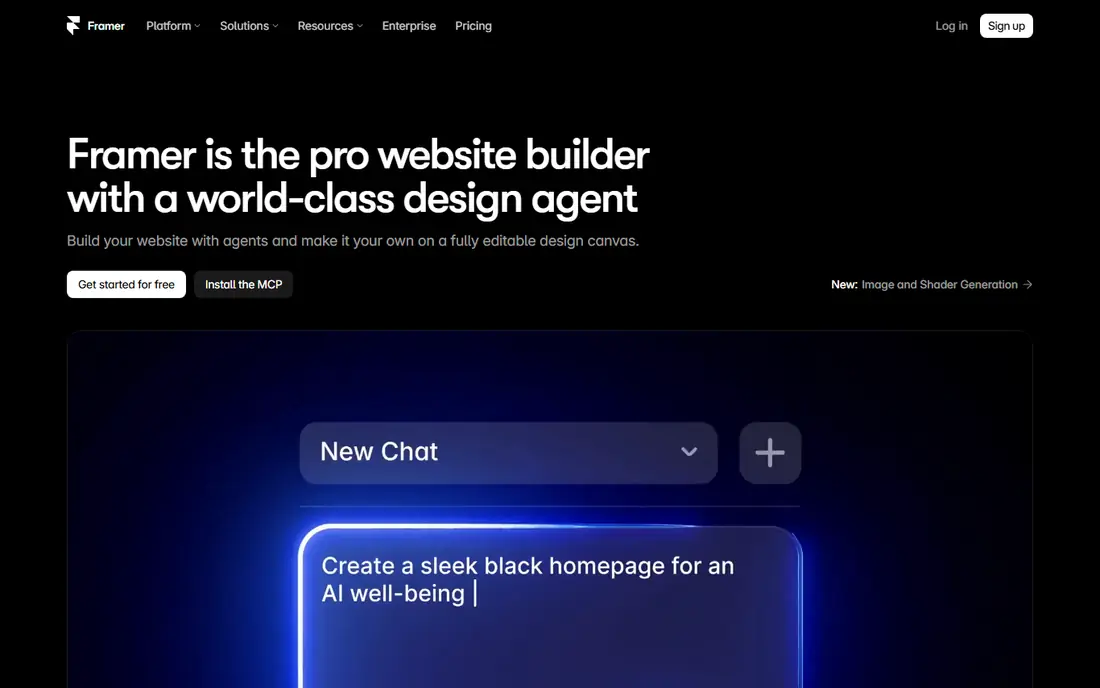
In short, Framer is for AI design agent for high-polish marketing sites. Framer started as a design tool and grew into a publishing system, and that origin displays in the best way.
What to check first: Weaker for complicated e-commerce.
Beyond that, in 2026 it positions itself around a design agent: you prompt it to build layout variations, create content, or set up your CMS. Every change happens visibly on the canvas where you can adjust it by hand. Framer does not show a starting price in this comparison, so check the vendor site for current pricing. A free plan is available with Framer.
- A real free plan for exploring and publishing experiments
- Solid animation and interaction capabilities
- Plan pricing is not shown upfront on the pricing page
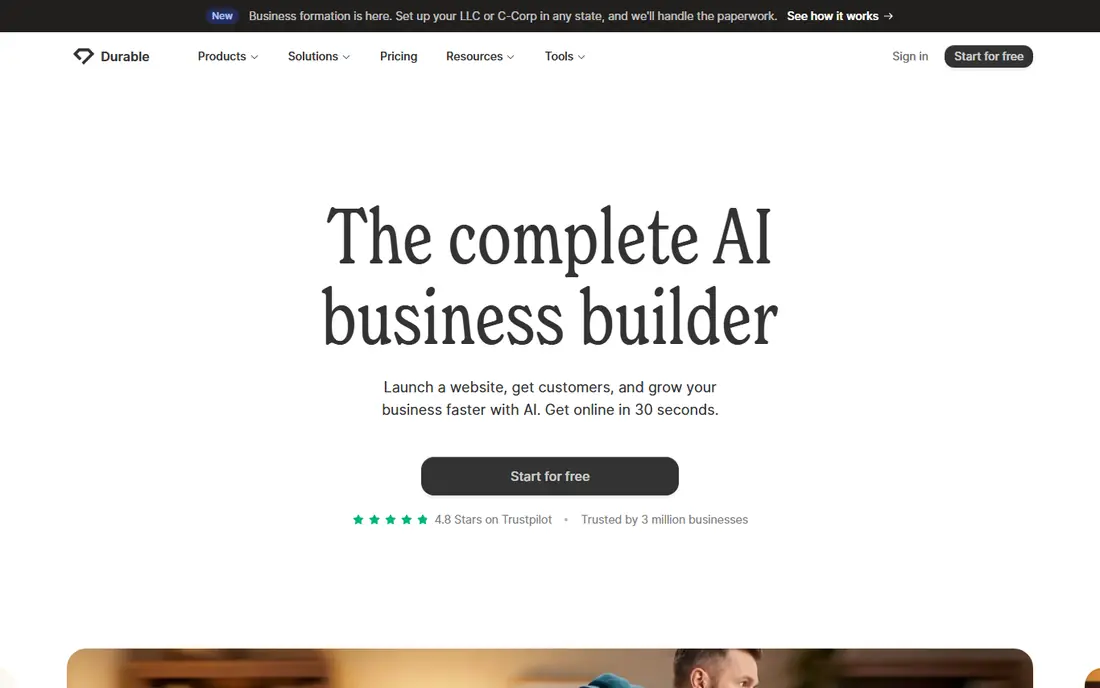
Choose Durable for fastest route to a live business site. The vendor's site presents the Launch plan at $25 per month and states the product replaces multiple subscriptions, bundling a CRM, invoicing, booking tools, and marketing automation with the website itself. The ceiling arrives rapidly.
Points against: Pitched at small service companies; No clean site export, so leaving means rebuilding.
You cannot redesign the site the way you can in Wix or Webflow. There is no clean export, so switching systems later means rebuilding from scratch. On top of that, Durable knows exactly who it serves: small companies that want a professional presence plus entry-level business tools in one subscription. What you pay to start with Durable: $25/month. A free plan is available with Durable.
- Site generated in about 30 seconds from a handful of questions
- Launch plan at $25 per month comes with CRM, invoicing, bookings
- Design customization is restricted
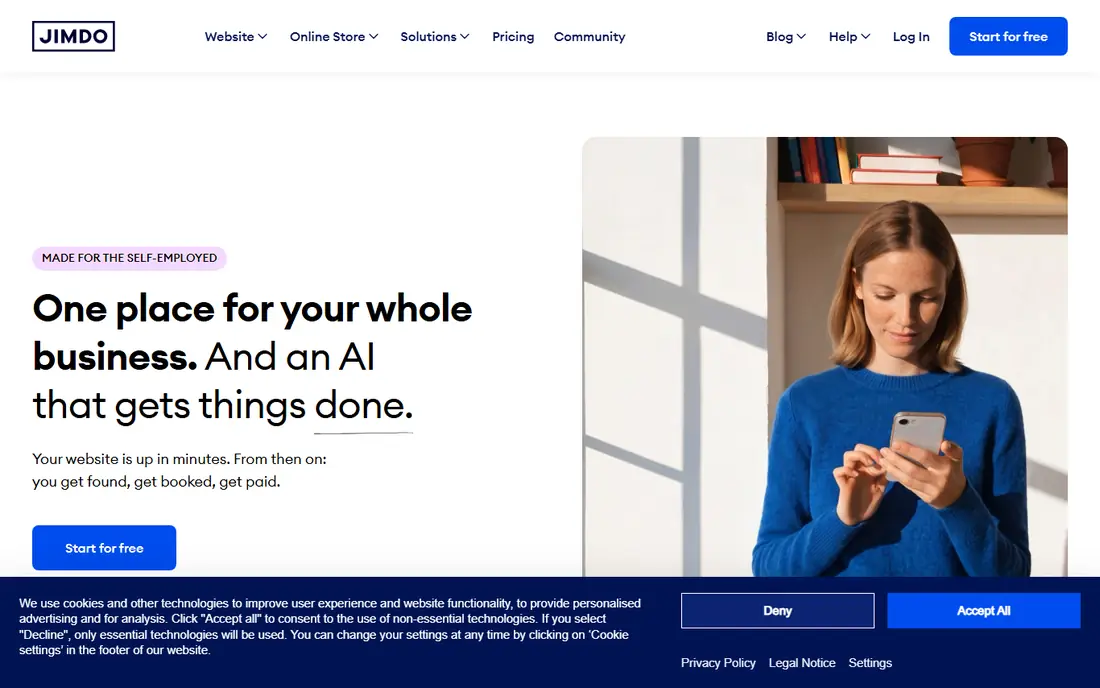
Think of Jimdo for Solopreneurs who require bookings and payments quick. The vendor's homepage states the free plan is free forever with no credit card.
In practice, tell it what you do and the AI builds your site with structure, copy, and images in under five minutes, optimized for search from the start. Check the vendor site for Jimdo pricing; none is listed in this comparison. You can start on Jimdo without paying.
Where Jimdo stands out: images in under five minutes. Honest limits: Entry-level design choices feel entry-level.
- Bookings, invoices
- Payment links connected in one database
- GDPR-centric setup can feel unfamiliar outside Europe
Webflow targets designer-grade sites without code. It is competing with hiring a developer. Webflow assumes you care about typography, breakpoints, and interactions, and beginners commonly bounce off it.
Where it falls short: Ramp-up time is real for non-designers.
You design in a visual canvas that writes production-quality HTML and CSS, run content in a visual CMS, and publish to quick global hosting. That power includes a steeper path. The starting price for Webflow: $15/month. You can start on Webflow without paying.
- Professional-grade design control with clean code output
- Free Starter plan for building and staging
- Two plan layers (Workspace and Site) confuse first-time buyers
Wix targets all-round AI builder with the deepest feature set. The trade-off is complexity.
Its AI builder (currently branded as Wix Harmony) produces a site from a handful of prompts, and then you can edit anything with the drag-and-drop editor, install apps from the Wix App Market, or add e-commerce, bookings, and email marketing as the business grows. Wix shows no starting price here, so confirm the cost on the vendor site. Free access exists with Wix.
Honest limits: Free plan displays Wix ads and blocks custom domains.
- 2,000+ templates and the largest app market in the category
- AI generation plus full manual editing (no dead ends)
- Pricing is not shown on the homepage and runs on multiple levels
Hostinger works best for cheapest AI builder bundled with hosting. Nobody expects the hosting company to be the cheapest AI website builder, but Hostinger is. On top of that, you describe what you want and the AI builder produces the site, store, or even a small web app, then you refine it with chat or drag-and-drop editing.
What users get: Vendor pricing opens at $2.99 per month.
More specifically, the vendor's own FAQ states plans start at $2.99 a month. The homepage displays the Premium plan at that price with a free domain for per year, AI tools, and e-commerce capability. The $2.99 price needs a multi-year prepay, and renewal rates run multiple times higher. Even so, getting hosting, a domain for the first year, business email, and an AI builder in one account at that price is unmatched for side projects and small business sites where budget decides. The starting price for Hostinger: $2.99/month. Hostinger has no permanent free option. What to check first: Design output is more template-driven than Wix or Squarespace.
- 30-day money-back guarantee
- Marketing tools
- Headline price needs long prepay and renews much higher
GoDaddy is a good fit for small firms starting inside GoDaddy's ecosystem. Treat it as the best choice inside its ecosystem instead of the best standalone builder.
Points against: Performs best if you already buy domains from GoDaddy.
GoDaddy rebuilt its builder around Airo, an AI layer that stretches beyond the site itself. Price to start with GoDaddy: $24.99/month. GoDaddy includes a free tier.
Where it shines: the site itself.
- Start free with 50 AI credits per month and no credit card
- Airo AI assistant spans domains, logos, marketing
- Plan details favor the annual billing shown on the homepage
How these tools were picked
For each of the 7 tools we noted price, free plan or trial, fit for AI website builder tools and the main limit, using vendor pages and documentation. Plan names, prices and limits change often. Treat the figures here as a starting point and verify them with the vendor. The ranking is editorial: typical fit first, then clear pricing, then free access. If your needs are unusual, read the profiles rather than relying on position.
Questions to settle before buying
- Get a written quote from Framer, Jimdo and Wix; the list shows no starting price for them.
- Look at free plan limits closely: Framer, Durable, Jimdo and others have one, and the caps decide whether it is usable for real work.
- Read the limits listed for Framer first: plan pricing is not shown upfront on the pricing page.
- Confirm that Durable connects to the apps your team already uses, on the plan you would actually buy.
- Ask Jimdo about contract length, onboarding fees and user minimums before you sign.
Frequently asked questions
Is there a fully free AI website builder?
the main limit is consistent: free plans exclude custom domains, display product branding or ads, and limit features. A professional site that looks like your business will need a premium plan.
What is the cheapest option for AI website builder tools in this list?
On published monthly entry prices, Hostinger is the lowest here at $2.99/month. Entry price is only part of the cost, because seats, add-ons and billing terms can change the total.
How are the tools for AI website builder tools ordered?
Framer sits first and GoDaddy last because the order follows typical fit for AI website builder tools, then price clarity and free access. It is a judgement call, so read each profile for fit and limits.
Which options for AI website builder tools have a free plan?
On this list, 6 of 7 tools include a free plan, among them Framer, Durable, Jimdo and Webflow. Caps on seats, usage or features are common, so test the free plan against your real workload.
Do these tools publish their prices?
Not all of them. Framer, Jimdo and Wix publish no starting price, so expect a quote request for those. The rest, Durable included, show a starting price, though seats and billing terms still change the final cost.
Which AI website builder is a good match for an online store?
Framer is the pick this page puts first, mainly for AI design agent for high-polish marketing sites. If your situation differs, Durable suits fastest route to a live business site, and Jimdo suits Solopreneurs who require bookings and payments quick. Compare price and limits before you decide.
Sources
See where you really rank - block by block
ProMapRanker scans Google Maps across a grid of your service area. Simple monthly plans from $19, white-label on every plan.
Start freeKeep reading
 zoho inventory alternatives
6 Alternatives to Zoho Inventory, Compared on Price and Fit
Zoho Inventory alternatives: 6 tools compared on price, free plans and fit. Katana leads the list for manufacturers. Fit and flaws are laid out for each entry.
Read → zoho crm alternatives
Best Zoho CRM Alternatives (2026)
Need Zoho CRM alternatives? We compare 7 tools on cost, free access and who each suits. Every pick gets a straight assessment. Built for quick decisions.
Read → zelle alternatives
Best Zelle Alternatives in 2026
Compare the best Zelle alternatives for sending money to friends, paying sellers and moving funds abroad, with honest notes on fees, speed and safety in 2026.
Read →