 ProMapRanker
Best Webinar Software for Customer Training Sessions (2026)

Interactive training with breakout rooms · Pricing starts at: See website
Direct answer
Adobe Connect is the first pick on this list for interactive training with breakout rooms. Listed starting prices: Livestorm from €2.50 per attendee. Look at GoTo Webinar for dedicated webinar platform with training focus, and at Livestorm for marketing-focused training with CRM integration. Details, prices and limits for the rest of the 5 tools are below.
Choosing webinar software for customer training sessions usually comes down to price, fit and limits. This ProMapRanker guide sets 5 tools side by side on those three points, with the facts kept short and checkable.
Key takeaways
- Adobe Connect takes the first slot, best suited to interactive training with breakout rooms.
- A fair warning about Livestorm: less suited for internal training.
- ClickMeeting suits browser-based training with no install.
- Pricing for Adobe Connect, GoTo Webinar, Zoom Webinars and ClickMeeting is quote-based, which adds a sales step before you can compare cost.
Quick comparison
| Pick | Great for | Pricing starts at | Free tier | |
|---|---|---|---|---|
| Adobe Connect | Interactive training with breakout rooms | See website | Not stated | Visit |
 GoTo Webinar | Dedicated webinar system with training focus | See website | Free trial | Visit |
 Livestorm | Marketing-focused training with CRM integration | €2.50 per attendee | Not stated | Visit |
 Zoom Webinars | Dependable, interactive training with familiar interface | See website | Not stated | Visit |
 ClickMeeting | Browser-based training with no install | See website | Yes | Visit |
The 5 tools in detail
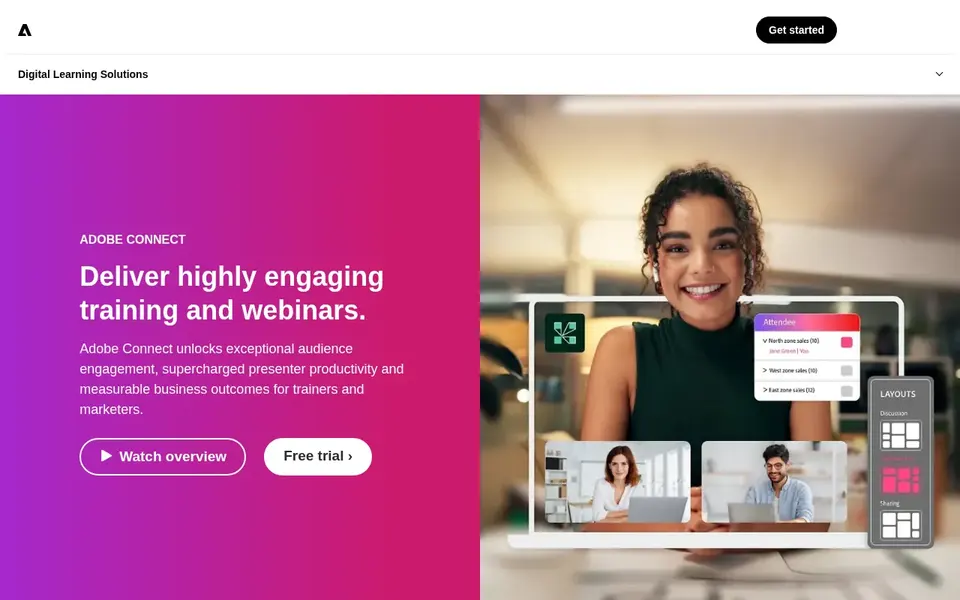
Adobe Connect is a good fit for interactive training with breakout rooms. Adobe Connect is tailored for training and webinars, emphasizing audience engagement and presenter productivity. It supports persistent meeting rooms, breakout sessions, and configurable layouts, making it well suited to structured customer training programs.
Worth adding: for straightforward, one-way training webinars, a lighter tool could be more efficient. Adobe Connect's interface may feel less modern compared with newer systems, and some features need downloading extra software. Check the vendor site for Adobe Connect pricing; none is listed in this comparison. On free options: Not stated.
Watch-outs: Needs software installation for full features.
- Configurable layouts
- Solid breakout rooms
- Dated user interface
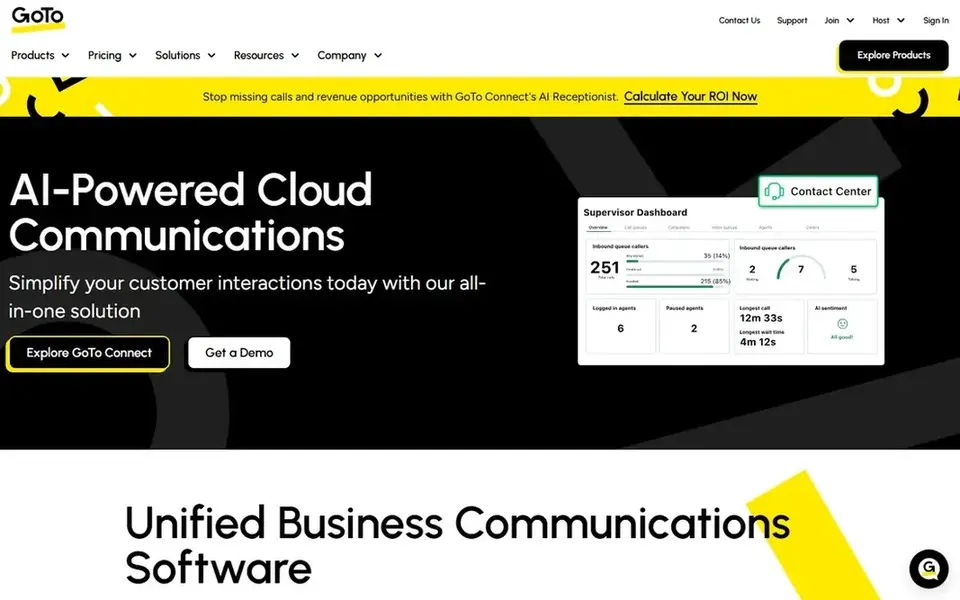
For dedicated webinar product with training focus, GoTo Webinar is a natural candidate. GoTo Webinar is a dedicated webinar system meant to engage audiences through virtual conferences and events. It supplies features like automatic emails, polls, and surveys, which are handy for customer training sessions.
In daily use, for training that needs broad breakout sessions or practical labs, other tools might be better. As for the details, GoTo Webinar lacks some of the collaborative features found in broader meeting platforms, for example persistent team workspaces. GoTo Webinar does not show a starting price in this comparison, so check the vendor site for current pricing. As for free access: Free trial.
Downsides: Less integrated with meeting tools.
- Automatic email reminders
- Purpose-built for webinars
- Restricted breakout room functionality
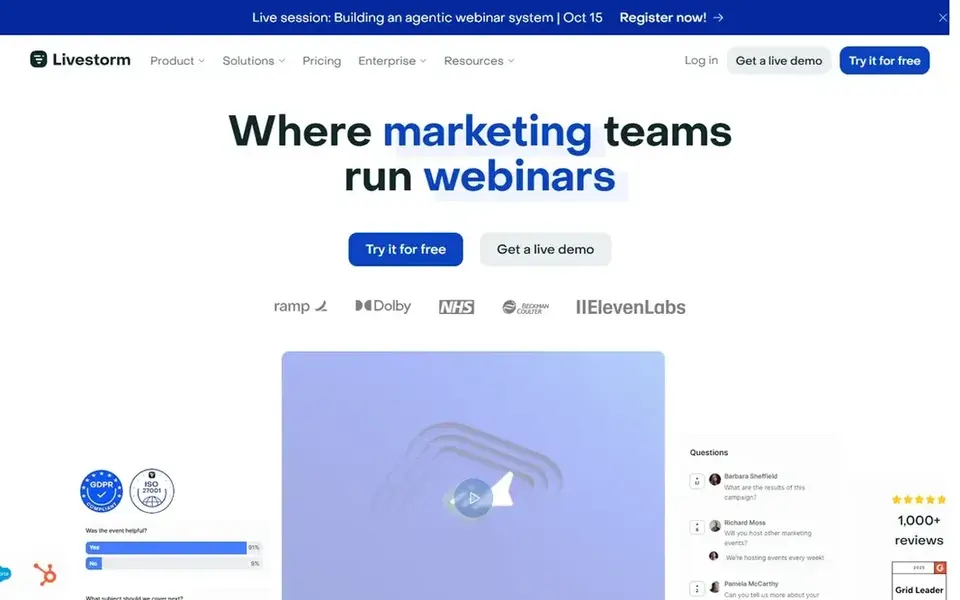
Livestorm serves marketing-focused training with CRM integration. Livestorm is an all-in-one webinar product designed for marketing teams. But its features like branded events and engagement insights can also benefit customer training.
Points against: Less suited for internal training.
Worth adding: Livestorm is optimized for marketing webinars, so it may lack some specialized training features like persistent classrooms or advanced breakout rooms. Also, the system comes with AI enhancements for better audience interaction. Entry price for Livestorm: €2.50 per attendee. As for free access: Not stated.
- All-in-one webinar product
- AI-enhanced engagement insights
- Restricted advanced training features
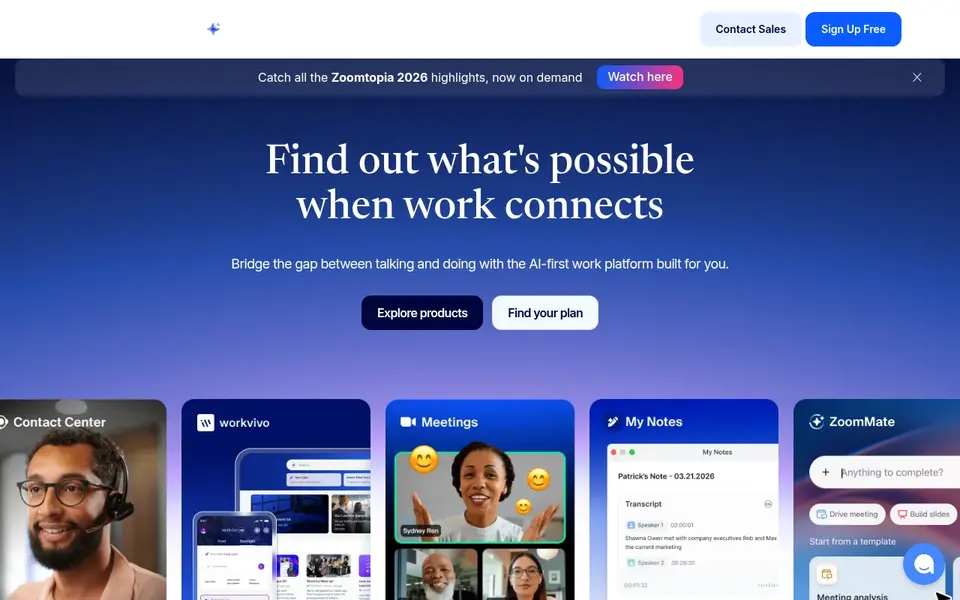
Choose Zoom Webinars for steady, interactive training with familiar interface. Zoom Webinars is part of Zoom's collaboration product, known for steady video and approachable meetings. It supports interactive elements like polls, Q&A, and screen sharing, making it right for customer training sessions.
Consider Zoom if simplicity and wide accessibility are top priorities. For sessions needing deep interactivity or persistent virtual classrooms, a dedicated training system might be more appropriate. Whereas Zoom Webinars is solid, some advanced training features like breakout rooms for webinars may need extra configuration or extras. Zoom Webinars does not show a starting price in this comparison, so check the vendor site for current pricing. As for free access: Not stated.
Drawbacks to consider: Can be expensive for very large events.
- Scalable for large audiences
- Capable engagement features like polls and Q&A
- Advanced features may need extras
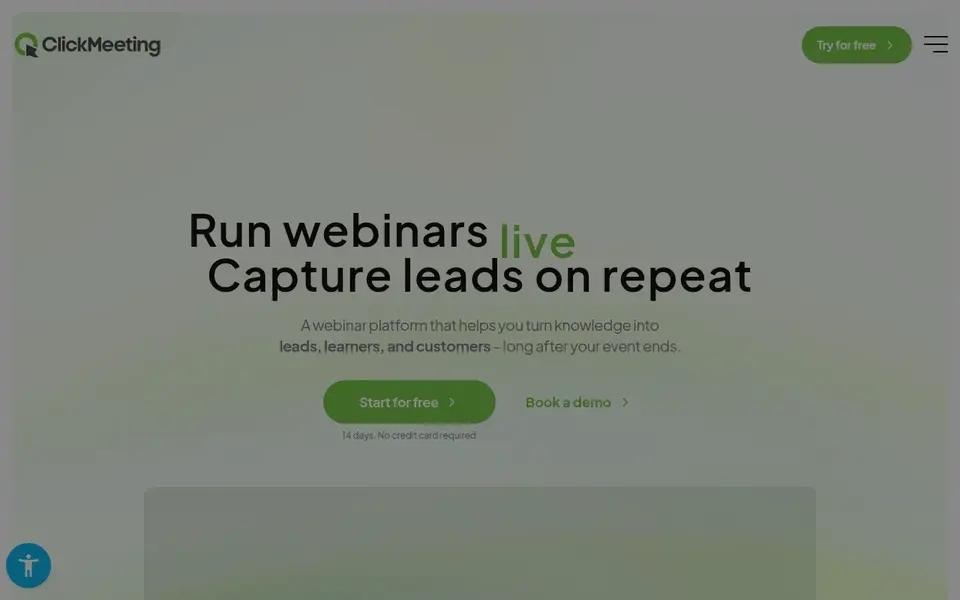
For browser-based training with no install, ClickMeeting is a natural candidate. ClickMeeting is a webinar system that operates in your browser without requiring installation, making it accessible for both presenters and attendees. It supports live, automatic, and on-demand webinars, which can be useful for customer training that needs to be repeated or accessed later.
Points against: May lack advanced training tools.
For highly interactive training sessions, other tools might be better. More specifically, choose ClickMeeting for straightforward, browser-based training webinars with lead generation in mind. Pricing for ClickMeeting is not stated here, so ask the vendor for current figures. You can start on ClickMeeting without paying.
- Lead capture features
- Supports live and automatic webinars
- Restricted customization choices
How the list was put together
We compared the tools on published pricing, free plan or trial availability, feature coverage for webinar software for customer training sessions, and the limits each vendor documents. Plan names, prices and limits change often. Treat the figures here as a starting point and verify them with the vendor. The sequence is a judgement call: typical use case first, then pricing transparency, then free access. Use the profiles to check fit.
What to confirm before you sign up
- Get a written quote from Adobe Connect, GoTo Webinar, Zoom Webinars and ClickMeeting; the list shows no starting price for them.
- Look at the free plan from ClickMeeting closely: its caps decide whether it is usable for real work.
- Run a trial of GoTo Webinar with real work before paying for a year; your own workflow is the best test.
- Before choosing Adobe Connect, weigh its main limit: dated user interface.
- Check whether the features you need in Livestorm sit on the entry plan or only on higher tiers.
- Before you load data into ClickMeeting, check what an export looks like and who can run it.
Frequently asked questions
Which options for webinar software for customer training sessions have a free plan?
ClickMeeting is the only tool in this list with a free plan. Free plans usually cap users, projects or features, so check the limits on the vendor page. One other tool offers a trial instead. All 5 picks in this webinar software for customer training sessions comparison list a starting price, free plan details and the main limits on their cards above.
Do these tools publish their prices?
Not all of them. Adobe Connect, GoTo Webinar, Zoom Webinars and ClickMeeting publish no starting price, so expect a quote request for those. The rest, Livestorm included, show a starting price, though seats and billing terms still change the final cost. For the full picture, the cards above cover all 5 entries of this webinar software for customer training sessions list, including price, free plan and limits.
Is Adobe Connect the right pick for everyone comparing webinar software for customer training sessions?
No single tool suits every team. Adobe Connect comes first because it fits interactive training with breakout rooms, while GoTo Webinar suits dedicated webinar platform with training focus and Livestorm suits marketing-focused training with CRM integration. Match the tool to your own size, budget and workflow before deciding.
Can I try these tools before paying?
Often, yes. ClickMeeting has a free plan and GoTo Webinar offers a free trial. Use your own data and a real task during the test, and check what the free tier or trial limits before you rely on it. Prices, free plan details and limits for all 5 tools in this webinar software for customer training sessions roundup sit on the individual cards above.
Which webinar system is a good match for interactive training with breakout rooms?
The first pick on this list is Adobe Connect, because it suits interactive training with breakout rooms. GoTo Webinar is better for dedicated webinar product with training focus, and Livestorm for marketing-focused training with CRM integration. Check price and limits against your own needs before choosing.
Sources
See where you really rank - block by block
ProMapRanker scans Google Maps across a grid of your service area. Simple monthly plans from $19, white-label on every plan.
Start freeBrowse all guides
← Online Platforms to Launch a New Podcast: Best Picks of 2026
 best aggregation platform for streaming video
Aggregation Platform for Streaming Video: Best Picks of 2026
Best aggregation platform for streaming video in 2026: 6 contenders with entry costs and free tiers. Limits and pricing notes included. Refreshed for 2026.
Read → best webinar platform for premium attendees
Best Webinar Platform for premium Attendees (2026)
Shortlisting the best webinar platform for premium attendees? 5 products compared on cost, free access and ideal buyer. Short verdicts, no fluff. Facts only.
Read → best webinar platform for continuing education providers
5 Best Webinar Platform for Continuing Education Providers (2026)
Best webinar platform for continuing education providers: 5 tools compared on price, free plans and fit. Weak spots flagged for every entry. See which fits.
Read → kafka alternatives
Kafka Alternatives in 2026
Compare the best Kafka alternative platform options for event streaming, queues and messaging, with trade-offs on scale, ops and cost for developers now.
Read → best bible app
Best Bible App in 2026: 8 Apps Compared
Searching for the best bible app? We compare 8 free and paid bible apps for daily reading, study, audio, and plans, with honest trade-offs included for 2026.
Read → best video tutorial software
Best Video Tutorial Software in 2026
Our best video tutorial software guide compares 9 recorders and editors on price, editing, captions and sharing for courses and how-to videos in 2026.
Read →More in Video, Audio & Podcasts · All guides A to Z by date · Latest guides