 ProMapRanker
Best Webinar Platforms Comparison in 2026

Key takeaways
- Zoom Webinars suits teams already on Zoom, but it needs a Workplace licence on top of the webinar add-on.
- GoTo Webinar remains a dependable pick for recurring corporate training and large, scheduled programmes.
- Livestorm and Zoho Webinar offer the lowest-cost entry routes, with browser joining and free plans.
- Attendee caps, session length and CRM sync matter more than headline price, so compare those three first.
Quick comparison
| Pick | Great for | Pricing starts at | Free tier | |
|---|---|---|---|---|
 Zoom Webinars | Large audiences on Zoom | $66.67 per month | No | Visit |
 GoTo Webinar | Recurring corporate webinars | $59 per month | Free trial | Visit |
 Livestorm | Browser-based marketing webinars | $3 per attendee | Yes | Visit |
 Demio | Simple, modern live webinars | $45 per month | Free trial | Visit |
 WebinarJam | Sales and launch webinars | $39 per month | Free trial | Visit |
 ClickMeeting | Teaching and paid webinars | See website | Free trial | Visit |
 Zoho Webinar | Low-cost small webinars | $8 per month | Yes | Visit |
 Webex Webinars | Enterprise webinars and events | See website | No | Visit |
The best webinar platforms
We compared official feature pages, pricing pages, app store listings, privacy policies and public reviews. This comparison focuses on live webinars, registration, engagement tools, recording and replay, because those are the features that decide whether a session runs well on the day.
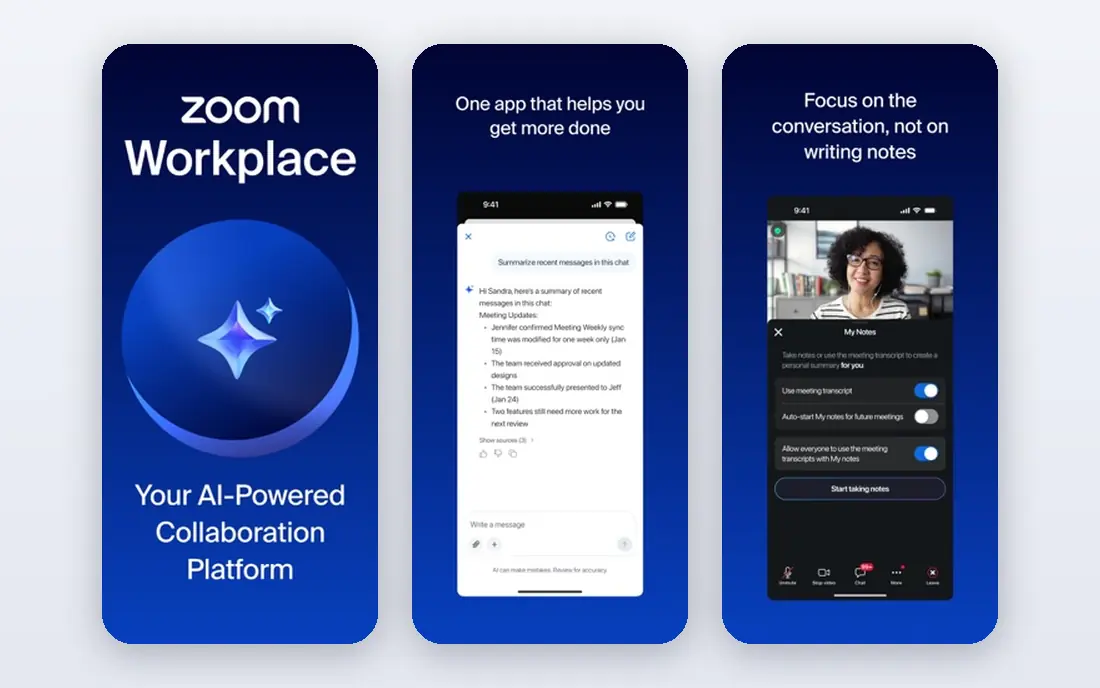
Zoom Webinars is the natural pick for a team that already runs meetings on Zoom. Attendees join through a flow they already know, hosts get polls, Q and A, chat and reactions, and capacity can scale far beyond a small meeting. That familiarity reduces support questions on the day, which matters for a large public session.
The cost structure needs care. The $66.67 figure is the yearly-billed webinar add-on rate for 500 attendees, and it sits on top of a Workplace licence, so the total is higher than the add-on alone. There is also no free webinar plan, so small teams should test with a paid trial or a meeting first.
- Very large attendee capacity
- Familiar joining flow
- Polls, Q and A, chat and reactions
- Needs a Workplace Pro licence plus the webinar add-on
- No free plan for webinars
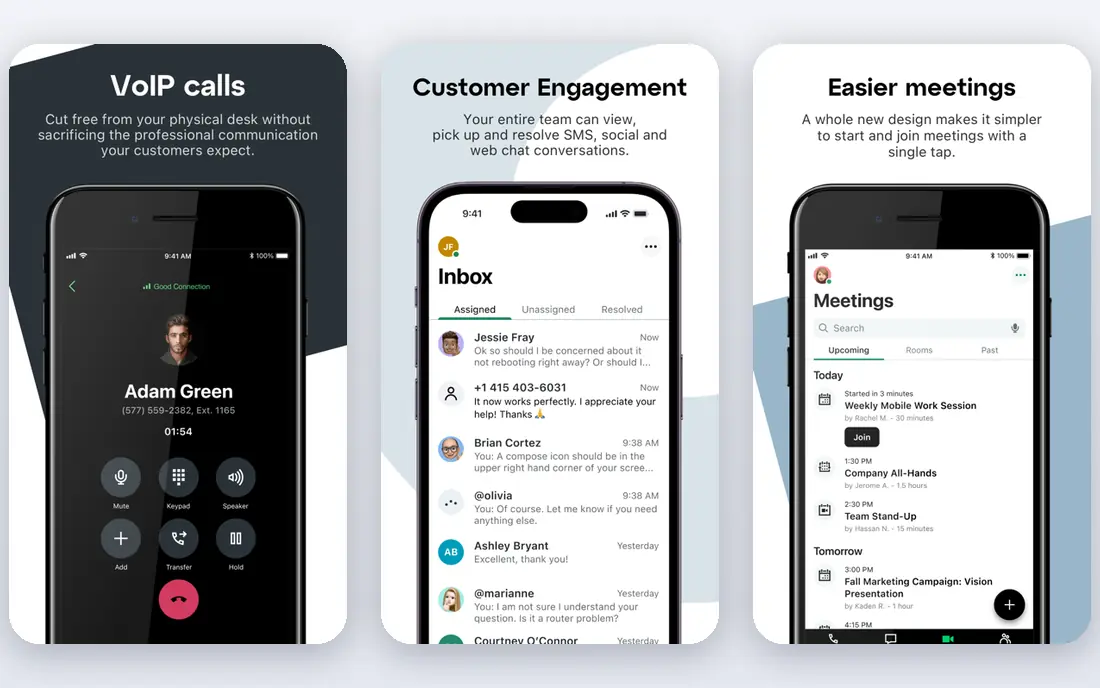
GoTo Webinar has long been a workhorse for training teams and corporate programmes that run on a schedule. The Reach plan covers 500 participants at $59 per month billed yearly, with polls, Q and A, surveys and handouts included. Recorded sessions can sit on channel pages, which helps a training library stay organised.
The trade-off is freshness. Newer tools such as Livestorm and Demio feel more modern in the browser, and GoTo Webinar pricing climbs as audience size grows. It still earns its place for teams that value stability and a long track record over the newest interface.
- Dependable for scheduled programmes
- Polls, surveys and handouts
- Channel pages for recordings
- Interface feels older than newer rivals
- Higher tiers rise fast for large audiences
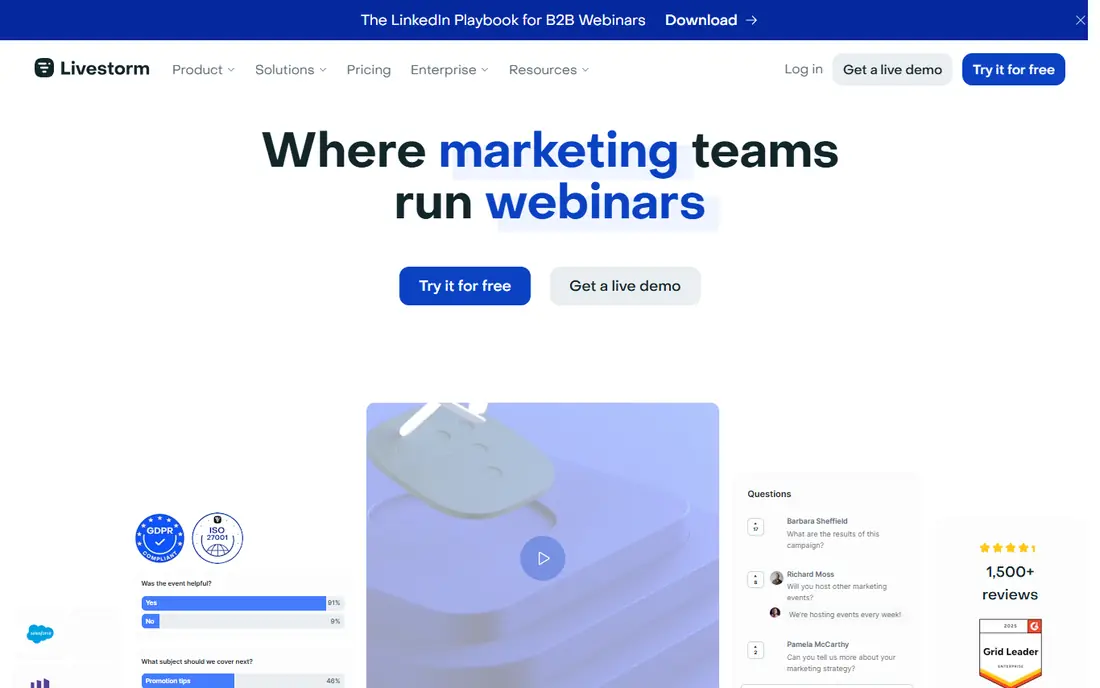
Livestorm runs fully in the browser, which removes the download step that loses attendees. Hosts get branded registration, email reminders, polls, Q and A with upvoting, breakout rooms and live calls to action, plus native CRM sync on higher plans. That mix suits marketing teams that treat webinars as lead generation, not just meetings.
The pricing model is credit-based, with packs priced per attendee, so a team must forecast annual attendance rather than just counting hosts. The free plan is useful for testing, but it is limited in contacts and session length. Model a full year of events before you buy credits.
- Attendees join from a browser with no download
- Branded registration pages
- Polls, Q and A and breakout rooms
- Credit-based pricing can confuse budgeting
- Automated webinars need higher tiers
Demio is the easiest dedicated webinar tool to set up in this list. The interface is modern, attendees join in a browser, and hosts get polls, handouts, Q and A and the option to bring attendees on stage. Automated and simulive replays help a team reuse a good session without running it live every time.
The entry price covers only 50 attendees, so a growing show will move up the tiers quickly. Demio suits a small or mid-size audience that values ease over massive scale, and teams should price the attendee tier they will actually need in six months, not just today.
- Clean setup and browser joining
- Polls, handouts and featured actions
- Automated replay options
- Entry plan covers only 50 attendees
- Larger audiences need much higher tiers
WebinarJam is built for creators and small firms that sell during a live session. Hosts get offers, scarcity timers, polls, whiteboard tools and live chat, plus replay pages that keep selling after the event. The Starter plan at $39 per month billed yearly covers 100 attendees, which fits a launch audience well.
The limit is scale and session length on the entry tier. Larger audiences and longer events need higher plans, and the feature-rich interface can feel crowded for a first-time host. It is a strong sales tool, but a weaker pick for plain corporate training.
- Built for selling during live events
- Offers, timers and polls
- Replay and evergreen options
- Entry plan covers 100 attendees and one-hour events
- Interface can feel busy
ClickMeeting suits trainers, coaches and small firms that run paid or automated sessions. It offers a whiteboard, breakout rooms, polls, surveys and Q and A, plus payment support for ticketed events. Automated webinars let a team run a recorded session on a schedule with live-style chat.
Pricing is set by audience size, and published figures vary by region and currency, so we list See website rather than a single figure that may not match a US buyer. Test the paid-event flow end to end, including refunds and attendee emails, before you sell tickets through it.
- Teaching tools such as whiteboard and breakout rooms
- Paid event support
- Automated webinars
- Pricing varies by audience size and currency
- Some features need higher tiers
Zoho Webinar is the budget pick here, with a free plan for 20 attendees and 60-minute sessions, and a paid Standard plan from $8 per organiser per month billed yearly. It covers the core webinar job: registration, live video, polls, Q and A and recording, without a large bill. Teams already using Zoho CRM get a natural fit.
The limit is scale and depth. Larger audiences need higher tiers, and marketing integrations are narrower than at Livestorm or ON24-style enterprise tools. For a small team running regular short sessions, though, the value is hard to beat.
- Free plan for small events
- Low paid entry price
- Fits teams already using Zoho
- Free plan covers 20 attendees and 60 minutes
- Fewer marketing integrations than Livestorm
Webex Webinars suits large firms that need enterprise controls, high capacity and a meeting system their IT team already trusts. Entry webinar plans cover 1,000 attendees, and Webex Events scales far higher for town halls and conferences. Security, compliance and admin controls are stronger here than at creator-focused tools.
The downside is price transparency and weight. Webinar pricing is quote-based, so a small team cannot budget from a public page, and the setup suits an IT-led rollout more than a solo creator. Choose Webex when compliance and scale decide the shortlist, not when low cost does.
- Large event capacity
- Strong enterprise security and compliance
- Familiar Cisco meeting flow
- Pricing is quote-based for webinars
- Setup can feel heavy for small teams
How we picked these
We compared official feature pages, pricing pages, app store listings, privacy policies and public reviews, and we kept only platforms that run live webinars with registration, attendee engagement and recording in October 2026. We excluded pure meeting tools without a webinar mode and pure streaming tools without registration, because they do not cover the full webinar job. Where pricing was quote-based or varied by region, we wrote See website.
How to compare webinar platforms in practice
Start with audience size and session length, not features. A platform that covers 50 attendees will not serve a 500-person launch, and a one-hour cap will cut a training session short. Check the attendee tier you will need in six months, and whether replays, on-demand pages and automated sessions are included or paid extras.
Next, test joining as an attendee. Browser joining removes a download barrier, while app-only joining can lose less technical guests. Check registration pages, reminder emails, polls, Q and A moderation and CRM sync, since those decide lead quality after the event. Finally, run a rehearsal with your real slides, video and polls, because a tool that looks good in a demo can still struggle with your actual content.
Frequently asked questions
Which webinar platform is best for beginners?
Zoho Webinar and Demio are the easiest starts, with Zoho offering a free plan for small events and Demio offering a clean setup for live sessions. Livestorm is also easy to test, thanks to browser joining and a free tier.
How much do webinar platforms cost?
Entry prices here run from $8 to $66.67 per month on yearly billing, with Livestorm priced per attendee and Webex priced by quote. Large audiences, longer sessions and automated webinars usually push the price up, so budget for the tier you will actually use.
Do attendees need to download software to join?
Not always. Livestorm, Demio, Zoho Webinar and ClickMeeting offer browser joining, while Zoom and Webex attendees may need an app or a browser plug-in depending on settings. Browser joining usually gives higher attendance for public events.
Can I run automated or on-demand webinars?
Yes, on most platforms here, but availability varies by tier. Demio, WebinarJam, ClickMeeting and Livestorm offer automated or simulive replays, while lower tiers may limit them. Check that feature on your exact plan before you buy.
What is the difference between a webinar and a meeting?
A webinar is built for a host presenting to a larger audience, with registration, attendee controls, polls and Q and A. A meeting is built for equal discussion among a smaller group. Webinar tools also add recording libraries, analytics and CRM sync for follow-up.
Sources
See where you really rank - block by block
ProMapRanker scans Google Maps across a grid of your service area. Simple monthly plans from $19, white-label on every plan.
Start freeKeep reading
 who has best internet service
Who Has the Best Internet Service in 2026
Who has best internet service for US homes? We compare fiber, cable, fixed wireless and satellite providers on speed, price, availability and terms today.
Read → which survey tool has the best analytics
Which Survey Tool Has the Best Analytics in 2026
Find which survey tool has the best analytics in 2026, comparing Qualtrics, SurveyMonkey, Typeform, Alchemer, and more on reports, text, and stats today.
Read → which streaming service has the best movies
Which Streaming Service Has the Best Movies in 2026
Answering which streaming service has the best movies, with Netflix, Max, Criterion and more compared on libraries, prices and free options in this guide.
Read →