 ProMapRanker
2026 Guide to the Best Web Forms Software for Lead Capture

Lead capture tied to a CRM product · Pricing starts at: See website
Direct answer
For lead capture tied to a CRM system, HubSpot Forms is where this list starts. Listed starting prices: Jotform from $34 a month, Formstack from $83 a month and Gravity Forms from $59 per year. If your case is different, Jotform suits quick, versatile form and survey building and Typeform suits conversational, engaging lead capture forms. The full list of 5 tools follows, with prices and free plan facts.
ProMapRanker put together this guide to web forms software for lead capture for readers who want a clear shortlist without reading every vendor page. It compares 5 tools on starting price, free plans, who each one suits and where each one falls short.
Key takeaways
- Number one here is HubSpot Forms, a fit for lead capture tied to a CRM product.
- Gravity Forms suits custom, secure WordPress form builds.
- Only Jotform offers a free plan among these 5 tools.
- The cheapest monthly starting price in the list is $34 per month, offered by Jotform.
Quick comparison
| Pick | Great for | Pricing starts at | Free tier | |
|---|---|---|---|---|
| HubSpot Forms | Lead capture tied to a CRM product | See website | Not stated | Visit |
 Jotform | Quick, versatile form and survey building | $34 a month | Yes | Visit |
 Typeform | Conversational, engaging lead capture forms | See website | Not stated | Visit |
 Formstack | Forms with documents and e-signatures | $83 a month | Free trial | Visit |
 Gravity Forms | Custom, secure WordPress form builds | $59 per year | No | Visit |
Tool-by-tool breakdown
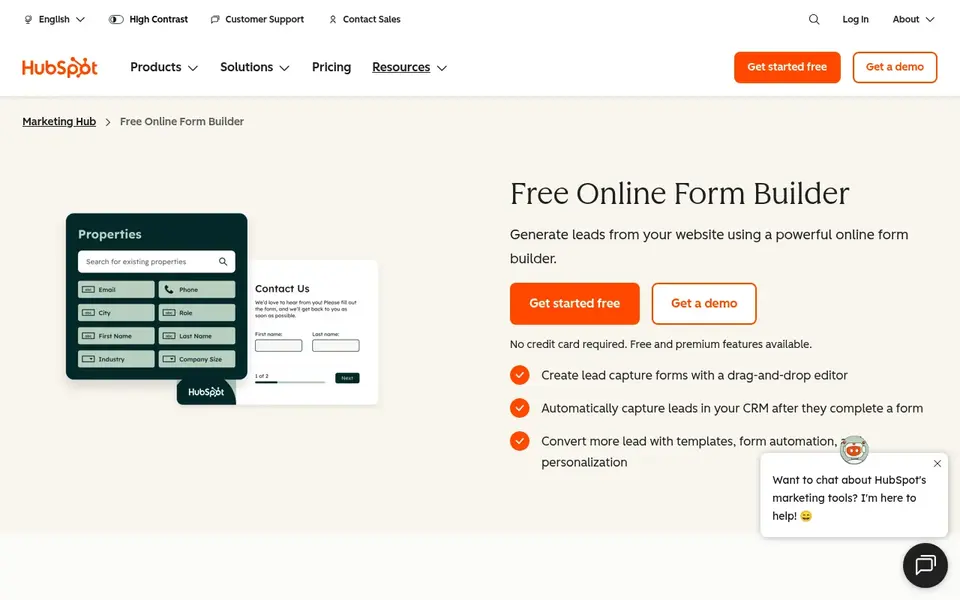
For lead capture tied to a CRM product, HubSpot Forms is a natural candidate. In practice, teams wanting a dedicated form product with no product commitment may look elsewhere.
Trade-offs to know: Less of a standalone form-only tool.
On top of that, choose HubSpot Forms when your lead data already lives in HubSpot. Check the vendor site for HubSpot Forms pricing; none is listed in this comparison. As for free access: Not stated.
- Forms link to a broader system
- Useful for marketing and sales alignment
- Best value when using the wider product
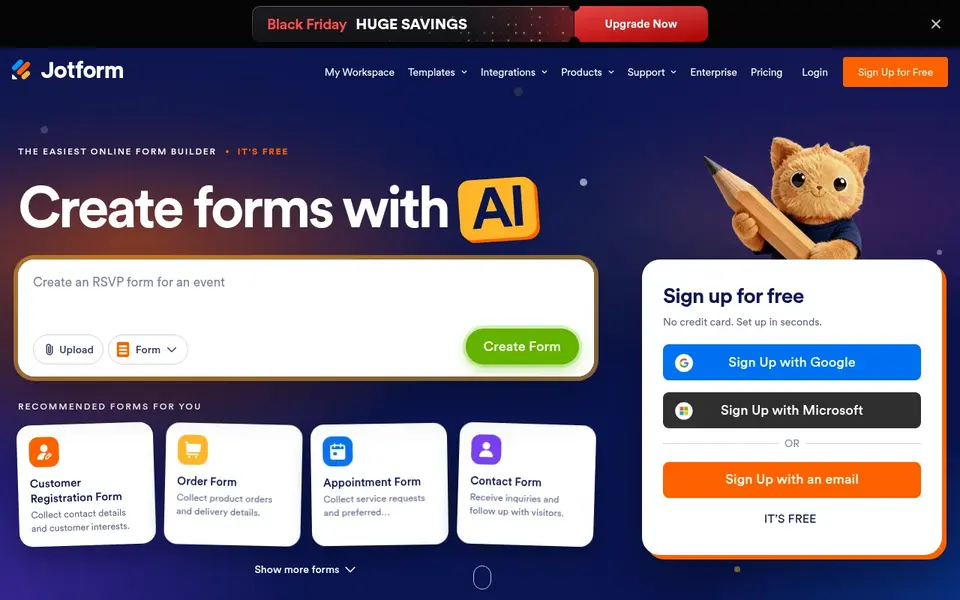
Jotform serves fast, versatile form and survey building. The breadth of templates and form types makes it a practical general-purpose choice for numerous organizations.
Beyond that, teams needing heavy document workflows or e-signature processes may find a workflow-focused system a better fit. More specifically, Jotform is an online form builder for creating forms and surveys rapidly, and its homepage emphasizes simplicity for non-technical people. Jotform pricing: $34 per month. A free plan is available with Jotform.
Watch-outs: Deep workflow logic may need a different tool.
- Wide range of form use cases
- Fast form and survey creation
- Feature breadth can feel overwhelming
Typeform serves conversational, engaging lead capture forms. Its homepage flags AI-powered forms and automatic workflows that enrich leads and trigger follow-up.
The main drawbacks: Less suited to very complex data-heavy forms.
Automation features add power but need configuration to work well. Typeform does not show a starting price in this comparison, so check the vendor site for current pricing. Free options: Not stated.
- No-code setup with workflow follow-up
- Conversational form experience that encourages completion
- Advanced automation may need setup effort
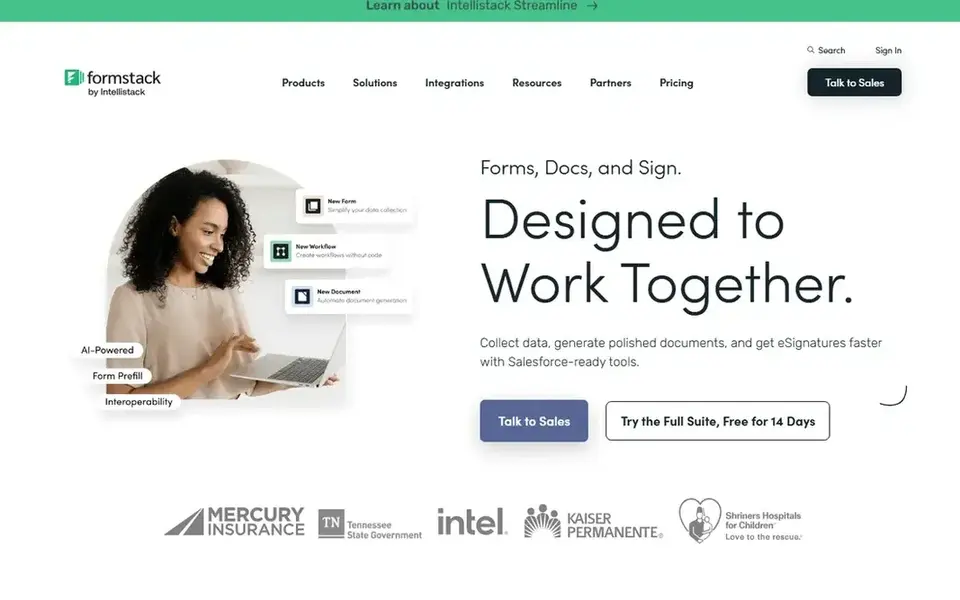
Think of Formstack for Forms with documents and e-signatures. Teams that only need basic capture forms may prefer a lighter builder. Formstack merges online forms with document generation and e-signature tools, positioning itself around simplifying workflows.
Limits to weigh: Broader scope than straightforward lead forms.
That breadth can be more than a straightforward lead capture form needs, and setup takes more thought. From a buyer's view, pick Formstack when forms, documents, and e-signatures have to live together in one workflow. The starting price for Formstack: $83 per month. As for free access: Free trial.
- Fits process-heavy teams
- Workflow-focused feature set
- More setup than an entry-level form builder
In short, Gravity Forms is for custom, secure WordPress form builds. Gravity Forms is a WordPress form plugin centred on custom forms, with the homepage stressing ease of use, security, and reliability. For everyday use, users wanting a zero-setup hosted builder may prefer a standalone tool.
Watch-outs: WordPress-only plugin.
From a buyer's view, like other WordPress plugins, it needs a WordPress site and some configuration to unlock its adaptability. On top of that, choose Gravity Forms when customization and control within WordPress are priorities. Starting cost for Gravity Forms: $59 per year. Gravity Forms has no free plan.
- Adaptable for tailored lead capture
- Emphasis on security and reliability
- Custom adaptability can mean more setup work
Our selection method
We compared the tools on published pricing, free plan or trial availability, feature coverage for web forms software for lead capture, and the limits each vendor documents. Where a vendor does not publish a price, the entry says quote. Where a price depends on seats or billing term, the entry says so. The order reflects how well each tool fits the most common buying scenario for web forms software for lead capture, then price clarity, then free plan access. It is a starting point, not a verdict.
A buyer's checklist
- Get a written quote from HubSpot Forms and Typeform; the list shows no starting price for them.
- Test the free plan from Jotform against your real workload before relying on it.
- Take the trial from Formstack and push a live task through it before you pay.
- Before choosing HubSpot Forms, weigh its main limit: best value when using the wider system.
- Ask whether HubSpot Forms integrates with your current software, and whether that comes standard or as an add-on.
- Confirm minimum seats and billing terms with Jotform before you commit to an annual plan.
Frequently asked questions
Which web forms tool is best for WordPress lead capture?
Start with HubSpot Forms if you need lead capture tied to a CRM product. Jotform is the better match for quick, versatile form and survey building, and Typeform for conversational, engaging lead capture forms. The best choice depends on budget, team size and workflow.
Do these tools publish their prices?
Not all of them. HubSpot Forms and Typeform publish no starting price, so expect a quote request for those. The rest, Jotform included, show a starting price, though seats and billing terms still change the final cost. Prices, free plan details and limits for all 5 tools in this web forms software for lead capture roundup sit on the individual cards above.
How are the tools for web forms software for lead capture ordered?
HubSpot Forms sits first and Gravity Forms last because the order follows typical fit for web forms software for lead capture, then price clarity and free access. It is a judgement call, so read each profile for fit and limits.
Is HubSpot Forms the right pick for everyone comparing web forms software for lead capture?
No single tool suits every team. HubSpot Forms comes first because it fits lead capture tied to a CRM platform, while Jotform suits fast, versatile form and survey building and Typeform suits conversational, engaging lead capture forms. Match the tool to your own size, budget and workflow before deciding.
Can I try these tools before paying?
Often, yes. Jotform has a free plan and Formstack offers a free trial. Use your own data and a real task during the test, and check what the free tier or trial limits before you rely on it.
Sources
See where you really rank - block by block
ProMapRanker scans Google Maps across a grid of your service area. Simple monthly plans from $19, white-label on every plan.
Start freeBrowse all guides
← 6 Marketing Automation Software for B2B Teams Ranked for 2026B2B Lead Follow Up Automation Software: Best Picks of 2026 →
 best lead nurturing software for agencies
Lead Nurturing Software for Agencies: Best Picks of 2026
Best lead nurturing software for agencies in 2026: 5 tools with starting prices, free plans and limits. Every profile names its biggest catch. Compare quickly.
Read → best lead generation tools for wholesale distributors
5 Best Lead Generation Tools for Wholesale Distributors for 2026
Compare 5 best lead generation tools for wholesale distributors, with prices, free plans and who each fits. Cost notes and weak points included. Details below.
Read → best lead generation tools for government contractors
6 Best Lead Generation Tools for Government Contractors for 2026
Best lead generation tools for government contractors: 6 contenders ranked by fit, with entry costs and free tiers. Short verdicts, no fluff. Prices checked.
Read → best free crm alternatives to salesforce
Best Free CRM Alternatives to Salesforce in 2026
Compare the best free crm alternatives to salesforce for small teams in 2026, with free plan limits, paid upgrades and honest trade-offs to check today.
Read → best predictive dialer software
7 Predictive Dialer Software Options Compared on Price and Fit
Searching for the best predictive dialer software? Here are 7 options with prices and free plans. Hidden costs and gaps are flagged. Read before you buy.
Read → best sales enablement tools
Best Sales Enablement Tools in 2026
Compare the best sales enablement tools for content, coaching and deal rooms, including Seismic, Highspot, Showpad, Mindtickle and Allego, with honest costs.
Read →More in Sales & CRM · All guides A to Z by date · Latest guides