 ProMapRanker
Web Content Filtering Software: 7 Options Compared in 2026
Direct answer
Securly Filter is the first pick on this list for K-12 schools and districts. Listed starting prices: DNSFilter from $23/month (minimum spend). WebTitan is the stronger choice for companies and MSPs wanting adaptable deployment, while Barracuda Content Shield suits straightforward cloud DNS and URL filtering for SMBs. All 7 tools are compared below on price, free plan and limits.
ProMapRanker put together this guide to web content filtering software for readers who want a clear shortlist without reading every vendor page. It compares 7 tools on starting price, free plans, who each one suits and where each one falls short.
Key takeaways
- This list starts with Securly Filter, which is built for K-12 schools and districts.
- Starting prices begin at $23/month with DNSFilter.
- What to know about Securly Filter first: K-12 only, not a fit for general business.
- DNSFilter fits small firms and MSPs that want transparent pricing.
Quick comparison
| Pick | Great for | Pricing starts at | Free tier | |
|---|---|---|---|---|
 Securly Filter | K-12 schools and districts | See website | No | Visit |
 WebTitan | Companies and MSPs wanting adaptable deployment | See website | Free trial | Visit |
 Barracuda Content Shield | Straightforward cloud DNS and URL filtering for SMBs | See website | Free trial | Visit |
 Fortinet | Organizations already standardized on FortiGate | See website | No | Visit |
 Zscaler Internet Access | Large enterprises standardizing on zero trust | See website | No | Visit |
 Cisco Umbrella | Mid-market to enterprise DNS-layer security | See website | Free trial | Visit |
 DNSFilter | Small firms and MSPs that want transparent pricing | From $23/month (minimum spend) | Free trial (14 days) | Visit |
The 7 tools in detail
Securly Filter was built for K-12 schools and districts. The cloud filter handles more than 8.6 million students, with AI-powered page analysis that spots and blocks new proxy and circumvention sites the moment they appear, sharing the block across every student immediately. If you run IT for a school district, this is the specialist.
As for the details, the company has added topic-level filtering for student AI interactions, which is a genuinely current problem for districts managing classroom AI use. Compliance is the core selling point: CIPA-compliant filtering for E-rate funding, plus student safety monitoring and parent visibility through Securly Home. As for the details, pricing is per-student and quote-based through district sales. Securly Filter shows no starting price here, so confirm the cost on the vendor site. There is no free plan with Securly Filter.
Trade-offs to know: K-12 only; Quote-based district pricing.
- Built exclusively for schools with CIPA compliance
- Parent visibility with Securly Home
- Student monitoring features raise privacy considerations
In short, WebTitan is for companies and MSPs wanting adaptable deployment. WebTitan stands out for deployment adaptability. In practice, the policy engine supports 53 predefined content categories from day one, granular per-user and per-group rules, time-of-click phishing protection, and in-depth reporting that MSPs especially praise.
More specifically, pricing is quote-based, so bring your user count to the conversation. In practice, you can run it as a cloud DNS filter, a virtual appliance, or a hardware gateway, which matters if you have compliance or latency reasons to keep filtering on your own infrastructure. Pricing for WebTitan is not stated here, so ask the vendor for current figures. On free options: Free trial.
Downsides: On-premise deployments need hardware management.
- 53 default content categories
- Virtual appliance
- Pricing is not published
Barracuda Content Shield
Great for: Straightforward cloud DNS and URL filtering for SMBs
Barracuda Content Shield is aimed squarely at straightforward cloud DNS and URL filtering for SMBs. Content Shield suits small and mid-sized companies that want Barracuda's threat intelligence and dead-simple management without buying into a full SASE system.
Drawbacks to consider: Reporting is lighter than specialist tools.
This comparison lists no price for Barracuda Content Shield; ask the vendor. Free access: Free trial.
- Free evaluation offered
- 100% SaaS with setup in minutes
- Pricing not published
Fortinet makes the most sense for organizations already standardized on FortiGate. You get content filtering as part of the firewall policy you were writing anyway. That is also the limitation: this is a firewall feature, not a dedicated filtering product.
Where it falls short: Licensing is subscription-based per device; Full value needs the Fortinet Security Fabric.
The richest capabilities come from the broader Security Fabric. Licensing is a per-device FortiGuard subscription on top of the FortiGate. Fortinet shows no starting price here, so confirm the cost on the vendor site. No free plan comes with Fortinet.
- Web filtering built into the FortiGate firewall you may already own
- Wildcard and regex content patterns
- Filtering is a firewall feature
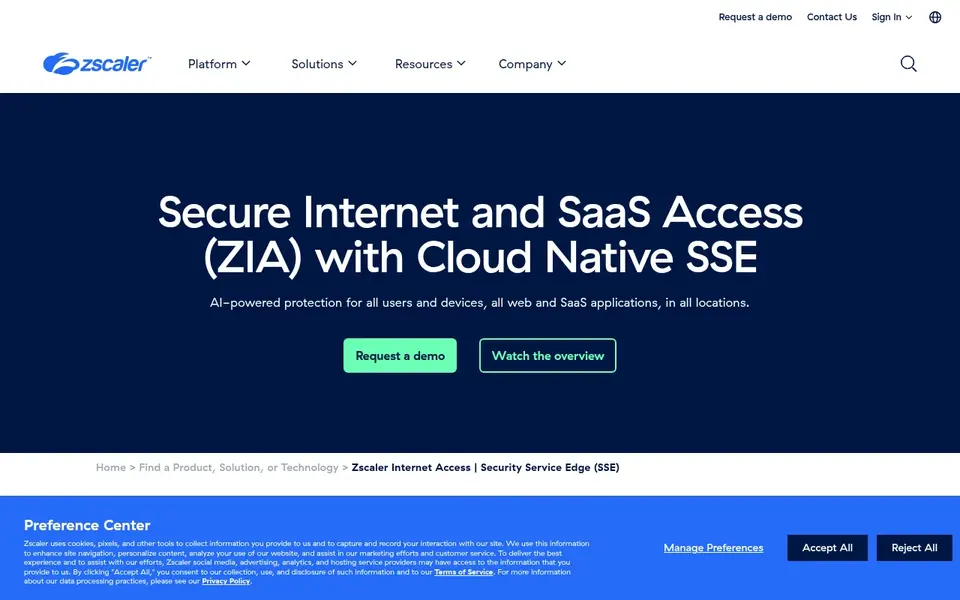
For large enterprises standardizing on zero trust, Zscaler Internet Access is a natural candidate. Zscaler Internet Access (ZIA) is the secure web gateway that pioneered the cloud-delivered security model, and content filtering is one feature in a deep stack: URL filtering, file type control, TLS/SSL inspection, bandwidth control, sandboxing, DLP, and a zero trust firewall. In daily use, for firms under a handful of hundred employees, DNSFilter or WebTitan will get you filtering months sooner.
Worth adding: the data sheet lists tiered editions (Essentials up through full product bundles), all quote-based. More specifically, the company secures more than 750 billion transactions a day, which is the kind of scale argument that resonates with global enterprises. This is not a tool you buy for content filtering alone. Zscaler Internet Access shows no starting price here, so confirm the cost on the vendor site. Zscaler Internet Access does not include a free plan.
Limits to weigh: Smaller businesses will find more straightforward tools quicker to deploy.
- Capable DLP, sandbox
- Browser isolation
- Significant implementation effort
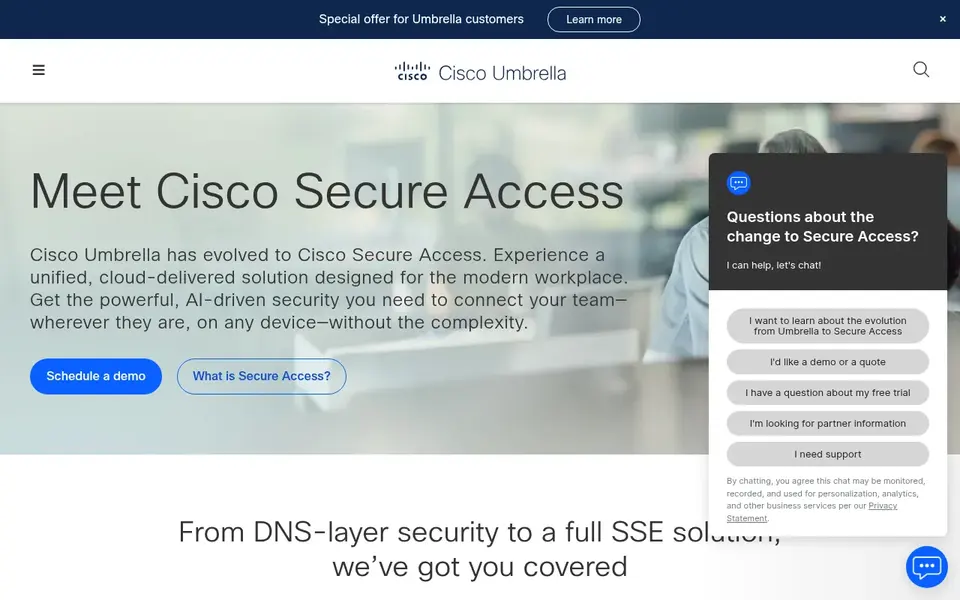
For mid-market to enterprise DNS-layer security, Cisco Umbrella is a natural candidate. Point your DNS at Umbrella or install the roaming client, and every device is covered on and off the network.
The threat intelligence behind it comes from Cisco Talos, one of the largest commercial threat research teams in the world. Worth adding: Umbrella itself is still sold and supported, and Cisco Umbrella for Government holds a FedRAMP Moderate authorization. Cisco Umbrella shows no starting price here, so confirm the cost on the vendor site. Free access: Free trial.
Honest limits: Product line is shifting toward Cisco Secure Access.
- FedRAMP-authorized for government use
- Backed by Cisco Talos threat intelligence
- Quote-only pricing with no public plans
Pick DNSFilter if this describes you: small businesses and MSPs that want transparent pricing. DNS-layer filtering is quick and simple, but it cannot inspect the contents of encrypted pages the way a full proxy can.
On cost, DNSFilter starts like this: From $23/month. Free plan details: Free trial (14 days).
Where it is weaker: Advanced features have a ramp-up time; DNS-layer only.
- Deploys in under an hour with no hardware
- 14-day trial with full capabilities
- No deep HTTPS inspection
Pre-purchase checklist
- Confirm the entry price on the vendor page. For Securly Filter, WebTitan, Barracuda Content Shield and others that means a quote rather than a fixed price.
- Use real work to test the free trial from WebTitan, Barracuda Content Shield, Cisco Umbrella and DNSFilter, rather than a demo project.
- Before choosing Securly Filter, weigh its main limit: K-12 only, not a fit for general business.
- See whether Securly Filter offers onboarding or training, and whether it is included in the price.
- Involve the people who will use Zscaler Internet Access daily; a short pilot beats a long feature checklist.
Frequently asked questions
What is the difference between DNS filtering and a web proxy?
DNS filtering blocks domains at the DNS resolution step, before any connection is made. A web proxy (or secure web gateway) sits in the middle of the connection, decrypts traffic, and can inspect page contents, files, and uploads. In practice, proxies offer deeper control at the cost of complexity and latency.
How are the tools for web content filtering software ordered?
The order follows typical fit for web content filtering software, with Securly Filter first and DNSFilter last, then price clarity and free access. It is editorial judgement, not a score, so another team could rank the tools differently.
Do I need web content filtering if I have antivirus?
Yes, they solve different problems. DNS-layer filtering especially is cheap insurance that works before anything downloads.
Do these tools publish their prices?
Not all of them. Securly Filter, WebTitan, Barracuda Content Shield and others publish no starting price, so expect a quote request for those. The rest, DNSFilter included, show a starting price, though seats and billing terms still change the final cost.
Is Securly Filter the right pick for everyone comparing web content filtering software?
No single tool suits every team. Securly Filter comes first because it fits K-12 schools and districts, while WebTitan suits businesses and MSPs wanting flexible deployment and Barracuda Content Shield suits simple cloud DNS and URL filtering for SMBs. Match the tool to your own size, budget and workflow before deciding.
How much does web content filtering cost?
Most other vendors price by quote, usually per user a year, with enterprise products running into five figures annually. Always ask about minimums, not just per-user rates.
Sources
See where you really rank - block by block
ProMapRanker scans Google Maps across a grid of your service area. Simple monthly plans from $19, white-label on every plan.
Start freeBrowse all guides
← 6 Best Platforms for Integrating CDR with SIEM Options for 2026Best AI Content Delivery Network Platforms (2026) →
 top bot blocking software reviews
Bot Blocking Software Reviews in 2026: Top 6 Compared
6 top bot blocking software reviews, with entry costs, free tiers and the buyer each one serves. Limits and pricing notes included. Pick with confidence.
Read → customer reviews best it management software
6 Best Customer Reviews Best IT Management Software for 2026
Shortlisting customer reviews best IT management software? 6 products compared on cost, free access and ideal buyer. Short verdicts, no fluff. Prices checked.
Read → best tutoring software for franchise networks
Comparing 6 Tutoring Software for Franchise Networks in 2026
Compare 6 best tutoring software for franchise networks, with prices, free plans and who each fits. Strengths and gaps are listed per tool. Refreshed for 2026.
Read → best computer backup service
Best Computer Backup Services in 2026
Looking for the best computer backup service? We compared 9 online backup services on storage, price, restore options and ease of use for 2026 users today.
Read → bitdefender alternatives
Bitdefender Alternatives in 2026
Explore the best bitdefender alternatives for 2026, from Norton and McAfee to ESET and Malwarebytes, with current pricing, free plans, and honest trade-offs.
Read → best marine gps app
Best Marine GPS App in 2026: 9 Apps Compared
We compared the best marine GPS app options for boaters on charts, offline use, routing, tides, and price, so you can pick a safe backup or primary plotter app.
Read →More in IT, Cloud & Security · All guides A to Z by date · Latest guides