 ProMapRanker
Best Walking App for Weight Loss in 2026

Key takeaways
- Pacer and StepsApp are the simplest starting points if you mainly want reliable step counts and a daily goal.
- MapMyWalk and Strava suit walkers who want routes, pace, and distance mapped with GPS.
- MyFitnessPal and Lose It help most when food tracking matters as much as walking.
- Fitbit and Google Fit make sense if you already own a compatible watch or use an Android phone.
- A free plan is enough to start in most cases, so pay only for coaching, plans, or deeper history.
Quick comparison
| Pick | Great for | Pricing starts at | Free tier | |
|---|---|---|---|---|
 Pacer | Simple step goals and group challenges | Free | Yes | Visit |
 Fitbit | Watch owners tracking steps and health | Free | Yes | Visit |
 MapMyWalk | GPS routes and pace tracking | Free | Yes | Visit |
 StepsApp | Clean step and trend views | Free | Yes | Visit |
 MyFitnessPal | Walking plus food tracking | Free | Yes | Visit |
 Lose It | Calorie budgets and weight logging | Free | Yes | Visit |
 Strava | Route tracking and community motivation | Free | Yes | Visit |
 Step Counter by Leap Fitness | No-fuss phone step counting | Free | Yes | Visit |
 Google Fit | Free Android activity tracking | Free | Yes | Visit |
The best walking apps for weight loss
Walking works best as a habit you can repeat, and the right app is the one you will open each day. The options below cover simple counters, GPS route trackers, and food-aware tools. We compared official feature pages, pricing pages, and app store listings, and we note where a price could not be confirmed.
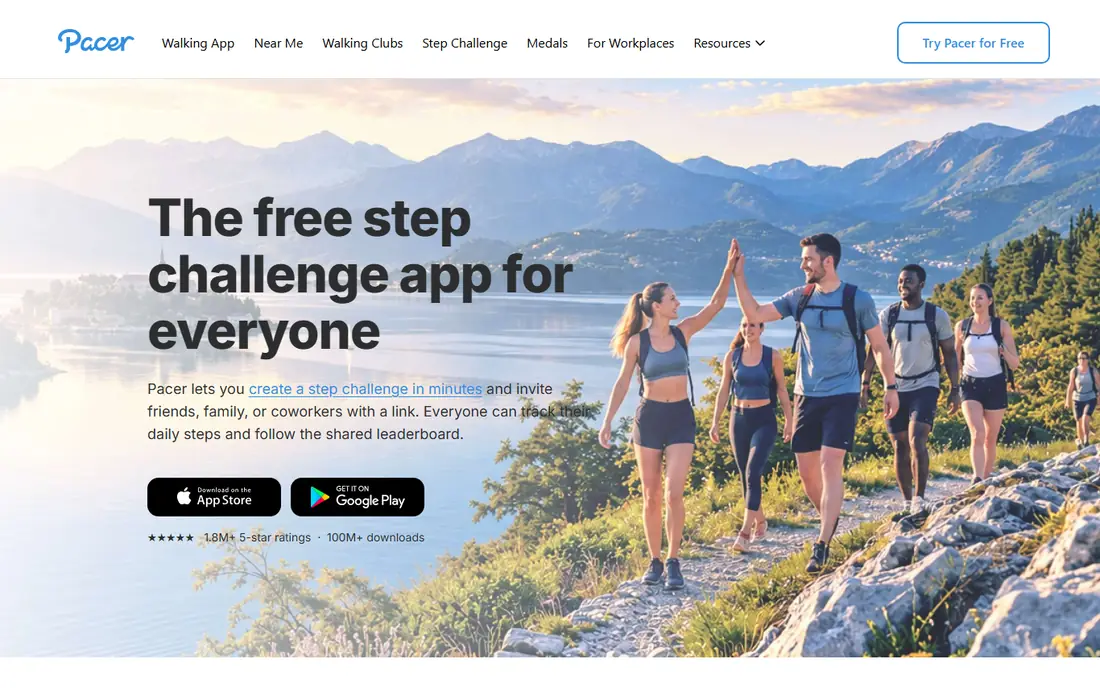
Pacer is a good first pick for walkers who want a plain daily target and a little social push. It counts steps from your phone, shows distance and estimated calories, and lets you join challenges with friends or coworkers. The layout keeps the daily number front and center, which helps when the goal is simply to move more often.
The catch is that deeper plans and some custom goal controls require a paid upgrade, and the exact Premium price varies by store and region, so we list it as free to start rather than quoting a figure we could not confirm on the vendor site. If you want a basic counter with community challenges, the free version covers the core job well. Pair it with a food log only if you also want to watch intake, since Pacer alone is mainly an activity tracker.
- Clear daily step counts
- Walking challenges
- Weight and calorie tracking options
- Some goal and plan features sit behind Premium
- Step accuracy can vary by phone
Fitbit is the natural choice if you already wear a Fitbit device or a compatible Google watch. Steps, distance, active minutes, and sleep land in one dashboard without you having to start a walk by hand. That hands-off style suits people who forget to open an app before they head out the door.
The free app covers daily activity well, while Fitbit Premium adds deeper insights, guided programs, and longer trend views for a monthly fee that varies by plan, so check the current price in the app before you subscribe. Phone-only step counting is possible, but it is less consistent than watch tracking. If you do not own the hardware, a phone-first app on this list is a better starting point.
- Automatic tracking from a watch
- Sleep and heart rate data in one place
- Long history views
- Best experience needs Fitbit hardware
- Premium adds a monthly cost
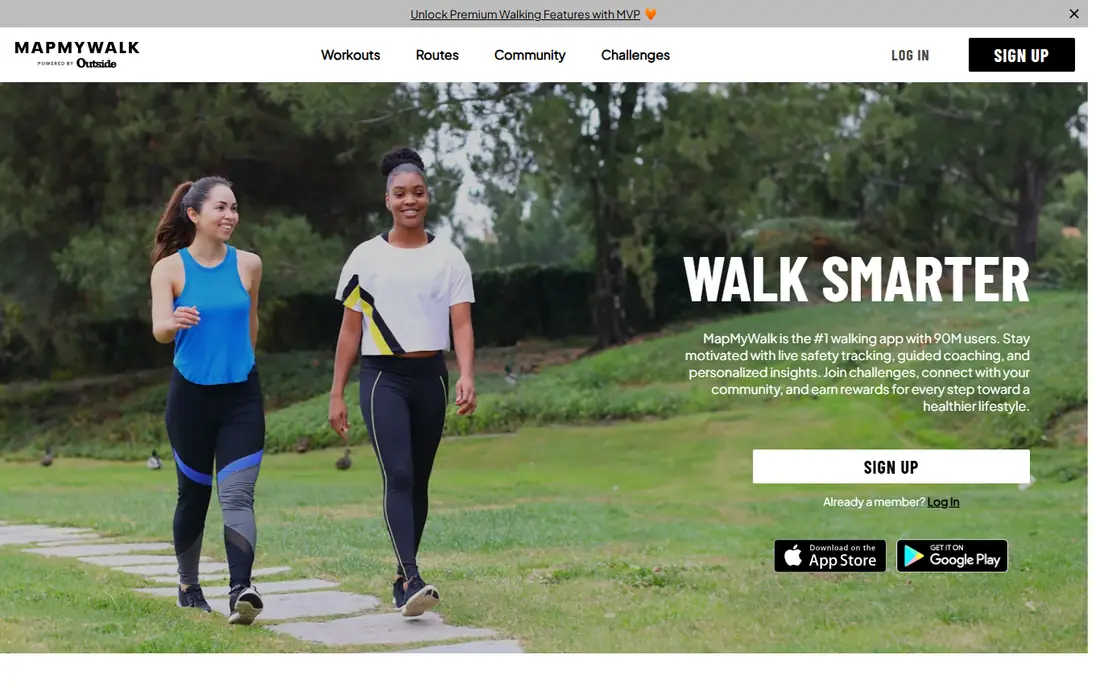
MapMyWalk suits walkers who like to see where they went and how fast they moved. Start a walk, and it maps the route, records pace and distance, and estimates calories burned. Over time, the history view shows whether your walks are getting longer or more frequent, which is useful when weight loss depends on steady progress rather than one big effort.
The free version handles basic tracking, while the MVP upgrade adds personal training plans, heart rate zone analysis, and an ad-free view. Prices for MVP have varied by store and region, so confirm the current offer in the app. The main drawback is battery use on long GPS walks, so carry a charged phone on longer routes.
- GPS route maps
- Pace, distance, and calorie estimates
- Training plans with MVP
- Ads in the free version
- GPS use drains battery faster
StepsApp is built around one idea: make your step trend easy to read at a glance. Color-coded rings and clear weekly charts show progress without clutter, and it syncs with Apple Health, Google Fit, Garmin, and other platforms. That makes it a strong pick if you already track health data elsewhere and want a tidy step view on top.
The free tier covers core step, distance, and calorie tracking on iOS, with ads on Android in some versions. Premium removes ads and adds more customization and history, with monthly and yearly prices that vary by store listing, so we do not quote a single figure here. If design matters to you and you like checking trends, StepsApp is one of the most pleasant counters to live with.
- Attractive daily and weekly charts
- Syncs with major health platforms
- Simple setup
- Some advanced features need Premium
- Pricing varies by store
MyFitnessPal is the pick when walking alone is not the whole plan. It pairs step data from your phone or wearable with food logging, so you can see activity and intake side by side. The food database is broad, barcode scanning speeds up entries, and weight logging shows a trend line over weeks rather than a single day.
The downside is effort: food logging only helps if you keep it up, and some conveniences, such as deeper nutrient views, sit behind Premium. The free plan is still useful for basic calorie and step tracking. If you prefer to focus only on steps, a simpler app above will feel less busy. If you want one place for both sides of weight management, this is a strong fit.
- Large food database
- Step syncing from phones and wearables
- Weight trend charts
- Full features need Premium
- Food logging takes daily effort
Lose It takes a similar food-first approach with a lighter feel. You set a weight goal, get a daily calorie budget, and log meals against it, while steps from your phone or wearable add context to the day. Weight charts and streaks help you see slow, steady change, which is more useful than chasing a daily number.
The free version covers budgets, basic logging, and weight tracking. Premium adds more meal planning tools, deeper insights, and extra device syncing, with prices that vary by store, so check the current plan before paying. The honest catch is the same as with any food log: it works when you use it most days, and it can feel like a chore on busy weeks. For walkers who want a clear budget, it is easy to start.
- Simple calorie budget setup
- Weight and photo logging
- Step syncing
- Some features need Premium
- Meal logging can feel repetitive
Strava is best known for running and cycling, but it records walks well too, with GPS maps, pace, distance, and elevation. The community side is the real draw: friends can give encouragement on activities, and challenges give a reason to keep a streak going. If you walk with a group or enjoy friendly accountability, that layer helps.
The free version covers recording, maps, and basic stats. A subscription adds route planning tools, deeper analysis, and training features, with pricing shown on the Strava site at checkout. Strava does not focus on food or weight logging, so pair it with a food app if intake matters to you. For route lovers, it is a polished and reliable tracker.
- Strong GPS maps
- Segments and challenges
- Works for walking and other activities
- Social feed can distract
- Advanced analysis needs a subscription
This step counter from Leap Fitness Group is for people who want a counter and nothing else. It uses your phone sensor to count steps, shows calories and distance, and lets you set a daily goal with streak tracking. There is no route map to learn and no social feed to manage, which keeps the daily check fast.
That simplicity is also the limit. You will not get guided walking plans, detailed route maps, or deep health dashboards here, and the free version includes ads. If you already know your walking routes and just need a reliable count, this is a solid low-friction choice. If you want coaching or plans, look at Pacer, MapMyWalk, or Strava instead.
- Simple step, calorie, and distance views
- No wearable needed
- Easy goal setting
- Fewer coaching and route features
- Ads in the free version
Google Fit is the default worth trying before you pay for anything on Android. It counts steps, tracks Move Minutes and Heart Points, and syncs with Wear OS watches and many health apps. The interface is plain, but it answers the core questions: how much did you move today, and how does this week compare with last week.
It is not a guided weight loss program, and it offers less coaching than paid apps on this list. On iPhone, the experience is more limited than on Android. Still, as a free baseline, it is hard to beat, and it pairs well with a food log if you want intake tracking too. Start here if cost is the main concern, then upgrade only if you miss plans or challenges.
- Free with no subscription
- Heart Points and Move Minutes
- Works with Wear OS
- Fewer coaching features
- Less polished on iPhone
How we picked these
This article is general information only and is not medical advice. Talk with a clinician before starting a new exercise or weight loss plan, especially if you have a health condition. We compared official feature pages, pricing pages, and current app store listings for apps that track walking and support weight management. We kept only apps that are live on iOS or Android in October 2026, that count steps or map walks, and that fit a weight loss routine either through activity tracking, calorie estimates, or food logging. We left out apps that are mainly for running, gym workouts, or general fitness without a clear walking focus, and we did not list prices we could not confirm.
What to check before you choose a walking app
Start with how you actually walk. If most walks are around the neighborhood with your phone in a pocket, a step counter such as Pacer or StepsApp is enough. If you like set routes, parks, or trails, a GPS app such as MapMyWalk or Strava gives you maps and pace that a plain counter cannot. If you walk indoors, on a treadmill, or without your phone, a watch-based option such as Fitbit or Google Fit with a Wear OS watch will count more reliably.
Next, decide whether food tracking belongs in the same app. Walkers who want to watch intake often do better with MyFitnessPal or Lose It, even though logging takes a few minutes a day. Walkers who find food logging stressful should skip it and focus on step consistency, sleep, and regular walk times instead. Check the free plan first in every case: step counts, basic history, and goal setting are free in most apps here, and paid plans mainly add coaching, plans, or deeper stats.
Finally, think about battery, privacy, and staying power. GPS tracking uses more battery, so test it on a normal walk before a long hike. Read the privacy settings and decide what location and health data you are comfortable sharing, especially with social features turned on. The best app is the one that still feels easy after three weeks, so try two finalists side by side for a week and keep the one you open without thinking.
Frequently asked questions
What is the best walking app for weight loss?
There is no single winner, because the best pick depends on your routine. Pacer is a strong simple choice for step goals, MapMyWalk suits route walkers, and MyFitnessPal or Lose It fit walkers who also track food. Try the free version of two options for a week and keep the one you use most.
What is the best indoor walking app free?
Google Fit on Android and Pacer on iOS and Android both count indoor steps from your phone without a fee. A watch helps indoors too, since it keeps counting when your phone sits on a desk. Pick the app with the clearest daily goal view, since indoor walks are easy to skip without a visible target.
What is the best app for walking to lose weight?
An app that combines steady step tracking with a realistic daily goal tends to work best. Pacer, StepsApp, and Fitbit all do this well, and adding a food log helps if intake is part of your plan. No app alone causes weight loss; regular walks, sleep, and food choices matter more than any single feature.
Are walking apps accurate for calories burned?
Calorie estimates are rough guides, not exact measures, because they depend on weight, pace, and sensor accuracy. Use them to compare one week with the next rather than as a precise daily total. If you use a calorie budget, leave room for error and watch the weight trend over several weeks.
Do I need a paid plan to lose weight by walking?
No, the free plans on this list cover step counting, goals, and basic history. Paid plans add coaching, training plans, or deeper stats, which help some people stay consistent but are not required. Start free, and pay only if a specific paid feature solves a problem you actually have.
Sources
See where you really rank - block by block
ProMapRanker scans Google Maps across a grid of your service area. Simple monthly plans from $19, white-label on every plan.
Start freeKeep reading
 bitly alternatives
Bitly Alternatives in 2026: 8 Tools Compared
Compare the best Bitly alternatives for branded short links, with free tiers, custom domains, analytics, and pricing that suits creators and small teams.
Read → bill.com alternatives
Best Bill.com Alternatives in 2026
Looking for bill.com alternatives? We compared 9 bill pay and AP automation tools on price, approvals, and accounting sync to help you switch with confidence.
Read → betterhelp alternatives
BetterHelp Alternatives in 2026
We compared BetterHelp alternatives for online therapy, covering Talkspace, Grow Therapy, Rula, Brightside and more on price, insurance and format in 2026.
Read →