 ProMapRanker
Best Voicemail App in 2026: 9 Apps Compared


Free personal voicemail with transcription · Pricing starts at: Free
Key takeaways
- Google Voice is the best free personal voicemail pick, with transcription, a separate number, and email delivery.
- YouMail suits people who want spam blocking and a visual inbox, while Voxist suits multilingual voicemail and custom greetings.
- Grasshopper, Quo, RingCentral, Dialpad, Nextiva, and Vonage are business phone services with voicemail built in, not only standalone apps.
- Check carrier forwarding, transcription limits, and number porting before you switch, because setup varies by carrier and country.
Quick comparison
| Pick | Great for | Pricing starts at | Free tier | |
|---|---|---|---|---|
| Google Voice | Free personal voicemail with transcription | Free | Yes | Visit |
 YouMail | Spam blocking and a visual voicemail inbox | Free | Yes | Visit |
 Voxist | Multilingual voicemail and custom greetings | See website | Yes | Visit |
 Grasshopper | A simple business line for solos | $14 per month | No | Visit |
 Quo | Shared business numbers for small teams | $15 per user per month | No | Visit |
 RingCentral | A full business phone system with voicemail | $20 per user per month | No | Visit |
 Dialpad | AI transcription and call summaries | $15 per user per month | No | Visit |
 Nextiva | A reliable business phone service with voicemail | $15 per user per month | No | Visit |
 Vonage | Flexible business phone lines with voicemail | $13.99 per line per month | No | Visit |
The best voicemail apps
We compared voicemail apps and services on visual inbox, transcription, spam blocking, greetings, and business features, using official product pages, pricing pages, and app store listings.
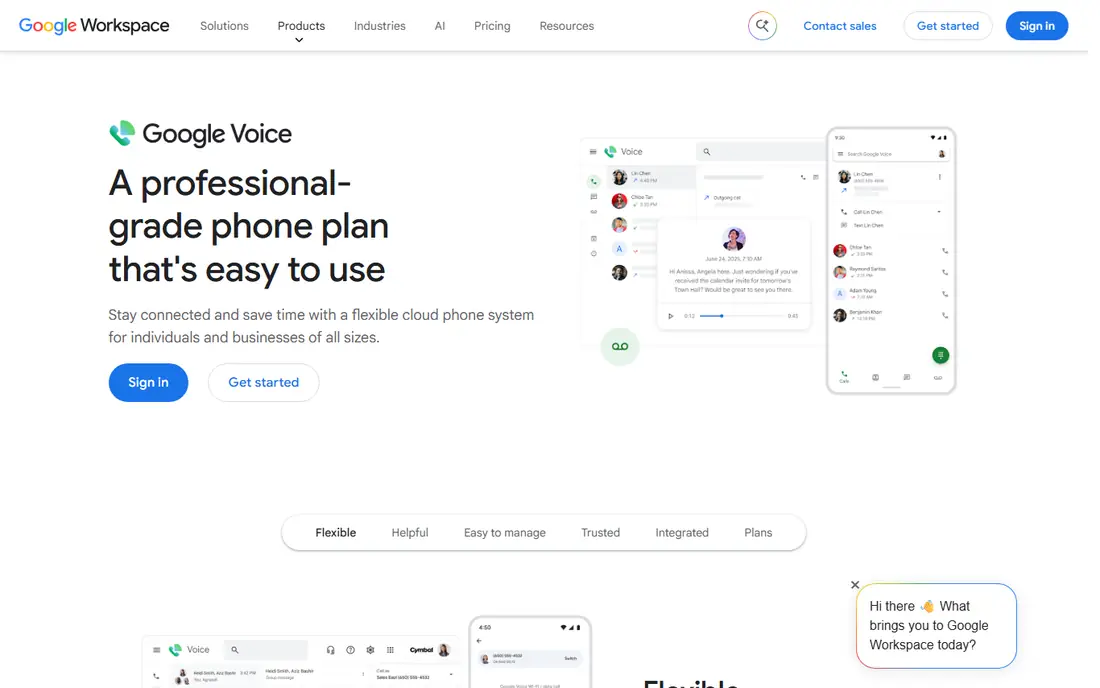
Google Voice is the simplest free voicemail upgrade for personal use. You get a separate Google number, voicemail transcription, and messages delivered in the app and by email, so you can read a message without calling a voicemail box. Spam filtering helps cut robocall voicemail, and call forwarding keeps your personal number private.
Business use is different: Google Voice for Business starts at a per-user rate and needs a Google Workspace seat, so the total cost is higher than the personal free tier. For personal voicemail, Google Voice is hard to beat. For a team, compare it with a business phone service instead.
- Free personal number in the US
- Voicemail transcription
- Messages by email and app
- Business plans need Google Workspace
- Setup needs a US number for personal use
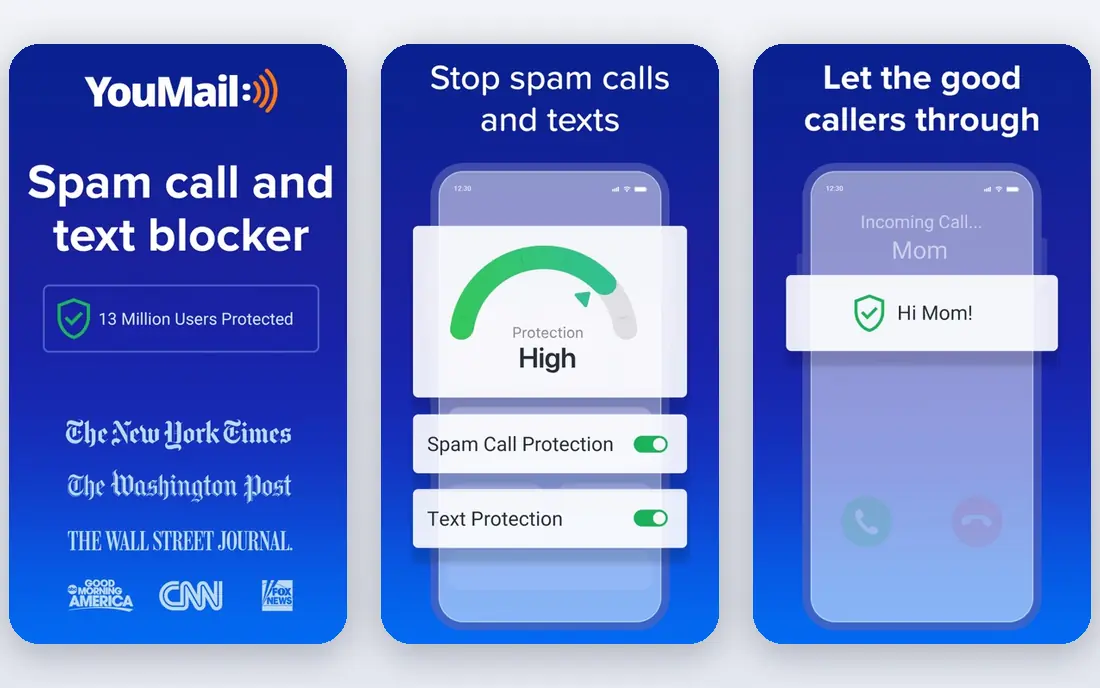
YouMail replaces your carrier voicemail with a visual inbox that shows messages as text and audio, blocks known spam numbers, and lets you set custom greetings. That combination suits people who get many robocalls, because spam callers can be blocked at the voicemail level before they leave a message. You can also forward, reply, and save messages from the app.
The free tier covers basic use, but transcription limits and higher allotments sit on paid plans. Setup needs conditional call forwarding, so check your carrier steps before you switch, and test that messages arrive correctly after setup.
- Visual inbox with transcription
- Robocall and spam blocking
- Custom greetings and multi-number support
- Full transcription allotments need a paid plan
- Setup needs carrier forwarding or porting
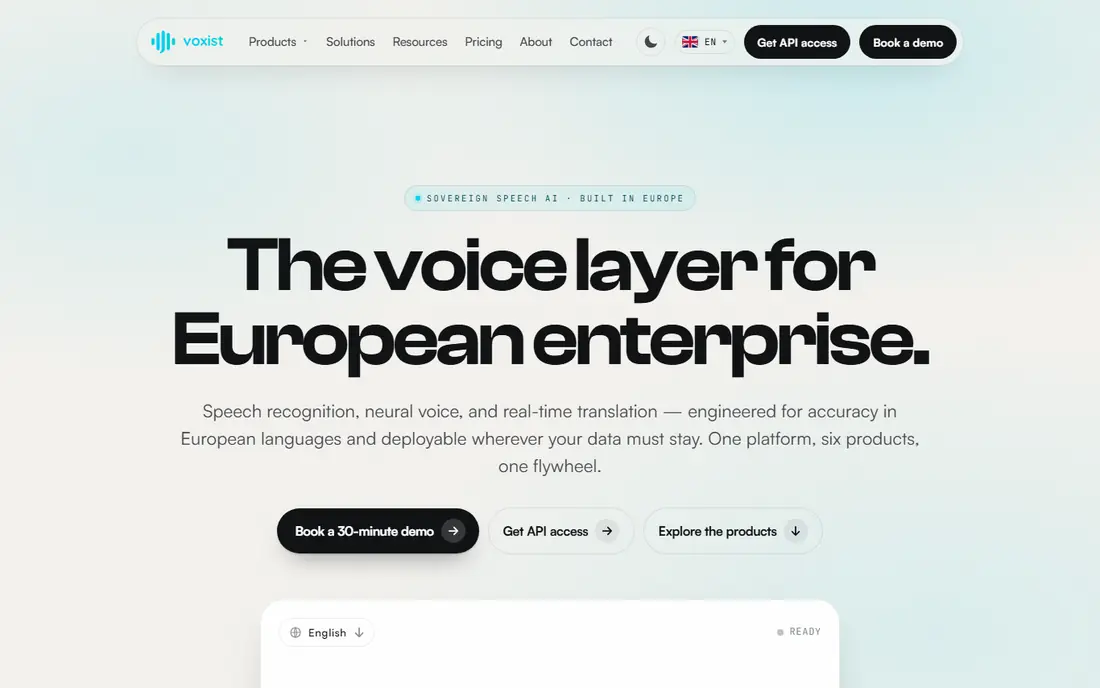
Voxist suits freelancers and small teams who need voicemail in more than one language. You can set personalised greetings, receive transcriptions by email, and manage messages from an app, which helps when callers speak different languages. Custom greetings by contact or time add a professional touch for a small business.
Transcription allotments depend on the plan, so heavy voicemail users should check limits before paying. Voxist is a strong pick when language support matters more than a full phone system.
- Transcription in many languages
- Personalised greetings
- Voicemail to email
- Monthly transcription allotments vary by plan
- Setup needs conditional forwarding
Grasshopper gives a solo founder or tiny team a business number with voicemail, call forwarding, and extensions, without a full phone system. Voicemail transcription is included, and messages arrive by email so you can read them quickly. Flat per-account pricing makes it cheaper than per-user systems for one or two people.
It does not include video meetings or deep team collaboration, so larger teams will outgrow it. Grasshopper is best when you need a professional business line and voicemail, not a full unified communications platform.
- Flat per-account pricing for tiny teams
- Toll-free and local numbers
- Voicemail to email with transcription
- No video meetings
- Pricing suits tiny teams more than larger teams
Quo, formerly OpenPhone, is a modern business phone app for teams that text and call from shared numbers. Voicemail transcription is included on all plans, and a shared inbox lets a team see calls, texts, and voicemails in one place. AI summaries on higher plans help teams triage messages faster.
The rebrand from OpenPhone to Quo in late 2025 means older reviews may use the old name, so check current plan names on the vendor site. Quo suits startups and sales teams that live in texting and shared inboxes.
- Shared numbers and inbox
- Voicemail transcription on all plans
- AI summaries on higher plans
- Rebrand from OpenPhone may confuse older guides
- AI summaries need a higher tier
RingCentral is a full business phone system, and voicemail is one part of a wider platform that includes video meetings, team messaging, and call routing. Voicemail transcription is included on all plans, and an auto-attendant can route callers before they reach voicemail. That breadth suits mid-size teams that want one vendor for voice and collaboration.
Solo users will pay for features they never use, so RingCentral is overkill for personal voicemail. Choose it when your team needs a phone system, not only a better voicemail box.
- Voicemail transcription on all plans
- Video, messaging, and phone in one system
- Multi-level auto-attendant
- Heavier setup than a simple voicemail app
- You pay for a full phone system
Dialpad adds AI summaries and real-time transcription to a business phone system, so voicemail, calls, and meetings can all produce searchable text. That helps sales and support teams who need to find a detail from a message without replaying audio. CRM integrations log call activity for follow-up.
It is a business platform, not a personal voicemail app, so pricing and setup reflect that. Dialpad suits teams that want AI summaries as a core workflow, not only a transcription extra.
- AI transcription and summaries across calls
- Voicemail to email
- CRM integrations
- Business-focused pricing
- Richer AI features need higher plans
Nextiva offers a unified business phone service with voicemail, video, and team messaging, plus support that many small businesses value. Voicemail transcription helps teams triage missed calls, and a visual interface keeps messages, calls, and texts in one place. Reliability and human support are common reasons teams choose Nextiva over cheaper options.
Texting allowances and toll-free access vary by plan, so check the tier that matches your call and text volume. Nextiva suits growing businesses that want a dependable phone service with voicemail built in.
- Unified phone, video, and messaging
- Voicemail transcription
- Toll-free numbers on higher plans
- Texting allowances vary by plan
- Full features need higher tiers
Vonage provides business phone lines with voicemail, call forwarding, and voicemail-to-email, plus API tools for teams that want custom integrations. Per-line pricing suits businesses that need a set number of lines rather than a per-user seat for every employee. That flexibility helps small offices and distributed teams alike.
Some features are add-ons, so compare the full plan, not only the starting line rate. Vonage suits businesses that want flexible lines and may build on voice APIs later.
- Flexible per-line plans
- Voicemail to email
- API options for custom builds
- Plan details vary by region
- Some features are add-ons
How we picked these
We compared official product pages, pricing pages, and app store listings for voicemail apps and business phone services with clear voicemail features, and kept only live products with transcription or visual inbox support. We favoured a mix of free personal apps and business services, because the best voicemail pick depends on whether you need a personal inbox or a team phone system. We did not claim hands-on testing, and we used vendor pricing where published.
Choosing a voicemail app without losing messages
Decide first whether you need a personal inbox or a business number. A personal app such as Google Voice or YouMail is enough for most individuals, while a business number needs a service such as Grasshopper, Quo, or RingCentral that can handle team routing and shared access. Mixing the two jobs in one personal inbox creates confusion when a team grows.
Test setup before you tell callers about a new number. Set up forwarding, leave yourself a test voicemail, and check that transcription, email delivery, and notifications all work. Keep your old voicemail active until the new setup is proven, because a failed forwarding rule can lose messages silently.
Check transcription limits and language support. Free tiers often cap transcription length or monthly volume, and accuracy varies with background noise and accents. Read the transcript, then listen to the audio for important messages, especially for names, numbers, and callbacks.
Frequently asked questions
What is the best voicemail app for personal use?
Google Voice is the best free personal pick, with transcription and a separate number, while YouMail is best if spam blocking and a visual inbox matter more. Both need carrier forwarding or a separate number setup, so test with a call before you rely on them.
What is the best voicemail service for a small business?
Grasshopper suits solos with flat pricing, Quo suits small teams that share numbers and texts, and RingCentral, Dialpad, Nextiva, and Vonage suit larger teams that need a full phone system. Pick by team size, texting needs, and whether you need video and CRM tools.
Is visual voicemail free?
Built-in carrier visual voicemail is often included on newer plans, and Google Voice offers free personal voicemail with transcription. Third-party apps such as YouMail offer a free tier, but full transcription and higher limits usually need a paid plan.
How does voicemail transcription work?
A service converts voicemail audio to text using speech recognition, then shows the transcript in an app or sends it by email. Accuracy varies with audio quality, accents, and background noise, so listen to the audio for important details.
Can I keep my number when I switch voicemail apps?
Many services support number porting or conditional forwarding, but steps and timing vary by carrier. Keep your old service active until porting or forwarding is confirmed, and test with a call before you close the old voicemail box.
Sources
See where you really rank - block by block
ProMapRanker scans Google Maps across a grid of your service area. Simple monthly plans from $19, white-label on every plan.
Start freeKeep reading
 who has best internet service
Who Has the Best Internet Service in 2026
Who has best internet service for US homes? We compare fiber, cable, fixed wireless and satellite providers on speed, price, availability and terms today.
Read → which survey tool has the best analytics
Which Survey Tool Has the Best Analytics in 2026
Find which survey tool has the best analytics in 2026, comparing Qualtrics, SurveyMonkey, Typeform, Alchemer, and more on reports, text, and stats today.
Read → which streaming service has the best movies
Which Streaming Service Has the Best Movies in 2026
Answering which streaming service has the best movies, with Netflix, Max, Criterion and more compared on libraries, prices and free options in this guide.
Read →