 ProMapRanker
Best Video Maker App in 2026: 9 Apps Compared

Key takeaways
- CapCut is our pick for short-form social video, with templates, captions and a fast phone-to-post workflow.
- DaVinci Resolve is the best free desktop editor for longer, serious projects, with no watermark on the free version.
- iMovie and Clipchamp are the best free starting points on Apple devices and Windows respectively.
- Filmora and PowerDirector suit beginners who want guided editing and templates without a steep learning curve.
- Check export limits before you commit: watermarks, resolution caps and premium asset rules change the real cost.
Quick comparison
| Pick | Great for | Pricing starts at | Free tier | |
|---|---|---|---|---|
 CapCut | Short-form social video | $19.99 per month | Yes | Visit |
 InShot | Quick phone edits | $4.99 per month | Yes | Visit |
 Filmora | Template-led creators | $49.99 per year | Yes | Visit |
 KineMaster | Layered mobile editing | $7.99 per month | Yes | Visit |
 PowerDirector | Guided desktop and mobile editing | $74.99 per year | Free trial | Visit |
 Canva | Branded social video | See website | Yes | Visit |
 DaVinci Resolve | Serious free desktop editing | Free | Yes | Visit |
 iMovie | Free Apple editing | Free | Yes | Visit |
 Clipchamp | Free Windows and web editing | Free | Yes | Visit |
The best video maker apps
These nine apps cover short videos for social feeds, quick phone edits and longer desktop projects. Pick one phone editor for speed and, if you edit longer work, one desktop editor for control.
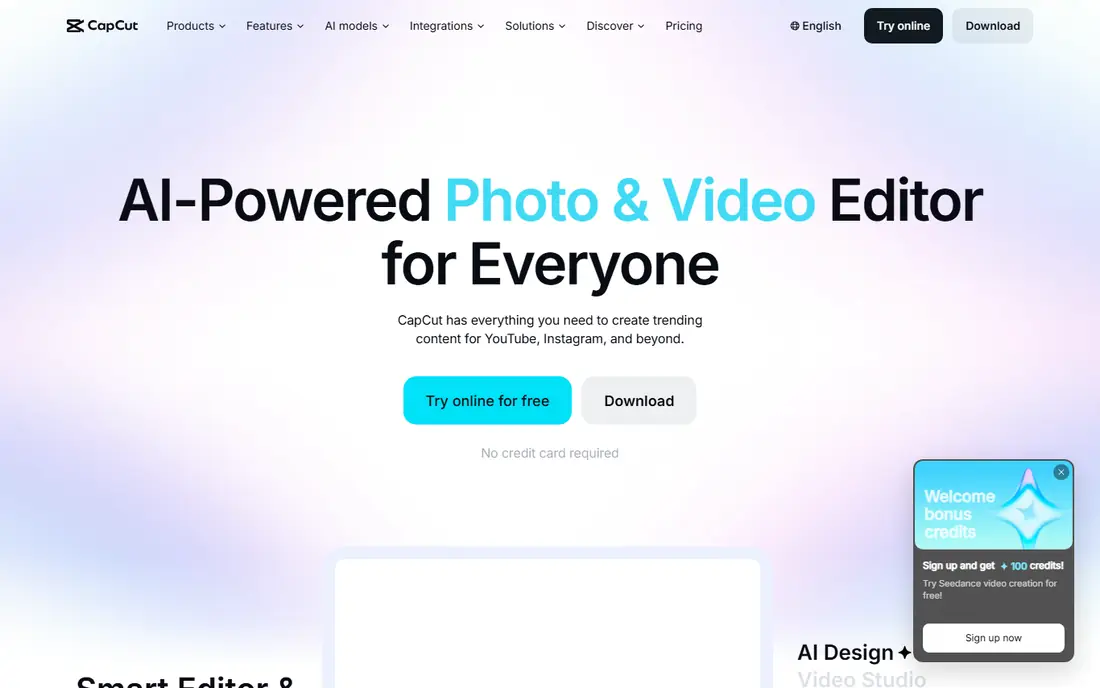
CapCut is the fastest route from phone footage to a finished short video. Templates, trending effects, auto captions and music tools are built for TikTok, Reels and Shorts, and the editor works on phone, desktop and web. Most free exports carry no watermark, although Pro assets and some templates can add one.
The price has risen: Pro costs $19.99 per month billed monthly, or less per month on an annual plan, and 4K export sits behind Pro on some platforms. If you post shorts every week, the speed justifies it. If you edit rarely, the free tier or a cheaper app below will do.
- Fast templates and trending effects
- Auto captions and background removal
- Mobile, desktop and web editors
- Pro at $19.99 per month is costly
- Some assets and 4K export need Pro
- Terms for commercial use need a careful read
InShot is the lightweight phone editor on this list. It trims, splits, speeds up and adds text and music without a learning curve, and it runs well on phones that struggle with heavier editors. That simplicity makes it a good first editor for quick social clips.
Free exports carry a watermark and the free version shows ads, so most regular users will want Pro at $4.99 per month. That is still cheap next to CapCut Pro. If you outgrow InShot, KineMaster adds layers and keyframes on the phone, while Filmora adds a fuller desktop timeline.
- Very easy trim, speed and text tools
- Good on lower-end phones
- Cheap Pro plan
- Free exports carry a watermark
- Fewer advanced tools than KineMaster or Filmora
- Ads in the free version
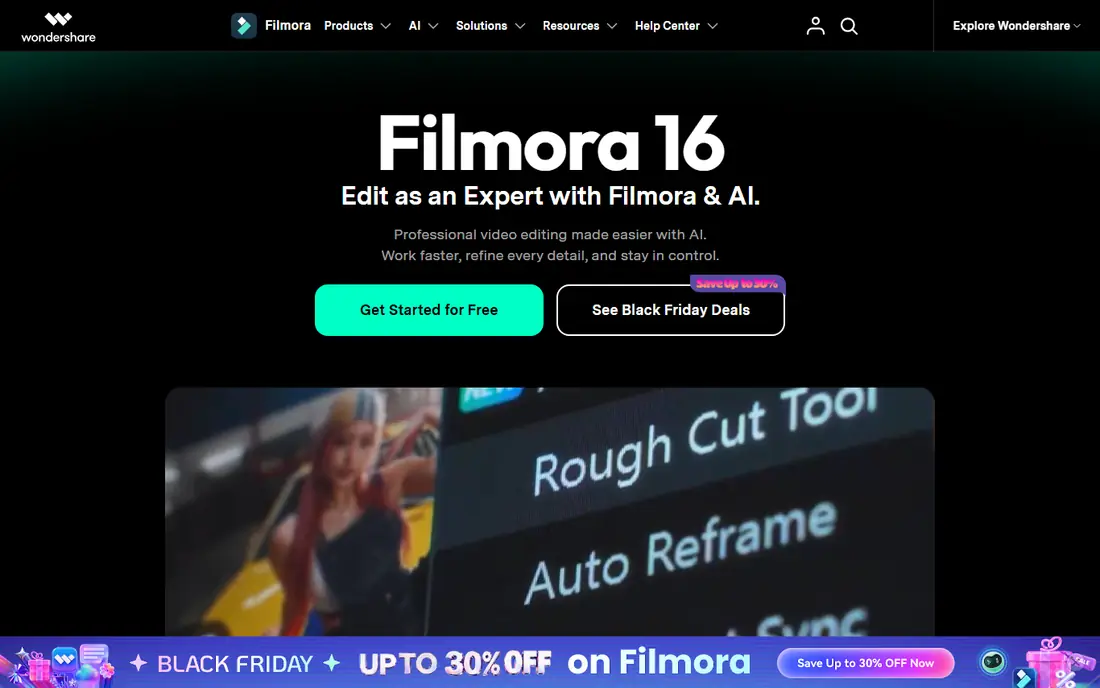
Filmora is the best paid starter for creators who want templates without a steep learning curve. The timeline is readable, effects and titles are easy to apply, and AI tools cover captions, background removal and audio cleanup. Basic starts at $49.99 per year, with higher tiers adding more AI credits.
Free use lets you try the full editor, but exports carry a watermark, so budget for a paid plan if you publish regularly. A perpetual licence for the current version is also offered for users who dislike subscriptions, although future major versions need a new purchase.
- Friendly timeline with templates and effects
- AI captions and tools
- Perpetual licence option for the current version
- Free exports carry a watermark
- AI credits limit some features
- Advanced colour tools lag behind Resolve
KineMaster is the mobile editor for creators who have outgrown simple trims. It offers multi-layer editing, chroma key for green screen work, precise keyframes and blending modes, all on a phone. That depth suits YouTubers and social creators who edit entirely on mobile.
The free version exports with a watermark, and Premium at $7.99 per month removes it and opens the full asset library. Older phones may struggle with 4K and many layers, so check device requirements if your phone is a few years old.
- Multi-layer video, images and text
- Chroma key and keyframes
- 4K export on supported devices
- Free exports carry a watermark
- Subscription needed for full asset access
- Best on newer phones
PowerDirector suits editors who want guidance without giving up depth. Guided modes walk beginners through a first edit, while the full timeline offers multi-track editing, motion tracking and a large effects library. Rendering is fast, which matters on longer projects.
PowerDirector 365 costs $74.99 per year, with a free trial to test it. Mobile pricing differs, so check the app store listing for phone plans. The interface can feel busy at first, but creators who stick with it get a capable editor for social and YouTube work.
- Guided modes for beginners
- Fast rendering and large effects library
- Desktop and mobile versions
- Subscription model for the 365 version
- Interface packs in a lot
- Mobile and desktop features differ
Canva is a design platform with a capable video editor, and that is its strength. If your graphics, decks and social posts already live in Canva, video fits the same workspace, with brand kits, templates, Beat Sync for cutting to music, and auto captions. Free use covers basic video with free elements.
It is not the tool for a 20-minute documentary. Long timelines, careful audio work and colour grading feel slower here than in a dedicated editor. For short branded clips, ads and social posts, though, Canva is fast and consistent.
- Video sits with your brand kit and design assets
- Beat Sync and auto captions
- Easy team sharing
- Not built for long timelines
- Premium stock can watermark free exports
- Design-first workflow slows long edits
DaVinci Resolve is the best free desktop editor by a clear margin. The free version includes professional editing, node-based colour grading, Fairlight audio and Fusion effects, with 4K export and no watermark. It is the same core tool used on professional productions, which is remarkable at zero cost.
The cost is time and hardware. The interface has many pages and panels, and it needs a capable computer with enough memory and storage. Studio at $295 as a one-time purchase adds advanced AI tools, noise reduction and more effects. If you want to grow as an editor, start here and grow into it.
- Professional editing, colour, audio and effects in one app
- Free version exports 4K without a watermark
- No subscription
- Steep learning curve
- Needs a capable computer
- Studio at $295 adds advanced AI and effects
iMovie is the easiest first editor for Mac, iPhone and iPad owners. It is free, usually preinstalled, and it covers trimming, titles, transitions, music and simple trailers with almost no learning curve. Performance is smooth on Apple hardware, even on older devices.
Its limits are clear: no multi-cam editing, limited colour control and few advanced audio tools. When you outgrow it, Final Cut Pro is the natural next step on Mac, while DaVinci Resolve offers a free cross-platform path. For family videos, vlogs and simple YouTube content, iMovie is all most beginners need.
- Free and preinstalled on most Apple devices
- Very easy to learn
- Smooth performance on Apple hardware
- Apple devices only
- Few advanced controls
- No multi-cam or deep colour tools
Clipchamp is the Windows equivalent of iMovie: a free, straightforward editor built into Windows 11 and available on the web. The free plan exports unlimited videos at up to 1080p without a watermark, and it includes trimming, text, a screen recorder and AI subtitles and voiceovers.
Premium features such as 4K export, premium stock and brand kits come with Microsoft 365 Personal or Family. The iOS app is no longer supported, so Clipchamp is a desktop and web tool now. For simple Windows edits, it is hard to argue with free and watermark-free.
- Free plan exports unlimited videos at 1080p without a watermark
- Built into Windows 11
- Screen and webcam recorder
- Premium features need Microsoft 365
- No phone app now
- Works best in Edge or Chrome
How we picked these
We compared official product and pricing pages for video editors live in October 2026. We kept apps and software that genuinely edit video, from short social clips to longer projects, and we left out tools that only generate video from text and apps that have been withdrawn. Prices are starting figures we could confirm; where pricing varies by platform or region, we wrote See website.
How to choose the right video maker app
Start with where you edit and what you publish. Phone-first creators making shorts should try CapCut or InShot first. Desktop creators making YouTube videos or client work should try DaVinci Resolve free, then Filmora or PowerDirector if they want templates and guidance. Brand teams should check Canva if their design work already lives there.
Free plans, watermarks and export quality
Free does not always mean free to publish. InShot, Filmora and KineMaster watermark free exports, while DaVinci Resolve, iMovie and Clipchamp do not. Check resolution caps too: some free tiers cap at 720p or 1080p, and 4K often needs a paid plan. Export a short test clip before you spend hours on a project, and check that music and stock assets are cleared for your use.
Short videos versus longer projects
Short-form tools favour templates, captions and fast posting, while longer projects need a readable timeline, audio control and reliable rendering. A phone editor can cut a 60-second clip beautifully and still frustrate you on a 20-minute video. Match the tool to the length you actually make, not the length you aspire to make.
Frequently asked questions
What is the best video maker app for short videos?
CapCut is the best app for short videos, with templates, auto captions and a fast social workflow. InShot is a cheaper, simpler alternative for quick phone edits.
What is the best editing app for beginners?
iMovie is the best free beginner editor on Apple devices, while Clipchamp fills the same role on Windows. Filmora is the best paid beginner editor for creators who want templates and guidance.
What is the best photo and video editing app in one?
Canva covers photo design and short video in one workspace, while CapCut and Picsart-style workflows pair video with image tools. For careful photo editing, pair a video editor with a dedicated photo app such as Snapseed or Lightroom.
Is there a good free video maker app with no watermark?
Yes. DaVinci Resolve, iMovie and Clipchamp all export without a watermark on their free tiers. CapCut free exports are mostly watermark-free too, although Pro assets can add one.
What is the best video maker software for YouTube?
DaVinci Resolve is the best free choice for serious YouTube work, while Filmora and PowerDirector suit creators who want templates and faster learning. CapCut suits YouTube Shorts rather than long videos.
Can I make professional videos on my phone?
Yes, for social and short-form work. KineMaster and CapCut handle layered phone editing well, and modern phones shoot high-quality footage. For long-form, colour-critical or client work, a desktop editor such as DaVinci Resolve gives you more control.
Sources
See where you really rank - block by block
ProMapRanker scans Google Maps across a grid of your service area. Simple monthly plans from $19, white-label on every plan.
Start freeKeep reading
 whats the best ai app to use
Whats the Best AI App to Use in 2026
Wondering whats the best ai app to use in 2026? We compare ChatGPT, Claude, Gemini, Copilot, and more on price, free plans, and best everyday uses today.
Read → life360 alternatives
Life360 Alternatives in 2026
Life360 alternatives compared: 9 family location apps with live maps, arrival alerts and privacy controls to help your family stay in touch every day.
Read → captcha alternatives
CAPTCHA Alternatives in 2026
CAPTCHA alternatives compared: 9 reCAPTCHA alternatives that block bots with less friction, from free Turnstile to privacy-first proof-of-work tools included.
Read →