 ProMapRanker
Best Value Project Management Tools in 2026

Key takeaways
- ClickUp offers the most features per dollar on its paid plan, while Trello offers the cheapest simple kanban route.
- Asana and Monday.com cost more per user but give stronger structure and visual workflows for growing teams.
- Notion suits teams that want docs and tasks together, while Todoist suits individuals and tiny teams.
- Basecamp becomes good value for larger teams through flat pricing, despite a higher entry price for small groups.
- Jira is free for up to 10 users, which makes it strong value for small software teams.
Quick comparison
| Pick | Great for | Pricing starts at | Free tier | |
|---|---|---|---|---|
 ClickUp | Most features per dollar | $7 per user per month | Yes | Visit |
 Trello | Simple affordable kanban | $5 per user per month | Yes | Visit |
 Asana | Structured tasks and timelines | $10.99 per user per month | Yes | Visit |
 Monday.com | Visual workflows for operations teams | $9 per user per month | Yes | Visit |
 Notion | Docs plus tasks in one place | $10 per user per month | Yes | Visit |
 Todoist | Fast personal and small-team tasking | $5 per month | Yes | Visit |
 Basecamp | Flat-price team simplicity | $15 per user per month | Free trial | Visit |
 Jira | Software teams on a budget | Free | Yes | Visit |
 Smartsheet | Spreadsheet-style project tracking | $9 per member per month | Free trial | Visit |
The best value project management tools
Value in project management is not the lowest price alone. It is the features a team actually uses, divided by the total monthly cost, including seat minimums and add-ons. This list weighs free plans, entry paid prices and practical limits, so a tool that looks cheap but forces an early upgrade does not win on price alone.
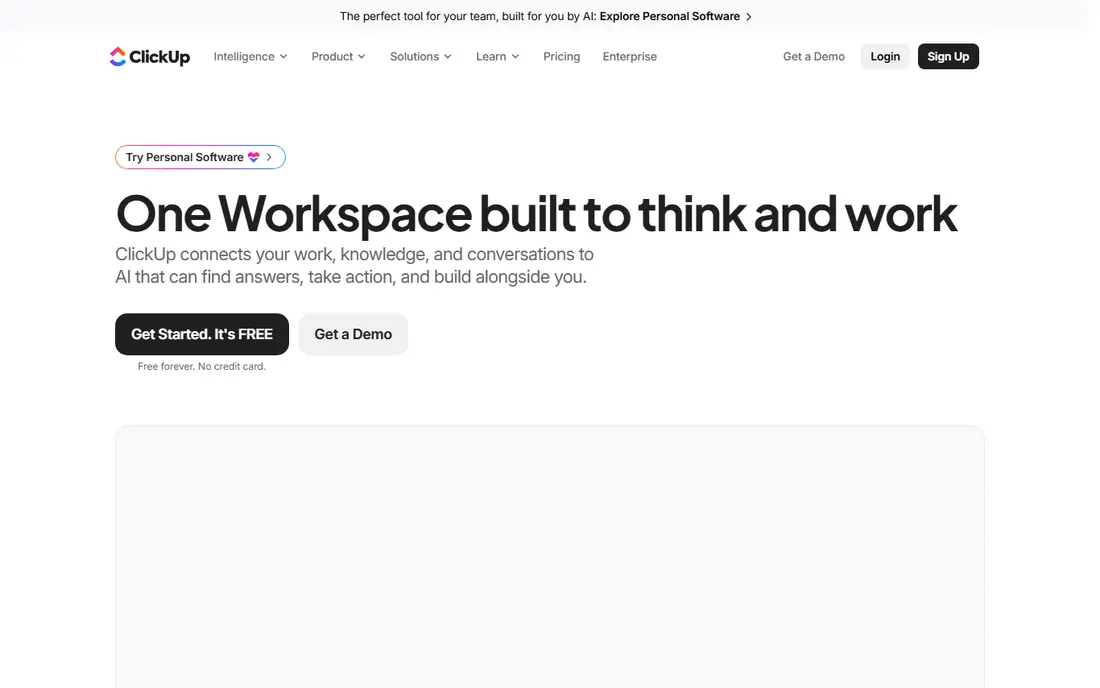
ClickUp is the value leader in this list because its $7 per user per month plan includes a bundle that costs more elsewhere: Gantt charts, custom fields, dashboards, native time tracking and guest access. Docs, whiteboards, sprints and goals sit in the same workspace, which lets a small team replace several tools at once. The free plan, with unlimited tasks and members, is genuinely usable for tiny teams.
The catch is discipline. ClickUp lets a team build almost anything, and workspaces without an owner turn into mazes of half-used views. AI features also cost extra per user. Assign one person to own setup, keep views minimal, and ClickUp's maths are hard to beat.
- Gantt charts, docs, goals and time tracking on the paid plan
- Generous free plan
- Many views
- Flexibility can turn into clutter without an owner
- Automations are capped on lower tiers
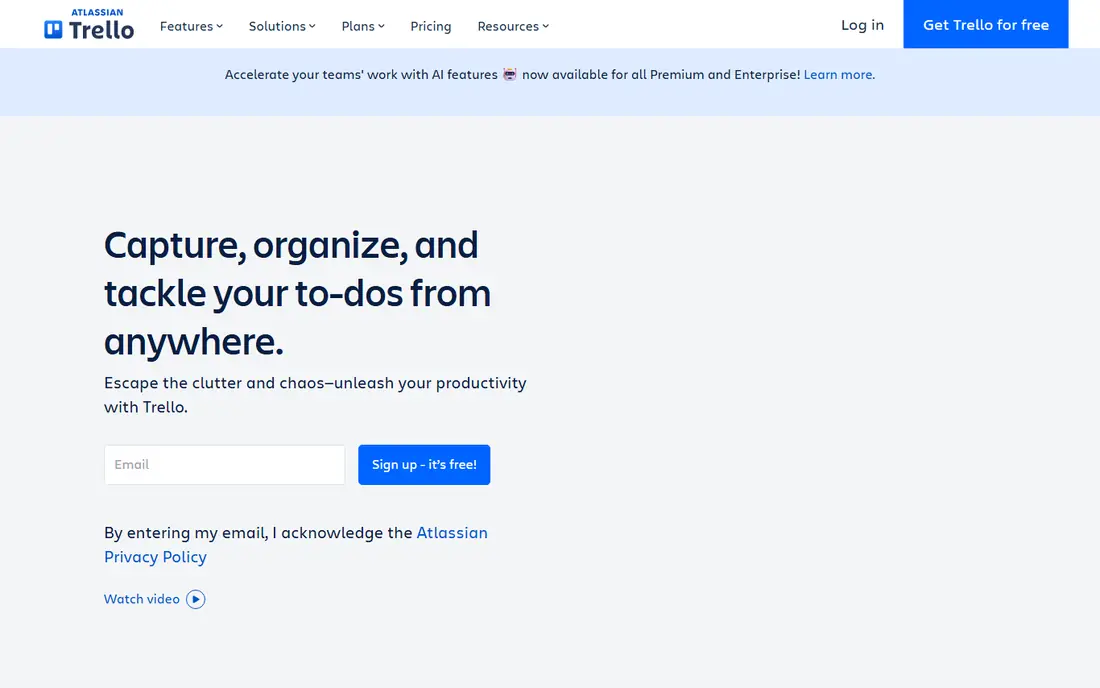
Trello suits teams whose work fits on boards. Cards move across lists, checklists track subtasks, and the interface needs almost no training, which means adoption happens in days. At $5 per user per month on the Standard plan, it is the cheapest paid route in this list for straightforward project tracking.
Complex projects expose limits. Dependencies, workload views and advanced automation sit on higher tiers or need add-ons, and large programmes outgrow boards quickly. Teams that know their work is board-shaped will love Trello's price and simplicity, while teams managing dependencies should look at Asana or ClickUp.
- Cheapest paid entry here
- Fast to learn
- Clean kanban boards
- Advanced views and automation need higher tiers
- Weak for complex dependencies
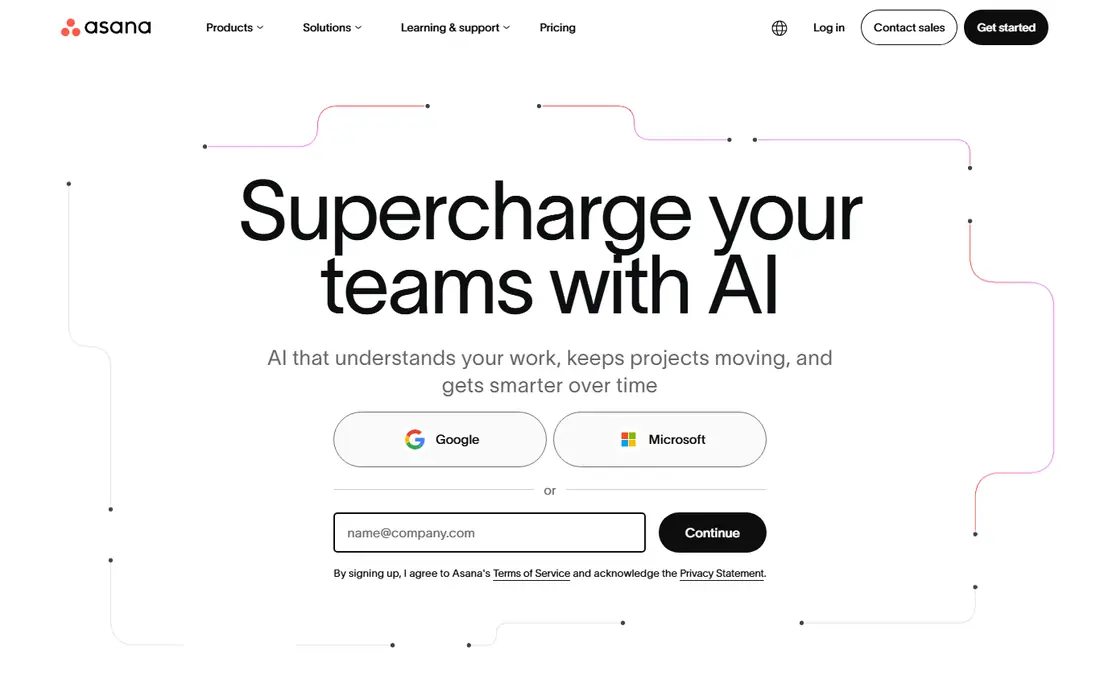
Asana suits teams that need real project structure without enterprise complexity. Tasks, timelines, dependencies and milestones give managers a clear view of who does what and when, while templates speed up repeatable work. The interface stays polished enough that non-technical staff adopt it willingly, which is half the battle with project tools.
The price is higher than ClickUp or Trello, and portfolios, workload views and advanced reporting sit above the Starter plan. A ten-person team pays roughly $110 per month at entry pricing, so buyers should check whether those higher features are needed soon. For structured team work, Asana's clarity often justifies the extra cost.
- Polished tasks, timelines and dependencies
- Strong templates
- Wide integrations
- Higher per-user price
- Portfolios and workload views sit on higher tiers
Monday.com suits operations-heavy teams that think in boards, timelines and dashboards. Workflows adapt to marketing, sales operations, HR and product work, and the visual style makes status obvious at a glance. Templates cover common processes, so teams start from a working board rather than a blank page.
Value needs a careful read. The Basic plan starts at $9 per user per month on annual billing, but seat minimums mean a small team pays for more seats than it has, and the Standard plan at higher pricing is where many teams land. Model the real monthly total for your team size before comparing headline prices.
- Highly visual boards and dashboards
- Flexible workflows for operations
- Strong automations on higher tiers
- Seat minimums raise the real monthly cost
- Advanced features need higher tiers
Notion suits teams that live in documents as much as in tasks. Meeting notes, wikis, specs and task boards share one workspace, so project context stays beside the work instead of in a separate docs tool. Databases and templates let teams build trackers, roadmaps and content calendars without code.
Dedicated project features are lighter than Asana or ClickUp, with weaker native timelines, workload views and automation at entry level. Teams running complex programmes with dependencies will feel that gap. Teams whose projects are document-heavy, though, get strong value from replacing two tools with one.
- Docs, wikis and tasks in one workspace
- Flexible pages and databases
- Free plan for individuals
- Project features are lighter than dedicated tools
- Large workspaces need organisation
Todoist suits individuals and tiny teams that need tasks done, not project theatre. Capture is fast, recurring tasks work reliably, and the interface stays out of the way. At $5 per month for Pro, it is one of the cheapest ways to run personal and small shared workloads well.
It is not a full project management platform. Timelines, workload planning, dashboards and client reporting are thin or absent, and growing teams will outgrow it. For a solo operator or a two-person team, that simplicity is the value. For a ten-person project team, look higher up this list.
- Very fast task capture
- Simple and reliable
- Low monthly price
- Not a full project platform
- Weak for team timelines and reporting
Basecamp suits teams that want calm, simple project hubs without per-seat creep. Message boards, to-dos, schedules, docs and chat sit in one place per project, and clients can join without the seat maths that dominate other tools. The Pro Unlimited plan at $299 per month flat becomes cheaper than per-seat tools once a team passes about twenty users.
Small teams pay more here than on Trello or ClickUp, and Basecamp lacks dependencies, Gantt depth and resource planning. Teams that need those features should choose elsewhere. Teams that want a simple, flat-priced hub for clients and projects will find Basecamp's simplicity worth the price.
- Flat $299 per month unlimited plan for larger teams
- Calm, simple team hub
- Clients included without per-seat pain
- Higher entry price for tiny teams
- No dependencies or resource planning depth
Jira suits software teams that run sprints, backlogs and releases. Scrum and kanban boards, issue tracking and release planning fit development work closely, and integration with Confluence and Bitbucket keeps specs and code near the work. A free plan for up to 10 users makes it strong value for small development teams.
Non-software teams often find Jira heavy, with configuration and terminology that assume agile development. Paid pricing also varies by team size, so larger teams should check current Atlassian pricing rather than assuming a flat rate. For software teams, though, Jira's free tier and depth are hard to beat on value.
- Free for up to 10 users
- Strong agile boards, sprints and backlogs
- Deep Atlassian ecosystem
- Paid pricing is dynamic by team size
- Setup feels heavy for non-software teams
Smartsheet suits teams that think in spreadsheets but need project structure. Grid views feel familiar to anyone who runs plans in Excel, while Gantt charts, card views, dashboards and automation add project control on top. Plan-driven teams in operations, construction and professional services often adopt it faster than board-first tools.
Pricing counts members rather than all collaborators, and automation limits on lower tiers can force upgrades as workflows grow. Kanban-first teams may prefer Trello or Monday.com. For spreadsheet-comfortable teams that want structure without learning a new paradigm, Smartsheet offers solid value.
- Familiar spreadsheet interface
- Gantt charts and dashboards
- Strong for plan-driven teams
- Member pricing and automation limits on lower tiers
- Less intuitive for kanban-first teams
How we picked these
We compared official product and pricing pages, documentation and public reviews, and kept only tools that exist and work in October 2026 and truly manage projects. We weighed entry price, free plan limits, seat minimums and practical upgrade triggers, because headline price alone misleads buyers. Where vendors do not publish a simple entry price, we wrote See website rather than guessing.
Getting real value instead of just a low price
Start by counting total cost for your team, not price per user. Seat minimums, guest rules, automation caps and AI add-ons change the bill fast, and a $5 tool with a three-seat minimum costs more than a $7 tool with none for a two-person team. Model costs at your current size and at double that size.
Next, trial with real work. Move one live project into each shortlisted tool, including dependencies, deadlines and a weekly status view, and see which one the team actually opens. A cheap tool nobody uses costs more than an expensive tool everyone uses, because the work still happens in spreadsheets and chat threads.
Finally, appoint an owner. Project tools decay without someone who prunes boards, updates templates and retires stale views. That owner, plus a short team agreement on where work lives, protects value long after the purchase decision. Revisit pricing yearly, since vendors change tiers and a tool that was best value last year may not be this year.
Frequently asked questions
What is the best value project management tool overall?
ClickUp offers the most features per dollar for most small and mid-size teams, at $7 per user per month for its Unlimited plan. Trello wins for simple kanban at $5, while Asana wins for structured work at $10.99. Match the pick to project complexity, not price alone.
Is there a free project management tool for small teams?
Yes, ClickUp, Trello, Asana, Monday.com, Notion, Todoist and Jira all offer free tiers, with varying limits on users, projects and features. Free plans suit very small teams or trials, while growing teams usually upgrade within a few months. Check storage, automation and view limits before relying on a free plan.
How much does project management software cost for a 10-person team?
At entry paid pricing, a 10-person team pays roughly $50 per month for Trello Standard, $70 for ClickUp Unlimited, $90 for Monday.com Basic before seat minimums, $100 for Notion Plus, and about $110 for Asana Starter. Basecamp flat pricing at $299 per month becomes competitive past about twenty users.
Should a small team use Trello or Asana?
Use Trello when work fits on kanban boards and simplicity matters most, since it is cheaper and faster to adopt. Use Asana when work needs timelines, dependencies, workload views and structured reporting. Many teams start on Trello and move to Asana as project complexity grows.
Does Basecamp flat pricing save money?
Basecamp Pro Unlimited at $299 per month flat saves money against per-seat tools once a team passes about twenty users, and it simplifies client access. Smaller teams pay more than on per-seat tools, so the saving depends on team size. Count total users, including clients who need access, before deciding.
Is Jira only for software teams?
Jira is built for software teams, with sprints, backlogs and release planning at its core, though other teams can adapt it. Non-software teams often find setup heavy and terminology unfamiliar. Those teams usually get better value from Trello, Asana, ClickUp or Monday.com.
Sources
See where you really rank - block by block
ProMapRanker scans Google Maps across a grid of your service area. Simple monthly plans from $19, white-label on every plan.
Start freeKeep reading
 who has best internet service
Who Has the Best Internet Service in 2026
Who has best internet service for US homes? We compare fiber, cable, fixed wireless and satellite providers on speed, price, availability and terms today.
Read → which survey tool has the best analytics
Which Survey Tool Has the Best Analytics in 2026
Find which survey tool has the best analytics in 2026, comparing Qualtrics, SurveyMonkey, Typeform, Alchemer, and more on reports, text, and stats today.
Read → which streaming service has the best movies
Which Streaming Service Has the Best Movies in 2026
Answering which streaming service has the best movies, with Netflix, Max, Criterion and more compared on libraries, prices and free options in this guide.
Read →