 ProMapRanker
Best Universal Remote App in 2026

Key takeaways
- Google Home is our top pick for most households, because it controls Chromecast, Google TV and many smart home devices from one app.
- Samsung SmartThings is the best free option for Samsung TV owners who also use smart home devices.
- Roku is the best app for Roku TV and player owners, with fast Wi-Fi control and voice search.
- BroadLink and SofaBaton suit older infrared devices, but they need a hub or physical remote hardware.
- Check that your TV and phone share the same Wi-Fi network, because most app remotes fail without that link.
Quick comparison
| Pick | Great for | Pricing starts at | Free tier | |
|---|---|---|---|---|
 Google Home | Chromecast, Google TV and smart home | Free | Yes | Visit |
 Samsung SmartThings | Samsung TVs and smart home | Free | Yes | Visit |
 Roku | Roku TVs and players | Free | Yes | Visit |
 BroadLink | Infrared and Wi-Fi devices via a hub | Free | Yes | Visit |
 SofaBaton | Multi device home theater control | See website | No | Visit |
 LG ThinQ | LG TVs and LG appliances | Free | Yes | Visit |
 Google TV | Android TV and Google TV control | Free | Yes | Visit |
 Amazon Alexa | Fire TV and Alexa smart home control | Free | Yes | Visit |
The best universal remote apps
A universal remote app turns your phone into a remote for TVs, streaming devices and, in some cases, smart home gear. The best app depends on your TV brand, whether your devices use Wi-Fi, Bluetooth or infrared, and whether you want voice control as well as buttons.
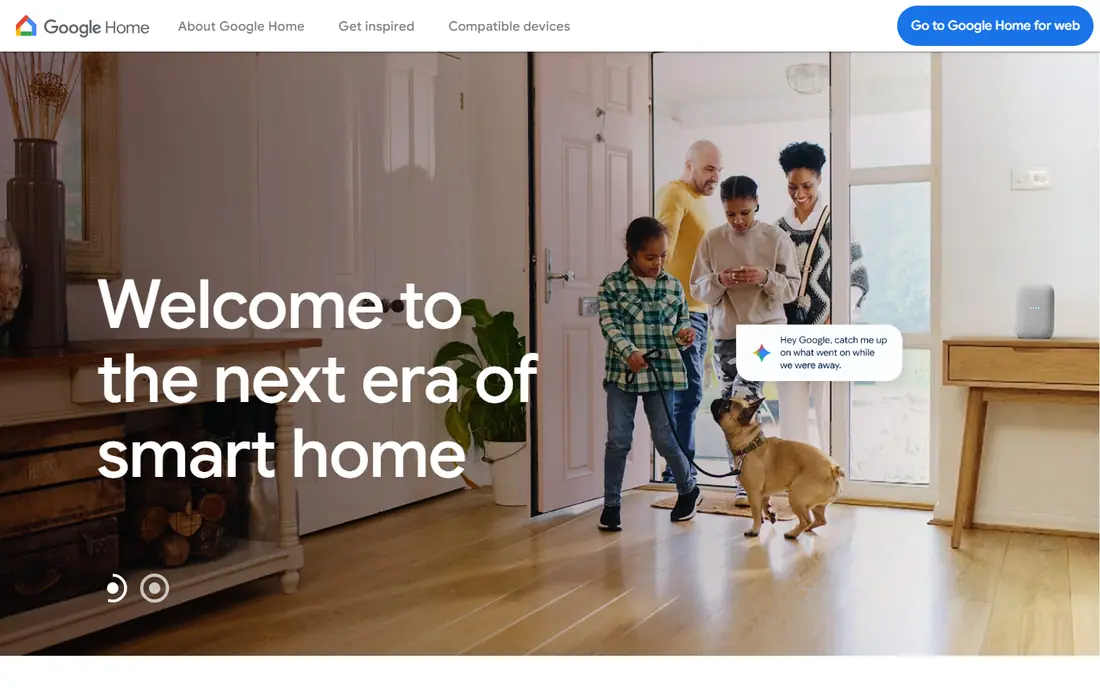
Google Home is the most useful universal remote app for households built around Google devices. It controls Chromecast and Google TV playback, volume and power where supported, and it also controls lights, speakers and other smart home devices from the same app. Voice commands through Google Assistant add hands free control for common tasks.
The limit is brand coverage. Google Home works best with Google TV, Chromecast and Matter or Google compatible devices, and it will not replace a dedicated remote for every Samsung, LG or older infrared TV. If your living room already uses Google devices, though, Google Home is the simplest free starting point.
- Free app
- Controls Chromecast and Google TV
- Voice control and smart home routines
- Limited control for non Google TVs
- Some older TVs need Chromecast or Google TV device
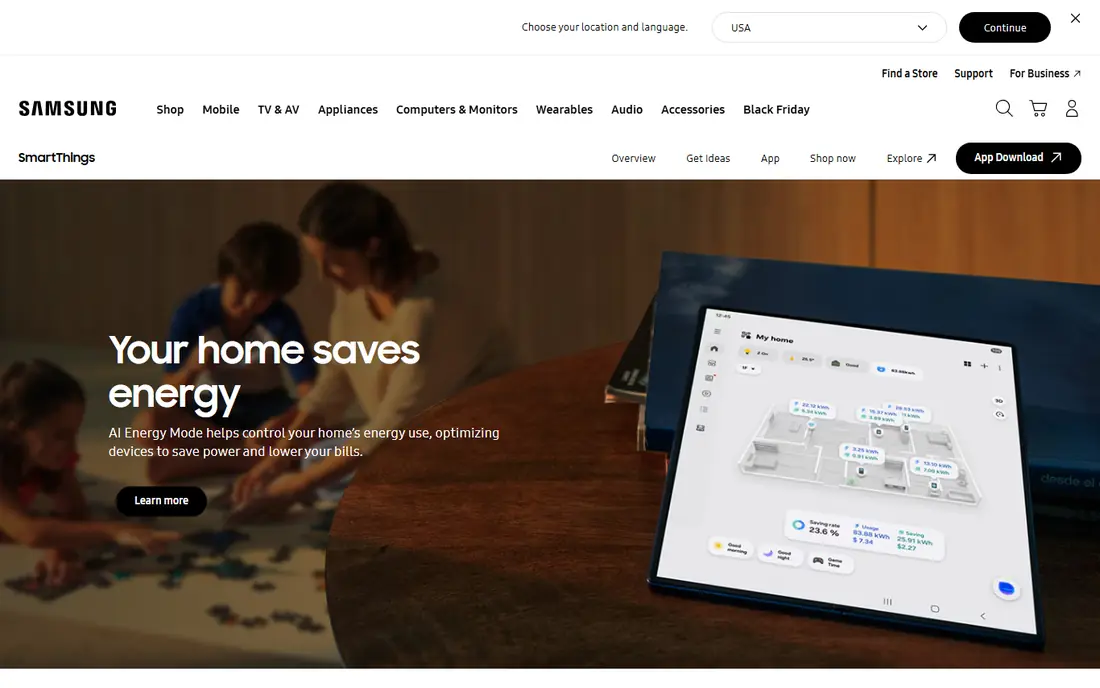
SmartThings is Samsung's official smart home and TV app, and it is the best free remote for Samsung TV owners. It connects over Wi-Fi, controls power, volume, channels, inputs and apps, and it can include the TV in automations with lights, sensors and appliances. Connection is usually fast when phone and TV share the same network.
For non Samsung TVs, SmartThings is less useful as a universal remote, because its TV control is built for Samsung models. Owners of mixed brand homes may need a second app for other TVs. For a Samsung centered home, SmartThings covers TV and smart home control in one free app.
- Free official Samsung app
- Fast Wi-Fi control for Samsung TVs
- Smart home automations
- Best for Samsung devices
- Non Samsung TV control is limited
The Roku app is the official remote for Roku TVs and streaming players, and it works better than most third party TV remotes because it uses Roku's own Wi-Fi protocol. It offers playback, volume, channel shortcuts, voice search and a keyboard for typing searches, which is far easier than typing with arrow keys on a physical remote.
It only controls Roku devices, so it is not universal across brands. If your main TV or player is Roku, though, the app is free, reliable and worth installing as a backup to the physical remote. Keep phone and Roku on the same Wi-Fi network for the fastest response.
- Free official Roku app
- Fast Wi-Fi remote
- Voice search and private listening on supported phones
- Roku devices only
- No infrared control for other brands
BroadLink pairs a free app with a small hub, such as the RM4 Pro, that sends infrared and radio signals to TVs, air conditioners, fans and other devices. That hub approach solves the main phone problem: most modern phones have no infrared blaster, so the hub does the infrared work while the phone sends commands over Wi-Fi. Scenes, timers and voice assistant support add useful automation.
The catch is hardware and setup. You must buy a hub, place it where it can reach your devices, and teach it your device codes, which can take patience for older models. Bluetooth devices are not covered by the main hub models. For homes with many older infrared devices, BroadLink is still one of the best universal options.
- Controls many infrared and radio devices through a hub
- Scenes and schedules
- Alexa and Google Assistant support
- App is free but a BroadLink hub must be bought
- Setup can take time
SofaBaton is a physical universal remote system with an app for setup and customization, and it covers more device types than a phone app alone. Its hub supports infrared, Bluetooth, Wi-Fi and radio connections across thousands of brands, and activities such as Movie Night can power on a TV, soundbar and player with one tap. The app lets you customize buttons and layouts.
SofaBaton is not a free app remote, because you must buy the remote and hub hardware, and prices vary by model, so check the official site. Setup also takes longer than a Wi-Fi TV app. For a complex home theater with several brands, that investment buys control that phone only apps cannot match.
- Controls many brands through infrared, Bluetooth, Wi-Fi and radio
- One touch activities
- Touchscreen models available
- Requires buying a SofaBaton remote and hub
- App alone does not control a TV
LG ThinQ is LG's official app for TVs and smart appliances, and it works well as a remote for LG webOS TVs. It controls power, volume, channels and apps over Wi-Fi, and it can also manage LG washers, refrigerators and air conditioners from the same app. That breadth helps LG households reduce the number of apps they open daily.
As with other brand apps, ThinQ is not a universal remote for Samsung, Sony or other TV brands. If your TV is LG and you already use LG appliances, ThinQ is a strong free choice. For mixed brand homes, pair it with Google Home or a hub based system for other devices.
- Free official LG app
- Wi-Fi control for LG TVs
- Also controls LG appliances and air care devices
- Best for LG devices
- Limited universal control for other brands
The Google TV app includes a remote for Google TV and Android TV devices, with voice search, a keyboard and a touchpad for navigation. It connects over Wi-Fi and is the official remote path for many Android TV sets and streaming devices. On Android phones, the remote can also appear in quick settings, which makes it fast to open when the physical remote is lost.
It does not control non Android TVs, so it is not universal across all brands. For Google TV households, though, it is the most reliable free remote, with better compatibility than third party apps that rely on unofficial protocols. Use it as your main remote for Google TV, and keep a brand app for other TVs.
- Free remote for Google TV and Android TV
- Voice search, keyboard and touchpad
- Quick access from Android quick settings
- Google TV and Android TV only
- Content discovery features may feel extra
The Amazon Alexa app is a useful remote for Fire TV owners, especially for voice control. You can open apps, search for shows, control playback and volume by voice, and control Alexa compatible lights and plugs from the same app. Fire TV devices integrate tightly with Alexa, so voice commands feel natural in the living room.
The Alexa app is less of a button by button universal remote than a brand TV app, and it works best inside the Amazon ecosystem. For homes with Fire TV, Echo speakers and Alexa smart home devices, it is a strong free addition. For other TV brands, a brand app or hub system will give better button control.
- Free Alexa app
- Voice control for Fire TV
- Smart home routines and device control
- Best with Fire TV and Alexa devices
- Button remote experience is secondary to voice
How we picked these
We compared official app pages, app store listings and manufacturer documentation for remote apps that are actively offered in October 2026. We favored official brand apps and hub systems with real device coverage over generic third party apps with unclear support, and we noted where an app is free but needs hardware, such as BroadLink and SofaBaton. Prices for hardware vary by model, so we used See website where a single app price would mislead.
What to check before you choose a remote app
Start with your TV brand and connection type. Wi-Fi TVs from Samsung, LG, Roku and Google TV work best with their official apps, while older infrared only TVs need a hub such as BroadLink or a physical universal remote such as SofaBaton. Check that your phone and TV share the same Wi-Fi network and that any VPN on the phone is off during setup, because both can block discovery.
Test the features you will use daily, not just power and volume. Voice search, keyboard typing, app launching and input switching matter more over time than a pretty button layout. Also check privacy and permissions: a remote app should not need contacts or location beyond what device discovery requires. If an app asks for broad permissions or shows heavy ads, a brand official app is usually the safer choice.
Frequently asked questions
What is the best free universal remote app?
Google Home is our overall free pick for Google TV and smart home households, while Samsung SmartThings is best for Samsung TVs and Roku is best for Roku devices. The best free app depends on your TV brand, because official brand apps connect more reliably than generic apps.
Do universal remote apps work without Wi-Fi?
Most phone remote apps need Wi-Fi, because the phone and TV must share a network. Older infrared TVs need a phone with an infrared blaster, which most modern phones lack, or a hub such as BroadLink that sends infrared signals for the phone. Check your TV connection type before choosing an app.
Can one app control all my TVs?
Only hub systems such as BroadLink and SofaBaton aim for true multi brand control, and they need hardware. Brand apps usually control only their own TVs, so a mixed brand home may need two apps or a hub. List your TV brands first, then choose an app or hub that covers all of them.
Is BroadLink better than a phone only remote app?
BroadLink is better for older infrared devices, because its hub sends infrared signals that phones cannot. For modern Wi-Fi TVs, a free brand app is simpler and cheaper, because it needs no extra hardware. Choose BroadLink when infrared devices are the problem, not when a Wi-Fi app already works.
Why will my remote app not find my TV?
The most common causes are different Wi-Fi networks, a VPN on the phone, or a TV setting that blocks remote control. Put phone and TV on the same network, turn off the VPN, enable remote control or mobile app control in TV settings, and restart both devices. If discovery still fails, check the app help page for your TV model.
Are third party universal remote apps safe?
Official brand apps are usually safer than unknown third party apps, because they use documented protocols and clearer privacy policies. Avoid apps that ask for unrelated permissions, show heavy ads, or claim to control every brand with no hardware. Read the app store privacy details before installing a generic remote app.
Sources
See where you really rank - block by block
ProMapRanker scans Google Maps across a grid of your service area. Simple monthly plans from $19, white-label on every plan.
Start freeKeep reading
 bitly alternatives
Bitly Alternatives in 2026: 8 Tools Compared
Compare the best Bitly alternatives for branded short links, with free tiers, custom domains, analytics, and pricing that suits creators and small teams.
Read → bill.com alternatives
Best Bill.com Alternatives in 2026
Looking for bill.com alternatives? We compared 9 bill pay and AP automation tools on price, approvals, and accounting sync to help you switch with confidence.
Read → betterhelp alternatives
BetterHelp Alternatives in 2026
We compared BetterHelp alternatives for online therapy, covering Talkspace, Grow Therapy, Rula, Brightside and more on price, insurance and format in 2026.
Read →