 ProMapRanker
Best Travel Journal App in 2026


Long-form writing and rich media entries · Pricing starts at: See website
Key takeaways
- Polarsteps is the best automatic route tracker, while Day One is the best pure writing journal for long entries.
- FindPenguins suits travelers who want to share a trip publicly and order a printed book at the end.
- Wanderlog is stronger for planning than for journaling, but its shared itinerary and journal notes work well together.
- Apple Journal is the best free option for iPhone users, and Journey is the best cross-platform private journal.
Quick comparison
| Pick | Great for | Pricing starts at | Free tier | |
|---|---|---|---|---|
| Day One | Long-form writing and rich media entries | See website | Yes | Visit |
 Journey | Private journaling on every platform | $49.99 per year | Yes | Visit |
 Polarsteps | Automatic GPS route tracking | Free | Yes | Visit |
 FindPenguins | Social travel sharing and printed books | Free | Yes | Visit |
 Wanderlog | Planning a trip with journal notes attached | Free | Yes | Visit |
 Apple Journal | Free journaling for iPhone users | Free | Yes | Visit |
 TripMemo | Visual journals and group trips | Free | Yes | Visit |
 Notion | Building a custom travel journal system | Free | Yes | Visit |
The best travel journal apps
A travel journal app should do more than store photos. The best ones capture where you went, what you did, and how it felt, without demanding an hour of typing at the end of a long day. We compared dedicated travel trackers, private journals, and planners that include journaling, so you can pick based on how you travel.
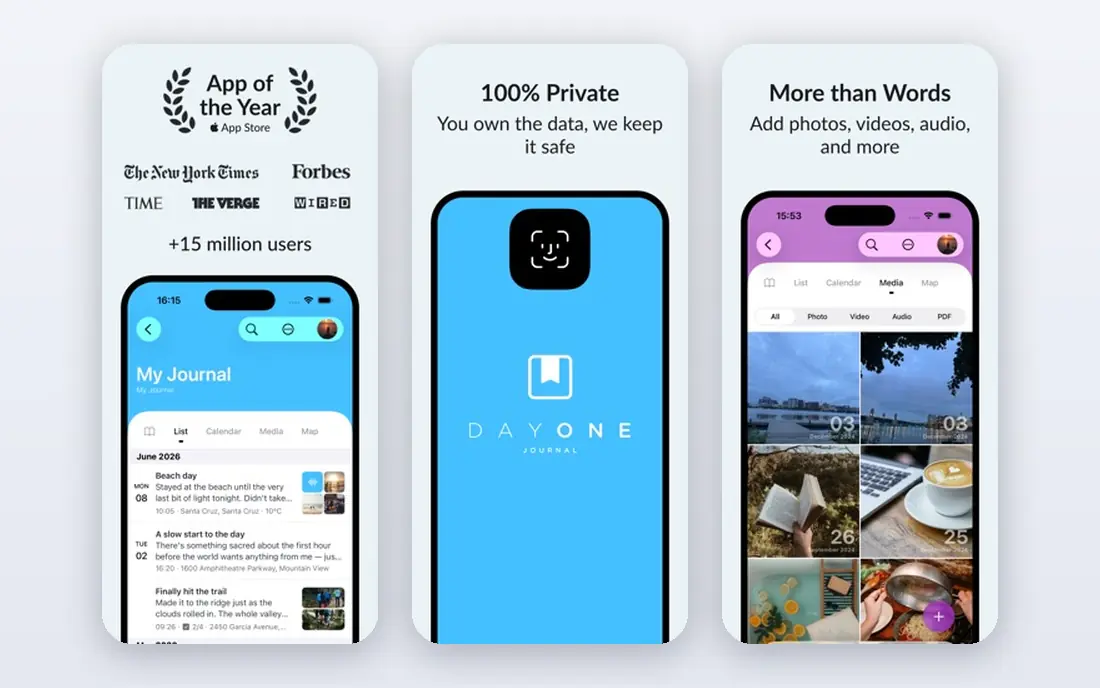
Day One remains the best journal for travelers who actually like to write. Entries can hold photos, videos, audio, location, weather, and tags, and the clean editor makes a long evening entry feel pleasant rather than like homework. Features such as "On This Day" resurfacing also turn an old trip into something you revisit, which is part of the point of keeping a journal at all.
The cost is the main barrier. A free tier lets you test the app, but full sync across devices and the richer feature set sit behind a paid plan, so check the current annual price before committing to a long trip. Day One also lacks the automatic GPS route tracking that makes Polarsteps special, so route lovers may pair the two. For writing-first travelers, Day One is still the standard.
- Excellent writing experience
- Photos, audio, and location in one entry
- Strong privacy and encryption options
- Paid plan needed for full sync and features
- No automatic route map like Polarsteps
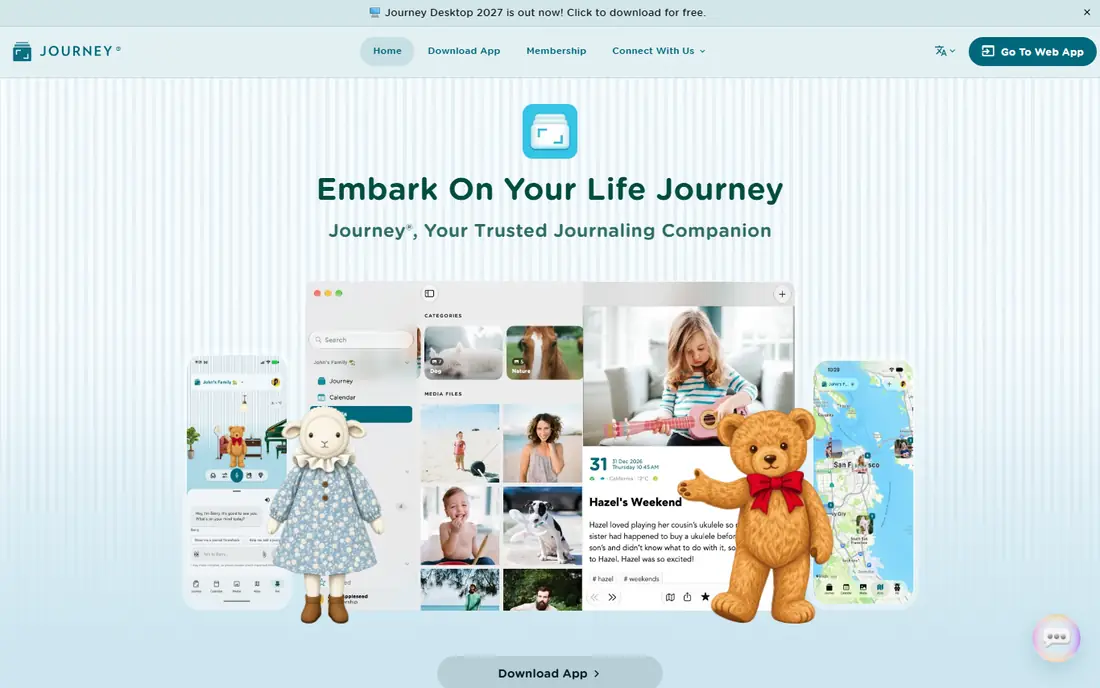
Journey is the cross-platform answer to Day One. It runs on phones, tablets, desktops, and the web, syncs through the cloud, and lets you add photos, videos, audio, mood entries, and templates to each day. For travelers who switch devices, or who want a journal that is not tied to Apple alone, that reach matters more than a slightly prettier editor.
The trade-off is polish. Journey feels capable rather than beautiful, and some of its best features, including fuller sync and export options, sit behind the paid plan. Privacy controls and cloud choices are a strength here, so read the sync settings before a trip and decide whether you want cloud backup, local storage, or both. For a private, everywhere journal, Journey is hard to beat.
- Runs on iOS, Android, Mac, Windows, and web
- Cloud sync and export
- Mood and template options
- Interface is less polished than Day One
- Some features need the paid plan
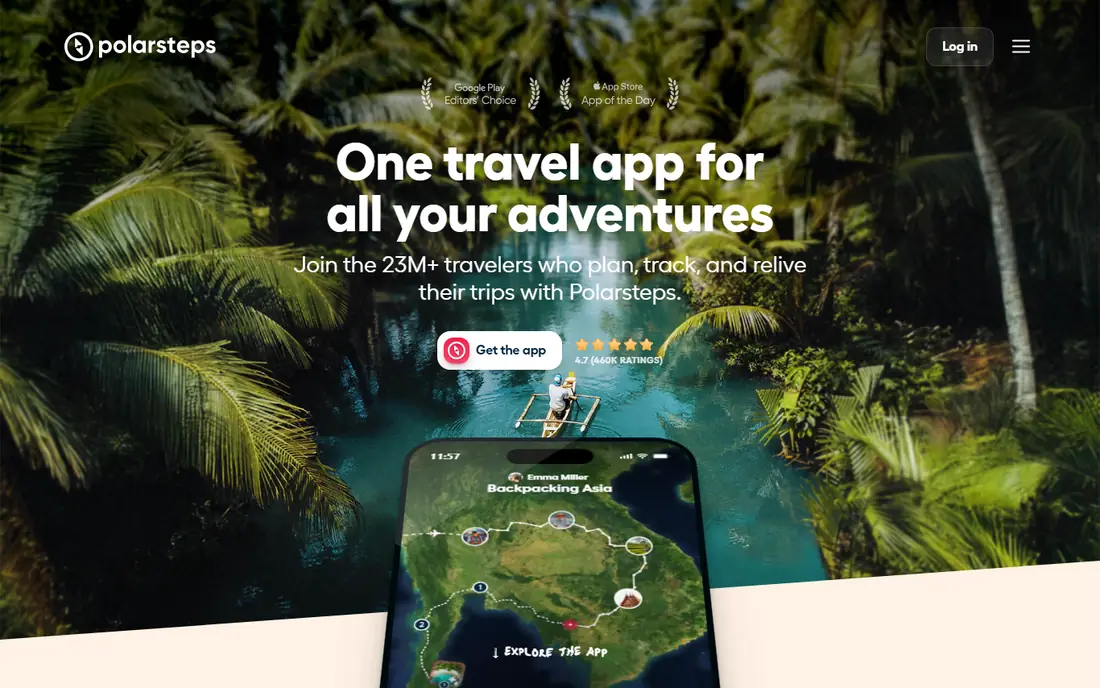
Polarsteps is the app for travelers who want a record of where they went without remembering to log every stop. It tracks your route in the background, plots it on a map, and lets you add photos and short notes at each step. Friends and family can follow along, which makes it popular for long road trips, backpacking, and overland journeys.
Writing is lighter here than in a dedicated journal, so Polarsteps works best as a route and photo record rather than a diary for long reflections. Printed books are the main paid extra, and they turn a tracked trip into a keepsake without extra design work. If your priority is a map of your journey with photos attached, start with Polarsteps and add a writing app only if you need one.
- Tracks your route with little effort
- Beautiful trip maps
- Printed travel books available
- Writing tools are lighter than Day One
- Paid Plus plan adds features for power users
FindPenguins blends tracking, journaling, and social sharing in one app. You can track a trip automatically, post photos and notes, let friends follow and comment, and later order a printed book that includes maps, stats, and comments. That social layer makes it fun for group trips and for family members who want to follow along from home.
The limits are premium cost and offline handling. A free tier covers the basics, while Premium, listed at $4.99 per month or $32.99 per year in app store listings, adds more features, and printed books cost extra based on size and pages. Offline use is also less complete than Polarsteps or Day One in some reports, so download and test it before a remote trip. For sharers and book lovers, FindPenguins is a strong pick.
- Automatic tracking plus social feed
- Followers can comment
- High-quality printed books
- Premium plan costs extra
- Offline use is limited compared with rivals
Wanderlog is a planner first and a journal second, but that combination suits many travelers. You can build a day-by-day itinerary, add places to a color-coded map, track a budget, share the plan with travel partners, and add notes as the trip unfolds. For group trips, the shared editing alone can justify the app, because everyone sees the same plan.
Journaling here is functional rather than rich. You will not get Day One's writing experience or Polarsteps' automatic route map, and offline maps sit behind the Pro plan, listed at $39.99 per year on the vendor blog. Use Wanderlog to plan and to keep trip notes in context, and pair it with a dedicated journal if long daily writing matters to you.
- Strong itinerary builder
- Group planning and maps
- Budget tools and checklists
- Journaling is lighter than dedicated journals
- Offline maps need Pro
Apple Journal is the easiest travel journal to start, because it is already on your iPhone and costs nothing. You can write entries, add photos and location, and use suggestions based on recent activity to prompt a note about a place you visited. For a casual traveler who wants a private record without another subscription, that simplicity is a real advantage.
The limits are platform and depth. Apple Journal only runs on Apple devices, so Android and Windows users cannot use it, and its export, template, and sharing options are thinner than Day One or Journey. It also lacks automatic route tracking, so it works best for short trips and daily notes rather than a mapped expedition. If you live in the Apple world, try it before paying for anything else.
- Free and built into iOS
- Simple entries with photos and location
- Suggestions help you start writing
- Apple-only
- Fewer export and sharing options than dedicated journals
TripMemo focuses on visual, day-by-day trip journals that travel partners can contribute to. You can plan a trip, keep a photo journal as you go, invite others to add their photos and notes, and turn the result into a TripBook. That group angle makes it appealing for family holidays, friend trips, and shared adventures where one person's photos never tell the whole story.
The risk is maturity. TripMemo is newer than the established journals on this list, so its long-term support, export options, and feature depth are less proven. Test it on a short trip first, check export before you rely on it for a once-in-a-lifetime journey, and keep photo backups elsewhere. For visual group journaling, it is a fresh and promising option.
- Day-by-day photo journals
- Invited contributions from travel partners
- Trip books from plans
- Newer and less proven than Day One or Polarsteps
- Feature set still growing
Notion is not a travel journal app in the usual sense, but it is the best tool for travelers who want to design their own system. You can build a trip hub with itinerary pages, a daily journal database, a budget tracker, packing lists, and photo galleries, all linked together. Templates from other travelers can cut setup time, and sharing works well for group trips.
The cost is effort. Notion needs setup before it feels useful, it has no automatic route tracking, and offline access is limited compared with dedicated journals. If you enjoy building systems and want one place for planning, spending, and journaling, Notion rewards the work. If you want an app that tracks and journals with one tap, pick Polarsteps or Day One instead.
- Fully customizable pages and databases
- Great for itineraries, budgets, and journals in one place
- Good sharing
- Needs setup time
- No automatic GPS tracking
- Offline use is limited
How we picked these
We compared official feature pages, pricing pages, app store listings, and public reviews for apps that record travel in October 2026. We favored apps with real travel features, such as route maps, location-tagged entries, photo journals, or trip planning with notes, over generic note apps. We did not claim hands-on testing on every trip type, and prices and plans change, so check the vendor site before subscribing. Apps that were closed, that only planned trips without any journal record, or that lacked export or backup options were left out.
How to keep a travel journal you will actually finish
Start small. One photo, one location, and two or three sentences each evening beats a blank page and a plan to write everything at the end of the trip. Automatic trackers such as Polarsteps and FindPenguins help here, because the route and photos are already captured, and you only need to add the story. Set a daily reminder for after dinner, when the day is still fresh.
Next, decide what the journal is for. A private diary can be honest and rough, while a shared trip journal needs more care about photos, names, and privacy. Check sharing settings before you post, especially for trips with children or with locations you do not want public. Keep a backup too, because a lost phone should not mean a lost trip. Export entries or sync to a cloud account you control.
Finally, plan the ending. A printed book from Polarsteps or FindPenguins, a photo selection from Day One, or a finished Notion trip hub all give the journal a second life after you return. Pick the ending before you leave, because it shapes what you capture. A book needs good photos and short captions, while a private diary needs only honest notes.
Frequently asked questions
What is the best travel journal app for road trips?
Polarsteps is the best road trip choice, because it tracks your route automatically and maps each stop with photos. Wanderlog helps with route planning and group itineraries, while Day One is better if you want long written entries each night. Many road trippers use Polarsteps for the map and Day One for the writing.
Can I use a travel journal app offline?
Yes, but the level of offline support varies. Day One and Journey offer strong offline entry with sync later, Polarsteps caches trips locally and syncs when you reconnect, and Wanderlog offers offline maps on its Pro plan. FindPenguins and TripMemo need a connection for more features, so test offline use before a remote trip.
What are the best travel journal apps for sharing with family?
FindPenguins and Polarsteps are the best sharing options, because family can follow a trip, see the map, and comment on posts. TripMemo also supports invited contributions from travel partners. Check privacy settings first, and use private trips when you do not want locations shared publicly.
Is there a free best travel journal app?
Yes. Polarsteps, Apple Journal, TripMemo, and Notion all offer useful free tiers, and FindPenguins and Wanderlog cover basics for free. Free tiers differ in sync, export, and book options, so check what is included before a long trip. Apple Journal is free but Apple-only, while Polarsteps is free across platforms.
How do I print a travel journal as a book?
Polarsteps and FindPenguins both offer printed travel books built from your tracked trip, photos, and notes, with prices based on size and page count. Day One offers print services for entries in some regions, and Notion journals can be exported and laid out with a separate book service. Order a small test book first if print quality matters to you.
Sources
- https://tripmemo.app/blog/best-travel-journal-apps-2026
- https://blog.mytraveljournal.app/the-10-best-travel-journal-apps-in-2026-a-comprehensive-comparison/
- https://dayoneapp.com
- https://journey.cloud
- https://www.polarsteps.com
- https://findpenguins.com
- https://wanderlog.com
- https://www.apple.com
- https://tripmemo.app
- https://www.notion.so
See where you really rank - block by block
ProMapRanker scans Google Maps across a grid of your service area. Simple monthly plans from $19, white-label on every plan.
Start freeKeep reading
 who has best internet service
Who Has the Best Internet Service in 2026
Who has best internet service for US homes? We compare fiber, cable, fixed wireless and satellite providers on speed, price, availability and terms today.
Read → which survey tool has the best analytics
Which Survey Tool Has the Best Analytics in 2026
Find which survey tool has the best analytics in 2026, comparing Qualtrics, SurveyMonkey, Typeform, Alchemer, and more on reports, text, and stats today.
Read → which streaming service has the best movies
Which Streaming Service Has the Best Movies in 2026
Answering which streaming service has the best movies, with Netflix, Max, Criterion and more compared on libraries, prices and free options in this guide.
Read →