 ProMapRanker
Best Travel Itinerary App in 2026


Building a mapped, collaborative itinerary · Pricing starts at: Free
Key takeaways
- Wanderlog is the best all-round planner for most trips, with a map, day-by-day plan, collaboration, and budgeting in one free app.
- TripIt is the best pick for trips that are already booked, since it turns confirmation emails into one organised itinerary.
- Roadtrippers leads for road trips and RV routes, while Rome2Rio helps with transport legs between places.
- Paid plans mainly add offline access, route optimisation, and flight alerts, so start free and upgrade only for a complex trip.
Quick comparison
| Pick | Great for | Pricing starts at | Free tier | |
|---|---|---|---|---|
| Wanderlog | Building a mapped, collaborative itinerary | Free | Yes | Visit |
 TripIt | Turning bookings into one itinerary | Free | Yes | Visit |
 Roadtrippers | Road trips, camping, and RV routes | Free | Yes | Visit |
 Google Travel | Free research and a bookings overview | Free | Yes | Visit |
 Tripsy | Clean, simple day-by-day plans | Free | Yes | Visit |
 Polarsteps | Tracking and sharing a trip as it happens | Free | Yes | Visit |
 Rome2Rio | Finding transport between two places | Free | Yes | Visit |
 Lambus | Group trips with shared costs | Free | Yes | Visit |
The best travel itinerary apps
We compared planning style, map tools, booking imports, collaboration, offline access, and cost. The list covers planners for building a trip, organising bookings, and travelling on the road.
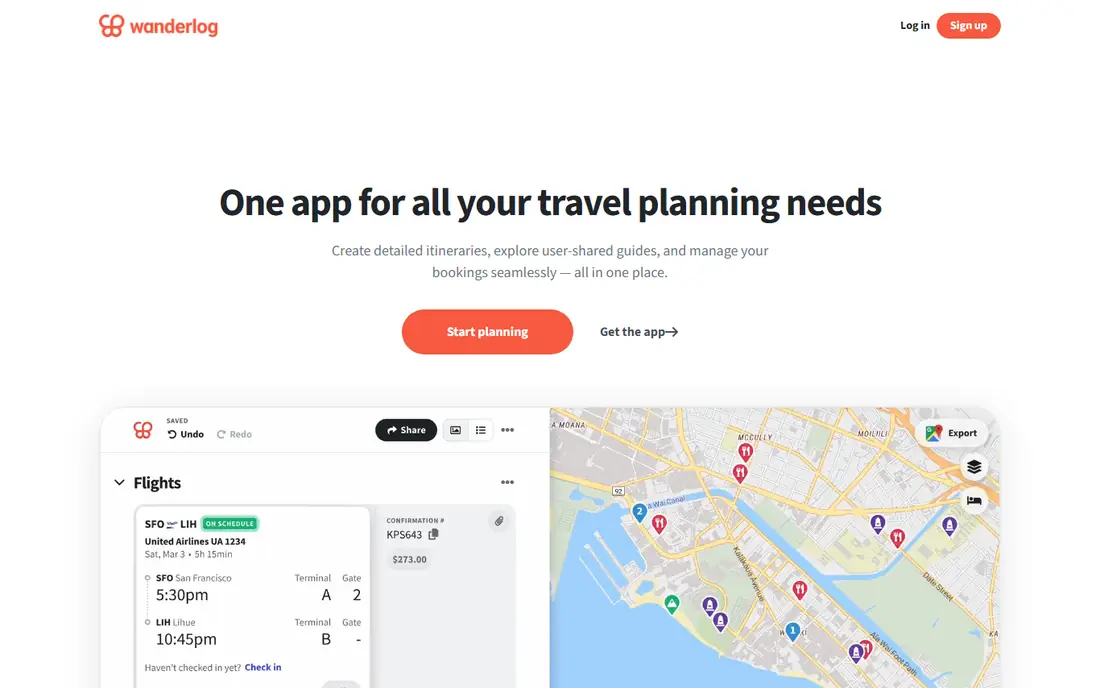
Wanderlog is our pick for most travellers planning a trip from scratch. Places sit on a map beside a day-by-day plan, so it is easy to spot backtracking and balance time between stops. Friends can edit the same plan live, and budgeting tools help a group track shared costs without a separate spreadsheet.
The free plan covers much of the core workflow, including the itinerary, map, collaboration, and budgeting. Pro adds offline access, automatic email scanning, route optimisation, and Google Maps export for $39.99 per year. For a first multi-stop trip, start free and upgrade only if offline maps or route order become a real need.
- Map and itinerary in one view
- Live collaboration
- Budgeting and expense tools
- Offline access, route optimisation, and some imports need Pro
- Pro costs $39.99 per year
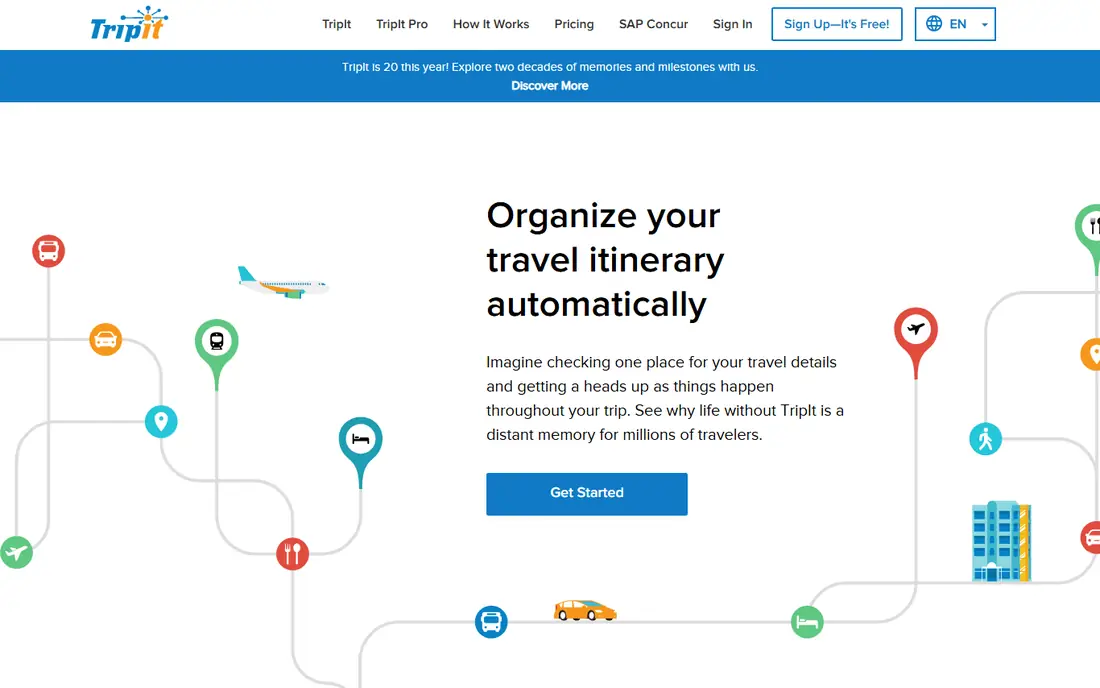
TripIt suits travellers whose flights, hotels, and car rentals are already booked. Forwarding confirmation emails creates a single itinerary with times, addresses, and booking details, which is far easier to check on travel day than searching several inboxes. Sharing a trip with family or colleagues is simple.
It is weaker as a design tool. TripIt organises what is booked rather than helping choose the order of stops or compare hotel bases, so planners may still use Wanderlog first. Pro adds real-time flight alerts, seat and fare tools, and travel-day reminders for $49 per year, which frequent flyers may value.
- Forward confirmation emails to build a trip
- Clear day-by-day view
- Works on web and mobile
- Less useful for designing a trip before booking
- Flight alerts and fare tools need Pro at $49 per year
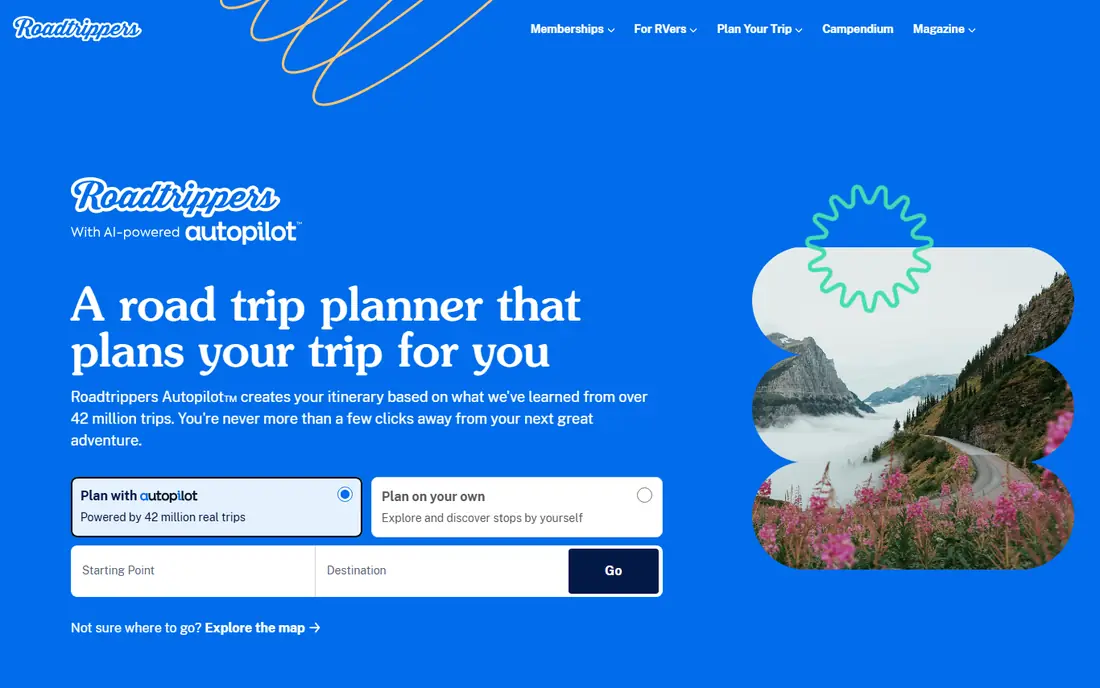
Roadtrippers is the clear pick for a driving holiday. Build a route, add stops, campsites, and attractions, and see fuel and distance estimates along the way. RV-safe routing helps larger vehicles avoid unsuitable roads, though that feature is mainly for US routes.
The free plan limits the number of stops, so a long road trip will likely need Basic, Pro, or Premium, priced from $35.99 to $59.99 per year. Travellers outside the main coverage countries should check place coverage first, since the app is strongest in the US, Canada, Australia, and New Zealand.
- Route planning with stops and attractions
- Camping and RV features
- Web and mobile apps
- Free plan limits stops
- Paid plans range from $35.99 to $59.99 per year
- Coverage is strongest in the US, Canada, Australia, and New Zealand
Google Travel fits travellers who already use Google for flights, hotels, and maps. It gathers bookings, shows trip details, and helps compare flight and hotel options without a separate subscription. For a simple trip with few stops, that overview may be all that is needed.
It is not a full itinerary designer. Day-by-day planning, group editing, and expense tracking are weaker than in Wanderlog or Lambus, and the experience depends on Google account settings. Use Google Travel for research and booking checks, and add a dedicated planner for a complex multi-stop trip.
- Fully free
- Flight and hotel search
- Bookings pulled from Gmail for many users
- No live group collaboration like Wanderlog
- Planning tools are less structured
Tripsy suits travellers who want a tidy itinerary without a map-heavy planner. Days, activities, bookings, and notes sit in a clear layout that is easy to read on travel day. Sharing a trip keeps companions on the same page, even if live co-editing is less central than in Wanderlog.
Pro, at $59 per year in recent comparisons, adds email import and fuller features, so users who rely on TripIt-style imports should check the current plan details. Tripsy is best for travellers who value a clean plan over route optimisation or group budgeting.
- Simple itinerary layout
- Share trips with others
- Offline access on some plans
- Email import and some features need Pro at $59 per year
- No Android app in some listings
Polarsteps is different from the planners above, because it shines during the trip rather than before it. Automatic tracking draws the route on a map, photos and notes attach to places, and friends can follow along live. After the trip, the same material can become a printed travel book.
Planning before departure is lighter, so Polarsteps works best beside a planner such as Wanderlog or TripIt. Use a planner to design days and bookings, then let Polarsteps record the journey and share it with people at home.
- Automatic route tracking
- Trip sharing with photos
- Printed travel books as an option
- Planning tools are lighter than Wanderlog
- Printed books cost extra
Rome2Rio answers a question every multi-stop planner faces: how do we actually get from one place to the next. Enter two places and see flights, trains, buses, ferries, and driving options side by side, with rough times and costs. That comparison saves the manual work of checking each transport site separately.
It does not build a day-by-day itinerary, manage bookings, or support group collaboration. Treat Rome2Rio as a utility layer inside a larger plan: use Wanderlog or Tripsy for days and stays, and Rome2Rio for the legs between them.
- Free route search across flights, trains, buses, and driving
- Clear transport comparisons
- Global coverage
- Not a full itinerary planner
- Booking links vary by provider
Lambus suits friends and families who plan together and split costs. The itinerary and map tools cover the planning side, while expense tracking and settlement help a group avoid awkward money conversations after the trip. Live collaboration keeps everyone able to add places and ideas.
Its community is smaller than Wanderlog, so public guides and templates may be fewer. For a group trip where costs matter, Lambus still earns a place, especially when expense splitting is as important as the route itself.
- Live collaboration
- Expense tracking and settlement
- Map and itinerary tools
- Smaller user base than Wanderlog
- Some features need a paid plan
How we picked these
We compared official pricing pages, planning features, and recent travel planner comparisons checked in 2026. We favoured apps that are still available on web or mobile, cover real itinerary work, and offer a usable free tier. We did not claim hands-on testing that did not happen; our notes rest on published features, pricing, and public listings. Prices change, so check each vendor page before paying.
Choosing the right travel itinerary app
Start with the trip stage. If the trip is still an idea, Wanderlog or Lambus will help design days, stops, and costs. If bookings already exist, TripIt will organise them fastest. If the trip is a drive, Roadtrippers should lead, with Rome2Rio filling transport gaps.
Check offline needs before a trip. Airport Wi-Fi and rural roads are poor places to discover that maps need a paid plan. For international trips, also check whether the app supports the countries on the route, since Roadtrippers coverage and some transport data vary by region. One planner plus one transport tool usually beats three overlapping planners.
Frequently asked questions
Which app is best for travel itineraries overall?
Wanderlog is the best all-round pick for most travellers, thanks to its map, day-by-day plan, collaboration, and budgeting tools. TripIt is better when bookings already exist and only need organising.
What is the best travel itinerary app for groups?
Wanderlog offers live collaboration and budgeting, while Lambus adds expense tracking and settlement for group trips. Choose Lambus when splitting costs matters most, and Wanderlog when route order matters most.
Is TripIt free?
Yes, TripIt has a free plan that organises bookings into an itinerary. TripIt Pro, at $49 per year, adds flight alerts, fare and seat tools, and travel-day reminders.
Which app is best for road trips?
Roadtrippers is the best road trip planner here, with route stops, camping features, and RV routing. The free plan limits stops, so long trips may need a paid plan from $35.99 per year.
Can I plan a trip without paying?
Yes. Wanderlog, TripIt, Google Travel, Rome2Rio, and Polarsteps all offer free tiers that cover core planning or tracking. Paid plans mainly add offline access, route optimisation, and flight alerts.
What is the best app for travel itineraries on iPhone and Android?
Wanderlog, TripIt, Roadtrippers, Tripsy, and Polarsteps all offer iPhone and Android apps, plus web access. Check the current app store listing for your device, since feature availability can differ by platform.
Sources
See where you really rank - block by block
ProMapRanker scans Google Maps across a grid of your service area. Simple monthly plans from $19, white-label on every plan.
Start freeKeep reading
 venmo alternatives
Venmo Alternatives in 2026: 8 Apps Compared
Venmo alternatives compared for sending money to friends, paying businesses and sending abroad, with fees, speed, limits and free plans explained here.
Read → splunk alternatives
Splunk Alternatives in 2026: 8 Tools Compared
Splunk alternatives compared for log search, observability and security analytics, with open source and managed options, free tiers and prices for teams.
Read → microsoft access alternatives
Microsoft Access Alternatives in 2026
Looking for microsoft access alternatives? We compare 8 database tools for teams that need web access, sharing, and apps without old desktop limits in 2026.
Read →