 ProMapRanker
Best Translation Apps for Travel in 2026


All round travel translation · Pricing starts at: Free
Key takeaways
- Google Translate is the best all round travel app, with wide language coverage, camera translation, and offline packs.
- DeepL gives the most natural written translations for its supported languages, but its offline options are more limited.
- Microsoft Translator is best for group conversations, while Papago is best for trips in Korea, Japan, and China.
- Download language packs before you travel, and carry a second app for a language or feature your main app lacks.
Quick comparison
| Pick | Great for | Pricing starts at | Free tier | |
|---|---|---|---|---|
| Google Translate | All round travel translation | Free | Yes | Visit |
 DeepL | Natural written translations | Free | Yes | Visit |
 Microsoft Translator | Group conversations | Free | Yes | Visit |
 Apple Translate | iPhone users and privacy | Free | Yes | Visit |
 Papago | Korean, Japanese, and Chinese trips | Free | Yes | Visit |
 iTranslate | Voice and phrase help | Free | Yes | Visit |
 SayHi Translate | Simple two way voice chats | Free | Yes | Visit |
 TripLingo | Slang, culture, and etiquette help | Free | Yes | Visit |
The best translation apps for travel
Travel translation needs more than text. You need camera help for menus and signs, voice help for conversations, offline packs for weak signal, and a phrasebook for repeat needs. We compared apps on language coverage, camera and voice modes, offline support, conversation features, and price.
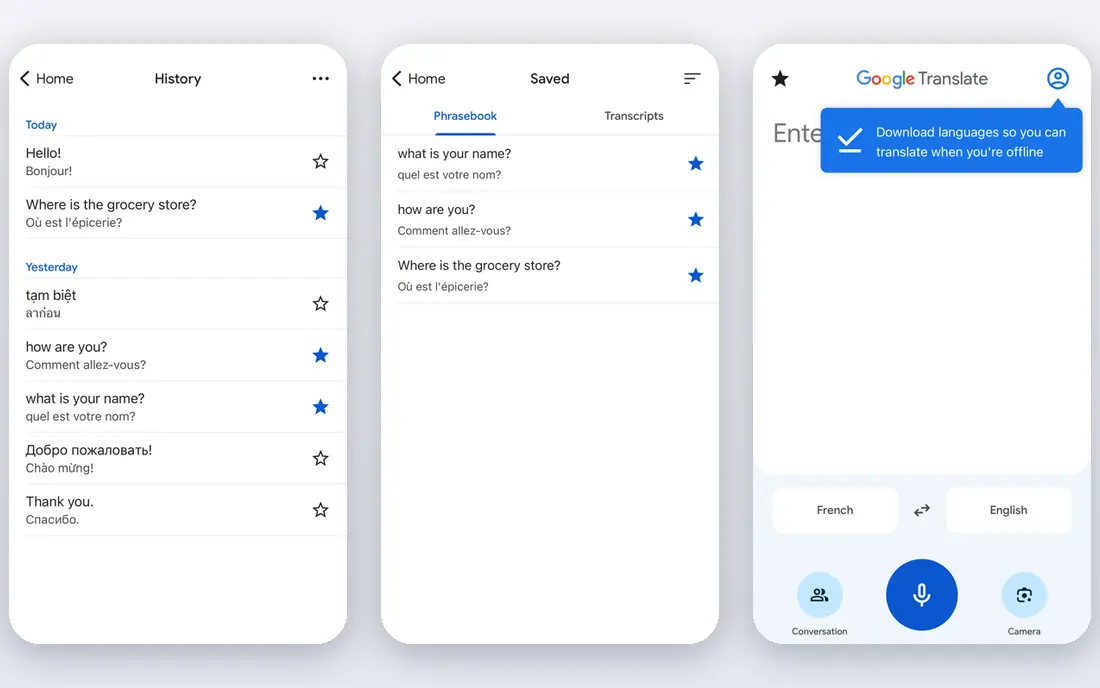
Google Translate remains the default travel app for most trips. It covers a very wide set of languages, offers text, voice, camera, and conversation modes, and lets you download language packs for offline use. Camera translation helps with menus, signs, and tickets, while conversation mode helps with a taxi driver, a hotel desk, or a shop assistant.
The limit is quality by language pair. Common pairs tend to read well, while rarer pairs can be stiff or unclear, so check critical phrases with a second source. Offline packs also need storage and a download before you leave. For a single app that covers most travel needs for free, Google Translate is still the safest first download.
- Widest language coverage
- Camera, voice, and conversation modes
- Downloadable offline packs
- Quality varies by language pair
- Some features need a connection for best results
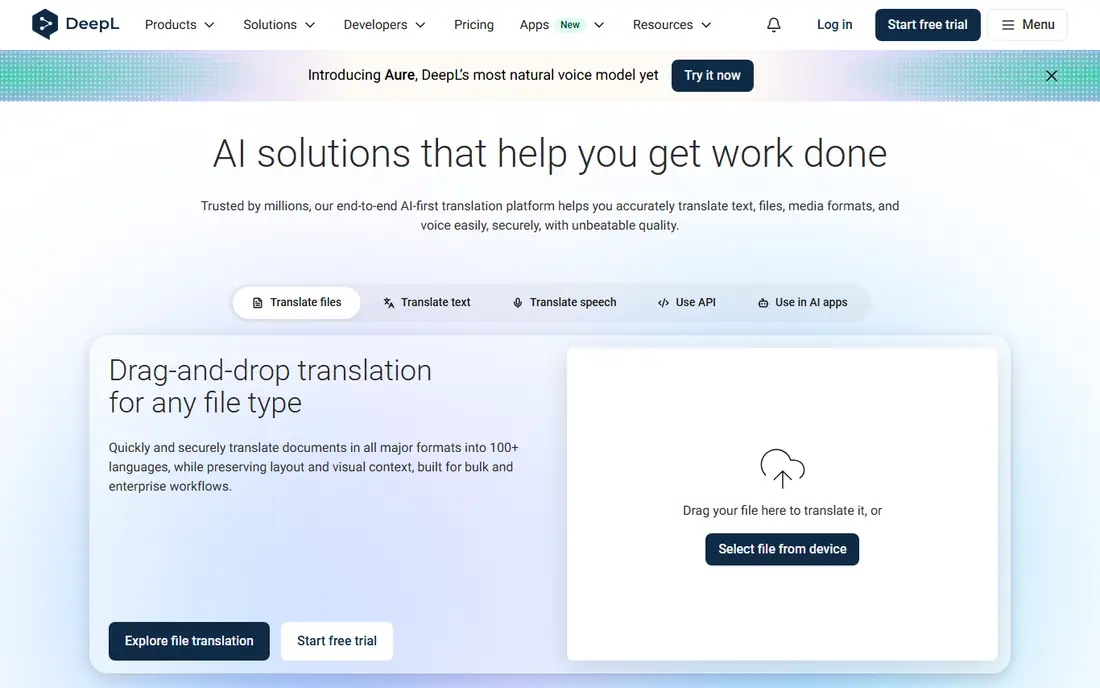
DeepL is the pick when written wording matters. Translations for its supported languages tend to read more naturally than a word by word result, which helps with hotel messages, emails, and longer notes. The free tier covers everyday text, while paid plans add document handling and higher limits.
The trade off is travel breadth. DeepL supports fewer languages than Google Translate, and its offline options are more limited, so it works best as a second app rather than a sole travel tool. Use DeepL for careful written messages, and keep Google Translate for camera work, voice chats, and rarer languages.
- Natural sounding written translations
- Good for messages and documents
- Clear tone handling
- Fewer languages than Google Translate
- Offline support is more limited
- Paid plans for full features
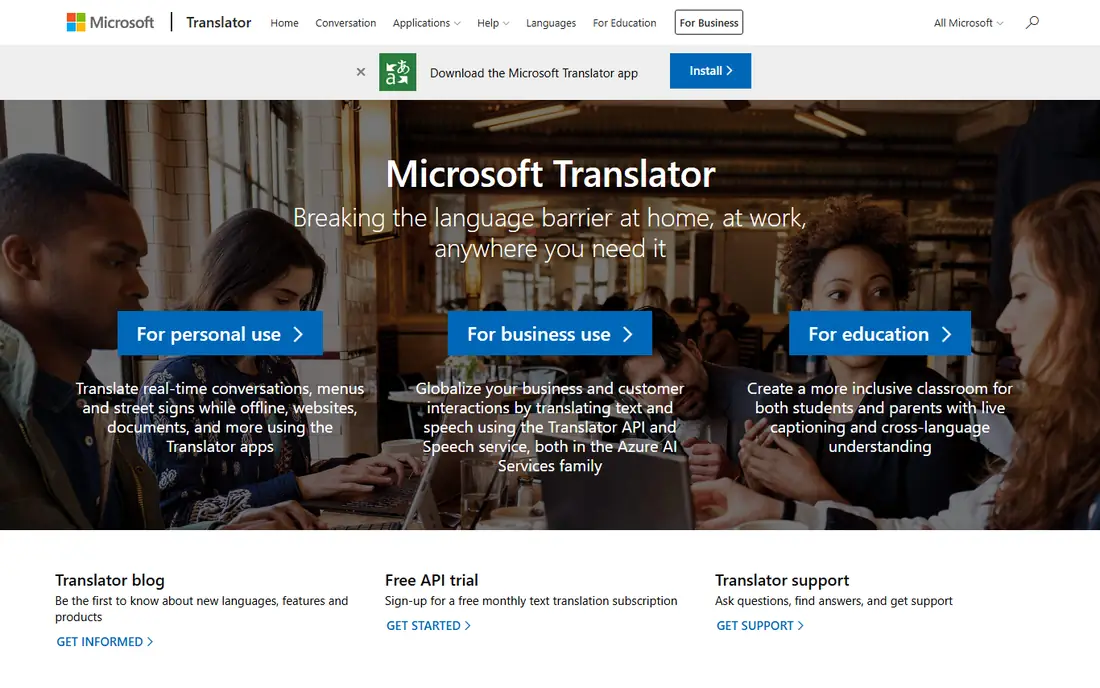
Microsoft Translator stands out for group travel. Several people can join one conversation on their own devices and read translations in their own language, which helps tour groups, families, and work trips. It also offers text, speech, image, and offline translation, plus a split screen mode for one to one chats.
The limit is coverage. The language list is smaller than Google Translate, so check your destination languages before you rely on it alone. Camera translation quality also varies. Pick Microsoft Translator when a group conversation is the main need, and pair it with Google Translate for broader coverage.
- Multi person conversation mode
- Text, speech, image, and offline translation
- Split screen conversations
- Language list is smaller than Google Translate
- Camera quality varies by language
Apple Translate is the simplest choice for iPhone users who want a private, built in option. It translates text, voice, and conversations, and downloaded languages can work on device without a connection, which helps with privacy and with weak signal. The interface is clean, and it needs no extra account for basic use.
The limits are platform and breadth. It only runs on Apple devices, and it covers fewer languages than Google Translate. Camera features are also more basic than the dedicated camera mode in Google Translate. Pick Apple Translate for short iPhone trips and private chats, and add Google Translate for wider coverage.
- Built into iPhone and iPad
- On device processing for downloaded languages
- Simple conversation mode
- Apple devices only
- Fewer languages than Google Translate
- Camera features are more basic
Papago, from Naver, is the regional specialist for Korea, Japan, and China. It handles Korean, Japanese, and Chinese with care, and it offers image translation, handwriting input, voice translation, and dictionary entries that help with tones, forms, and alternate meanings. That depth makes it a strong second app for East Asia trips.
Outside East Asia, Papago is less useful than Google Translate, so do not use it as your only app on a multi region trip. Some features also vary by language pair, so test your key phrases before departure. For Seoul, Tokyo, or Beijing, Papago plus Google Translate is a strong pair.
- Strong Korean, Japanese, and Chinese support
- Image, handwriting, and voice modes
- Dictionary help
- Weaker outside East Asia
- Some features vary by language
- Interface assumes regional use
iTranslate covers over 100 languages, with text, voice, and camera translation, plus a dictionary and phrase help that suit everyday travel. Voice mode is easy to use in a shop or a restaurant, and the Pro tier adds offline translation for many popular languages and verb conjugations for learners.
The catch is the paywall for offline use. The free version handles basic translation, but offline packs and fuller features need Pro, so check the current Pro price in the app before a trip with weak signal. Pick iTranslate if you like its voice flow and phrase tools, and keep Google Translate as a free offline backup.
- Over 100 languages
- Voice, camera, and offline modes
- Verb conjugations on Pro
- Offline translation and full features sit on Pro
- Free tier has limits
SayHi Translate focuses on one job: a short spoken conversation between two people. You speak, the app translates aloud, the other person replies, and the app translates back, which keeps a taxi ride, a market chat, or a hotel question moving. The interface is simple, and the app is free.
The limit is breadth. SayHi lacks the camera depth, offline packs, and document tools of larger apps, and most use needs a connection. It works best as a quick voice companion next to Google Translate, not as a sole travel app. Pick SayHi when voice simplicity matters more than camera or offline features.
- Simple two way voice translation
- Fast for short spoken phrases
- Free to use
- Needs a connection for most use
- Fewer text and camera features than larger apps
TripLingo takes a cultural approach to travel language. It teaches slang, local phrases, and etiquette tips, and it adds travel tools such as a currency converter, a tip calculator, and an offline dictionary. That mix helps you sound polite and local in a restaurant or a market, rather than only understood.
The trade off is translation range. TripLingo is not a full replacement for Google Translate, and its live human translator service costs extra per minute in older listings. Use TripLingo to learn phrases and customs before and during a trip, and use Google Translate or DeepL for full sentences and documents.
- Slang and local phrases
- Culture and etiquette tips
- Currency converter and tip calculator
- Offline dictionary
- Translation breadth is narrower than Google Translate
- Live human help costs extra
How we picked these
We compared vendor feature pages, app store listings, and recent travel translation roundups, and we kept apps that were still available in October 2026. We favoured apps with a real travel mode, such as camera translation, voice conversation, offline packs, or group chat, over general text translators with no travel features. Prices are listed as Free where a usable free tier exists, and we wrote See website in product notes where a paid tier price was not clearly stated.
Packing a translation kit for a trip
Download before you leave. Install your main app and a backup, download offline packs for every language you may need, and save key phrases for hotels, allergies, medicines, and emergencies as favourites or screenshots. Test camera translation on a menu photo and voice mode on a short phrase, so you learn the controls before you need them in a busy place.
Keep safety in mind for critical messages. Machine translation can miss tone, dosage, allergy detail, or legal wording, so double check health, safety, and booking messages with a second app or a human speaker when the stakes are high. Learn a few polite greetings and thank you phrases by heart as well, since a small effort often improves the whole conversation.
Frequently asked questions
What is the best translation app for travel?
Google Translate is the best all round travel app, with wide coverage, camera translation, voice chats, and offline packs for free. DeepL is best for natural written messages, Microsoft Translator is best for group chats, and Papago is best for East Asia. Most travellers benefit from two apps, not one.
Is there a free translation app for travel?
Yes. Google Translate, Microsoft Translator, Apple Translate, Papago, and SayHi are free, and DeepL, iTranslate, and TripLingo offer free tiers. Paid plans add offline packs, document handling, or higher limits in some apps, so check what the free tier includes for your trip.
Which translation app works offline?
Google Translate works offline with downloaded language packs, and Apple Translate works on device for downloaded languages. Microsoft Translator also offers offline packs. DeepL offline support is more limited, and SayHi needs a connection for most use. Download packs before departure.
What is the best travel translation app for Japan?
Papago is a strong choice for Japan, with image, handwriting, and voice modes for Japanese, plus dictionary help. Google Translate is a good backup for camera translation and wider coverage. Test both on a menu photo and a station sign before your trip.
Can I use a translation app for menus?
Yes. Point the camera at a menu, sign, or label in Google Translate, Papago, or iTranslate, and read the overlay or translated text. Camera results can struggle with handwriting, stylised fonts, and low light, so ask staff to confirm allergy or price details when they matter.
Sources
See where you really rank - block by block
ProMapRanker scans Google Maps across a grid of your service area. Simple monthly plans from $19, white-label on every plan.
Start freeKeep reading
 who has best internet service
Who Has the Best Internet Service in 2026
Who has best internet service for US homes? We compare fiber, cable, fixed wireless and satellite providers on speed, price, availability and terms today.
Read → which survey tool has the best analytics
Which Survey Tool Has the Best Analytics in 2026
Find which survey tool has the best analytics in 2026, comparing Qualtrics, SurveyMonkey, Typeform, Alchemer, and more on reports, text, and stats today.
Read → which streaming service has the best movies
Which Streaming Service Has the Best Movies in 2026
Answering which streaming service has the best movies, with Netflix, Max, Criterion and more compared on libraries, prices and free options in this guide.
Read →