 ProMapRanker
Best Tools for Digital Note-Taking in 2026

Key takeaways
- Notion is the best all-round workspace for structured notes and team work, while Obsidian is best for private, long-term personal notes.
- Apple Notes and Google Keep are the fastest free capture tools, because they are already on the device.
- Goodnotes and Bear suit handwriting and focused writing, but each works best inside the Apple ecosystem.
- Pick the tool that matches how you think: typed structure, linked ideas, handwriting or quick capture, not the tool with the longest feature list.
Quick comparison
| Pick | Great for | Pricing starts at | Free tier | |
|---|---|---|---|---|
 Notion | Structured notes and teams | Free | Yes | Visit |
 Obsidian | Private linked notes | Free | Yes | Visit |
 Microsoft OneNote | Free cross-platform notes | Free | Yes | Visit |
 Apple Notes | Fast Apple capture | Free | Yes | Visit |
 Google Keep | Quick lists and reminders | Free | Yes | Visit |
 Evernote | Search and web clipping | Free | Yes | Visit |
 Goodnotes | Handwritten notes | Free | Yes | Visit |
 Bear | Focused Markdown writing | Free | Yes | Visit |
The best tools for digital note-taking
We compared official feature pages, pricing pages and app listings for the best tools for digital note-taking, and focused on capture speed, organisation, sync and price. The tools below cover typed notes, handwriting, linked notes and quick lists, so the right pick depends on how you take notes day to day.
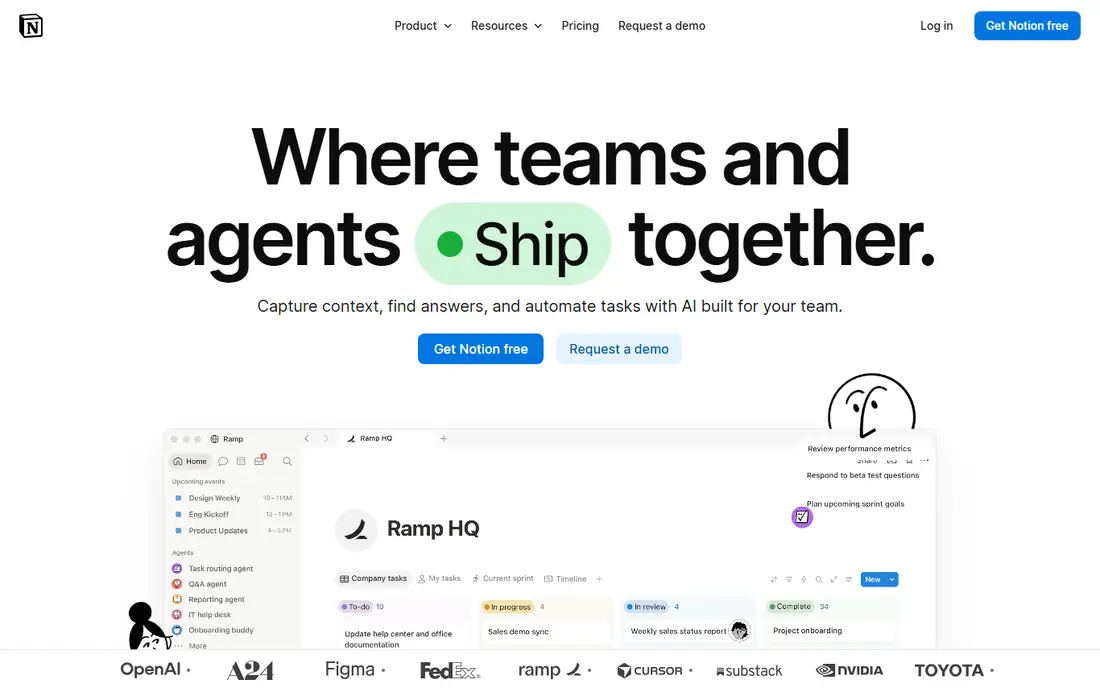
Notion is our pick for people who want notes plus structure. Pages can hold text, tables, checklists and databases, and templates cover meeting notes, project plans and study notes. Sharing is simple, so a team can build a shared wiki or a project hub in the same place as personal notes.
The limits are offline use and price for teams. Notion works best online, and the Plus plan at $10 per user per month billed annually adds version history and more collaboration controls. For a solo user, the free tier is generous, and for a team that wants one workspace, Notion is the strongest all-round choice.
- Databases, templates and pages in one workspace
- Strong team sharing
- Free tier for personal use
- Needs an internet connection for best use
- Plus plan at $10 per user per month billed annually for more features
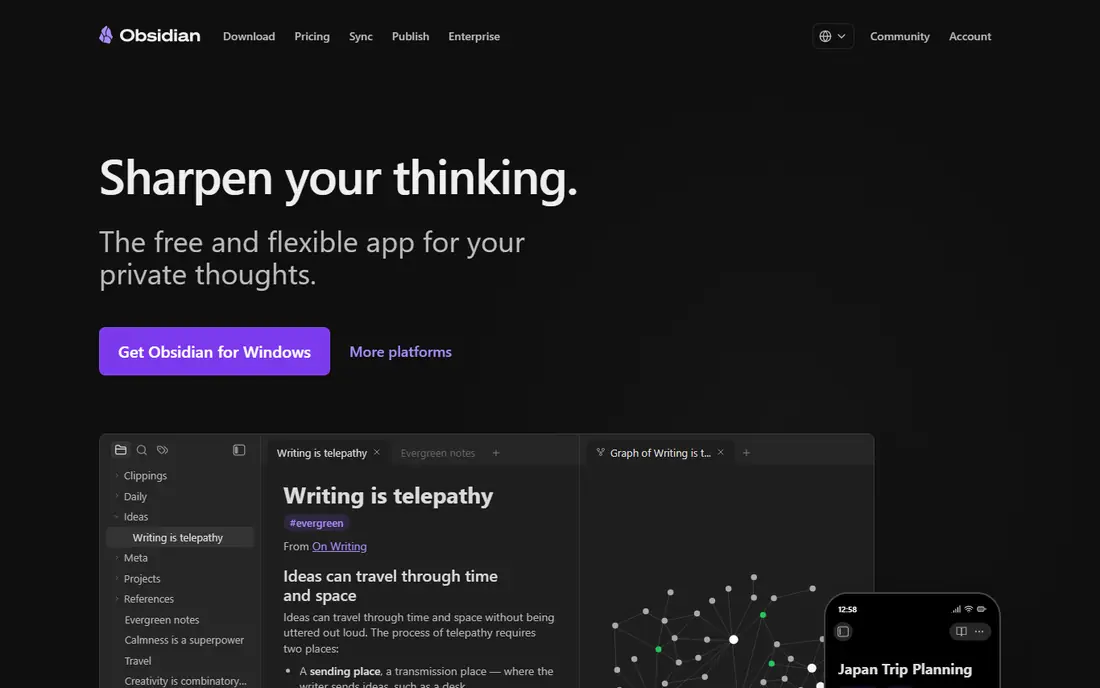
Obsidian suits writers, researchers and anyone building a long-term personal archive. Notes are plain Markdown files stored on your own device, so they are portable and easy to back up. Links between notes, backlinks and a graph view help surface connections that a folder system would hide.
The trade-off is setup. Obsidian is powerful, but it asks users to design their own system, and official sync costs extra, listed at $4 per month billed annually in recent comparisons, with a higher tier for larger needs. For a user who values ownership and linked thinking over a ready-made template, Obsidian is the best free note taking app in this list.
- Local Markdown files you own
- Links and graph view for connected ideas
- Free for personal use
- Sync is paid at $4 per month billed annually in recent listings
- Setup takes more effort than a simple notes app
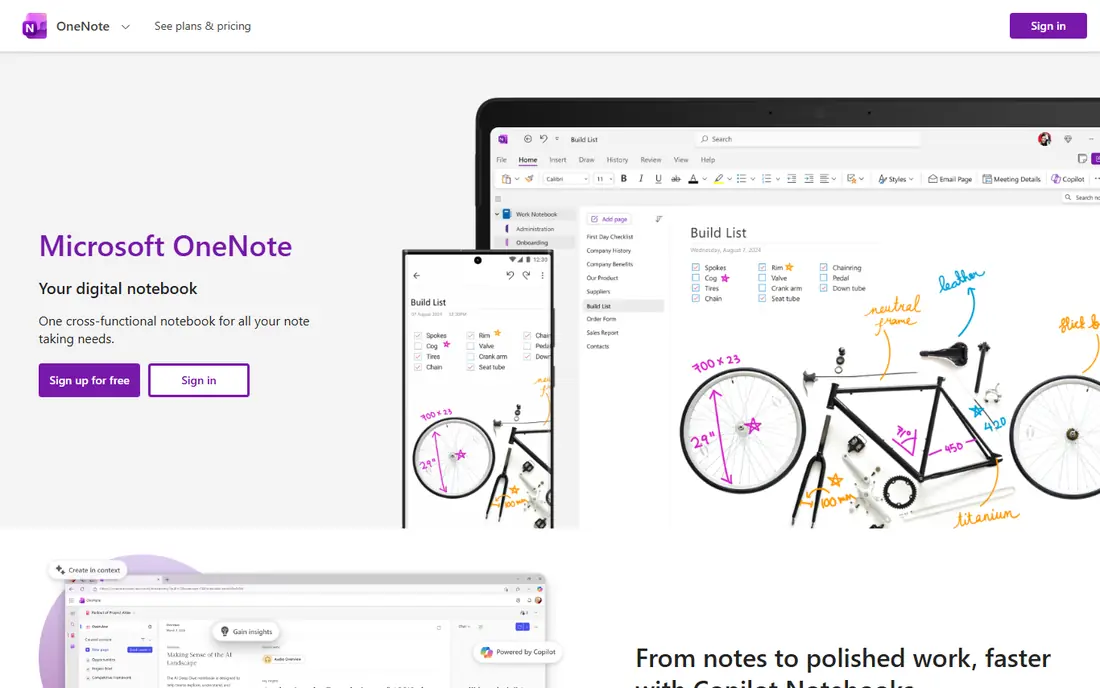
OneNote is the best free cross-platform choice for mixed notes. Its notebook, section and page structure feels familiar, and the free-form canvas lets users place text, images, drawings and audio anywhere on a page. It runs on Windows, Mac, iOS, Android and the web, and syncs through OneDrive.
The limit is structure at scale. OneNote is great for capture, but a very large archive can become hard to search and organise compared with Notion or Obsidian. For students and office users who already have a Microsoft account, though, OneNote is a strong, no-cost starting point.
- Free with a Microsoft account
- Infinite canvas for mixed notes
- Handwriting and drawing support
- Organisation can feel loose for large archives
- Some features need a Microsoft 365 plan
Apple Notes is the fastest note tool for Apple users, because it is already installed and syncs through iCloud. Capture is quick, search is good, and iPad users can handwrite, sketch and mark up PDFs. Folders, tags and smart folders cover most personal organisation needs.
The limit is platform. Apple Notes works best inside the Apple ecosystem, and sharing with Windows or Android users is less smooth. For an Apple-only user who wants quick, reliable notes without a new subscription, Apple Notes is hard to beat, and it pairs well with Obsidian for a long-term archive.
- Free on Apple devices
- Fast capture with iCloud sync
- Handwriting and sketch support on iPad
- Apple devices only for full use
- Organisation is simpler than Notion or Obsidian
Google Keep is the best tool for quick capture. A list, a reminder, a photo note or a voice note takes seconds, and labels and colours keep short notes findable. It works on the web, iOS and Android, and it is free with a Google account, with no paid tier to worry about.
The limit is depth. Keep is not built for long essays, linked research or complex projects, and a large collection can feel flat. Use Keep as a capture inbox, then move important notes to Notion, Obsidian or OneNote when they need structure. That two-step system works well for many users.
- Completely free
- Very fast for lists, reminders and voice notes
- Works on web, iOS and Android
- No real structure for long notes
- Organisation is limited to labels and colours
Evernote remains a good choice for users with a large archive and a need for strong search. Its web clipper saves articles and pages cleanly, and search covers text inside notes, images and PDFs on paid plans. That makes it useful for research and for keeping a searchable record of documents.
The free tier is the catch. Recent listings put it at 50 notes, one notebook and one device, which is tight for regular use. Paid plans, listed from $14.99 per month for Personal in some listings and from $99 per year for a Starter plan in others, are higher than Notion or Obsidian sync. Evernote suits long-time users and heavy clippers who will pay for search depth.
- Strong search, including text in images and PDFs in paid plans
- Web clipper for research
- Long history as a notes app
- Free tier limited to 50 notes in recent listings
- Paid plans start higher than rivals
Goodnotes is the best handwriting app for students and anyone who thinks on paper. On iPad with Apple Pencil, writing feels natural, notebooks organise by subject, and PDF markup lets users annotate lecture slides and documents directly. Handwriting search in paid plans helps find notes later.
The limit is platform and price tiers. Goodnotes is strongest on Apple devices, and recent listings split paid plans into Essential and Pro, with AI features in a separate pass. For a student who handwrites most notes, Goodnotes is worth the cost, but typed-note users will get more from Notion or Obsidian.
- Excellent handwriting on iPad
- PDF markup
- Notebooks that feel like paper
- Best on Apple devices
- Full features sit in paid plans, listed from $11.99 per year for Essential in recent listings
Bear is the pick for writers who want a calm, focused app. Its clean design, Markdown support and tag system suit short essays, journal entries and draft notes without the clutter of a full workspace. The free tier covers basic writing, while Pro at $2.99 per month adds sync through iCloud and extra export options in published listings.
Bear is Apple-only, which limits teams and mixed-device users. It also lacks databases and linked graph views, so it is not a research archive. For a writer on Apple devices who wants beautiful, distraction-free notes, Bear is one of the best digital note-taking apps in this list.
- Clean, focused writing
- Markdown support
- Tags for simple organisation
- Apple devices only
- Pro plan at $2.99 per month for sync and export features
How we picked these
We compared official feature pages, pricing pages and app listings for note-taking tools available today, and kept only tools with a real free tier or a free core app. We weighed capture speed, organisation, handwriting, sync, platform support and price, and we looked for a mix of typed, handwritten and linked-note approaches. Tools that were only a to-do app or only a document editor were left out.
We did not claim hands-on testing that did not happen. Our comparison rests on published features and pricing, plus the practical limits that matter in daily use, such as free tier caps, sync costs and platform limits. Where a price could not be verified from the vendor, we wrote See website rather than guessing, and we noted where app store prices differ.
How to choose a note-taking tool
Start with how you capture
If you handwrite, Goodnotes or Apple Notes fit best. If you type and link ideas, Obsidian or Notion fit better. If you capture quick lists all day, Google Keep is fastest. The capture method you use most should drive the choice, because a tool you do not open will not help.
Check sync, export and ownership
Ask where notes live, how they sync across devices and how you can export them. Local Markdown files in Obsidian are the most portable, while cloud workspaces offer easier sharing. Export a test note before building a large archive, so you know you can leave if needed.
Keep the system simple
One main tool plus one capture inbox is enough for most users. A complex system with five apps often leads to notes scattered across places. Start with one tool for a month, review what felt slow, and only then add a second tool for a clear gap.
Frequently asked questions
What is the best free note taking app?
Notion, Obsidian, OneNote, Apple Notes and Google Keep all offer strong free tiers. Notion is best for structured notes, Obsidian for private linked notes, OneNote for cross-platform mixed notes, Apple Notes for Apple users and Google Keep for quick lists. Pick the free tier that matches how you capture.
What are the best digital note-taking apps for handwriting?
Goodnotes leads for iPad handwriting, with Apple Notes as a strong free alternative on Apple devices. OneNote also supports handwriting across platforms, though its pen experience varies by device. Check stylus support and PDF markup before paying for a handwriting app.
What is the best note app for students?
Goodnotes suits students who handwrite, Notion suits students who need structured study notes and shared project pages, and OneNote suits students who want a free cross-platform notebook. Many students use two tools: one for lectures and one for revision notes.
Is Obsidian or Notion better for personal notes?
Obsidian is better for private, long-term personal notes stored as local files, with links and a graph view. Notion is better for structured notes, templates and sharing with a team. Some users use both: Obsidian for a personal archive and Notion for shared work.
Can I move notes between these apps?
In most cases, yes, but the ease varies. Markdown notes from Obsidian and Bear export cleanly, while Notion, Evernote and OneNote exports need checking for formatting and attachments. Export a sample before committing a large archive to one tool.
Sources
See where you really rank - block by block
ProMapRanker scans Google Maps across a grid of your service area. Simple monthly plans from $19, white-label on every plan.
Start freeKeep reading
 free chatgpt alternatives hong kong
Free ChatGPT Alternatives Hong Kong in 2026
Find free ChatGPT alternatives Hong Kong users can access in 2026, from Gemini and Perplexity to DeepSeek and Copilot, with free tiers compared today.
Read → best work management software
Best Work Management Software in 2026
We compared the best work management software for teams, agencies, and small businesses, covering boards, timelines, automation, and current pricing today.
Read → best wiki app paid
Best Wiki App Paid in 2026: 10 Apps Compared
Compare the best wiki app paid options in 2026, with Confluence, Notion, Nuclino, Slab, Guru, and more for teams needing a real knowledge base Plus buying tips.
Read →