 ProMapRanker
Best Tools for Coding Collaboration in 2026

Key takeaways
- Coding collaboration splits into two jobs: live pairing, and async review through pull requests and merge requests.
- GitHub and GitLab cover the async job best for most teams, while Live Share and Tuple cover the live pairing job.
- Browser tools such as Replit, CodeSandbox and Gitpod reduce setup time, which helps onboarding, interviews and short projects.
- Free tiers are generous for individuals and open source, but team controls, security and support usually sit on paid plans.
- Pick the tool that fits your existing stack first, because switching a whole team to a new host costs more than any single feature.
Quick comparison
| Pick | Great for | Pricing starts at | Free tier | |
|---|---|---|---|---|
 GitHub | Most teams and open source | Free | Yes | Visit |
 GitLab | All-in-one DevOps teams | Free | Yes | Visit |
 Visual Studio Live Share | Live pairing in VS Code | Free | Yes | Visit |
 JetBrains Code With Me | Live pairing in JetBrains IDEs | Free | Yes | Visit |
 Replit | Browser coding with no setup | Free | Yes | Visit |
 CodeSandbox | Browser front-end collaboration | Free | Yes | Visit |
 Gitpod | Cloud dev environments | Free | Yes | Visit |
 Bitbucket | Teams already using Atlassian tools | Free | Yes | Visit |
 Tuple | High-quality remote pairing on Mac and Windows | $30 per user per month | Free trial | Visit |
The best tools for coding collaboration
Coding collaboration is not one feature. Some teams need live co-editing, where two people type in the same file at once. Others need careful review, where changes are proposed, discussed and merged later. The tools below cover both jobs, and we compared official feature pages, pricing pages and public documentation to place each one where it fits best.
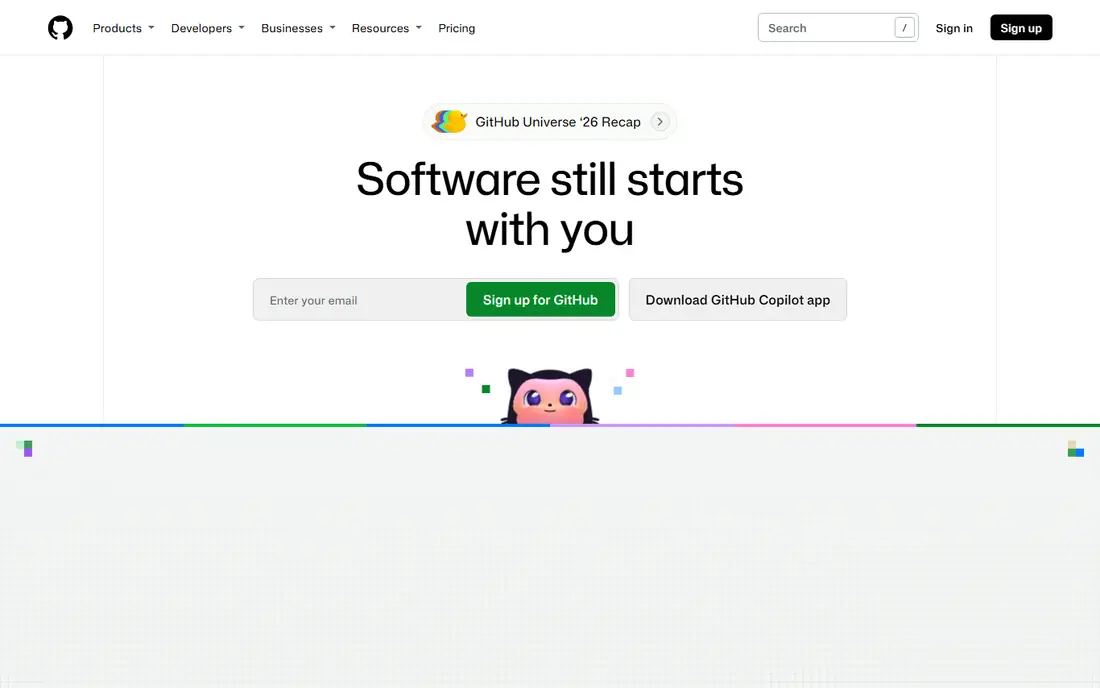
GitHub is the default collaboration host for most teams because pull requests, code review, issues and automation live in one place. A developer opens a pull request, reviewers comment on exact lines, checks run, and the change merges with a clear history. That async flow suits teams across time zones, because no one needs to be online at the same time to move work forward.
The catch is that the free tier, while generous, does not include every enterprise control. Protected branches and required reviewers help small teams, but larger companies often need enterprise plans for audit, single sign-on and advanced security. For open source and most small teams, GitHub remains the simplest choice, mainly because contributors already know it.
- Largest developer community
- Mature pull request review
- Actions automation and Codespaces integration
- Advanced security and enterprise controls cost extra
- Large repos need disciplined workflow habits

GitLab suits a team that wants source control, pipelines, issue tracking and security scanning in one product rather than stitching several tools together. Merge requests include approval rules, code owners and discussion threads, so review stays close to the code. Self-hosting also appeals to teams with strict data or network rules, since they can run GitLab on their own infrastructure.
The trade-off is complexity and cost at scale. The free tier limits group size on the hosted service, and higher tiers have moved toward sales conversations rather than simple public prices in some cases. A small team that only needs repos and reviews may find GitHub simpler. A team that wants one DevOps platform will get more from GitLab.
- Built-in CI and CD, issues, boards and security scanning
- Self-hosting option
- Merge request approvals
- Paid tiers can be expensive and quote-based at the top end
- Interface can feel busy for small teams
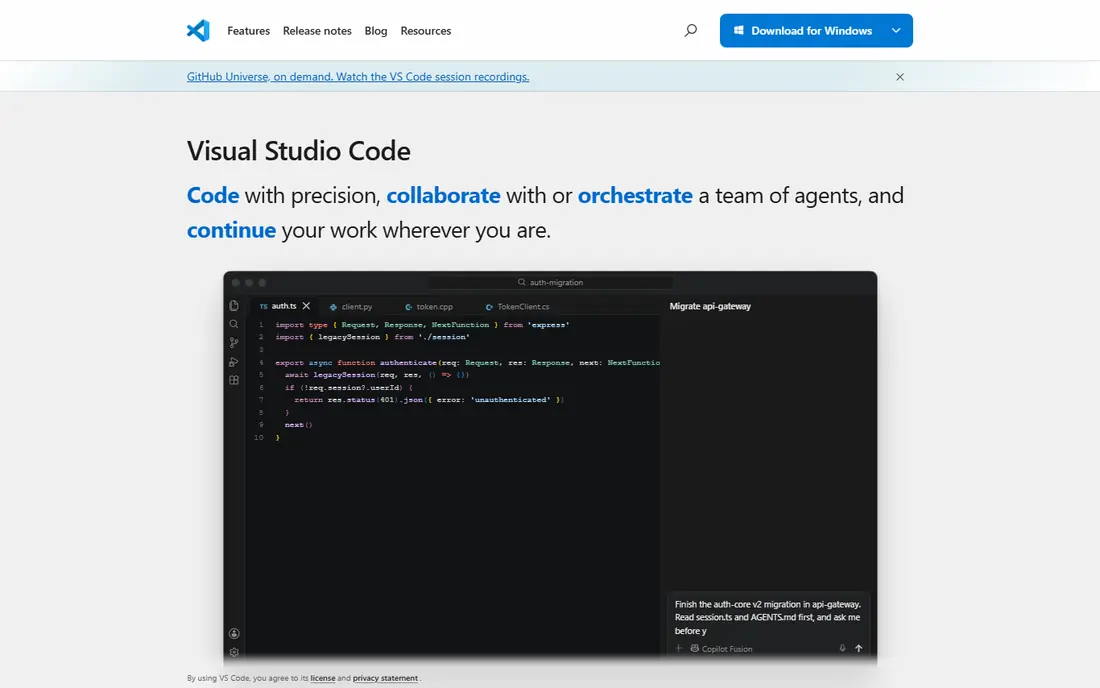
Visual Studio Live Share is built for the moment when two developers need to work in the same code at the same time. The host shares a session, guests edit, follow cursors, share a terminal and debug together, without each person cloning and configuring the whole project first. That makes it ideal for pair programming, mentoring and debugging a tricky issue with a teammate.
Live Share is not a replacement for GitHub or GitLab. It handles the live session, while the host still handles repos, reviews and releases. A team that pairs often should use Live Share alongside its normal host, not instead of it. For VS Code teams, the fact that it is free removes the usual barrier to trying live pairing.
- Free live co-editing
- Shared debugging and terminals
- Guests can join without a full local setup
- Works best inside VS Code and Visual Studio
- Not a full project host on its own
Code With Me lets JetBrains users pair inside the IDE they already use, with shared editing, debugging and chat. Guests can join in a lightweight mode without installing the full IDE setup, which helps when a colleague needs to look at code quickly. For IntelliJ, PyCharm, WebStorm and other JetBrains users, that native feel is a real benefit over a generic screen share.
The important caveat is its future. JetBrains has signaled that Code With Me support will end in 2027, so a team adopting it now should treat it as a short-term pairing aid and keep its main collaboration in a host such as GitHub or GitLab. If your team is already JetBrains-based and needs pairing this year, it still works well, but do not build a long-term process only on it.
- Live co-editing inside JetBrains IDEs
- Shared debugging and chat
- Guest mode for lightweight joining
- Support is winding down, with service changes expected in 2027
- JetBrains-only workflow
Replit removes setup friction, which is its main collaboration strength. A team member can open a shared workspace in a browser, edit together, run code and share a link, without installing toolchains or matching local versions. That helps onboarding, teaching, interviews and quick prototypes, where setup time would otherwise eat the whole session.
The limit is scale and local power. Heavy projects, large repos and strict local tooling still suit a desktop IDE and a proper host better. Paid plans add private workspaces and team features, so a team that uses Replit daily should price the plan it actually needs. For short, shared, browser-first work, Replit is hard to beat for speed.
- Runs in the browser with instant sharing
- Multiplayer editing
- Good for learning, onboarding and prototypes
- Paid plans needed for larger team and private work
- Browser limits for heavy local projects
CodeSandbox is built for front-end teams that need to share a working web project quickly. A sandbox can be opened, edited together and previewed in the browser, so a designer, reviewer or teammate can see the result without a local build. Live collaboration and classroom-style modes help teaching and review, where seeing the running app matters as much as seeing the code.
The focus is also the limit. CodeSandbox shines for JavaScript, web frameworks and prototypes, but it is not the natural home for a large back-end system or a multi-service monorepo. A front-end team that reviews visual work often will get daily value from it. A back-end team should pair it with a host like GitHub rather than using it as the main repo.
- Fast browser sandboxes for web projects
- Live collaboration
- Instant preview for front-end work
- Best for web and front-end projects
- Less suited to large back-end monorepos
Gitpod solves a different collaboration problem: everyone gets the same development environment, started from the same repo, without local setup drift. A new hire, contractor or reviewer can open a workspace that already has the tools, dependencies and configuration the project needs. That consistency reduces the classic problem where code works on one machine and fails on another.
Gitpod is not a code host by itself. It works best with GitHub, GitLab or Bitbucket, where reviews and releases already live. Teams should also watch usage, because cloud environments cost more when many developers run them for long hours. For onboarding and consistent team setups, that cost is often worth it.
- Ready-to-code cloud environments from a repo
- Consistent setup for every teammate
- Good for onboarding
- Usage-based costs can grow with heavy use
- Needs a repo host alongside it for reviews
Bitbucket is the natural code host for teams already inside the Atlassian ecosystem. Pull requests link to Jira issues, Pipelines handle builds, and work tracking stays in tools the team already uses. That integration saves context switching for product teams that plan in Jira and review code in the same workflow.
Outside Atlassian shops, Bitbucket has less pull. Its public community is smaller than GitHub, so open source projects get less discovery there, and some developers will need to learn a slightly different review flow. If your team already pays for Jira, Bitbucket is a strong, low-friction choice. If not, GitHub or GitLab usually offer a broader ecosystem.
- Tight Jira and Trello integration
- Pull request review
- Pipelines for CI and CD
- Smaller community than GitHub
- Less attractive for open source discovery
Tuple is built for one job and does it well: remote pair programming with low latency, clear audio and full control sharing. Both developers get their own cursor, either can take control, and the session feels closer to sitting at the same machine than a basic screen share does. That quality matters when pairing is a daily habit rather than an occasional call.
The price and scope are the limits. Tuple is a paid pairing tool, not a host, so a team still needs GitHub, GitLab or Bitbucket for repos and reviews. It is best for teams that pair for hours each day and feel the friction of laggy screen sharing. For occasional pairing, a free tool such as Live Share will usually be enough.
- Low-latency pairing with separate cursors and control
- Voice built in
- Designed for pair programming
- Paid tool with no free plan
- Pairing-focused, not a repo host
How we picked these
We compared official feature pages, pricing pages and public documentation for tools that support shared code work, and we kept only tools still offered in October 2026. We covered both live pairing and async review, and we mixed free hosts, browser tools and paid pairing tools so different team sizes can find a fit. We did not claim hands-on testing. Prices and plan limits change, so check the vendor pricing page before you commit a team.
What to check before you buy
First, separate live work from async work. If your team mainly reviews code across time zones, invest in a strong host with good pull request habits, required reviews and automation. If your team pairs daily, invest in a low-latency pairing tool and a good audio setup. Buying a pairing tool when you need better reviews, or vice versa, wastes money.
Next, check permissions, security and audit needs. Small teams can live with simple repo permissions, but larger teams need code owners, branch protection, single sign-on and audit logs. Those features often sit on paid tiers, so price the tier that meets your security policy, not the free tier you trial. Also check data residency and self-hosting if your work has compliance limits.
Finally, trial with a real project, not a demo repo. Run a pull request with a tricky review, pair on a real bug, onboard a new teammate in a cloud environment, and measure setup time. The tool that feels smooth on a toy project can feel slow on a large repo with many dependencies. A one-week trial on real work tells you more than a feature list.
Frequently asked questions
What is the best tool for coding collaboration for a small team?
For most small teams, GitHub with Visual Studio Live Share covers both async review and live pairing at low cost. GitHub handles repos and reviews, while Live Share handles the moments when two people need to edit together. Add a browser tool such as Replit only if setup time or onboarding is a regular problem.
Is live pairing better than pull request review?
They solve different problems. Live pairing helps with complex bugs, mentoring and fast design decisions, while pull request review gives careful, written feedback that can be checked later. Strong teams use both: pair when stuck, and review every change before it merges.
Do we need a paid plan to collaborate on code?
No, for many teams. GitHub, GitLab and Bitbucket all offer free tiers that support private repos and basic review for small teams. Paid plans become important for larger teams, advanced security, compliance controls and higher automation limits. Start free, then upgrade when a limit actually blocks work.
What is the difference between GitHub and GitLab for collaboration?
GitHub has the larger community and is often simpler for open source and small teams. GitLab bundles more DevOps features, including pipelines, boards and security scanning, in one product. Choose GitHub for community and simplicity, and GitLab when you want one platform for code, pipelines and delivery.
Can browser tools replace a desktop IDE for team work?
For learning, prototypes and front-end review, yes. For large, complex projects with local tooling, most teams still use a desktop IDE alongside a browser tool. Browser tools are best as a complement that speeds onboarding and sharing, not as a full replacement for every project.
How do we keep code reviews useful instead of slow?
Keep changes small, require at least one reviewer, use automated checks for style and tests, and agree on response times. Large pull requests with vague descriptions slow every team, no matter which tool they use. Good habits matter more than the host you choose.
Sources
See where you really rank - block by block
ProMapRanker scans Google Maps across a grid of your service area. Simple monthly plans from $19, white-label on every plan.
Start freeKeep reading
 best tour operator software
Best Tour Operator Software in 2026
Compare the best tour operator software for bookings, channel management, waivers and payments, with pricing models for day tours and multi-day trips.
Read → best time clock app for small business
Best Time Clock App for Small Business in 2026
We compare the best time clock app for small business options, with free plans, GPS clock ins, scheduling and payroll links for hourly teams and payroll help.
Read → best test automation tools
Best Test Automation Tools in 2026
Compare the best test automation tools, from Playwright and Selenium to Cypress, Katalon and BrowserStack, with prices, languages and best uses explained.
Read →