 ProMapRanker
Best Tools for Building Containers in 2026

Key takeaways
- Docker remains the default choice for most developers because of its docs, ecosystem, and familiar workflow.
- Podman and Buildah suit teams that want daemon-free, rootless builds without a central background service.
- BuildKit is the right pick when build speed, caching, and parallel stages matter most in CI.
- Kaniko, Jib, and Paketo Buildpacks solve narrower problems, such as builds inside Kubernetes, Java images, and builds without a Dockerfile.
Quick comparison
| Pick | Great for | Pricing starts at | Free tier | |
|---|---|---|---|---|
 Docker | General container builds | Free | Yes | Visit |
 Podman | Daemon-free container builds | Free | Yes | Visit |
 Buildah | Scripted image builds | Free | Yes | Visit |
 BuildKit | Fast cached builds | Free | Yes | Visit |
 Kaniko | Builds inside Kubernetes | Free | Yes | Visit |
 nerdctl | Docker-like builds on containerd | Free | Yes | Visit |
 Jib | Java container images | Free | Yes | Visit |
 Paketo Buildpacks | Builds without a Dockerfile | Free | Yes | Visit |
The best tools for building containers
Building a container means turning code and dependencies into a portable image that runs the same way on a laptop, a server, or a cluster. The tools below differ in how they handle daemons, root access, caching, and Dockerfiles. We compared official docs and project pages for features, platform support, and CI fit, and we favored tools that still work in October 2026 and have active maintenance. All eight are free and open source, so the choice rests on workflow and environment, not license cost.
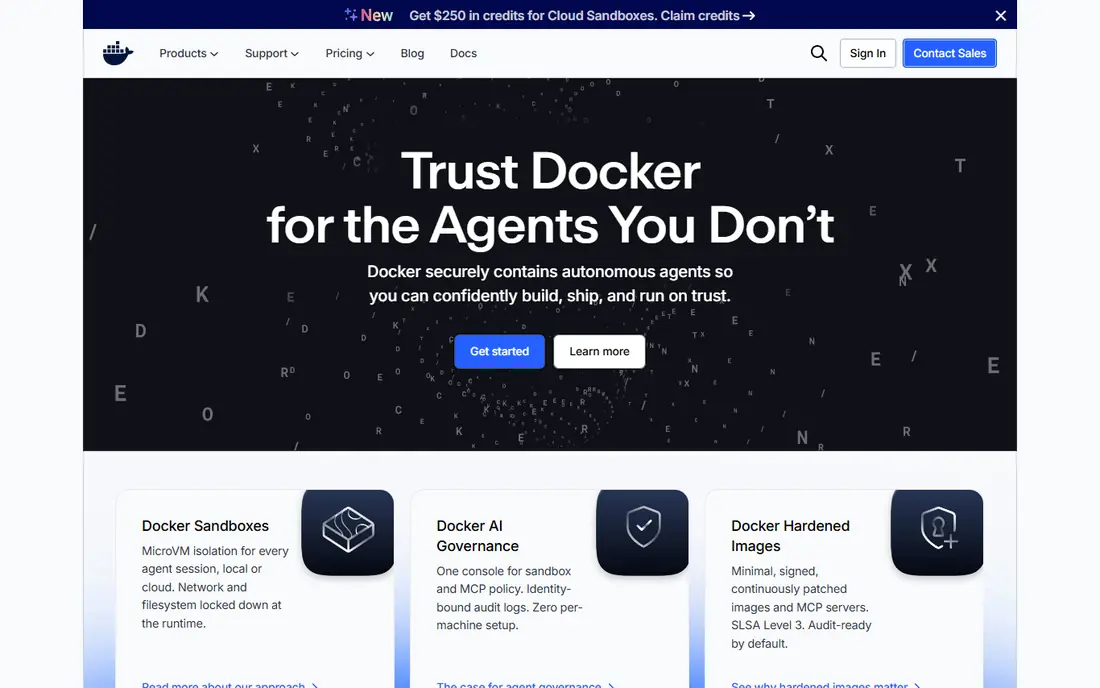
Docker is the tool most developers learn first, and that familiarity is a real advantage. The command line, Desktop app, Compose files, and Hub registry form a complete path from a first image to a shared team workflow. Modern Docker builds use BuildKit, which adds parallel stages, better caching, and secret handling during builds. For local development and common CI jobs, Docker is the least surprising choice, and most tutorials, examples, and third-party tools assume it.
The trade-offs are architectural and commercial. Docker runs a central daemon, which some security teams dislike, and Docker Desktop licensing terms for larger organizations need a careful read. On a small server, the daemon also adds overhead that daemon-free tools avoid. Still, for teams that want broad compatibility and the largest body of help available, Docker remains our default pick.
- Familiar workflow and large ecosystem
- Strong docs and Desktop app
- BuildKit included for faster builds
- Central daemon and licensing terms need checking for larger companies
- Heavier than daemon-free tools on small machines
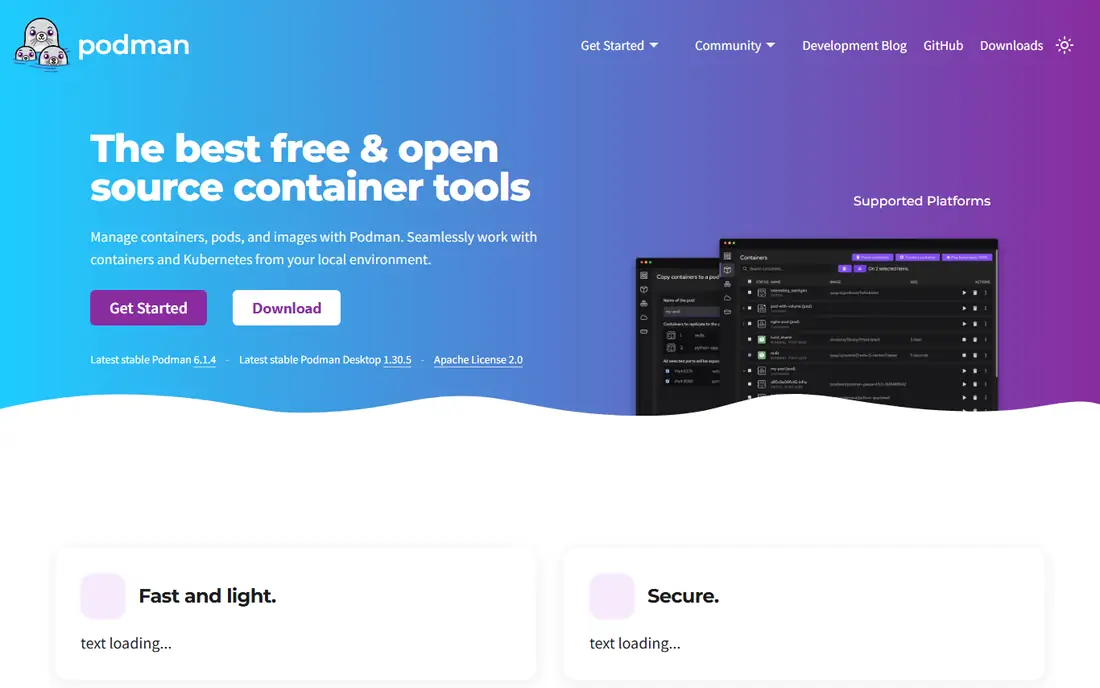
Podman builds and runs containers without a central daemon, which improves security posture on shared machines and servers. It can run rootless, so a build does not need full system privileges, and its command line mirrors Docker for most daily commands, which eases migration. Podman uses Buildah under the hood for builds, so you get daemon-free image creation plus container management in one tool. For Linux teams and security-conscious shops, that combination is attractive.
Podman is not a perfect drop-in replacement. A few Docker-specific features, networking setups, and Desktop conveniences behave differently, and Windows and Mac users may need extra setup compared with Docker Desktop. Documentation and community help are strong, but smaller than Docker. If daemon-free operation matters to your team, Podman is the most complete alternative here.
- No central daemon
- Rootless operation by design
- Docker-compatible command line for most tasks
- Some Docker workflows need adjustment
- Desktop and ecosystem support is smaller than Docker
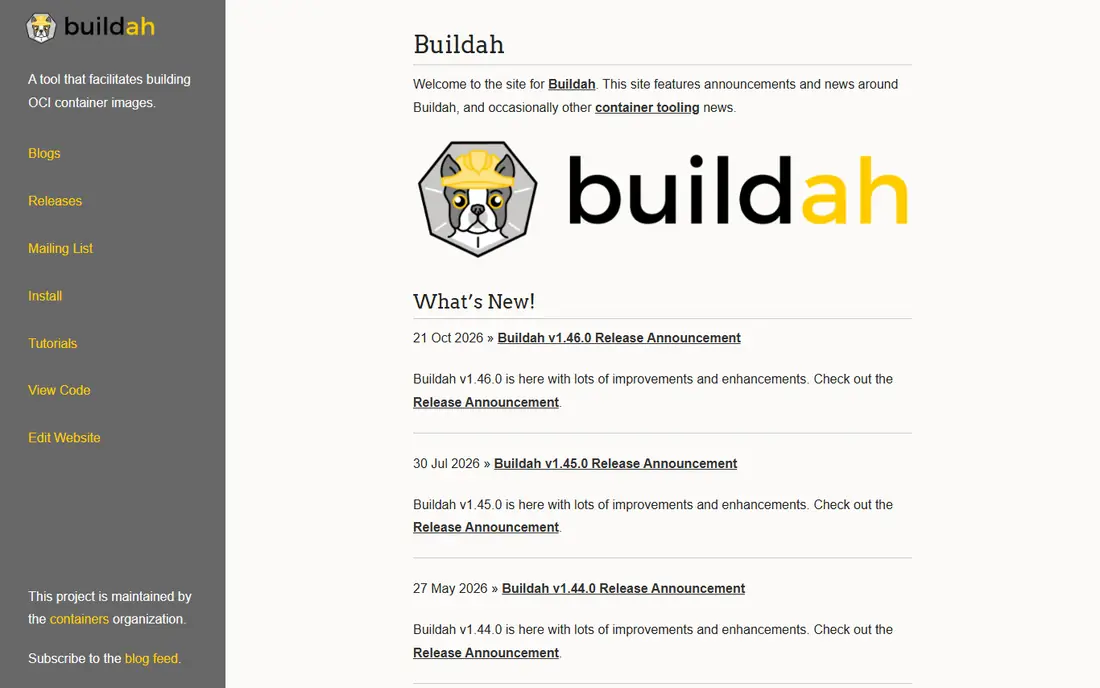
Buildah is the focused build tool behind Podman, and it shines when builds are scripted rather than typed by hand. You can build from a Dockerfile, or you can build an image step by step from a shell script, mounting a working container, adding files, and committing layers. That control helps CI pipelines that need custom logic, such as building from multiple sources or applying security steps between layers. Buildah also supports rootless builds, which suits locked-down runners.
Beginners may find Buildah less welcoming than Docker, since it is a build tool, not a full container platform. You will still need a runtime such as Podman to run images, and a registry to share them. For automation teams that want scriptable, daemon-free builds, Buildah gives precise control without extra layers in the way.
- Builds images without a daemon
- Fine control from scripts and shell
- Supports Dockerfiles and direct builds
- Command line is less friendly for beginners
- No built-in container runtime or registry UI
BuildKit is the build engine behind modern Docker builds, and it can also run on its own for teams that want its speed without the full Docker stack. It turns build instructions into a graph, runs independent stages in parallel, and caches results so unchanged steps do not rebuild. Mounts for secrets and SSH let builds fetch private dependencies without baking credentials into image layers, which is a real security gain. Custom frontends also let teams extend the Dockerfile format for their own needs.
Using BuildKit standalone takes more setup than running Docker Build, and the project docs assume you already understand image layers and caching. For most Docker users, BuildKit simply arrives as part of Docker and needs no separate decision. For platform teams building their own CI builders, BuildKit is the fastest and most flexible engine on this list.
- Parallel build stages and strong caching
- Secret and SSH mounts that keep credentials out of images
- Pluggable frontends
- Setup is more involved when used outside Docker
- Docs assume familiarity with build concepts
Kaniko solves a specific cluster problem. In Kubernetes, giving a build job access to a Docker daemon is risky, and many clusters ban privileged containers outright. Kaniko builds a container image from a Dockerfile inside an unprivileged container, then pushes the result to a registry, without needing Docker at all. That makes it useful for GitHub Actions, GitLab CI, Tekton, and Argo workflows that run inside clusters with strict security rules.
There is a maintenance note worth knowing. Google deprecated Kaniko, and Chainguard has stepped in to maintain it, so teams should check the current project status before adopting it for a long-term platform. Performance on very large images can also lag BuildKit and Buildah. If your builds must run inside Kubernetes without privileged access, Kaniko remains a practical and well-understood choice.
- Builds images inside a container or cluster without a daemon
- Works where privileged Docker access is banned
- Dockerfile compatible
- Project maintenance has changed hands
- Builds can be slower than BuildKit for large images
nerdctl is a command-line tool for containerd, the runtime that sits under Kubernetes and many modern platforms. It offers Docker-like commands for building, running, and managing images, so developers who know Docker can switch with little retraining. Because it talks directly to containerd, it avoids a Docker daemon while staying close to the runtime that production clusters actually use. That closeness helps teams that debug images on the same stack they deploy to.
The ecosystem is smaller than Docker, and some Compose-style workflows need companion tools such as nerdctl Compose support or other helpers. Documentation is good but less tutorial-rich than Docker. For containerd-native teams, nerdctl is a clean, daemon-free bridge between local builds and cluster runtimes.
- Docker-compatible commands on containerd
- No Docker daemon needed
- Good for Kubernetes-adjacent workflows
- Smaller ecosystem than Docker
- Some Docker Compose features need extra tools
Jib is built for Java developers who want container images without writing and maintaining Dockerfiles. It plugs into Maven and Gradle, separates application code, resources, and dependencies into layers, and pushes the image to a registry without needing a Docker daemon. That layering makes rebuilds fast, since only changed layers are rebuilt and pushed. It also supports reproducible builds, which helps teams that need consistent images across environments.
The limit is scope. Jib is for Java projects, so teams with mixed-language services will still need another builder for other parts of the stack. Unusual packaging steps that fit naturally in a Dockerfile may need workarounds. For Java services, however, Jib removes a whole class of Dockerfile maintenance and speeds up the common build loop.
- Builds Java images without a Dockerfile or daemon
- Fast layered builds for Maven and Gradle
- Reproducible layers
- Java only
- Less control than a hand-written Dockerfile for unusual packaging needs
Paketo Buildpacks take a different path from every other tool here. Instead of reading a Dockerfile, buildpacks detect your language and framework, install dependencies, and produce a runnable image with sensible defaults. That removes Dockerfile maintenance for many web apps and services, and it helps platform teams enforce consistent base images and security updates. Paketo supports common languages and frameworks, and it works with Cloud Native Buildpacks tooling and platforms that accept buildpacks.
Control is the trade-off. If you need a custom system package, a special build step, or a nonstandard layout, a Dockerfile gives you direct control that buildpacks abstract away. When detection fails, diagnosing the problem can also take longer than reading a Dockerfile step. For standard apps on a platform that supports buildpacks, Paketo Buildpacks offer the simplest path from code to image.
- Detects language and builds an image automatically
- No Dockerfile to maintain
- Strong defaults for common languages
- Less control over the final image
- Debugging a failed detection step can take time
How we picked these
We compared official project docs and pages for each tool, focusing on whether it still builds images in October 2026, whether it works without privileged access where claimed, and whether it fits a distinct workflow. We favored tools with active maintenance, clear docs, and a real use case, rather than listing every container project. Since all eight are free and open source, we judged them on workflow fit, CI behavior, and security posture, not on license price.
Choosing the right builder for your setup
Start with where builds run. Local developers on mixed operating systems usually do best with Docker, while Linux servers and security-focused teams often prefer Podman and Buildah. CI pipelines that need speed should look at BuildKit first, and pipelines that run inside Kubernetes without privileged access should look at Kaniko. Language-specific shortcuts such as Jib and Paketo Buildpacks pay off when your stack matches their supported languages.
Next, check caching and registry behavior. A builder that caches well can cut CI time far more than a small speed difference in local builds, so test with your largest image, not a hello-world example. Also confirm that secrets, private base images, and multi-architecture builds work in your setup before you standardize. A short pilot on one real service will reveal more than a feature table.
Common mistakes to avoid
Do not bake secrets, tokens, or private keys into image layers, even in a private registry, since layers can leak through history and caches. Do not use a latest tag as your only version marker in production, since it hides which code actually shipped. Finally, pin base images and rebuild on a schedule, so security fixes reach production instead of sitting in an old cached layer.
Frequently asked questions
What is the best tool for building containers for beginners?
Docker is the best starting point for most beginners because of its docs, tutorials, and Desktop app. Podman is a good second choice for Linux users who want daemon-free builds, and its Docker-like commands ease the transition.
Do I need Docker to build a container image?
No. Podman, Buildah, Kaniko, nerdctl, Jib, and Paketo Buildpacks can all build images without Docker. Docker remains the most common choice, but daemon-free and language-specific builders cover many production needs.
Which container builder is fastest in CI?
BuildKit is usually fastest for complex builds because of parallel stages and strong caching, while Buildah is competitive on memory-constrained runners. The real bottleneck is often network pulls and compile time, so test with your own largest image before choosing on speed alone.
Can I build containers without root access?
Yes. Podman, Buildah, Kaniko, and BuildKit support rootless or unprivileged builds in the right setup, which is why they suit locked-down CI runners and shared clusters. Check your runner and storage driver, since rootless builds still need correct configuration.
Should I use a Dockerfile or buildpacks?
Use a Dockerfile when you need full control over packages, build steps, and image layout. Use Paketo Buildpacks when your app follows a standard language layout and you want to drop Dockerfile maintenance. Many teams use both, with Dockerfiles for special services and buildpacks for standard apps.
Sources
- https://www.docker.com
- https://podman.io
- https://buildah.io
- https://github.com/moby/buildkit
- https://github.com/GoogleContainerTools/kaniko
- https://github.com/containerd/nerdctl
- https://github.com/GoogleContainerTools/jib
- https://paketo.io
- https://kubernetes.web.cern.ch/blog/2025/06/19/rootless-container-builds-on-kubernetes/
See where you really rank - block by block
ProMapRanker scans Google Maps across a grid of your service area. Simple monthly plans from $19, white-label on every plan.
Start freeKeep reading
 top custom software development company
Top Custom Software Development Company in 2026
Looking for a top custom software development company? We compare 9 firms for web, mobile, and enterprise software, covering strengths and fit for 2026.
Read → tableau alternatives
Tableau Alternatives in 2026
Compare the best Tableau alternatives for 2026, from Power BI to Metabase, with prices, hosting options, and picks for small teams and enterprises today.
Read → microsoft teams alternatives
Best Microsoft Teams Alternatives in 2026
Looking for microsoft teams alternatives? We compare 9 chat and video tools for 2026, covering free plans, pricing, meetings, and integrations for teams.
Read →