 ProMapRanker
Best Timekeeping Software for Small Business in 2026

Key takeaways
- Homebase is the strongest free starting point for single-location hourly teams, with scheduling and time tracking in one app.
- Clockify suits small desk and remote teams that want a low-cost or free tracker, while Deputy suits shift-heavy operations.
- QuickBooks Time is the natural pick for teams already running QuickBooks payroll, since hours sync directly.
- Software alone does not make a business compliant with employment rules, so check overtime, break and record rules for your state and industry.
Quick comparison
| Pick | Great for | Pricing starts at | Free tier | |
|---|---|---|---|---|
 Homebase | Hourly teams, one location | Free | Yes | Visit |
 Clockify | Free desk and remote tracking | Free | Yes | Visit |
 Deputy | Shift scheduling and compliance | $5 per user per month | Free trial | Visit |
 When I Work | Budget shift scheduling | $2.50 per user per month | Free trial | Visit |
 QuickBooks Time | QuickBooks payroll teams | $20 per month plus $10 per user per month | Free trial | Visit |
 Buddy Punch | Verified punches | $19 per month plus $4.99 per user per month | Free trial | Visit |
 Connecteam | Mobile-first crew app | Free | Yes | Visit |
 OnTheClock | Simple GPS-verified punches | $5 per month plus $4 per employee per month | Free trial | Visit |
 7shifts | Restaurant scheduling and tips | Free | Yes | Visit |
 Toggl Track | Polished timer for small teams | Free | Yes | Visit |
The best timekeeping software for small business
Timekeeping software for small business means clock-ins, timesheets, scheduling and payroll-ready exports, not just a stopwatch. These picks cover hourly, shift, field and desk teams, with different pricing models, so compare cost for your actual team size, not just the headline rate.
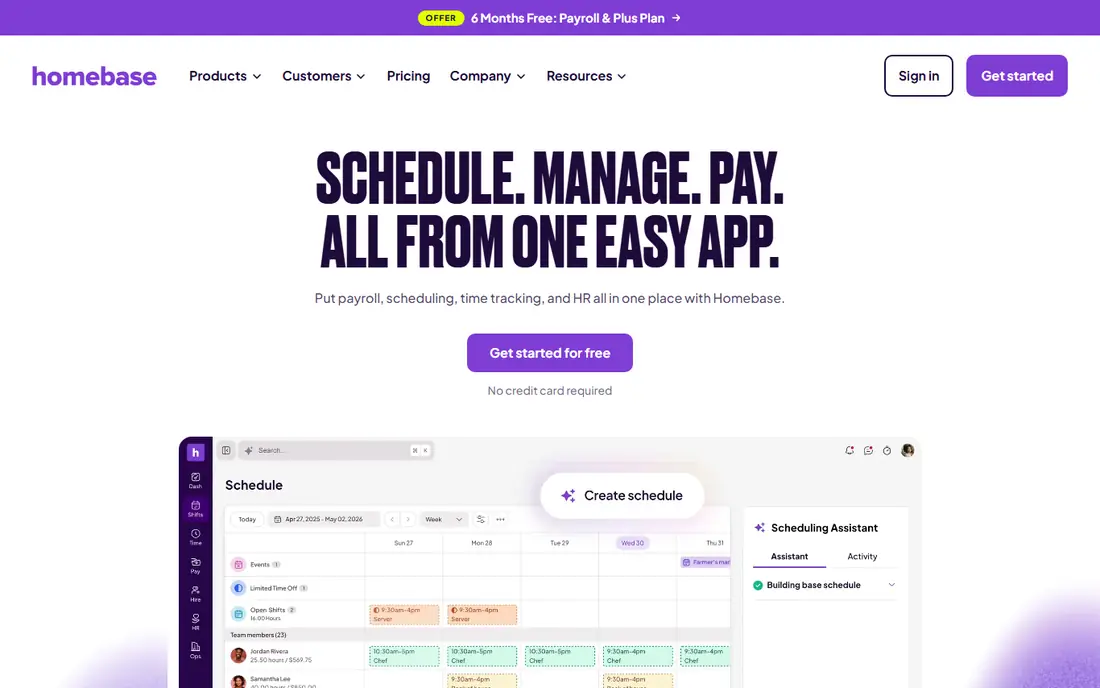
Homebase is the best starting point for restaurants, retail shops and salons with an hourly team at one location. The free Basic plan covers scheduling and time tracking for up to 10 employees, with mobile clock-ins, GPS and photo verification on paid tiers, and a payroll add-on when you are ready. That combination means a small team can start without a monthly bill and grow into paid features.
Per-location pricing is the catch for multi-site businesses, since costs rise with each location, and some advanced reporting sits behind paid plans. For a single site, though, Homebase gives the most complete free package in this list, and its hiring and team messaging tools add value beyond the clock.
- Free Basic plan for one location up to 10 employees
- Scheduling and time clock in one app
- Payroll add-on available
- Per-location pricing rises with more sites
- Advanced features need paid plans
- Payroll is a separate add-on
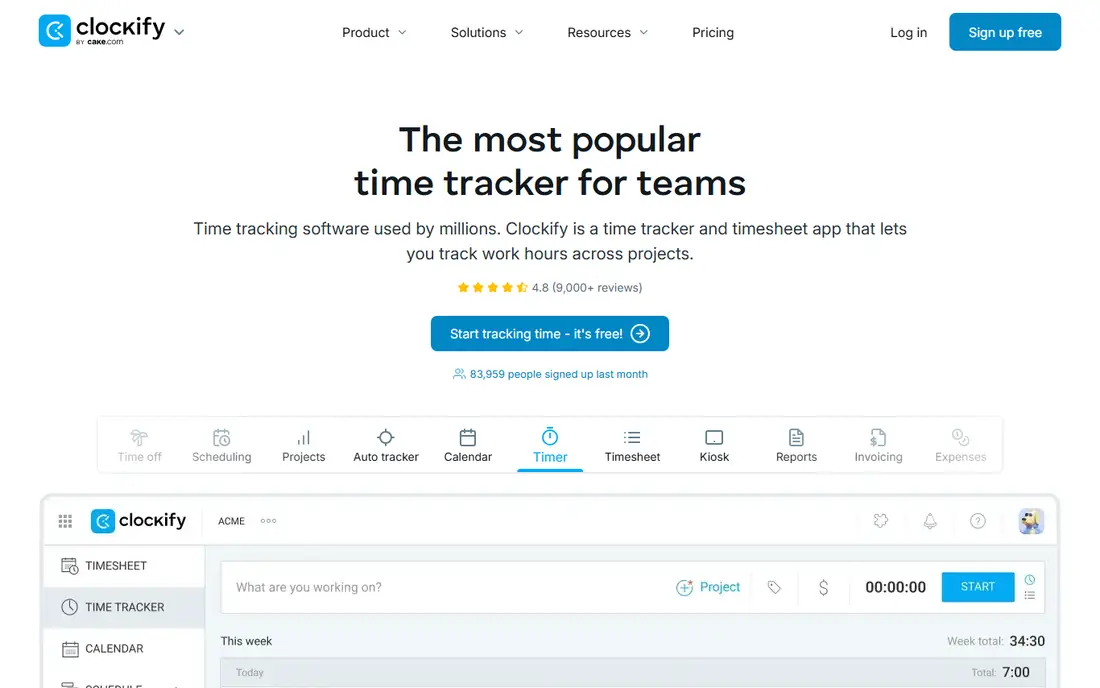
Clockify suits desk, remote and freelance teams that need reliable time tracking without a large subscription. The free plan covers timers, manual timesheets and basic reporting, with paid plans adding scheduling, approvals and more admin controls. A kiosk mode lets a shared device act as a clock-in point for on-site staff.
It is not a full shift-scheduling system in the way Deputy or Homebase are, so hourly teams with complex rotas may need more. Check the current free user limit on the pricing page, since it has changed over time, and plan payroll around exports or an integration rather than built-in payroll.
- Free plan for small teams
- Simple timer and timesheets
- Kiosk mode for shared devices
- Scheduling is lighter than Deputy or Homebase
- Free user limits have changed over time
- Payroll needs export or integration
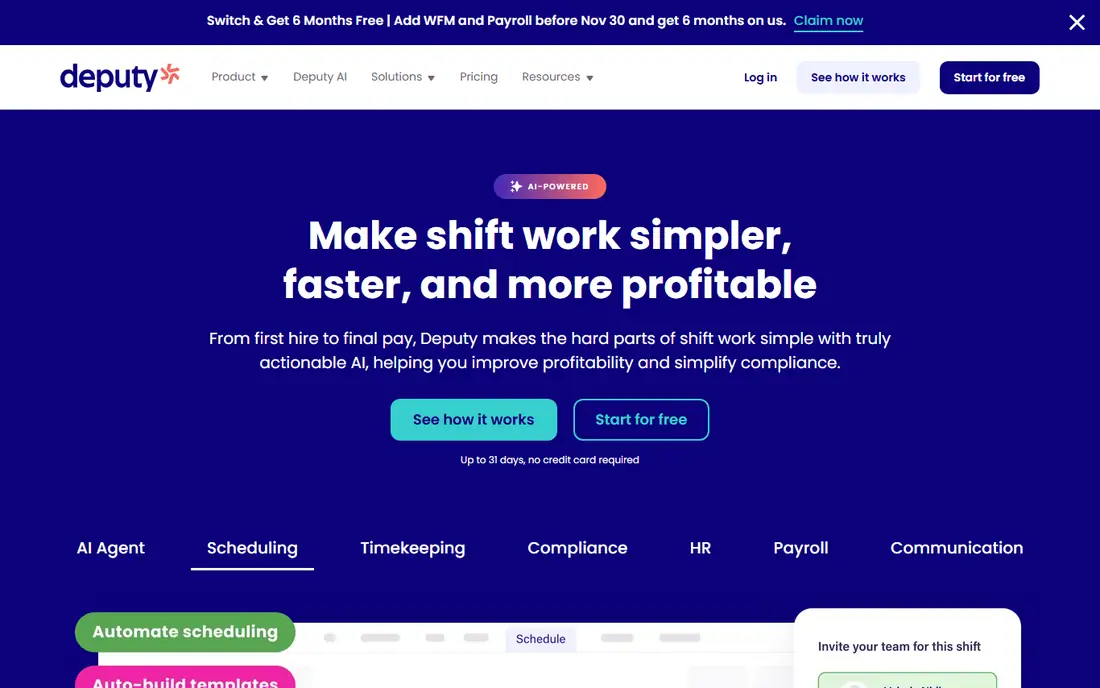
Deputy is built for shift-based businesses such as cafes, retail and healthcare, where scheduling, clock-ins and labour cost control matter together. Managers build rotas, staff clock in by mobile or kiosk, and hours flow to payroll integrations, with verification features to reduce time theft. Its compliance-related tools, such as break and overtime visibility, help managers spot issues early.
There is no permanent free plan, and per-user pricing adds up for larger teams, with a monthly minimum in some cases. Software alone does not make a business compliant with employment rules, so managers still need to check overtime, break and record-keeping rules for their state and industry. For shift-heavy teams, Deputy is a strong, scheduling-led pick.
- Strong shift scheduling
- Time clock with verification
- Payroll integrations including QuickBooks and Xero
- No permanent free plan
- Per-user cost rises with team size
- Monthly minimum may apply
When I Work is the budget pick for shift-heavy teams that care most about scheduling. The entry price is low, scheduling and team messaging are straightforward, and staff can view shifts, swap where allowed and clock in with the time clock add-on. For a small cafe or shop that mainly needs a rota and a simple clock, that is enough.
Time tracking as an add-on is the key detail, so price the full setup, not just the scheduling tier, before comparing with Homebase or Deputy. Reporting is also lighter, which may matter as a team grows. For cost-conscious scheduling first, When I Work remains a practical choice.
- Low entry price
- Shift scheduling with team messaging
- Time clock as an add-on
- Time tracking is an add-on, not core on the cheapest plan
- Features vary by tier
- Reporting is lighter than rivals
QuickBooks Time, formerly TSheets, is the natural timekeeping choice for businesses already running QuickBooks Online and payroll. Hours, overtime and job time sync directly, which removes manual entry and export errors at pay time, and mobile clock-ins with GPS suit field and hourly teams. Job costing and client billing views help service businesses track time against work.
The catch is the ecosystem cost, since QuickBooks Time needs paid QuickBooks Online, and base plus per-user pricing adds up for larger teams. If you do not use QuickBooks, a standalone tool will be cheaper, but for QuickBooks shops, the direct sync is worth the premium.
- Direct QuickBooks payroll sync
- GPS and mobile clock-ins
- Job and client time tracking
- Requires paid QuickBooks Online
- Base plus per-user pricing adds up
- No permanent free plan
Buddy Punch focuses on verified clock-ins, with facial recognition, GPS and geofencing options designed to stop buddy punching, where one worker clocks in for another. Overtime alerts, scheduling and payroll integrations round out a solid small-business package, and the interface is straightforward for staff. For teams where punch accuracy has been a problem, that focus matters.
Pricing is base plus per user, so small teams should price the total, not just the per-user rate, and verification features need clear communication with staff to avoid friction. Used with fair policies and proper notice, Buddy Punch gives managers cleaner timesheets and fewer disputes.
- Facial recognition and GPS verification
- Overtime alerts
- Payroll integrations and exports
- No permanent free plan
- Base plus per-user pricing
- Verification features need setup and staff buy-in
Connecteam is an all-in-one employee app for deskless teams, with a time clock alongside forms, chat, training and scheduling in one mobile-first package. The free plan covers small teams, which makes it easy to trial with a real crew, and the wider app can replace several separate tools for communication and daily operations. That breadth suits field, retail and hospitality teams that live on phones.
Pricing is per hub rather than per user on paid plans, so compare total cost for your team size carefully, and check payroll integration for your provider. Timekeeping alone is not the whole story here, but for teams that want one crew app, Connecteam is a strong pick.
- Free plan for small teams
- Time clock plus forms, chat and training in one app
- Mobile-first design
- Paid plans are per hub, not per user, which needs care when comparing
- Time features are part of a wider app
- Advanced payroll needs integration
OnTheClock keeps timekeeping simple, with GPS-verified punches, timesheets and payroll-ready exports at a clear base plus per-employee price. Small teams that do not need full scheduling, hiring or training tools will appreciate the focused design and the short learning curve for staff. It is a good fit for a team that just needs accurate hours and clean exports.
The feature set is narrower than Homebase, Deputy or Connecteam, and scheduling is basic, so growing teams may outgrow it. For a very small business that wants simple, verified punches without a large app, OnTheClock is a practical, low-friction choice.
- Simple GPS-verified clock-ins
- Payroll-ready exports
- Straightforward pricing for small teams
- No permanent free plan
- Feature set is narrower than all-in-one rivals
- Scheduling is basic
7shifts is built for restaurants, with scheduling, time clock, tip tracking and labour cost views in one place, plus integrations with point-of-sale systems. Managers can see labour cost against sales, track tips and manage availability in a way generic time trackers do not, which matters in a thin-margin restaurant. The free plan lets small restaurants trial the core tools.
Its restaurant focus is also its limit for other industries, and paid plans are per location, so multi-site groups should price accordingly. For a single restaurant or cafe group, 7shifts is the most tailored pick in this list, and it pairs scheduling with timekeeping better than a generic timer.
- Restaurant scheduling, time clock and tip tracking
- Labour cost views
- POS integrations
- Restaurant focus may not suit other industries
- Paid plans are per location
- Advanced features need higher tiers
Toggl Track is a polished timer for desk and knowledge-work teams, with simple start and stop tracking, manual entries, projects and clear reports. Its free plan covers small teams, and integrations with project tools make it easy to track time against client work. For agencies, consultants and remote teams, that simplicity is a strength.
Shift scheduling, GPS verification and payroll are not its focus, so hourly and field teams should choose Homebase, Deputy or Buddy Punch instead. Toggl Track works best where the question is how long a task or client took, not whether a shift worker clocked in on site.
- Polished timer and reporting
- Free plan for small teams
- Integrations with project tools
- Shift scheduling is not the focus
- Payroll needs export or integration
- Paid plans are per user
How we picked these
We compared official feature pages, pricing pages and public small-business guides, and we favoured tools that are still available, offer a real time clock or timer, and suit small teams rather than enterprise only. We kept a mix of free, per-user and per-location pricing, and of hourly, shift, field and desk use cases. Where a price could not be verified from the vendor, we wrote See website rather than guessing. Software alone does not make a business compliant with employment rules.
How to choose and stay on the right side of the rules
Price the total for your team size, including base fees, per-user or per-location charges and any payroll add-on, and trial the clock-in method your staff will actually use, whether mobile, kiosk or web. Check GPS, photo and facial verification features against your workplace policies and local law, tell staff what is collected and why, and test payroll exports before the first live pay run. A tool that staff resist will produce worse data than a simpler tool they use consistently.
Keep compliance separate from software choice. Check overtime thresholds, meal and rest break rules, minor work rules where relevant, and how long you must keep time records, for your state and industry, and confirm any doubt with a qualified adviser or your payroll provider. Use the software to record hours accurately and consistently, keep edits auditable, and review timesheets before payroll, since a clean record helps both the business and its workers.
Frequently asked questions
What is the best timekeeping software for small business?
Homebase is our pick for single-location hourly teams, Deputy is our pick for shift-heavy operations, and Clockify is our pick for low-cost desk tracking. The best timekeeping app for small business depends on team type, locations and payroll system.
What are the best timekeeping apps for small business with a free plan?
Homebase, Clockify, Connecteam, 7shifts and Toggl Track all offer free plans with limits. Check employee, location and feature limits, since free plans vary a lot and may not include payroll or advanced verification.
Does timekeeping software handle payroll?
Some tools, such as Homebase and QuickBooks Time, offer payroll or direct payroll sync, while others export timesheets to a payroll provider. Check whether hours sync directly, export cleanly, or need manual entry each pay period before you commit.
Does timekeeping software make my business compliant?
No. Software alone does not make a business compliant with employment rules. It can record hours accurately and surface overtime or break issues, but the business must still follow overtime, break, record-keeping and wage rules for its state and industry.
How much does small-business timekeeping software cost?
Costs vary by pricing model, with free plans for small teams, per-user plans from a few dollars a month, and per-location plans for hourly teams. Price your actual team size and locations, including base fees and payroll add-ons, rather than comparing headline rates alone.
Sources
See where you really rank - block by block
ProMapRanker scans Google Maps across a grid of your service area. Simple monthly plans from $19, white-label on every plan.
Start freeKeep reading
 who has best internet service
Who Has the Best Internet Service in 2026
Who has best internet service for US homes? We compare fiber, cable, fixed wireless and satellite providers on speed, price, availability and terms today.
Read → which survey tool has the best analytics
Which Survey Tool Has the Best Analytics in 2026
Find which survey tool has the best analytics in 2026, comparing Qualtrics, SurveyMonkey, Typeform, Alchemer, and more on reports, text, and stats today.
Read → which streaming service has the best movies
Which Streaming Service Has the Best Movies in 2026
Answering which streaming service has the best movies, with Netflix, Max, Criterion and more compared on libraries, prices and free options in this guide.
Read →