 ProMapRanker
Best Time Tracker App in 2026

Simple timer for freelancers and teams · Pricing starts at: $9 per user per month
Key takeaways
- Clockify gives the most generous free starting point for small teams, while Toggl Track wins on simplicity and clean reports.
- Harvest is the clearest pick when tracked hours must turn into invoices without a second tool.
- Automatic trackers such as Timely and RescueTime suit people who forget manual timers, but they need a privacy check first.
- Monitoring tools such as Hubstaff and Time Doctor add screenshots and activity data, which some teams want and others should avoid.
- Per-user prices compound fast, so compare the plan you will need in six months, not only the free tier.
Quick comparison
| Pick | Great for | Pricing starts at | Free tier | |
|---|---|---|---|---|
| Toggl Track | Simple timer for freelancers and teams | $9 per user per month | Yes | Visit |
 Clockify | Free tracking for small teams | $3.99 per user per month | Yes | Visit |
 Harvest | Time tracking with invoicing | $9 per seat per month | Yes | Visit |
 Hubstaff | Remote teams with payroll needs | $4.99 per user per month | Free trial | Visit |
 Timely | Automatic AI timesheets | $9 per user per month | Free trial | Visit |
 Everhour | Tracking inside project tools | $8.50 per user per month | Yes | Visit |
 RescueTime | Automatic personal focus tracking | $7 per month | Yes | Visit |
 TimeCamp | Free tracking with automatic capture | $3.99 per user per month | Yes | Visit |
 Time Doctor | Accountability with screenshots | $6.67 per user per month | Free trial | Visit |
The best time tracker app
The best time tracker app is the one your team will actually start, because an unused timer produces no data at all.
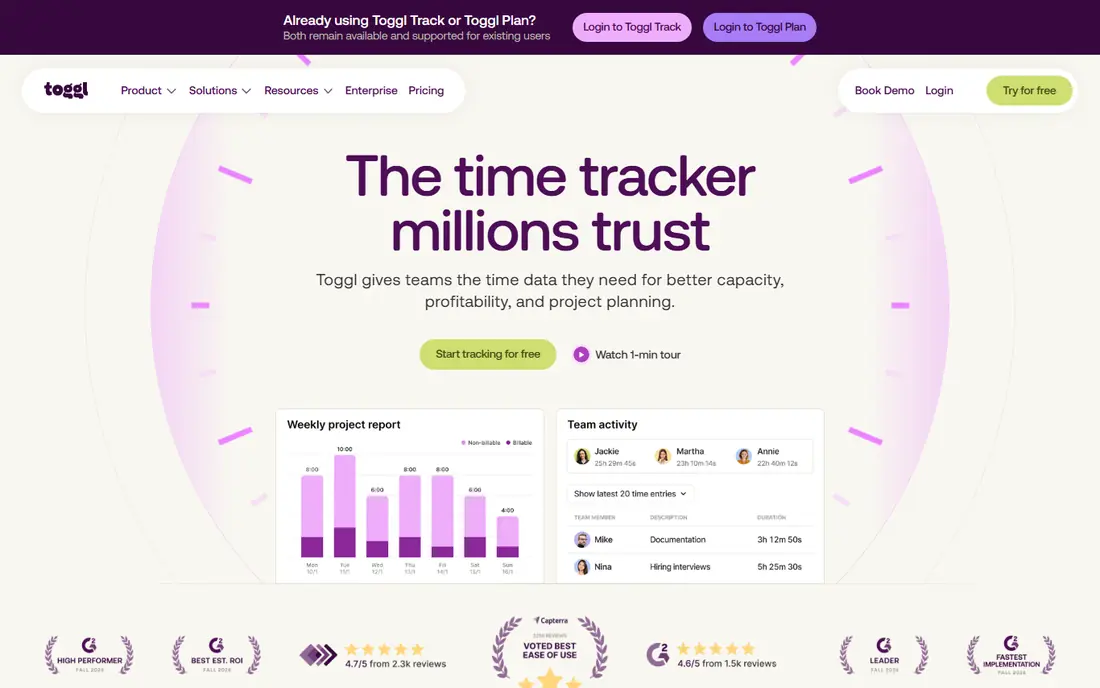
Toggl Track is the timer we suggest first when simplicity matters more than control. The timer starts with one click, syncs across devices, and the browser extension lets you start time inside tools such as Asana, Notion, and Google Docs. Reports stay readable when you filter by client, project, tag, or team member, which helps at invoice time.
The free plan covers a small team, with recent checks listing three to five users, so growing teams should budget for Starter at $9 per user per month billed annually. Billable rates, estimates, and timesheet approvals need paid tiers, which is the main cost to watch. If your team resists tracking, Toggl Track has the lowest friction in this list.
- One-click timer on web, desktop, and mobile
- Clean reports by client and project
- No screenshots or monitoring
- Free plan caps at a small team
- Billable rates need a paid plan
- Approvals sit on higher tiers
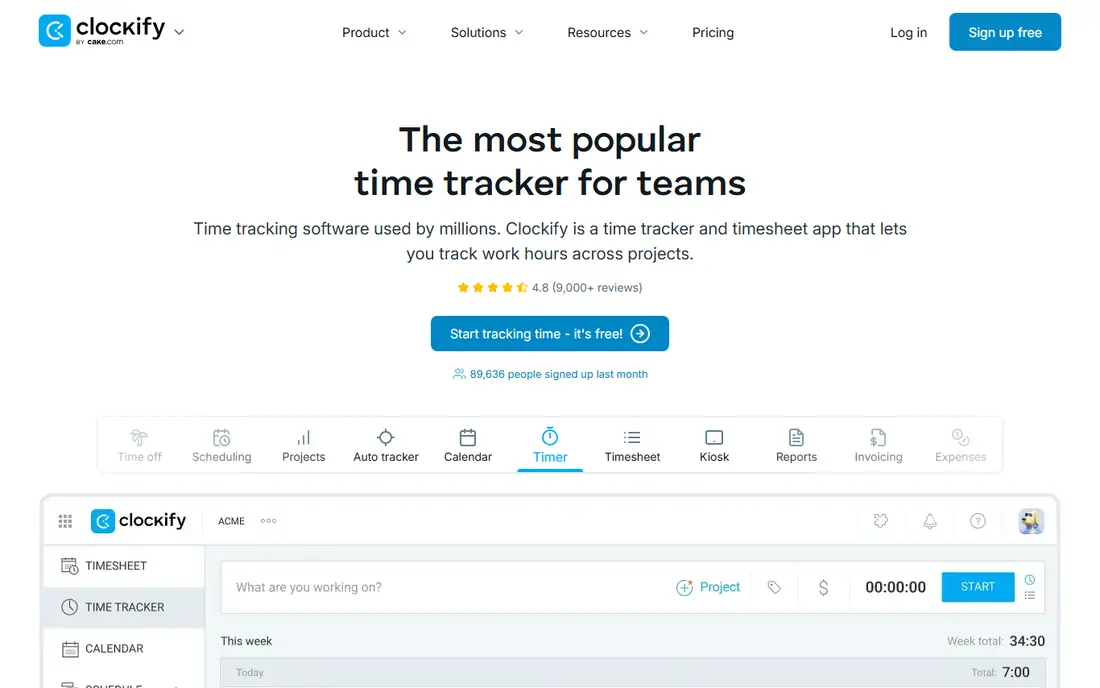
Clockify is the budget-first choice, because its free plan covers core timers, timesheets, and reports without forcing a trial clock. Recent checks describe a free plan for up to five users, with unlimited projects, clients, and time entries, plus a kiosk mode for shared devices. Paid Basic starts at $3.99 per user per month billed annually, adding features that larger teams need.
The trade-off is polish and depth. Clockify feels more workmanlike than Toggl Track, and invoicing, approvals, and time-off features sit behind paid tiers. For a small team that wants solid tracking at no cost, and that can live without monitoring, Clockify is hard to beat.
- Generous free plan
- Unlimited projects and clients
- Timesheets, reports, and kiosk mode
- Free plan now caps users in recent checks
- Invoicing and approvals need paid tiers
- Interface is plainer than Toggl Track
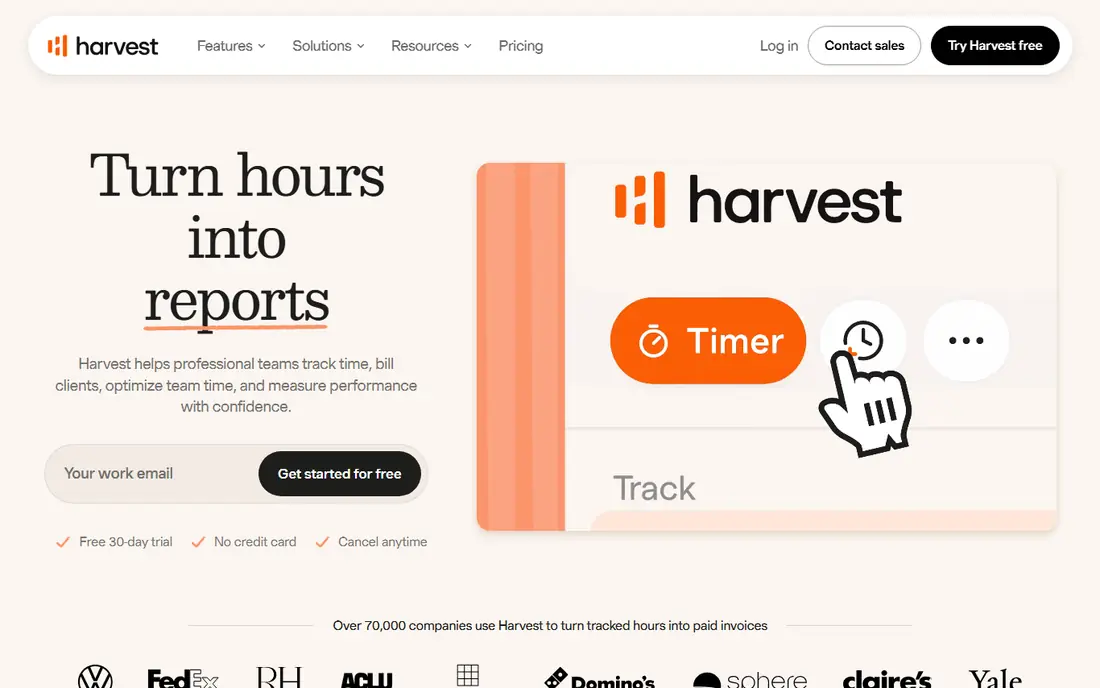
Harvest is built for service teams who bill by the hour, because time, expenses, invoices, and payments live in one flow. Track hours against a project, turn unbilled time into an invoice, and accept payment through Stripe or PayPal without exporting to a second app. The free plan covers one seat and two projects, which suits a solo freelancer testing the flow.
Teams start at $9 per seat per month billed annually, with Enterprise tiers above it, and recent pricing notes describe Flex billing that adds charges for active projects and clients above an allowance. Read that billing note before you scale, because a growing client list changes the bill. For agencies, though, the invoice link alone often justifies the price.
- Invoices built from tracked time and expenses
- Payments through Stripe and PayPal
- Clear team reports
- Free plan covers one seat and two projects
- Paid billing now includes Flex usage options
- Higher cost for large teams
Hubstaff suits managers who need proof of work across remote or field teams, not just a timer. It adds screenshots, activity levels, GPS for mobile teams, scheduling, and payroll, so hours can move from tracking to payment in one system. Starter is listed at $4.99 per user per month billed annually, with a 14-day free trial and no permanent free tier in recent checks.
The honest catch is trust. Screenshots and activity monitoring help with accountability, but they can damage morale when teams learn about them late. Tell staff what is tracked, what is not, and why, before you switch it on. Used openly, Hubstaff is a strong operations tool for distributed teams.
- GPS and screenshots for field and remote teams
- Scheduling and payroll features
- Activity tracking
- No permanent free plan
- Monitoring can harm trust if used without clear rules
- Setup takes more care
Timely is for people who hate timers. It records activity across apps and documents in the background, then uses that record to draft timesheets that a person reviews and approves. That cuts the end-of-week reconstruction that makes manual tracking fail, and it gives managers a fuller picture of where project time actually goes. Starter is listed at $9 per user per month, with a 14-day free trial.
The trade-off is privacy and control. Automatic capture should be explained to staff, with clear rules on what is recorded and who can see it. Timely positions itself as capture without surveillance, but every team should check its settings before rollout. For consultants and agencies, the time saved on timesheets is the main win.
- Automatic capture of work across apps
- AI drafts timesheets for review
- No manual timer to forget
- No permanent free plan
- Automatic capture needs privacy review
- Price rises with team size
Everhour is different because it does not ask you to leave your project tool. Timers sit inside Asana, ClickUp, Trello, Monday, and Jira tasks, so time is logged against the exact task being worked on. That makes project reports and budgets far more useful than a separate timer that only knows a project name. Team pricing is listed at $8.50 per user per month, with a free plan for small teams.
The limit is fit. If your work does not live in a supported project tool, Everhour loses its edge, and the paid plan has a five-seat minimum in recent checks. For teams already organized in Asana or Jira, though, Everhour feels like time tracking that was built into the work itself.
- Timers inside Asana, ClickUp, Trello, and Jira
- Budgets and invoicing links
- Clean project reports
- Best value only if you already use those project tools
- Five-seat minimum on paid Team plan
- Invoicing needs accounting links
RescueTime is a personal productivity tool, not a billing system, and that focus is its strength. It runs in the background, sorts apps and sites into productive and distracting categories, and shows where your day actually went. Focus sessions can block distracting sites for a set period, which helps people who lose hours to context switching. Paid plans start at $7 per month, with a free Lite plan in recent checks.
Do not buy RescueTime to invoice clients, because it lacks project billing and team invoicing. Buy it when the problem is personal focus and honest data about your own habits. For solo workers and students of their own time, it gives answers a manual timer never will.
- Automatic tracking of apps and sites
- Focus sessions and distraction blocking
- Personal productivity reports
- Built for individuals, not team billing
- No invoicing
- Blocking features need setup to help
TimeCamp blends a manual timer with automatic capture, and its free plan is unusually generous, with recent checks listing unlimited users and projects. That makes it a strong test for teams that want to try automatic tracking without paying first. Starter is listed at $3.99 per user per month billed annually, adding invoicing and deeper reporting.
The catch is that the free plan is a starting point, not a full billing system, and some automatic features sit on paid tiers. Still, for a team that forgets timers and wants a low-cost way to see where time goes, TimeCamp deserves a trial beside Clockify before you pay for anything.
- Free plan for unlimited users in recent checks
- Automatic time capture
- Invoicing on paid tiers
- Automatic features vary by plan
- Interface is less polished than Toggl Track
- Approvals need higher tiers
Time Doctor is the accountability end of this list, built for distributed teams where managers need visibility into work patterns. It records screenshots, activity levels, and app use, and it links tracked time to payroll and client reports. Basic is listed at $6.67 per user per month billed annually, with a 14-day free trial.
As with Hubstaff, the tool only works well when staff know what is tracked and why. Used openly, with agreed rules, it helps remote teams spot overload, idle time, and project drift. Used quietly, it harms trust faster than any report helps. For teams that need that visibility and will set rules in writing, Time Doctor is a solid pick.
- Screenshots and activity tracking
- Payroll and client reporting
- Wide integration list
- No permanent free plan
- Monitoring needs clear staff communication
- Price per user adds up
How we picked these
We compared official pricing pages, feature pages, and October 2026 pricing checks, and we kept tools that are live, that track time for real work, and that cover different needs: simple timers, free teams, invoicing, automatic capture, and monitoring. We did not rank by popularity alone, because a freelancer, an agency, and a remote manager need different trade-offs. Where pricing checks disagreed on a free-user cap, we noted the range rather than printing one figure as certain.
How to choose the right tracker
Start with the job the hours must do. If hours become invoices, Harvest or Clockify on a paid tier matters more than a pretty timer. If hours feed project budgets, Everhour inside your project tool wins. If the problem is forgotten timers, automatic capture from Timely, RescueTime, or TimeCamp matters more than manual polish.
Check privacy before you roll out monitoring
Screenshot and activity tools change the relationship with staff, so write the rules first: what is captured, who sees it, how long it is kept, and how staff can raise concerns. Offer a manual timer option for sensitive work where monitoring adds no value. A tracker that staff trust will produce better data than a stricter tool they work around.
Trial with real projects, not demo data
Run two finalists for two full weeks on live client work, then compare reports at invoice time. Check exports, rounding, overtime rules, and how edits are handled. The winner is usually the tool whose report a client accepts without a follow-up question, not the one with the longest feature list.
Frequently asked questions
What is the best time tracking app for freelancers?
Toggl Track suits most freelancers, because the timer is fast and reports are clean, while Harvest is better when you invoice from tracked hours. Clockify is the best free start when budget is tight. Pick the one whose invoice or report output you like, since that is where the hours turn into money.
What is the best free time tracker app?
Clockify and TimeCamp offer the most generous free plans in recent checks, with Toggl Track close behind for very small teams. Free plans differ on user caps, invoicing, and approvals, so check the current free tier before you build a workflow on it. A free plan that caps at five users still works well for a solo worker or a small team.
What is the best work time tracker app for teams?
For simple team tracking, Toggl Track and Clockify lead, while Harvest leads for billing teams. Everhour leads when work lives in Asana or Jira, and Hubstaff or Time Doctor lead when remote accountability matters. Match the pick to billing, project, or monitoring needs, not to the longest feature list.
Do time tracker apps use screenshots?
Some do and some do not. Hubstaff and Time Doctor include screenshots and activity tracking, while Toggl Track, Clockify, and Harvest focus on timers and timesheets without that monitoring. If privacy matters to your team, pick a non-monitoring tool and say so clearly in your rollout note.
Is automatic time tracking accurate?
Automatic capture from Timely, RescueTime, and TimeCamp gives a fuller record than memory, but it still needs human review to assign time to the right client and task. Treat auto-drafted timesheets as a starting point, not a final record. A short daily review keeps the data clean and avoids billing errors.
Sources
See where you really rank - block by block
ProMapRanker scans Google Maps across a grid of your service area. Simple monthly plans from $19, white-label on every plan.
Start freeKeep reading
 twitch alternatives
Twitch Alternatives in 2026
Explore the best Twitch alternatives in 2026 for live streaming, with free platforms, monetisation options, audiences, chat tools, and tips for new streamers.
Read → firebase alternatives
Best Firebase Alternatives in 2026
Looking for Firebase alternatives? We compare 9 backend platforms for auth, databases, realtime, storage, functions, self-hosting, and pricing for your app.
Read → companies with best work life balance
Companies With Best Work Life Balance in 2026
See companies with best work life balance in 2026, ranked by employee ratings, with flexible work options, benefits, and what to check before applying.
Read →