 ProMapRanker
Best Time Saving AI Apps for Work in 2026

AI chat across the workday · Pricing starts at: See website
Direct answer
Microsoft Copilot leads the list, best for AI chat across the workday. Listed starting prices: Otter.ai from $8.33 per user per month, Notion AI from $10 per member per month and Grammarly from $12 USD. Otter.ai is the stronger choice for meeting notes and transcription, while Gemini suits Google users wanting a chat assistant. The full list of 6 tools follows, with prices and free plan facts.
Short on time? The summary and table above give the quick view of 6 tools for time saving AI apps for work, and the profiles that follow give the detail behind each entry.
Key takeaways
- Microsoft Copilot takes the first slot, best suited to AI chat across the workday.
- Grammarly suits everyday writing assistance.
- Otter.ai has the lowest monthly starting price in this list: $8.33 per user per month.
- Only 4 of the 6 tools have a free plan (Otter.ai, Notion AI, ChatGPT, Grammarly), so check the caps.
- Otter.ai comes with a trade-off: focused chiefly on meetings.
Quick comparison
| Pick | Great for | Pricing starts at | Free tier | |
|---|---|---|---|---|
| Microsoft Copilot | AI chat across the workday | See website | Not stated | Visit |
 Otter.ai | Meeting notes and transcription | $8.33 per user per month | Yes | Visit |
 Gemini | Google users wanting a chat assistant | See website | Not stated | Visit |
 Notion AI | Workspace search and automation | $10 per member per month | Yes | Visit |
 ChatGPT | General work tasks in one chat | See website | Yes | Visit |
 Grammarly | Everyday writing assistance | $12 USD | Yes | Visit |
The 6 tools in detail
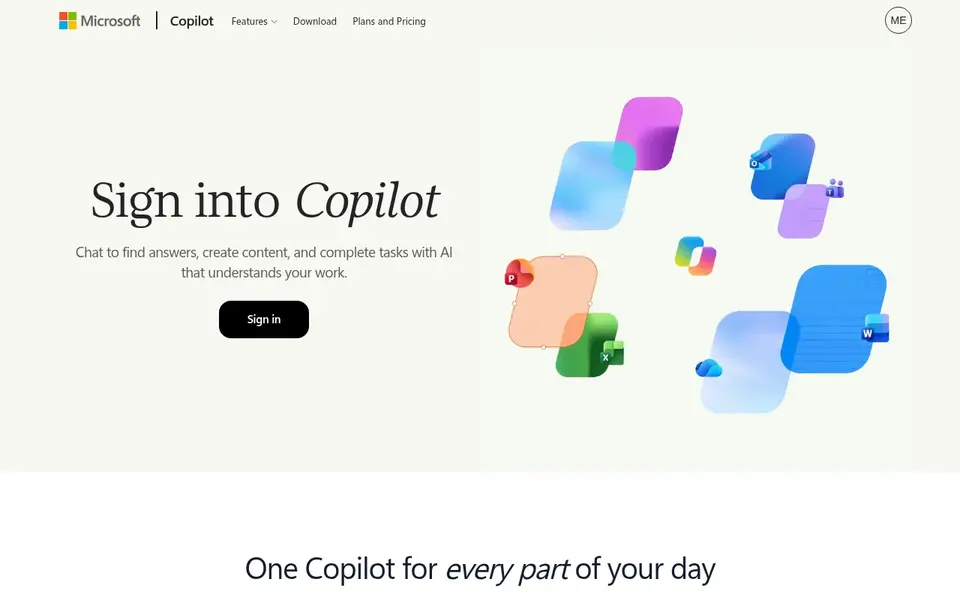
Microsoft Copilot is built with AI chat across the workday in mind. If you need a workspace that searches across your own apps, Notion AI may be a closer fit.
Those already comfortable with Microsoft's ecosystem may find the transition natural. More specifically, pick Copilot for everyday chat assistance instead of deep specialization. This comparison lists no price for Microsoft Copilot; ask the vendor. Free access: Not stated.
What to check first: General positioning may suit fewer niche tasks.
- Suits everyday work routines
- Made for creating and brainstorming
- Needs signing in to use
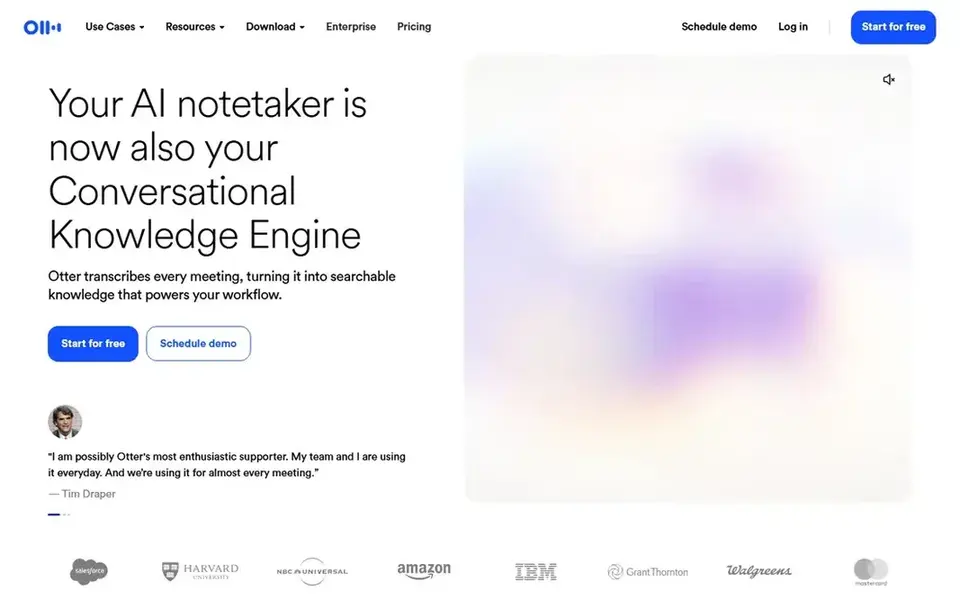
Otter.ai was built for meeting notes and transcription. Otter.ai is a meeting agent that offers live transcription, live chat, automatic summaries, insights and action items.
It fits people who spend much of the day in calls and lose time writing notes afterward. Starting cost for Otter.ai: $8.33 per user per month. You can start on Otter.ai without paying.
Honest limits: Focused chiefly on meetings.
- Action items captured from meetings
- Live transcription
- Transcripts benefit from a review pass
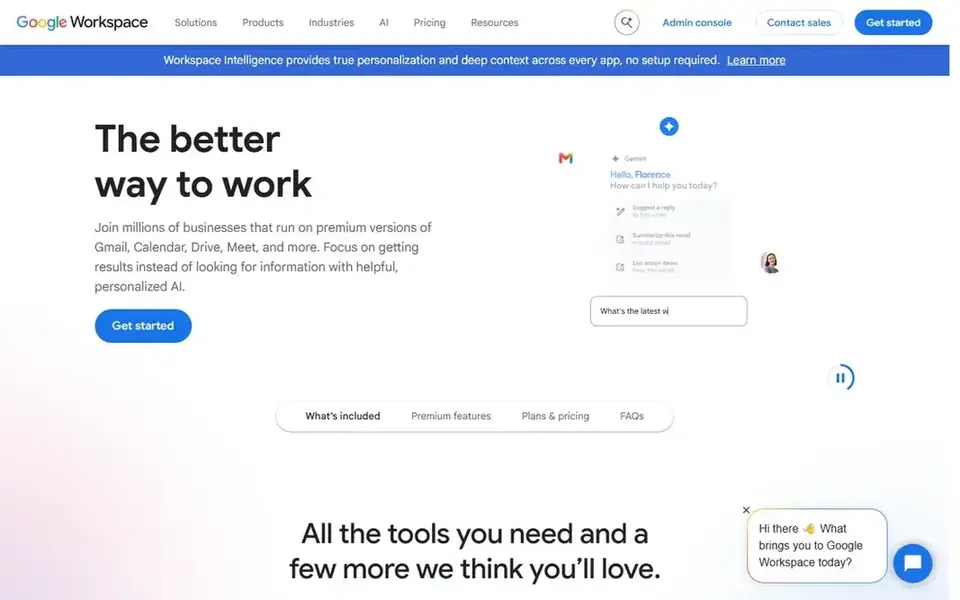
Think of Gemini for Google users wanting a chat assistant. Gemini is not positioned as a dedicated meeting notetaker or marketing workflow engine. Worth adding: Gemini is Google's conversational AI assistant, available through the web for asking questions, drafting text and working through ideas.
Trade-offs to know: Less concentrated on niche workflows.
From a buyer's view, since capabilities and availability change, confirm current features on the vendor site before committing a workflow to it. In daily use, for everyday research and writing help, it works as a straightforward choice alongside the other tools here. No starting price is listed for Gemini here; confirm pricing on the vendor site. Free access: Not stated.
- Accessible through the web
- Handy for drafting and questions
- Feature details vary and should be checked
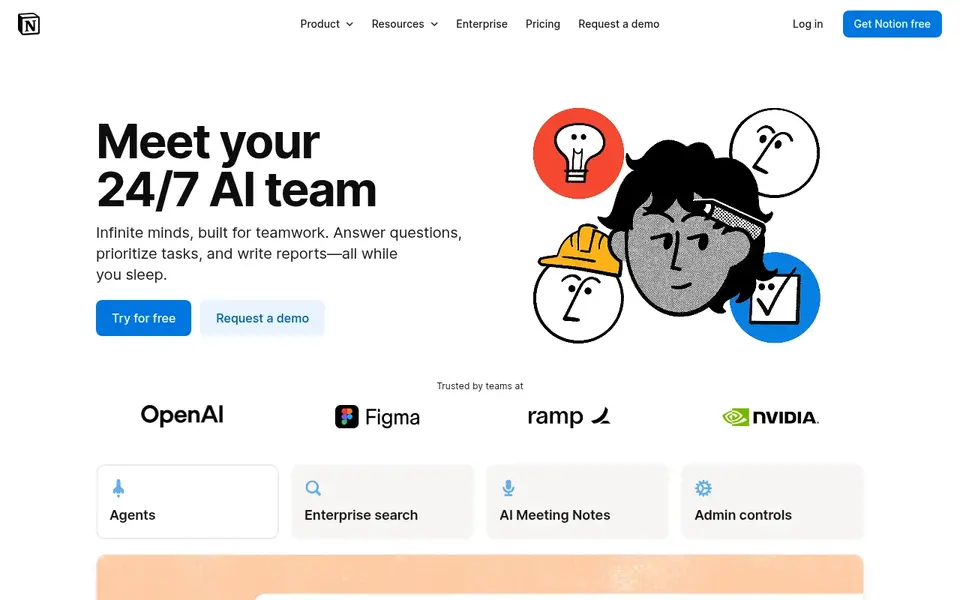
Notion AI serves workspace search and automation. The value depends heavily on how much of your work already lives in Notion; outside that context, the benefits are thinner. It is also less of a standalone chat assistant than ChatGPT or Copilot.
Downsides: Setup effort for agents and search.
Consider it when workspace organization and automation are the central time drains. As for the details, the emphasis on agents and cross-app search makes it a fit for reducing time spent hunting for information. What you pay to start with Notion AI: $10 per member per month. Notion AI includes a free tier.
- Search across all your apps
- Build custom agents
- Most handy inside Notion
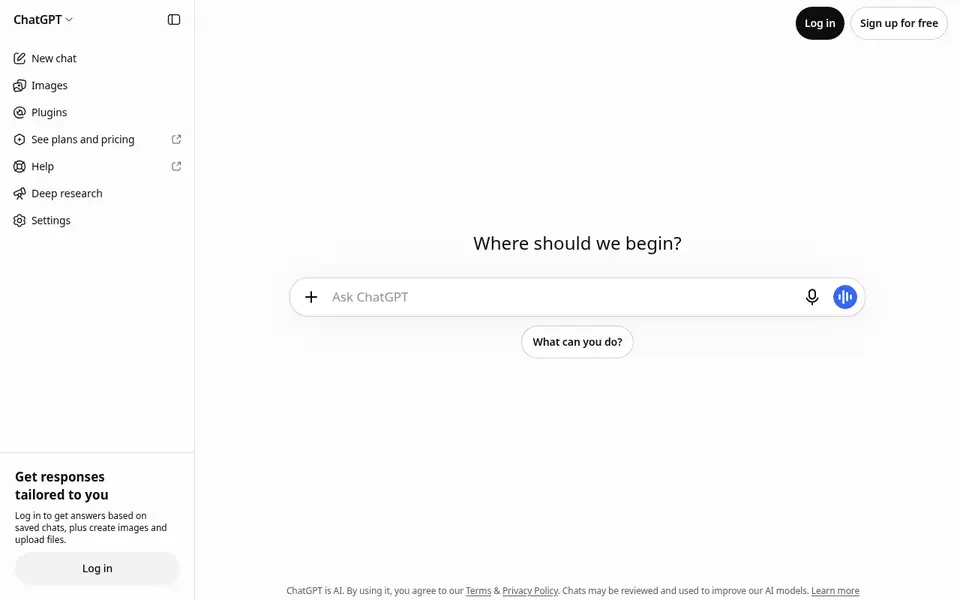
ChatGPT was built for general work tasks in one chat. ChatGPT is a general-purpose AI assistant that answers questions, writes and edits text, builds images and helps with code, all from one interface.
For everyday use, because it aims at everything, ChatGPT may feel shallow for highly specialized workflows like dedicated meeting transcription or structured marketing pipelines. This comparison lists no price for ChatGPT; ask the vendor. ChatGPT includes a free tier.
Trade-offs to know: Outputs need review before use.
- Also supports coding tasks
- Available as a web app and downloadable app
- Wide scope means less depth per niche
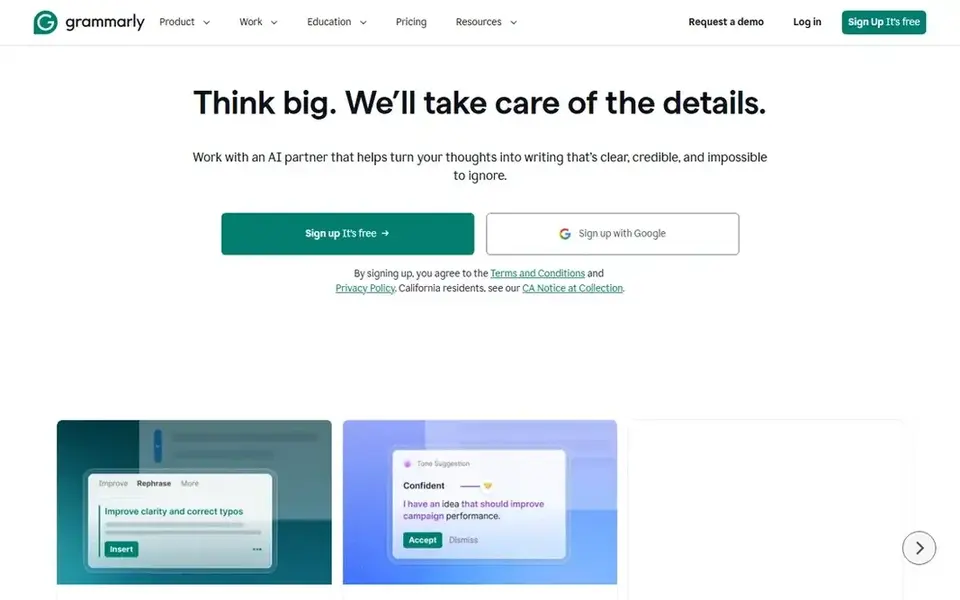
Where Grammarly fits: everyday writing assistance. Grammarly is not designed for research, coding or meeting transcription, so it spans one slice of the workday.
Trade-offs to know: Suggestions still need human judgment.
Grammarly supplies AI writing assistance with personalized guidance and text generation that works across apps and websites. Choose Grammarly when polishing everyday text is the recurring task you want to accelerate. The starting price for Grammarly: $12 USD. Grammarly has a free plan.
- Personalized AI writing guidance
- Works on any app or website
- Centred on writing, not broader tasks
Our selection method
We compared the tools on published pricing, free plan or trial availability, feature coverage for time saving AI apps for work, and the limits each vendor documents. Where a vendor does not publish a price, the entry says quote. Where a price depends on seats or billing term, the entry says so. The ranking is editorial: typical fit first, then clear pricing, then free access. If your needs are unusual, read the profiles rather than relying on position.
A buyer's checklist
- Get a written quote from Microsoft Copilot, Gemini and ChatGPT; the list shows no starting price for them.
- Read the fine print on the free plans from Otter.ai, Notion AI, ChatGPT and Grammarly; seat, project and feature caps differ.
- Before choosing Microsoft Copilot, weigh its main limit: needs signing in to use.
- Check the integration list for Grammarly against the tools you run today, and note which ones need a higher plan.
- Look at the help docs and support options for Notion AI before you commit.
Frequently asked questions
Do I need more than one AI tool for work?
Commonly yes. A general assistant like ChatGPT or Copilot manages questions and drafting, whereas a focused tool like Otter.ai or Grammarly spans a specific recurring task.
What is the cheapest option for time saving AI apps for work in this list?
On published monthly entry prices, Otter.ai is the lowest here at $8.33 per user per month. Entry price is only part of the cost, because seats, add-ons and billing terms can change the total. For the full picture, the cards above cover all 6 entries of this time saving AI apps for work list, including price, free plan and limits.
Which options for time saving AI apps for work have a free plan?
On this list, Otter.ai, Notion AI, ChatGPT and Grammarly include a free plan. Caps on seats, usage or features are common, so test the free plan against your real workload.
How should I evaluate an AI app before adopting it?
Check how it suits your existing apps and how it manages your data. A small trial with one team is safer than a wide rollout.
How are the tools for time saving AI apps for work ordered?
Microsoft Copilot sits first and Grammarly last because the order follows typical fit for time saving AI apps for work, then price clarity and free access. It is a judgement call, so read each profile for fit and limits.
Can I try these tools before paying?
Often, yes. Otter.ai, Notion AI, ChatGPT and Grammarly have a free plan. Use your own data and a real task during the test, and check what the free tier or trial limits before you rely on it.
Sources
See where you really rank - block by block
ProMapRanker scans Google Maps across a grid of your service area. Simple monthly plans from $19, white-label on every plan.
Start freeBrowse all guides
← Best Emerging AI Software for Startups in 2026Drones Software Alternatives: 5 Tools Compared in 2026 →
 best ai talking avatar generator
Top 6 AI Talking Avatar generator, Compared on Price (2026)
6 products for the best AI talking avatar generator, ranked by fit, with starting costs and free tiers. Each profile ends with a plain caveat. Prices included.
Read → best ai platforms for analyzing quarterly results
Best AI Platforms for Analyzing Quarterly Results (2026)
Best AI platforms for analyzing quarterly results in 2026: 5 contenders with entry costs and free tiers. Plain-spoken summaries throughout. Straight answers.
Read → best ai mentorship platforms
AI Mentorship Platforms: 6 Options Compared in 2026
Best AI mentorship platforms, compared. 6 tools with published prices, free plans and limits. Every pick includes one clear drawback. Skim the table first.
Read → best ai powered customer engagement software
7 Top AI Powered Customer Engagement Software Compared (2026)
Best AI powered customer engagement software: 7 contenders ranked by fit, with entry costs and free tiers. Limits and pricing notes included. Plain facts.
Read → best ai search checking tool
Best AI Search Checking Tools in 2026
Compare the best ai search checking tools that track brand mentions, citations and visibility in ChatGPT, Gemini, Perplexity and Google AI today today.
Read → factors ai alternatives
Factors AI Alternatives
Shortlisting factors AI alternatives? 6 products compared on cost, free access and ideal buyer. Trade-offs are spelled out for each entry. Quick to scan.
Read →More in AI Tools · All guides A to Z by date · Latest guides