 ProMapRanker
Best Time and Attendance Software in 2026

Key takeaways
- Homebase is the best free starting point for hourly teams, with scheduling and time tracking free for one location and up to 10 employees.
- Deputy suits shift-heavy businesses that need scheduling, compliance, and variance reporting in one workflow.
- QuickBooks Time is the natural pick for businesses already running QuickBooks payroll, despite its base fee plus per-user price.
- Clockify is the best free option for simple time tracking, while Hubstaff and Time Doctor add monitoring for remote teams.
- Tell staff plainly what is tracked, especially GPS and screenshots, and check local labor rules before turning monitoring on.
Quick comparison
| Pick | Great for | Pricing starts at | Free tier | |
|---|---|---|---|---|
 Deputy | Shift scheduling and compliance | $5 per month | Free trial | Visit |
 Homebase | Free hourly team scheduling | Free | Yes | Visit |
 QuickBooks Time | QuickBooks payroll users | $20 per month | Free trial | Visit |
 Clockify | Free simple time tracking | Free | Yes | Visit |
 Hubstaff | Remote teams and monitoring | $4.99 per month | Free trial | Visit |
 Time Doctor | Productivity visibility | $6.67 per month | Free trial | Visit |
 Connecteam | Frontline and field teams | $29 per month | Yes | Visit |
 Rippling | HR, time, and payroll in one | $8 per month | No | Visit |
The best time and attendance software
We compared tools that record clock-ins, manage shifts, track time off, and feed payroll, with a mix of free, shift-first, and remote-work options. Prices below are starting prices, and several tools add a base fee or a per-user fee, so check the full plan before you compare totals.
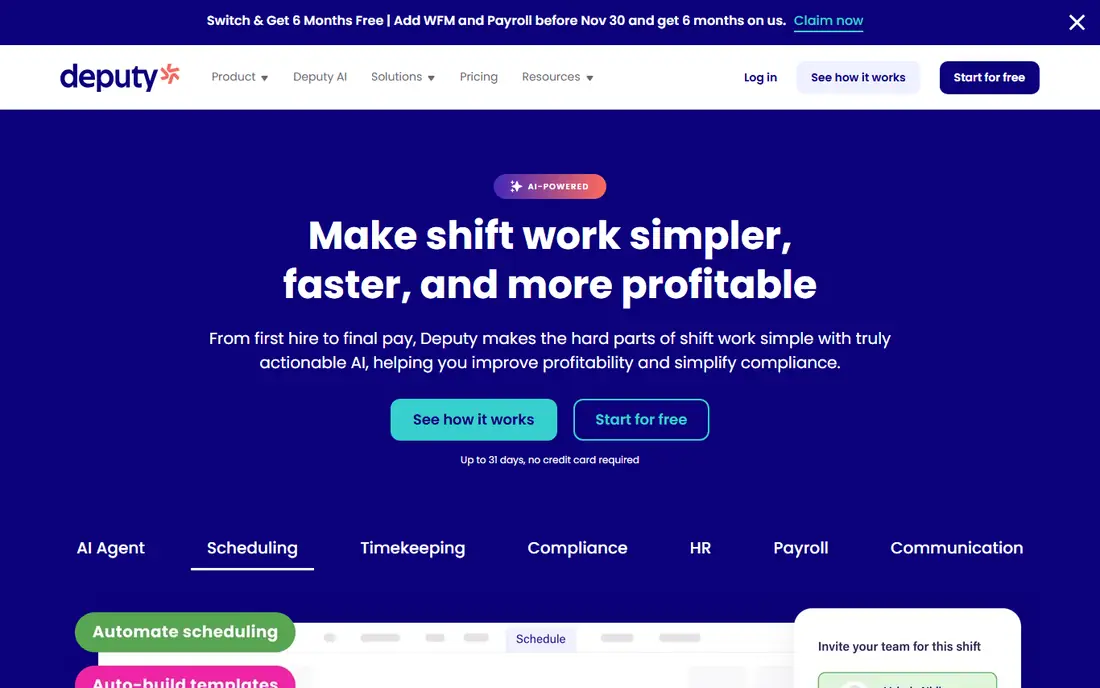
Deputy treats the schedule as the main object and the timesheet as what happens to it, which is the right order for retail, hospitality, and healthcare. Managers build rosters, staff clock against them, and variance between scheduled and worked hours becomes easy to spot. That view helps control labor cost and overtime.
The catch is price structure. Lite starts at $5 per user per month, but monthly plans carry a minimum monthly spend, so a tiny team may pay more than the per-user math suggests. There is also no free plan, only a trial. For shift-heavy teams of 20 or more, Deputy is strong. For a two-person shop, Homebase is cheaper.
- Scheduling and timesheets in one workflow
- Shift swaps and compliance tools
- Payroll integrations
- No free plan
- Monthly plans carry a minimum spend that hurts very small teams
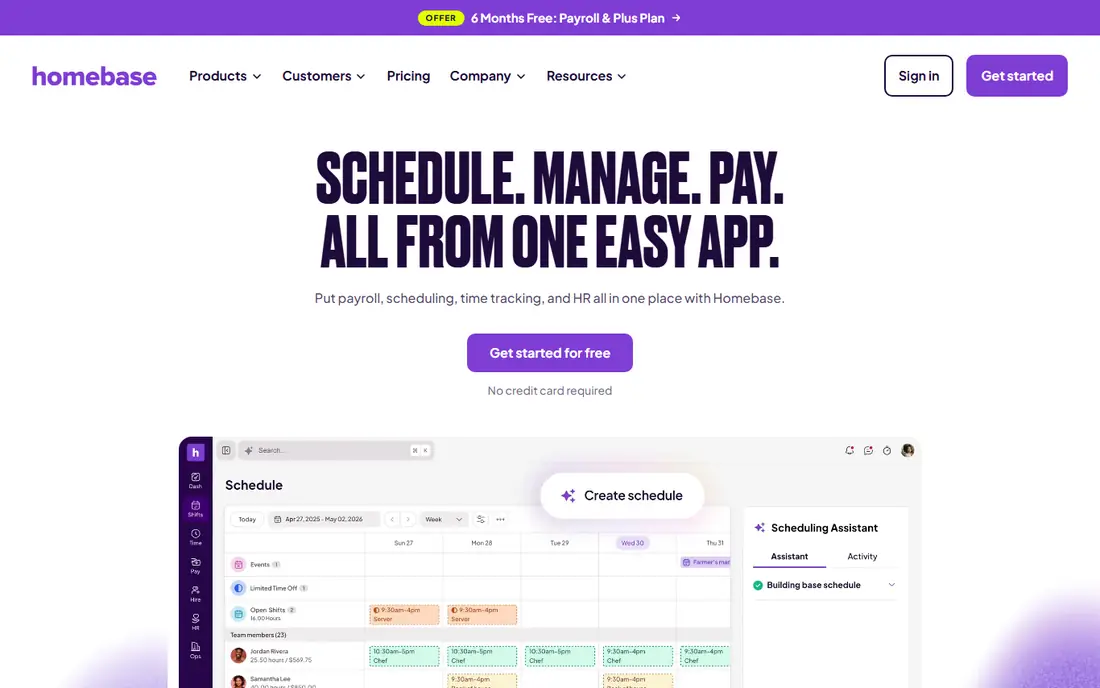
Homebase is built for restaurants, retail, salons, and other hourly businesses, and its free Basic plan is genuinely useful. One location with up to 10 employees gets scheduling, time tracking, and team messaging at no cost, with POS connections included. That makes it the easiest low-risk start on this list.
Paid plans are priced per location, starting around $24 to $30 per location per month depending on billing, and payroll is a separate add-on. That per-location model helps teams with many staff at one site, but it can add up across many locations. For a single-site hourly team, Homebase is hard to beat.
- Free Basic plan for small teams
- Scheduling, time clock, and messaging
- Payroll add-on
- Per-location pricing rises with paid tiers
- Advanced features need higher plans
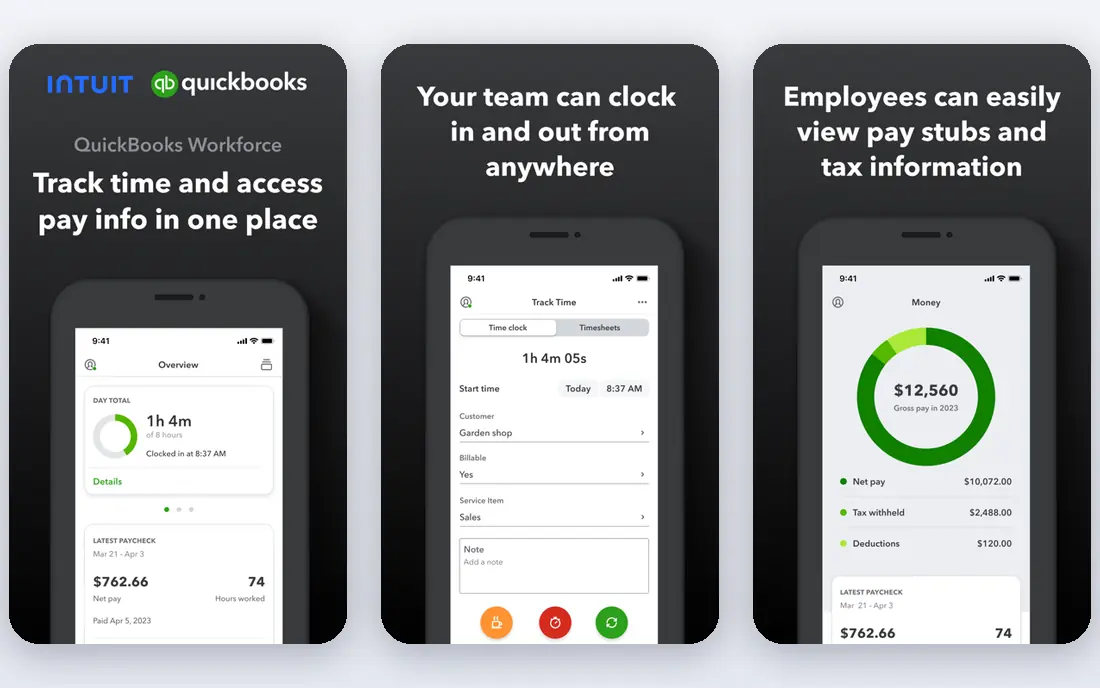
QuickBooks Time, formerly TSheets, is the time tool for businesses already running QuickBooks. Timesheets flow into payroll and invoicing without export files, and GPS tracking, geofencing, job codes, and scheduling cover field and hourly teams. If payroll accuracy is your main pain, that native link matters.
Pricing is a base fee plus a per-user fee, with Premium around $20 per month plus $10 per user per month in recent comparisons, and the tool is also bundled with some QuickBooks payroll plans. Outside QuickBooks, that price is harder to justify. Inside QuickBooks, it is the simplest setup.
- Deep QuickBooks payroll link
- GPS tracking and geofencing
- Scheduling and time off
- Base fee plus per-user fee
- Needs a QuickBooks subscription for full value
Clockify is the best free time tracker for small teams that do not need shift scheduling or monitoring. The free plan covers up to 5 users with unlimited tracking and projects, and paid plans start at $3.99 per user per month on annual billing. Reports are clean, and the timer is easy for staff to adopt.
Its limits show when you need control. Activity monitoring sits on the Pro plan, and Clockify does not offer built-in payroll. Kiosk pricing is also less transparent. If you need simple, honest time records at low cost, Clockify is excellent. If you need GPS enforcement or payroll, look at Homebase or QuickBooks Time.
- Free plan for up to 5 users
- Unlimited tracking and projects
- Simple timer and reports
- Monitoring sits on higher plans
- Kiosk pricing is less clear
- No built-in payroll
Hubstaff suits remote teams that need proof of work, not just a timer. Starter includes screenshots and activity tracking at $4.99 per user per month on annual billing, with payroll, scheduling, and time off on higher tiers. That monitoring depth helps managers validate hours for distributed staff.
The trade-offs need a policy, not just a purchase. Screenshot caps apply on lower plans, some plans require at least two seats, and staff should know exactly what is captured. Hubstaff is a good fit when accountability is the job. It is a poor fit when trust and simple tracking are enough.
- Screenshots and activity tracking
- Payroll and invoicing links
- GPS on higher plans
- No free plan
- Screenshot caps on lower plans
- Two-seat minimum on some plans
Time Doctor gives remote teams visibility into how time is spent, with screenshots, app tracking, and productivity reports from its Basic plan at $6.67 per user per month on annual billing. Payroll features arrive on Standard, and Premium adds SSO. For managers who need to validate hours and spot overload, that reporting is useful.
As with Hubstaff, monitoring only works with clear communication. Tell staff what is tracked, when, and why, and check local rules. Time Doctor costs more than Hubstaff at entry, but it includes screenshots from the start and has no seat minimum on its pricing page. Choose it when reporting depth matters more than the lowest price.
- Screenshots on the cheapest plan
- Payroll on Standard
- Clear productivity reports
- No free plan
- SSO costs extra on lower plans
- Monitoring needs staff buy-in
Connecteam is built as an all-in-one app for frontline, field, and deskless teams, with a GPS time clock, scheduling, forms, training, and communication in one place. The free plan covers up to 10 users, and the paid operations hub starts at $29 per month for the first 30 users. That bundle helps teams that otherwise juggle several apps.
The catch is scope. Teams that only need a time clock may find the wider app heavier than Clockify or Homebase, and some admin tools are web-only. For a field team that also needs forms, training, and messaging, Connecteam is a strong single app. For pure time tracking, a simpler tool will be faster.
- GPS time clock
- Scheduling and forms
- Free plan for up to 10 users
- Operations hub starts at $29 for first 30 users
- Some admin tools are web-only
Rippling is the consolidation pick. Time tracking sits inside a wider system that also handles HR, payroll, benefits, and device management, so a growing business can stop stitching tools together. Automation reduces manual payroll steps, and reporting covers the whole workforce in one place.
That breadth is also the weakness for small teams. Pricing starts around $8 per user per month for the core module, but the total depends on the modules you add, and there is no free plan. If you want one system for HR and payroll as you grow, Rippling is worth a demo. If you only need a clock, it is overkill.
- Time, HR, payroll, and IT in one system
- Strong automation
- Good for growing firms
- No free plan
- Pricing depends on modules
- More system than small teams need
How we picked these
We compared official pricing pages and recent 2026 price checks, and we kept only tools that record attendance, manage time, and support payroll or reporting. We mixed free, shift-first, field, and remote options, and we noted base fees, minimums, and caps where they change the real cost. Where a price varied by billing period, we used the annual figure.
How to choose for your team type
Start with how your team works. Shift teams need scheduling first, field teams need GPS and mobile clocks, office teams need simple timers, and remote teams need reporting and payroll links. A tool that is perfect for one pattern can be a poor fit for another, so test with real shifts and real staff, not just a demo account.
Set the rules before you switch on tracking
Write down what is tracked, when tracking starts and stops, and who can see the data. Explain GPS, screenshots, and activity monitoring to staff in plain language, and check labor rules in your state. Clear rules prevent disputes, and they also help you compare tools honestly, since a feature you cannot use in good conscience should not drive the purchase.
Run payroll in parallel for one cycle
Import staff, schedules, and pay rules, then run the new tool alongside your old method for one pay period. Compare hours, overtime, time off, and job codes line by line before you rely on the new export. That parallel run catches setup errors in pay rules, break rules, and rounding before they become payroll errors.
Frequently asked questions
What is the best free time and attendance software?
Homebase is the best free option for hourly teams, with scheduling and time tracking free for one location and up to 10 employees. Clockify is the best free option for simple time tracking, with a free plan for up to 5 users.
What is the best time and attendance software for small business?
For most small hourly businesses, Homebase or Deputy are the best starting points, depending on team size and scheduling complexity. QuickBooks Time is best if you already run QuickBooks payroll.
Do these tools handle overtime and time off?
Most tools in this list handle overtime rules, breaks, and time off requests, but the depth varies by plan. Check overtime, break, and accrual rules on the vendor page, and test them with your own pay rules during the trial.
Is GPS tracking legal for employees?
GPS and monitoring rules vary by state and by role, and staff should be told plainly what is tracked. Check local labor rules, limit tracking to work hours where required, and get advice for your state if you are unsure.
Can time and attendance software integrate with payroll?
Yes. QuickBooks Time links natively to QuickBooks payroll, Deputy and Homebase connect to common payroll tools, and Hubstaff, Time Doctor, and Rippling offer payroll features or exports. Confirm the exact payroll tool you use before buying.
Sources
- https://www.deputy.com
- https://www.joinhomebase.com
- https://quickbooks.intuit.com/time-tracking
- https://clockify.me
- https://hubstaff.com
- https://www.timedoctor.com
- https://connecteam.com
- https://www.rippling.com
- https://rankite.com/blog/best-payroll-time-clock-software
- https://rankite.com/blog/best-time-tracking-software-for-small-business
See where you really rank - block by block
ProMapRanker scans Google Maps across a grid of your service area. Simple monthly plans from $19, white-label on every plan.
Start freeKeep reading
 twitch alternatives
Twitch Alternatives in 2026
Explore the best Twitch alternatives in 2026 for live streaming, with free platforms, monetisation options, audiences, chat tools, and tips for new streamers.
Read → firebase alternatives
Best Firebase Alternatives in 2026
Looking for Firebase alternatives? We compare 9 backend platforms for auth, databases, realtime, storage, functions, self-hosting, and pricing for your app.
Read → companies with best work life balance
Companies With Best Work Life Balance in 2026
See companies with best work life balance in 2026, ranked by employee ratings, with flexible work options, benefits, and what to check before applying.
Read →