 ProMapRanker
Best TikTok Editing App in 2026

Key takeaways
- CapCut is the most direct fit for TikTok trends, templates, and auto-captions, while VN is the strongest free editor without a watermark on basic exports.
- InShot suits fast phone edits, KineMaster and PowerDirector suit layered mobile projects, and LumaFusion suits creators who want a paid pro editor.
- Filmora, Canva, and Adobe Premiere Mobile bridge phone and desktop editing, which helps when a TikTok also needs a longer or branded version.
- Check watermark rules, export resolution, and music licensing before you pay, because free tiers differ on all three.
Quick comparison
| Pick | Great for | Pricing starts at | Free tier | |
|---|---|---|---|---|
 CapCut | TikTok trends, templates, and auto-captions | Free | Yes | Visit |
 VN Video Editor | Free multi-track editing without a watermark | Free | Yes | Visit |
 InShot | Fast, polished phone edits | Free | Yes | Visit |
 KineMaster | Layered edits and chroma key on mobile | Free | Yes | Visit |
 PowerDirector | Advanced timeline editing on mobile | Free | Yes | Visit |
 Filmora | Editing across phone and desktop | See website | Yes | Visit |
 Canva | Branded TikTok templates and team use | Free | Yes | Visit |
 LumaFusion | Pro-level editing on a phone or tablet | See website | No | Visit |
 Adobe Premiere Mobile | Professional edits with Adobe tools | Free | Yes | Visit |
The best TikTok editing apps
We compared TikTok editing apps on templates, captions, timeline control, watermark rules, and export options, using official product pages, pricing pages, and app store listings.
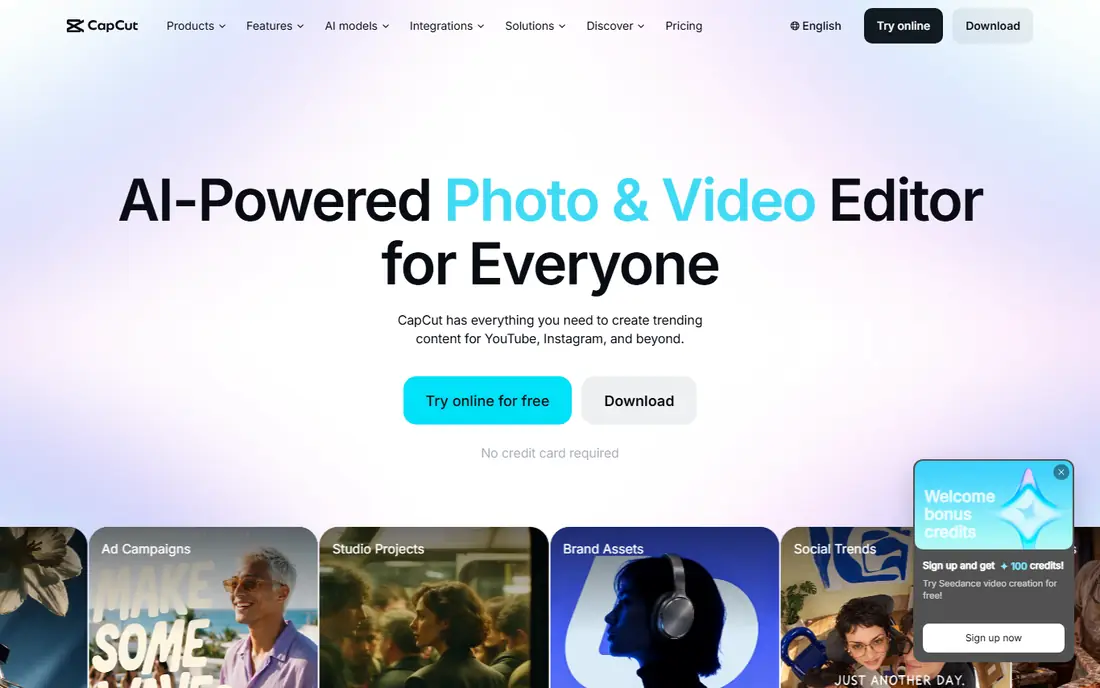
CapCut is built for short-form video, and that shows in its templates, trending effects, and caption tools. You can start from a trending format, add auto-captions, sync cuts to a beat, and export in vertical format for TikTok without rebuilding the project. The free editor covers a full edit at 1080p in many cases, which is enough for most TikTok posts.
The trade-off is sameness. When many creators use the same template, videos can look alike, so change text, pacing, and opening shots to keep your own style. Check which effects are paid before you build a series around them.
- Large template and effect library
- Auto-captions and beat sync
- Phone, desktop, and web versions
- Some effects and higher exports need a paid plan
- Trend templates can make videos look similar
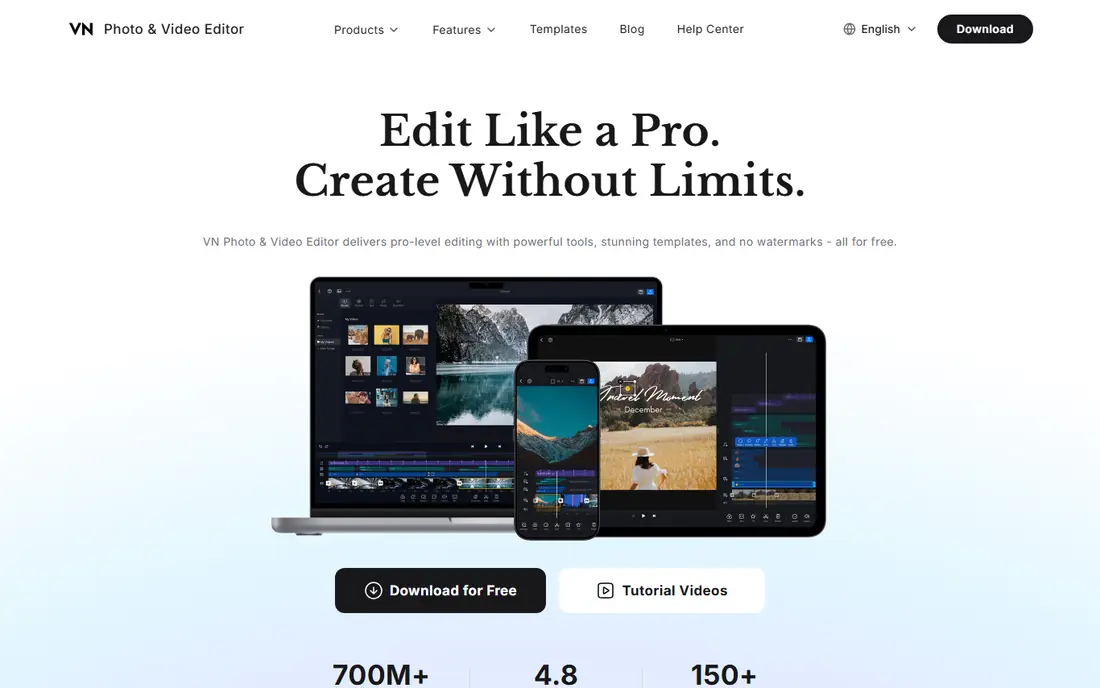
VN is the pick for creators who want control without paying for a clean export. The timeline supports multiple video, audio, and text tracks, keyframe animation, and speed curves, which helps with precise cuts and transitions. Free exports do not add a watermark in the standard flow, which is rare among free mobile editors.
VN has fewer ready-made TikTok templates, so you will build more from scratch. That is a strength for original work and a drawback when you need a fast trend post. Keep CapCut for trends and VN for edits where timing and layers matter.
- Multi-track timeline with keyframes
- Free exports without a watermark
- Phone and desktop versions
- Fewer trending templates than CapCut
- Learning curve is higher for first-time editors
InShot is the fastest route from raw clips to a finished TikTok. Trimming, splitting, speed control, and text are easy to reach, and resizing for vertical, square, or wide formats takes a few taps. That speed suits creators who post daily and need a clean edit without a long learning curve.
Free exports carry a watermark, so budget for a paid plan or a one-time purchase if you want clean exports every time. InShot is best for speed and simplicity, not for deep multi-layer projects.
- Simple timeline and trimming
- Easy resizing for vertical video
- Filters, text, and music tools
- Free exports add a watermark
- Advanced features need a paid plan
KineMaster has long been a mobile editor for creators who need layers. You can stack video clips, images, stickers, and text, adjust audio with volume envelopes, and use chroma key for green-screen effects. That depth helps with meme-style edits, tutorials, and layered storytelling on TikTok.
The free version adds a watermark, and 4K export sits on paid plans. KineMaster suits creators who have outgrown simple trimmers and want desktop-style layer control on a phone.
- Multi-layer video, images, and audio
- Chroma key and blending modes
- Exports up to 4K on paid plans
- Free exports add a watermark
- Premium cost is higher than some rivals
PowerDirector brings a desktop editor heritage to mobile, with a timeline, transitions, effects, and AI tools that speed up captions and cutouts. It suits creators who want more control than InShot but still edit mainly on a phone. The desktop version helps when a TikTok grows into a longer video.
Free exports carry a watermark, and the full feature set rewards time spent learning the interface. Use PowerDirector when you edit often and want one tool for phone and desktop work.
- Full timeline with effects and transitions
- AI tools for captions and background removal
- Desktop version shares projects
- Free exports add a watermark
- Interface can feel busy on small screens
Filmora is a friendly bridge between mobile and desktop editing. The mobile app covers quick TikTok edits, while the desktop version adds a larger timeline, more effects, and easier audio work. Templates and AI tools help with captions, background removal, and pacing.
Free exports add a watermark, so check whether a subscription or a perpetual licence fits how often you edit. Filmora suits creators who start on a phone and later want desktop polish without switching tools.
- Templates, effects, and AI tools
- Phone and desktop versions
- Clear timeline for beginners
- Free exports add a watermark
- Subscription or perpetual pricing needs comparison
Canva is strongest when a TikTok must match a brand. Templates, fonts, colours, and brand kits keep posts consistent, and team sharing makes review easy for small businesses. The video editor handles trimming, text, music, and simple animations without a steep learning curve.
For complex multi-track edits, Canva is simpler than VN or KineMaster. Use it for branded short videos, announcements, and template-driven posts, and switch to a dedicated editor for layered or precise edits.
- Large template library
- Brand kits and team sharing
- Simple drag-and-drop editing
- Video timeline is simpler than dedicated editors
- Best features need a paid plan
LumaFusion is the pro pick for creators who edit on iPad or iPhone and want desktop-style control. It supports multiple video and audio tracks, colour correction, effects, and external monitor use on supported devices. The one-time purchase model suits creators who dislike subscriptions.
It is not a trend-template app, so TikTok creators who post fast trend videos may still keep CapCut beside it. LumaFusion earns its place when edit quality, colour, and timeline control matter more than templates.
- Multi-track timeline with colour tools
- No subscription for the core app
- Stable performance on mobile devices
- Paid upfront
- Steeper learning curve
- Fewer TikTok trend templates
Adobe Premiere Mobile offers a free, professional mobile editor with a multi-track timeline, effects, and caption tools. It suits creators who want a clean export without a watermark and who may later move a project to desktop Adobe tools. The interface is more capable than a simple trimmer, without the full weight of desktop Premiere Pro.
Because the mobile app is newer than rivals, some advanced workflows may feel less settled. Try it on a real TikTok project before you switch a whole workflow, and check which cloud or premium extras you actually need.
- Free core editor with no watermark on basic exports
- Multi-track timeline
- Adobe ecosystem links
- Newer mobile app, so some workflows are still maturing
- Cloud and premium extras can add cost
How we picked these
We compared official product pages, pricing pages, and app store listings for editors that handle vertical short-form video, and kept only live products with a clear TikTok use. We favoured a mix of trend templates, free watermark-free editing, layered mobile control, and pro tools, so casual posters and full-time creators both have options. We did not claim hands-on testing, and we noted watermark and export limits where free tiers differ.
Choosing a TikTok editor for how you post
Match the editor to your posting rhythm. If you post trends daily, templates and auto-captions save the most time. If you post tutorials or storytelling videos weekly, timeline control, layers, and clean exports matter more. Many creators use two tools: one for fast trend posts and one for polished work.
Check three limits before you pay: watermark rules on free exports, maximum export resolution, and music licensing for commercial posts. A free editor that watermarks every export costs more in time than a cheap paid plan, and music cleared for personal use may not cover business accounts. Export a test video, watch it on a phone, and check captions, audio sync, and text size before you build a series.
Frequently asked questions
What is the best TikTok editing app for beginners?
InShot is the easiest fast editor, CapCut is the best for trends and auto-captions, and VN is the best free option without a watermark on basic exports. Start with one, learn its timeline, and add a second app only when you hit a clear limit.
What are the best TikTok editing apps without a watermark?
VN offers free exports without a watermark, and CapCut and Adobe Premiere Mobile offer clean exports in their standard free flows, subject to current plan terms. InShot, KineMaster, PowerDirector, and Filmora add a watermark on free exports, so check the export screen before you publish.
Is CapCut free for TikTok?
CapCut has a free editor with templates, effects, and auto-captions, while some effects, cloud extras, and higher export options sit on a paid plan. The free tier covers most everyday TikTok edits, but check paid labels before you build a series around one effect.
Which TikTok editing app is best for captions?
CapCut, PowerDirector, and Adobe Premiere Mobile all offer caption tools, with CapCut strongest for fast auto-captions tied to trends. Always review auto-captions for errors, because names, slang, and background noise can change wording.
Can I edit TikTok videos on a desktop?
Yes. CapCut, VN, PowerDirector, Filmora, Canva, and Adobe tools all offer desktop or web versions, which help with larger timelines, precise audio, and branded templates. Start on a phone for speed, then move to desktop when a project needs finer control.
Sources
See where you really rank - block by block
ProMapRanker scans Google Maps across a grid of your service area. Simple monthly plans from $19, white-label on every plan.
Start freeKeep reading
 who has best internet service
Who Has the Best Internet Service in 2026
Who has best internet service for US homes? We compare fiber, cable, fixed wireless and satellite providers on speed, price, availability and terms today.
Read → which survey tool has the best analytics
Which Survey Tool Has the Best Analytics in 2026
Find which survey tool has the best analytics in 2026, comparing Qualtrics, SurveyMonkey, Typeform, Alchemer, and more on reports, text, and stats today.
Read → which streaming service has the best movies
Which Streaming Service Has the Best Movies in 2026
Answering which streaming service has the best movies, with Netflix, Max, Criterion and more compared on libraries, prices and free options in this guide.
Read →