 ProMapRanker
Best Text to Speech Apps for PC in 2026

Key takeaways
- Speechify is our pick for most PC users because it has a Windows app, a browser extension and strong voices.
- NaturalReader is the best free starting point for documents, with a usable free tier and OCR for scanned pages.
- Balabolka is the best fully free offline Windows tool, though its voices sound older than modern AI voices.
- ElevenLabs and Narakeet suit voiceover work, while the others suit listening to reading you already have.
Quick comparison
| Pick | Great for | Pricing starts at | Free tier | |
|---|---|---|---|---|
 Speechify | Everyday PC listening | See website | Yes | Visit |
 NaturalReader | Free document reading | Free | Yes | Visit |
 Balabolka | Free offline Windows reading | Free | Yes | Visit |
 ElevenLabs | Natural voiceover voices | See website | Yes | Visit |
 Narakeet | Slides and video narration | See website | Free trial | Visit |
 Murf AI | Studio voiceovers | See website | Free trial | Visit |
 TTSReader | Quick browser reading | Free | Yes | Visit |
 ReadAloud | Browser and document reading | Free | Yes | Visit |
 Amazon Polly | Developer voice generation | See website | Free trial | Visit |
The best text to speech apps for pc
This guide covers text to speech for PC: tools that read documents, web pages and books aloud on Windows, plus web tools that work well on a PC browser. Speech to text, which types what you say, is a different job, and we only note it when a tool genuinely does both.
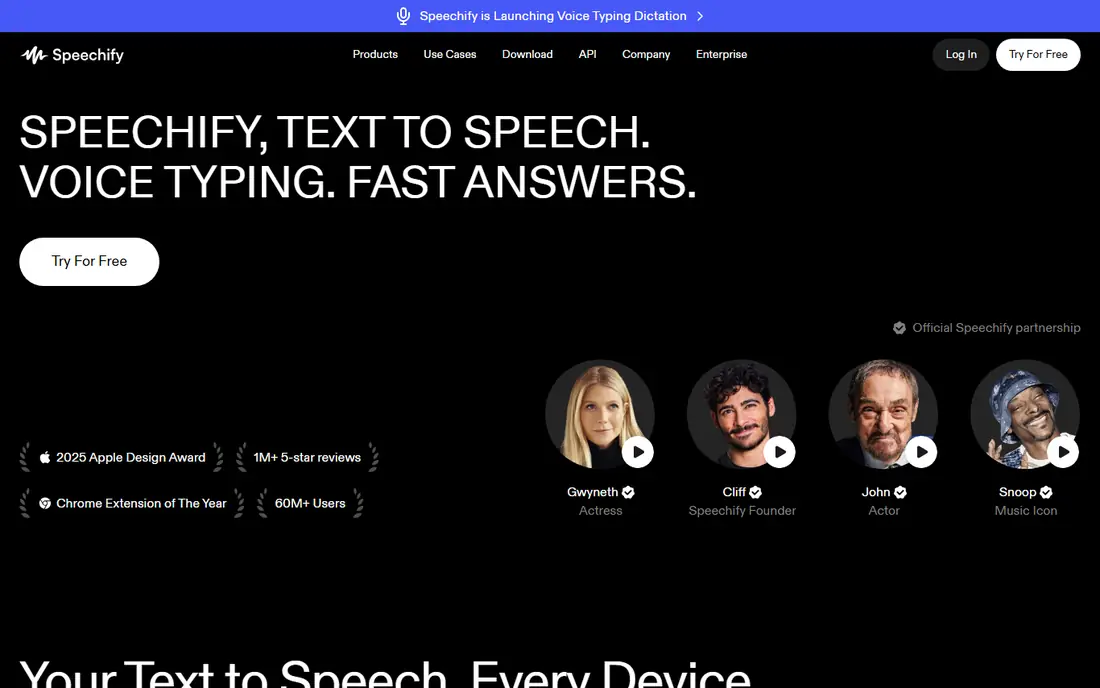
Speechify is the most complete PC listening tool here. You open the Windows app for local files and a long-term library, or the extension for web articles and Google Docs, and your place, voices and speed stay in sync across devices. Text highlighting while it reads helps with study and proofreading, and offline listening is available for downloaded content.
The catch is price. The free tier lets you try the basics, but the natural voices and full feature set sit behind a subscription, which recent comparisons put near 139 dollars per year. If you listen daily for work or study, that cost may be fair. If you listen rarely, start with NaturalReader or Balabolka first.
- Dedicated Windows app plus Chrome extension
- Natural AI voices with speed control
- Reads PDFs, docs, web pages and scanned text
- Best voices and features need a paid plan
- Subscription cost is high for casual use
- Some features need an internet connection
NaturalReader has long been a reliable free starting point, and that still holds in 2026. The free tier reads documents and web text with several voices, OCR handles scanned pages, and the interface stays simple for beginners. It suits students and office workers who want to listen to a report without learning a studio tool.
Paid plans add the more natural voices and commercial options, so the free tier will sound plainer than Speechify or ElevenLabs. For listening to your own reading, that trade is easy to accept, and you can upgrade only if voice quality starts to matter for shared audio.
- Usable free tier
- Reads PDFs, Word files, web text and images with OCR
- Simple desktop and web versions
- Best neural voices need a paid plan
- Commercial use needs a paid plan
- Mobile experience is less polished
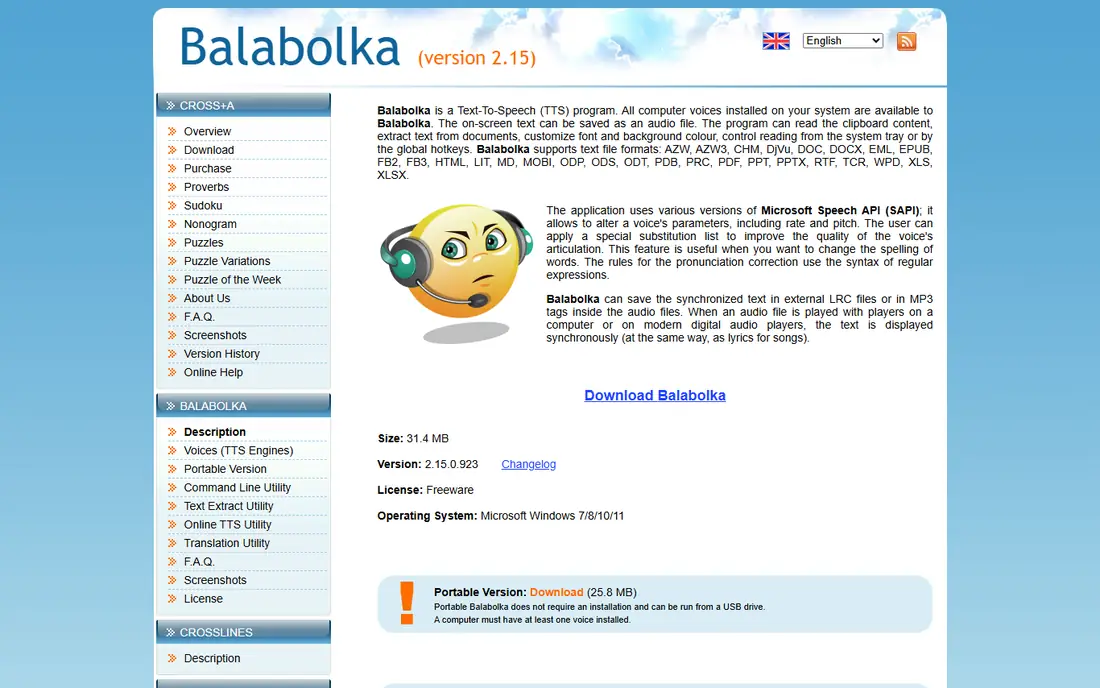
Balabolka is a free Windows program that reads text aloud and saves it as audio, using voices installed on your PC. It handles clipboard text, documents and books, and it works offline once voices are installed, which helps on planes, in offices with strict networks, or on older PCs. There is no subscription and no listening cap.
The honest limit is voice quality. System voices sound older than modern AI voices, and the interface looks dated next to Speechify. If natural sound matters more than cost, pick a paid AI tool. If free, offline and unlimited matter most, Balabolka is hard to beat.
- Fully free Windows program
- Works offline with installed voices
- Saves speech as audio files
- Voices depend on what Windows provides and can sound older
- Windows only
- Interface looks dated
ElevenLabs leads on raw voice realism for created audio. You paste text, pick a voice, adjust settings and generate narration for videos, audiobooks, courses and presentations. The free tier lets you test voices with a monthly character allowance, which is enough for short projects and trials.
It is not the best casual reader for a long PDF, because it is built around generating audio rather than following along in a document. For voiceover work on a PC, though, its voices set the standard other tools are judged against, and the web app works well in a PC browser.
- Very natural AI voices
- Large voice library
- Useful for narration, audiobooks and video voiceover
- Free tier has a character limit
- Best for creating audio, less for casual document listening
- Pricing is usage based
Narakeet turns a script, a set of slides or a document into narrated video or audio, which suits teachers, trainers and teams who make explainers on a PC. You pick a voice and language, upload or paste the script, and get a finished video without recording in a studio. That workflow saves real time for course and training content.
The catch is that it is a production tool, not a reader. Credits and trial limits apply, and listening to a long article is faster in Speechify or NaturalReader. When the output is a video your audience will watch, Narakeet earns its place.
- Turns scripts and slides into narrated video
- Many voices and languages
- No studio software needed
- Trial is limited
- Pricing is credit based
- Less suited to casual reading
Murf AI is a voiceover studio that runs in a PC browser. You write or paste a script, assign voices to sections, adjust pace and pauses, and add music or media for a finished presentation or training video. Teams making regular training content will like the shared workspace and consistent voices.
For simple listening, Murf is more tool than you need, and the free trial will run out on larger projects. Pick it when you produce audio for other people. Pick a reader like Speechify or NaturalReader when the audience is only you.
- Studio-style editor for voiceovers
- Many voices, languages and accents
- Good for presentations and training
- Free trial is limited
- Subscription needed for full use
- Overkill for simple document reading
TTSReader is the fastest way to hear text on a PC without installing anything. Paste text or open a page, press play, and listen, with speed and voice options that cover everyday use. It suits one-off articles, emails and short documents when you do not want another app.
The limits are scope and polish. It is a browser tool rather than a library, offline use is limited, and voices are plainer than paid AI voices. For quick listening, that is fine. For daily study or a large library, a dedicated app will serve you better.
- Free and fast in a PC browser
- No install for basic use
- Reads pasted text and web pages
- Browser based, so offline use is limited
- Fewer voices than paid tools
- No full document library
ReadAloud is a free browser extension that reads web pages, PDFs and documents aloud on a PC. It is a good middle step between a quick web tool and a paid reader: you stay in the browser, you get play and speed controls, and you do not pay to start. Students reading articles online will find it easy to adopt.
Voice quality depends on the voices your browser provides, so results vary, and there is no full document library or sync system like Speechify. If your reading lives mostly on the web, ReadAloud is a strong free pick. If it lives in local files, add a desktop app too.
- Free browser extension for web pages and documents
- Reads PDFs and articles aloud
- Simple controls
- Voice quality varies by browser voice
- Fewer library features than Speechify
- Web focused
Amazon Polly is a cloud text to speech service for developers building voices into apps, products and content pipelines on a PC. It offers neural voices, SSML control for pronunciation and pauses, and pay-as-you-go pricing, with a free tier for getting started. Teams shipping a product will value its scale and control.
It is not a reader for everyday documents. You need an AWS setup, and you generate audio through an API or console rather than opening a book and pressing play. For developers, it is a strong, proven choice. For everyone else, pick one of the readers above.
- Lifelike neural voices with SSML control
- Scales for apps and products
- Pay-as-you-go pricing
- Needs a developer setup
- Not a casual reader
- Costs depend on characters generated
How we picked these
We compared official product pages, pricing pages and PC platform support, and we kept only tools that genuinely read text aloud on a PC, either as a Windows app or as a web tool that works well in a PC browser. We excluded speech to text only tools and mobile-only readers, and we left out LOVO, which has sunset. Prices change, so check the vendor page before you buy.
How to choose a PC text to speech tool
Match the tool to the reading you actually do. If you listen to documents for hours each week, a dedicated app with highlighting, speed control and sync will pay off. If you only need to hear an occasional article, a free browser tool is enough, and a paid subscription would be waste.
Voices, formats and offline use
Voice quality matters most for shared audio, less for private study, where speed and highlighting matter more. Check formats before you commit: PDFs, Word files, EPUBs and scanned pages are not all handled equally. Offline use matters on planes and in strict offices, so test it before you need it, not during a trip.
Accessibility and study tips
Adjustable speed, highlighting and dyslexia-friendly display options help many readers, and several tools here include them. Try a faster speed in short steps, use bookmarks for long documents, and save audio for revision when screen time gets tiring. If you use text to speech for accessibility at work or school, check what your institution already provides, since licences are often available free.
Frequently asked questions
What is the best text to speech app for pc?
For most PC users, Speechify is the best overall pick because it has a Windows app, a browser extension and natural voices. NaturalReader is the best free starting point, and Balabolka is the best fully free offline Windows option.
Is there a free text to speech app for PC?
Yes. Balabolka is fully free on Windows, NaturalReader has a usable free tier, and TTSReader and ReadAloud are free in a browser. Paid tools add more natural voices and library features, but free tools cover everyday listening well.
What is the difference between text to speech and speech to text?
Text to speech reads written text aloud, while speech to text types spoken words into text. Some tools, including Speechify, offer both, but most tools in this guide focus on reading aloud. Check the feature list if you need dictation as well.
Can text to speech read PDFs and scanned documents?
Yes, with limits. NaturalReader and Speechify handle PDFs and scanned pages with OCR, while browser tools handle web PDFs more easily than scanned images. Test a sample of your own documents before you commit to a paid plan.
Do I need an internet connection for PC text to speech?
Not always. Balabolka works offline with installed Windows voices, and Speechify supports offline listening for downloaded content. Most web-based AI voices need a connection, so check offline support if you travel or work offline often.
Can I use text to speech voices for commercial videos?
Only with the right plan and licence. Free and personal plans often restrict commercial use, while paid studio plans from ElevenLabs, Murf AI and Narakeet are built for it. Read the licence for the exact voice and plan before you publish.
Sources
See where you really rank - block by block
ProMapRanker scans Google Maps across a grid of your service area. Simple monthly plans from $19, white-label on every plan.
Start freeKeep reading
 who has best internet service
Who Has the Best Internet Service in 2026
Who has best internet service for US homes? We compare fiber, cable, fixed wireless and satellite providers on speed, price, availability and terms today.
Read → which survey tool has the best analytics
Which Survey Tool Has the Best Analytics in 2026
Find which survey tool has the best analytics in 2026, comparing Qualtrics, SurveyMonkey, Typeform, Alchemer, and more on reports, text, and stats today.
Read → which streaming service has the best movies
Which Streaming Service Has the Best Movies in 2026
Answering which streaming service has the best movies, with Netflix, Max, Criterion and more compared on libraries, prices and free options in this guide.
Read →